YouTube Studio AI for Solo Creators: Idea Testing, Thumbnails and What to Actually Use
Get The Faceless YouTube Blueprint — Free
The exact AI tool stack and workflow used to build a faceless YouTube channel from zero.
YouTube Studio AI for Solo Creators: Idea Testing, Thumbnails and What to Actually Use
⚡ Expert Summary: YouTube has pushed a full AI layer into YouTube Studio — research feeds, draft feedback, generated thumbnails, and automatic thumbnail monitoring. For a solo creator the meaningful part is not the generation; it is that YouTube now runs the A/B test for you, for free, on the surface that decides whether anyone watches at all.
Most solo creators lose before the video starts. Not because the editing is bad, and not because the hook is weak — because nobody clicks, and the creator never finds out why. Thumbnail decisions get made in ten minutes at 1 a.m. by the same person who wrote the script and has no objectivity left about it.
YouTube’s new Studio features are aimed directly at that gap. Nobody asked for more AI that writes things. What solo creators actually need is a system that tells them which of two covers wins before the video dies.
What YouTube Shipped in Studio
TechCrunch reported the rollout on September 23, and the feature set breaks into four groups.
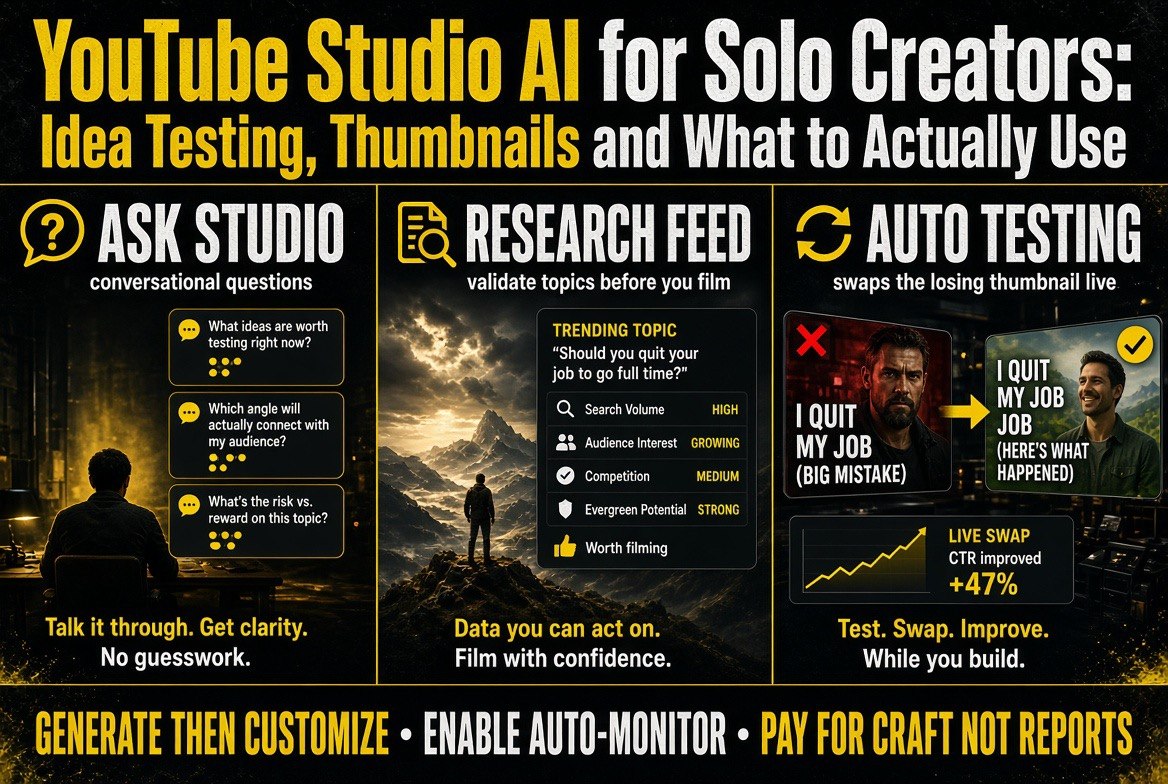
Ask Studio goes conversational and mobile. The assistant that previously lived in the desktop dashboard now works on iOS and Android, and answers creator questions in plain language — what performed, why a video stalled, which of your uploads are picking up impressions.
Draft feedback and a research feed. You can hand Studio an unfinished idea or script and get structured feedback on it. Alongside that sits a research feed that surfaces what is working in your niche, so topic selection stops being a guess made in a vacuum.
Generated thumbnails and titles. Studio will now produce thumbnail and title options from your video content rather than leaving you to build them from scratch in a separate tool.
Automatic thumbnail testing and monitoring. This is the operational one. YouTube auto-runs thumbnail tests, tracks performance, and watches for cover images that are underperforming — swapping in alternatives without the creator manually setting up each experiment.
The scale claim behind the testing feature is the number worth remembering. YouTube says its thumbnail A/B testing tools have now been used in more than 40 million tests. That is not a beta feature bolted onto the side of the platform. That is a signal engine trained on more cover-image data than any third-party thumbnail tool will ever see.
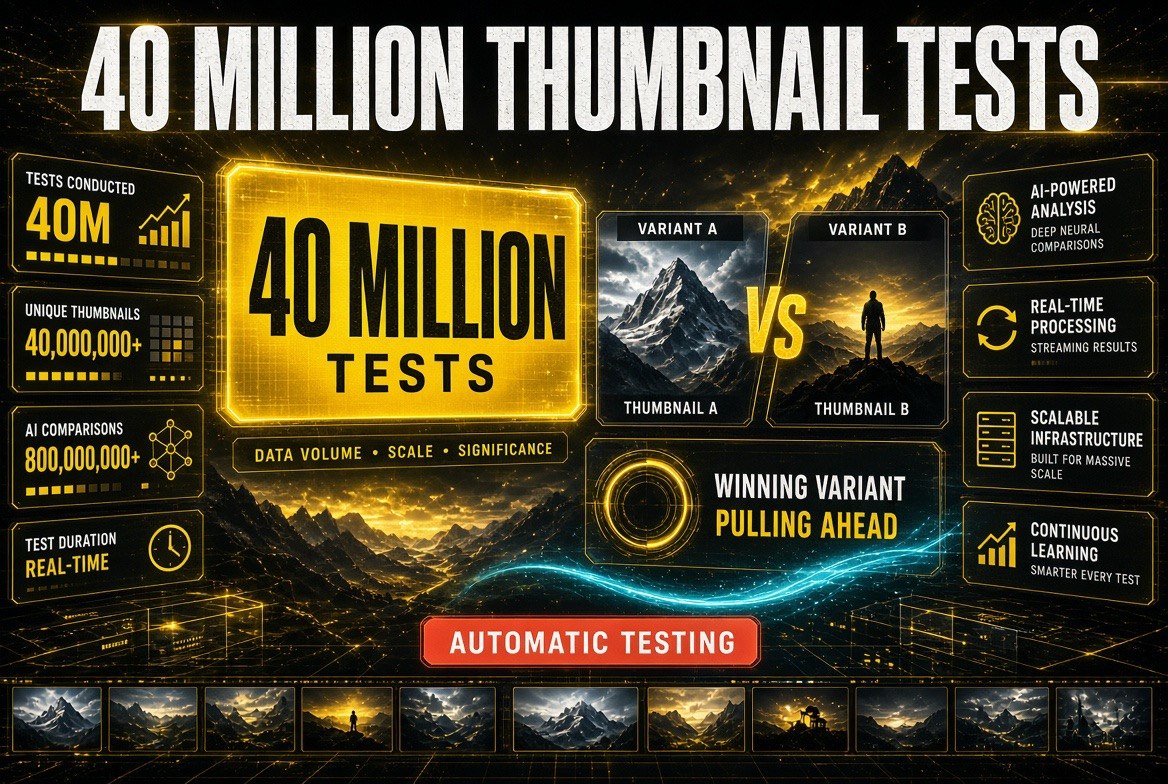
Scale is the whole point: YouTube’s thumbnail testing has run past 40 million tests, which is why the automatic A/B feature carries weight a paid tool can’t easily match.
Why the Testing Feature Matters More Than the Generation
Every AI video tool on the market will generate a thumbnail for you. That capability stopped being interesting about a year ago, and there are dozens of paid products that do it well — we reviewed the strongest of them in our breakdown of VisualKit for AI thumbnails and our Pikzels CTR-optimized thumbnail review.
What none of them can do is tell you which thumbnail wins with your actual audience. That requires two things a third-party tool fundamentally does not have: your impression data, and the ability to run a live test across your real viewers.
This is the asymmetry that matters. A third-party thumbnail tool optimizes for what looks clickable in general. YouTube optimizes for what is clickable to the people who are already being shown your video. For a creator with an established channel, the second signal is worth more than a generator, because thumbnail underperformance is the single largest silent tax on a channel — a video with a bad cover gets fewer impressions, the algorithm reads that as weak content, and the video is buried regardless of how good it was.
Auto-monitoring turns that from a post-mortem into a correction. Instead of learning three weeks later that your cover underperformed, the platform swaps and re-tests while the video still has distribution runway.
Where This Actually Fits a Solo Creator Workflow
Here is the honest read on what changes, and in what order.
Before you film: the research feed and Ask Studio replace the part of the process most creators skip entirely — validating that the topic has an audience right now. This is the highest-value use, and it costs nothing extra.
Before you publish: generated thumbnails and titles give you a starting set instead of a blank canvas. Use them as a floor, not a ceiling. They are competent, and competent is a real improvement over the 1 a.m. rush job, but the covers that win for a specific channel usually come from the creator’s own understanding of their audience.
After you publish: automatic testing is where you hand over control and let it run. The creator’s job here is to not interfere. Set it, let it monitor, and read the results.
One structural caveat: this workflow assumes you are publishing on YouTube. If your distribution is split across YouTube, short-form platforms and your own site, Studio’s signals only cover one of those surfaces. Our look at wrapping multiple AI video models into one workflow covers what the multi-platform version of that pipeline looks like.
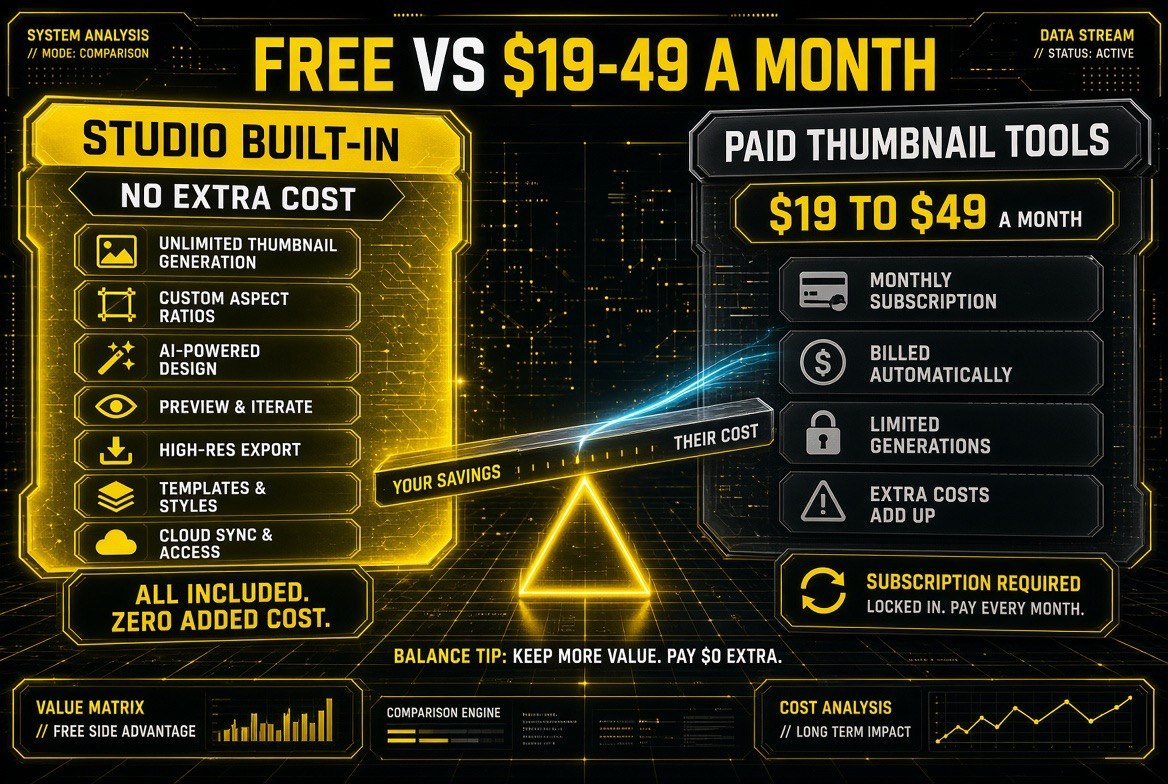
The trade the free Studio surfaces make explicit: built-in thumbnail generation and testing against the $19 to $49 a month most paid thumbnail tools still charge a solo creator.
YouTube Studio AI vs Paid Third-Party Tools
The relevant question is not whether Studio is good. It is what you still need to pay for after Studio covers the basics.
| Factor | YouTube Studio AI | Paid thumbnail / title tools |
|---|---|---|
| Cost | Included with the platform | Typically $19-$49 per month |
| Audience data | Your own impressions and click-through, live | None — works from the image alone |
| Testing | Automatic A/B testing plus ongoing monitoring — 40M+ tests run | Manual. You export two covers and set the test yourself |
| Design quality | Competent, template-flavored | Better — real typography and composition control |
| Works off-platform | No — YouTube surfaces only | Yes — reusable for shorts, site, email |
The pattern is clean: Studio owns the measurement, third-party tools own the craft. A creator with a working channel should let Studio handle testing and keep paying for the tool that makes covers look like nobody else’s.
How the Signals Change Your Publishing Decisions
The second-order effect is that Studio gives you numbers you can actually act on before you commit production time. Here is what each signal should change.
| Studio signal | Decision it should drive | What to ignore |
|---|---|---|
| Research feed trend | Pick the topic for the next upload while interest is live | Trends outside your niche that would need a different audience |
| Draft feedback | Fix structure gaps before you film and edit | Feedback that pushes your script toward generic structure |
| Thumbnail test result | Feed the winning style into the next cover you design | Small early leads — wait for the test to clear noise |
| Underperformance alert | Let the swap run while the video still has distribution | Panic edits to a video that has already stopped being shown |
What Solo Creators Are Actually Saying
The reaction from working creators splits cleanly, and both halves are useful signal.
The enthusiasm is about testing. Creators who have run manual thumbnail tests for years know how much effort each one costs — exporting variants, setting the experiment, waiting two weeks for a read that may still be noise. Handing that loop to the platform is the feature creators ask for, and it is the one that arrives with the largest data set behind it.
The skepticism is about sameness. The consistent criticism of AI-generated covers is that they converge — the same high-contrast face, the same oversized arrow, the same three-word caption. A generator trained on what performs across all of YouTube will, by design, push toward the average of what performs. The average of what performs is not a competitive edge for any individual channel. It is the shape of the crowd.
Both reactions point at the same conclusion: use the platform for the measurement it monopolizes, and keep your own judgment for the design decision it cannot make for you. A creator whose covers look like everyone else’s has a testing advantage and a differentiation problem at the same time.
There is also a quieter point the reaction misses. The feature that will change the most channels is not the one being discussed. Nobody posts about auto-monitoring, because auto-monitoring works silently — it corrects a cover you never knew was failing and you never notice. The visible features get the attention; the invisible one protects the revenue.
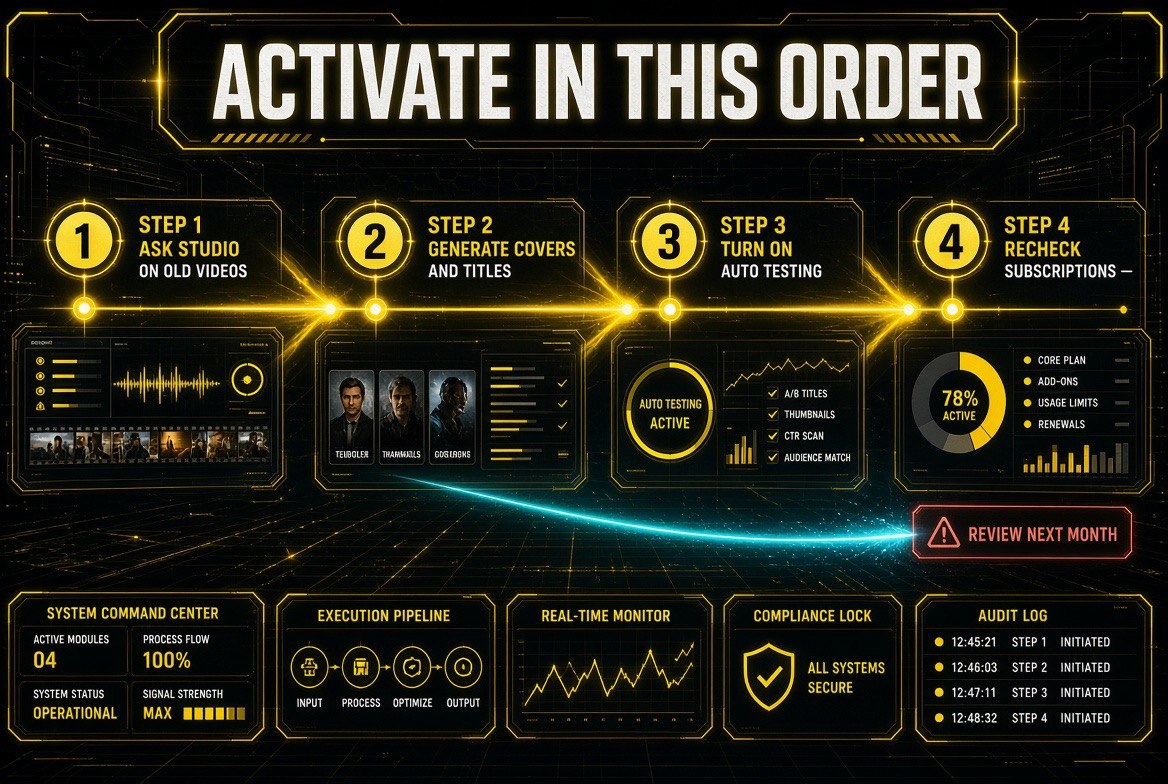
The order that works: run Ask Studio on older videos first, generate covers and titles second, switch automatic testing on third, then revisit what you’re still paying for.
Getting Started: A Practical Order of Operations
If you want to adopt this without rebuilding how you work, here is the sequence that avoids wasted effort.
Step 1: Update the app and find the new surfaces
Ask Studio is now on iOS and Android, so start there rather than the desktop dashboard. Confirm the research feed and draft feedback are visible in your account — features roll out on a schedule, and a channel that has not been switched on yet will show an empty state rather than an error.
Step 2: Run one question through Ask Studio on an older video
Pick an upload that underperformed and ask why. The answer is worth more as a calibration exercise than as a single data point — it shows you how the assistant reasons about your channel before you rely on it for anything.
Step 3: Generate covers and titles, then improve them
Let Studio produce the first set, then treat that set as a draft rather than a finished asset. Add the one element only you would know to add: the specific audience reference, the in-joke, the visual detail that signals this video is for them and not for the general feed.
Step 4: Turn on automatic testing and leave it alone
This is the step where creators hurt themselves by intervening. Let the test finish. Reading a partial result and swapping covers mid-flight corrupts the comparison and teaches you nothing.
Step 5: Recheck your subscriptions next month
Pull your tool list and ask of each one: does this do something Studio now does? Reporting-only tools are the first casualties. Design tools are not.
That five-step pass takes an afternoon and the only part with a deadline is the last one, because subscriptions renew whether or not you reviewed them.
What This Means for the Solo Creator Business Model
Two years ago, a solo creator who wanted this level of testing had two options: build it, or pay an agency. Thumbnail optimization as a service was a genuine line item, and the tools that promised it charged accordingly.
That is what has actually changed. Measurement has been absorbed into the platform. YouTube is running a version of the process that was previously a paid service, on the largest available data set, at no marginal cost to the creator. The paid layer that survives is craft — design that makes a channel distinctive — not analysis.
That is the same shift that has been compressing the creator tool stack for a while. The generic middle of the market — tools that only do the thing the platform now does — gets squeezed out. What survives is either deeply specific to a creator’s aesthetic, or it lives outside YouTube entirely. We saw the same pattern force consolidation in the AI video space when four video generation models were judged mostly on cost, and it is playing out again here.
The practical advice is unglamorous. Turn on every Studio feature that runs automatically, because free measurement you do not use is a wasted advantage. Keep paying for exactly one thumbnail tool if your covers are a competitive strength. And drop any subscription whose only job was reporting, because YouTube now does that part.
Then check the one number that governs the whole channel: click-through rate on your last ten uploads. If it has been flat, the ceiling was never your content quality. It was the covers, and now there is a free way to find out.
Frequently Asked Questions
Are the new YouTube Studio AI features free?
Yes. The features ship inside YouTube Studio and are included with the platform, with no separate charge to creators.
Does YouTube automatically test my thumbnails?
Yes. Studio now runs automatic thumbnail testing and monitoring, tracking underperforming covers and swapping in alternatives without the creator setting up each test manually.
Should I cancel my paid thumbnail tool now?
Not if design quality is a competitive advantage for your channel. YouTube’s generated thumbnails are competent, but paid tools still offer better typography and composition control, and they work off-platform. Drop subscriptions that only provide reporting.
What does Ask Studio do for a solo creator?
It answers plain-language questions about your channel performance, now on iOS and Android. Practical uses are finding why a video stalled, which uploads are gaining impressions, and what is working in your niche.
How many thumbnail tests has YouTube run?
YouTube says its thumbnail testing tools have been used in more than 40 million tests, which is the scale behind the automatic monitoring feature.
Can I use these features if I publish outside YouTube?
No. The signals only cover YouTube surfaces. If you distribute on short-form platforms and your own site as well, you still need a separate process for those channels.

About Barak Schurr
Barak Schurr is a serial entrepreneur who built and exited a major ticketing platform before turning his attention to AI and content. He runs three AI-focused research sites and writes about the tools, workflows, and strategies that let solo creators build real channels — without a crew, a studio, or a Hollywood budget.
Email: [email protected]
More AI Video Resources