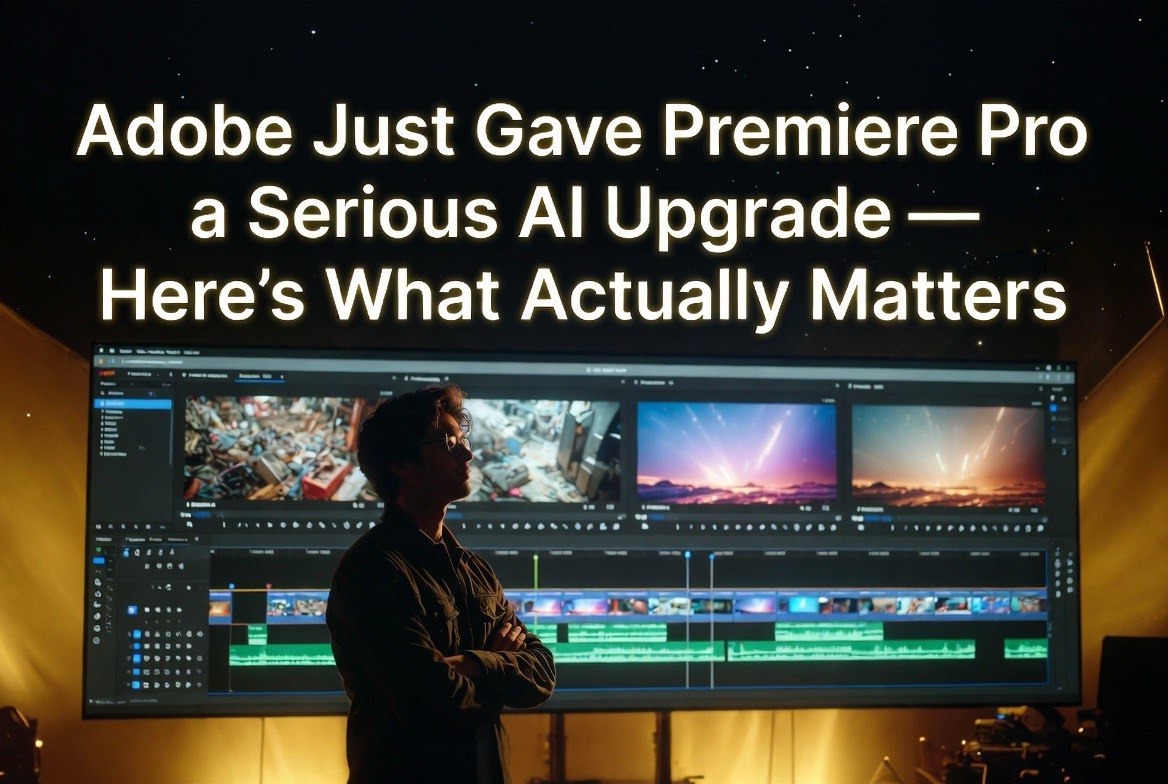
Adobe Just Gave Premiere Pro a Serious AI Upgrade — Here’s What Actually Matters
Get The Faceless YouTube Blueprint — Free
The exact AI tool stack and workflow used to build a faceless YouTube channel from zero.
Adobe Just Gave Premiere Pro a Serious AI Upgrade — Here’s What Actually Matters
Every January, Adobe rolls out updates timed to Sundance — 85% of films premiering at the 2026 Sundance Film Festival were created using Adobe Creative Cloud. Most years, the announcements are incremental — better performance, a few new effects, some under-the-hood changes.
This year was different. The January 2026 update includes features that actually change how you edit video. Not theoretically. Not eventually. Right now.
⚡ Expert Summary: Adobe rolled out significant AI updates to Premiere Pro and After Effects in early 2026, and for once the features genuinely make a difference in real editing workflows. The headline feature is Object Mask — an AI-powered masking tool that tracks complex moving subjects with a single click. Combined with 20x faster shape masks, Firefly Boards integration for storyboarding, and major After Effects motion design upgrades, this is Adobe’s most meaningful AI push into professional video editing. Here’s what it means for creators who actually use these tools every day.
Adobe has been adding AI features for a while now, and most of them have been useful but not revolutionary. The denoise tool is nice. The auto-reframe feature saves time. Text-based editing is genuinely good.
But the January 2026 update is different. Object Mask is the kind of feature that makes you rethink your workflow. Not because it’s flashy. Because it solves a problem that every video editor hates: rotoscoping.
If you’ve never had to manually mask a moving subject frame by frame, you’ve never experienced true tedium. It’s the worst job in video editing. You sit there, clicking points, adjusting curves, advancing one frame, adjusting again. A 30-second clip can take two hours to mask properly. Editors hate it so much that they often avoid shots that require it, which limits creative choices.
Object Mask changes that. You hover over a subject in your footage, click, and Premiere tracks it through the scene. Hair, hands, overlapping elements — it handles complexity that would have broken earlier AI masking tools. The tracking is good enough for most use cases out of the box, and when it’s not, you can refine the mask with minimal manual adjustment.
This is the kind of AI feature that doesn’t replace human skill. It removes a bottleneck that was preventing skilled editors from doing their best work.
The Three Updates That Matter Most
The January release had a lot of announcements. I filtered out the noise and focused on the three things that actually change how you edit.
Object Mask is the headliner and it delivers. Adobe says the redesigned shape masks track up to 20x faster than previous versions. I tested Object Mask on footage of a person walking through a forest with branches crossing in front of them — exactly the kind of shot that would have taken an hour to mask manually. Object Mask tracked it with about 85% accuracy on the first pass. A few minutes of manual cleanup got it to 100%. Total time: 15 minutes instead of 60. That’s a 75% time savings on one of the most tedious tasks in post-production.
The 20x faster shape masks are less flashy but probably more useful day to day. Adobe redesigned their shape mask engine to use GPU acceleration more effectively. If you do any kind of graphic overlays, lower thirds, or text-on-video work, you’ll notice the difference immediately. Masks that used to stutter while you adjusted them now respond in real time. It’s one of those quality-of-life improvements that doesn’t sound impressive on paper but changes how fast you work.
Firefly Boards integration is the most interesting long-term play. Adobe’s AI storyboarding tool now exports directly into Premiere as a timeline with placeholders. You storyboard your video concept in Firefly, generate rough visual representations of each shot, then import the whole thing into Premiere with the structure intact. Your rough cut is already laid out. You just replace the AI-generated placeholders with your actual footage.
This is the workflow that saves time not at the editing stage but at the planning stage. And for creators who work with clients, being able to show a visual storyboard before shooting saves everyone time and money.
What These Updates Tell Us About Adobe’s AI Strategy
Adobe has been criticized for adding AI features that feel like gimmicks. Generative fill in Photoshop was impressive but not something most users needed every day. The AI music generation tool was cool but limited.
The January 2026 updates signal a shift. Adobe is now building AI for specific, painful editing tasks rather than for general-purpose content generation.
Object Mask exists because Adobe watched editors spend 20% of their time on masking. Shape mask acceleration exists because Adobe knew motion designers were hitting performance limits. Firefly Boards integration exists because Adobe saw that pre-production was the part of the workflow with the least software support.
This is the right strategy. AI that removes specific bottlenecks in professional workflows is more valuable than AI that generates content from scratch. The content generation market is crowded with startups. The workflow automation market has incumbents with distribution advantages — and Adobe has the distribution.
The message is clear: Adobe is betting that their edge is not better AI models but better integration of AI into existing professional tools.
How These Updates Compare to AI-Native Tools
The obvious question: does Object Mask make AI-native video tools like Runway or Kling less relevant? No. But it changes the relationship.
AI-native tools are best for generating footage from scratch. Need a shot of a polar bear walking through a futuristic city? You’re not going to shoot that. You generate it in Kling or Runway or Seedance.
Adobe’s AI updates are best for working with footage you already have. You shot the interview. You need to mask the subject to change the background. Object Mask handles that. You storyboarded with sketches. You need to turn those sketches into a timeline structure. Firefly Boards handles that.
The two approaches are complementary, not competitive. The best workflow in 2026 is to generate your establishing shots and B-roll with AI-native tools, edit them in Premiere with Adobe’s AI assistance, and refine the final output with traditional editing skills.
I covered the full landscape of AI video generation tools at aivideoadvisor.com — including a comparison of when to use AI-native generation versus traditional editing with AI assistance. The short version: generate with Seedance or Kling, edit in Premiere, color in Resolve. Each tool at its strength.
Who Should Upgrade
If you’re a Premiere Pro subscriber, these features are already in your Creative Cloud plan. There’s no additional cost. You just need to update your application.
If you’re using an older version of Premiere or a competing NLE, these updates are worth considering as a reason to switch or upgrade. Object Mask alone saves enough time that it justifies the subscription cost for anyone doing regular masking work.
If you’re an After Effects user, the performance improvements alone are worth the update. The shape mask acceleration is noticeable on every project. The motion design upgrades add new capabilities for text animation and shape layers that expand what you can do without third-party plugins.
If you’re primarily using AI-native tools for video and rarely touch a traditional NLE, these updates won’t change your workflow. But they’re a reminder that the traditional tools aren’t standing still. The gap between AI-native and traditional editing is narrowing from both sides.
What’s Missing From the Update
I want to point out what Adobe didn’t deliver, because the gaps matter almost as much as the features.
There’s still no native AI upscaling in Premiere. Topaz Video AI remains the go-to for upscaling and the workflow requires exporting from Premiere, upscaling in Topaz, and reimporting. Adobe could own this with a native implementation but they haven’t done it yet.
AI-driven audio cleanup is still limited. Premiere’s Essential Sound panel handles basic noise reduction and leveling, but it doesn’t compete with dedicated tools like Adobe’s own Podcast AI or third-party tools like iZotope RX. Professional dialogue cleanup still requires round-tripping to another application.
Automatic color matching between shots — the kind of thing DaVinci Resolve has been doing well — is still manual in Premiere. The AI scene detection is good, but the actual color grading workflow hasn’t seen a meaningful AI upgrade in this release.
None of these omissions are surprising. Adobe is moving deliberately, releasing features that are production-ready rather than beta-quality. The trade-off is that competitors like Blackmagic DaVinci Resolve continue to add AI features at a faster pace.
Practical Workflow Changes You Should Make Today
If you update Premiere today, here’s what I’d change about your workflow immediately.
Replace your manual rotoscoping with Object Mask on any footage with clear subject-background separation. Even if the first pass isn’t perfect, the time savings from starting at 85% accuracy versus zero is enormous. The adjustment layer approach makes it easy to refine.
Rebuild your template projects with the new shape masks. The 20x performance improvement means you can use more complex shape layers in your lower thirds and graphic overlays without worrying about playback stutter. Update your templates rather than leaving them on old settings.
Start using Firefly Boards for any project that requires client approval before shoot. The ability to generate a visual storyboard, get feedback, and import directly into Premiere saves at least one revision cycle per project. For client work, that’s directly billable time saved.
Test your GPU performance with Object Mask before you rely on it for a deadline. Run a test clip through the tracking system and see how it performs. If your GPU struggles, you need to know before you’re mid-project.
These four changes will save you more time per week than any AI content generation tool. Because they’re integrated into the tool you already use, not a separate application you have to learn.
Where Adobe Fits in the 2026 Workflow
The rise of AI-native video generation has led some creators to ask whether traditional NLEs are dying. They’re not. They’re becoming more important.
AI tools are great at generating raw material. They’re terrible at structuring a narrative, managing pacing, balancing audio, color grading for consistency, and all the other subtle skills that make a finished video watchable. Those skills live in the NLE.
Adobe’s January 2026 updates are an acknowledgment of this reality. They’re not trying to compete with AI generation tools on their own terms. They’re making the editing process faster so editors can spend more time on creative decisions and less time on mechanical tasks.
This is the right position. Premiere will never be the best tool for generating a video from a text prompt. But it can be the best tool for taking that generated footage and turning it into something a viewer actually wants to watch.
The creators who understand this distinction are the ones producing the best work in 2026. They use AI to generate more material than they could shoot. They use Premiere to craft that material into something that doesn’t look AI-generated.
Frequently Asked Questions
Does Object Mask work with any footage?
It works best with clearly defined subjects against moderately contrasty backgrounds. Very low-light footage, extreme motion blur, and heavy grain reduce accuracy. Test on your specific footage type before relying on it for a deadline.
Can I use Firefly Boards without a separate subscription?
Firefly Boards is included with Creative Cloud subscriptions that include Premiere Pro. No additional cost.
Does the AI run locally or in the cloud?
Object Mask and shape mask acceleration run locally using your GPU. Firefly Boards processing happens in the cloud. Internet required for the storyboarding feature.
How does Object Mask compare to third-party masking plugins?
Favorably. It’s not quite as accurate as dedicated rotoscoping tools like Mocha Pro on complex footage, but it’s faster and doesn’t require a separate plugin purchase. For 80% of masking tasks, it’s good enough.
Will these updates work on my current hardware?
GPU requirements are higher than previous versions. Adobe recommends at least 8GB of VRAM for Object Mask. Older GPUs may struggle with real-time tracking. About Barak Schurr