Faceless YouTube Creators Are Sharing Their 2026 AI Stacks on X — Here’s the Complete Playbook
Get The Faceless YouTube Blueprint — Free
The exact AI tool stack and workflow used to build a faceless YouTube channel from zero.
Faceless YouTube Creators Are Sharing Their 2026 AI Stacks on X — Here’s the Complete Playbook
The faceless YouTube space on X in 2026 is one of the most transparent creator communities on the internet. Creators are sharing their exact workflows, their revenue numbers, the tools that actually work, and the mistakes that cost them time and money. There’s no gatekeeping. The playbook is an open document, updated daily by people who are executing.
I tracked the conversation across dozens of threads, tool comparisons, and case studies shared on X in May 2026. Here’s the complete playbook for building a faceless YouTube channel with AI in 2026.
Why Faceless YouTube Works in 2026
The model is simple: produce videos without showing your face, recording your voice, or filming anything. AI handles scripting, voiceover, visuals, and editing. You manage the strategy, niche selection, and publishing schedule.
The economics are compelling. Creators on X report channels earning $1,000-$5,000 per month with 30-50 published videos in evergreen niches. Some outliers are doing significantly more — one creator posted a screenshot of $20,000 earned in three weeks from AI-generated animal rescue Shorts.
The startup cost is under $100/month for tools. The time investment is a few hours per video once the workflow is established. And the asset compounds — every video you publish is a piece of content that can generate views and revenue for years in search-driven niches.
The Consensus AI Stack for Faceless YouTube (May 2026)
Based on multiple X threads and creator breakdowns, here’s the tool stack that’s emerging as the industry standard:
Scripting and Ideas: Claude and ChatGPT
Claude is the clear winner for scripting among the creators I tracked. The reason is specific: Claude’s ability to handle 100K+ token contexts means it can analyze entire competitor channels, identify patterns in viral videos, and generate scripts that follow proven structures without sounding repetitive.
One creator shared their Claude setup: they paste transcripts of the top 10 videos in their niche, ask Claude to identify the structural patterns, then generate scripts that follow those patterns with original research layered on top.
ChatGPT is used more for brainstorming and title generation. Creators report that ChatGPT generates better click-worthy titles, while Claude produces better script depth.
AI Video Generation: Kling and Sora-Powered Tools
Kling AI is the most frequently mentioned video generation tool on X for faceless content. It produces consistent, high-quality clips from text prompts that work well for b-roll and narrative video content.
Sora-powered tools like Viewmax Studio are gaining traction for batch generation. One creator shared their workflow: generate 50 clips at once, select the best 15-20, arrange them in order, and drop in the voiceover. The entire visual production takes under an hour.
For creators on a budget, free tiers of these tools can produce viable content. For serious channels, the paid tiers ($30-$100/month) unlock commercial usage rights and higher resolution output.
Voiceovers: ElevenLabs Leads, But Alternatives Exist
ElevenLabs is the unanimous #1 choice for AI voiceovers in 2026. Creators praise its natural intonation, emotional range, and consistent quality across long recordings. The ability to add pauses, adjust pacing, and fine-tune specific words makes the output nearly indistinguishable from human narration.
The common configuration shared on X: ElevenLabs for the main voiceover, with custom pronunciation settings for niche-specific terminology. Creators spend 15-20 minutes tuning the voice for each video, which dramatically improves retention.
Alternatives mentioned include Murf AI for multilingual content, PlayHT for faster turnaround, and WellSaid Labs for simpler projects. But for quality, ElevenLabs consistently wins.
Editing and Repurposing: The Automation Layer
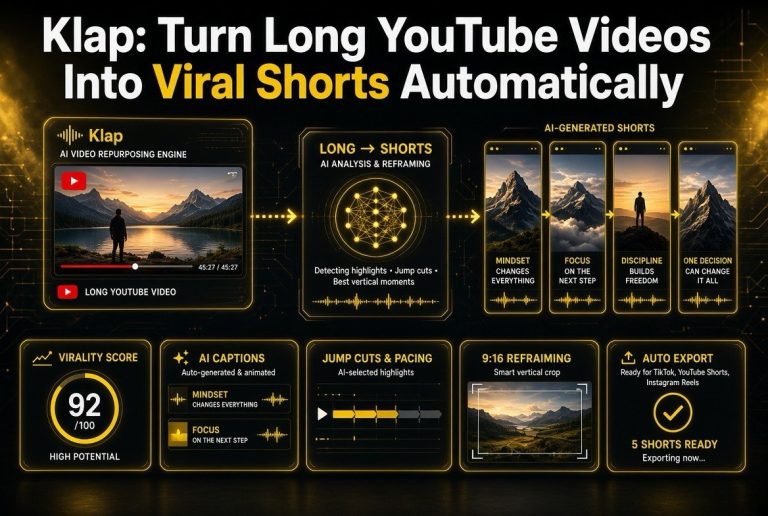
Opus Clip is the tool most frequently recommended for repurposing long-form content into Shorts. One long video can generate 5-10 Shorts with AI identifying the most engaging segments.
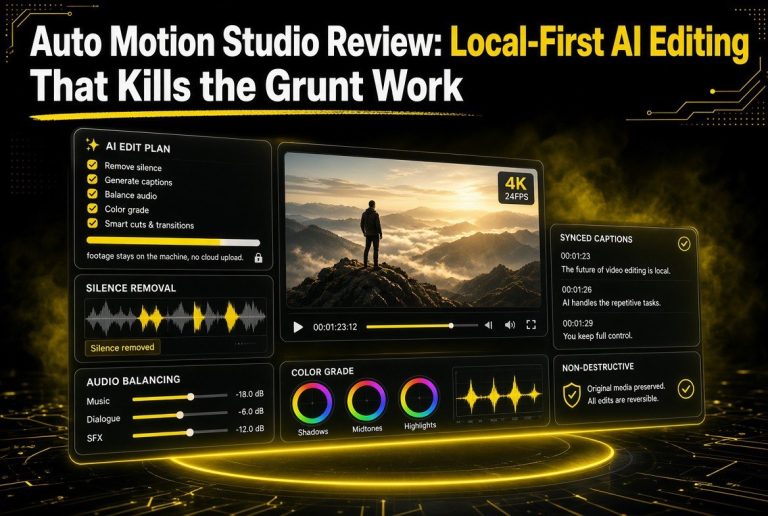
For full editing automation, creators on X are building pipelines where the AI script determines the visual structure, generates matching clips, arranges them in order, syncs the voiceover, and exports the final video. Human intervention is limited to reviewing and approving.
Thumbnails and SEO: Canva AI and VidIQ
Thumbnail creation is handled by Canva AI, which generates 10-20 options from a text description in seconds. Creators report A/B testing 5-10 thumbnails per video using YouTube’s test feature.
VidIQ is the standard for keyword research and title optimization. Creators plug their script topics into VidIQ, identify high-volume, low-competition keywords, and structure their titles and descriptions around those targets.
Real Revenue Numbers from X in May 2026
The most valuable part of the X conversation is the transparency around earnings. Here are real numbers shared in May 2026:
Niche: True crime storytelling channel — 30 videos published over 4 months. RPM of $18 (high because of the niche). Revenue: $3,400/month from AdSense alone. Total tool cost: $97/month.
Niche: Animal rescue Shorts — Viral growth strategy. 50 Shorts published in 3 weeks. Revenue: $20,000. Creator noted this was an outlier and required perfect timing + viral hooks.
Niche: History and documentary — 45 long-form videos over 6 months. RPM of $12. Revenue: $2,100/month from AdSense, plus $600/month from affiliate links to book recommendations.
Niche: Personal finance — 60 videos over 8 months. RPM of $15. Revenue: $4,800/month from AdSense. Creator also monetizes through a Patreon with 200+ members at $5/month.
Niche: Motivation and self-improvement — 80 videos over 12 months. RPM of $10. Revenue: $2,200/month from AdSense. Creator generates additional income through digital product sales linked in video descriptions.
The pattern across all of these: consistency matters more than production quality. Creators who publish 3-4 times per week grow faster than those who spend days perfecting a single video.
The Step-by-Step Workflow
Based on the X consensus, here’s the exact workflow successful faceless creators are using:
Step 1: Niche Research (Weekend project)
Use VidIQ or Perplexity to find niches with 1M+ monthly search volume. Look for high RPM ($10+) and low competition. Evergreen categories: true crime, history, personal finance, motivation, animal stories, science explainers, book summaries.
Step 2: Script Generation (2 hours per video)
Provide Claude with competitor transcripts and your niche research. Request a script that follows proven viral structures. Review, edit for accuracy, add your unique angle. The human edit is where the quality lives.
Step 3: Voiceover Production (30 minutes)
Paste the script into ElevenLabs. Configure pauses, emphasis, and pacing. Listen to the full output. Adjust any sections that sound robotic. Export high-quality audio.
Step 4: Visual Generation (1 hour)
Break the script into segments. Generate matching visuals using Kling or Sora tools. For faceless content, the visuals need to support the narrative without distracting. Consistency in visual style builds channel identity.
Step 5: Assembly and Editing (30 minutes)
Arrange clips in order. Sync with voiceover. Add captions (automatic via most tools). Add intro and outro sequences. Export.
Step 6: Thumbnail and Optimization (30 minutes)
Generate 10 thumbnail options with Canva AI. Pick the best 3. Write title using VidIQ keywords. Write description with timestamps and affiliate links. Set up end screens and cards.
Step 7: Publish and Promote (15 minutes)
Upload to YouTube. Schedule consistent publishing. Share snippets on Shorts and social platforms. Engage with comments to boost algorithmic performance.
Total time per video for established creators: 3-4 hours. For beginners: 6-8 hours until the workflow is smooth.
What Creators Wish They Knew When Starting
The X threads on this topic are some of the most valuable. Here are the most common regrets shared by established creators:
Don’t use generic AI hook generators. Several creators warned that automated hook generators produce homogenized openers that hurt viewer retention. Write unique hooks or use Claude to generate 10 options and pick the best one.
Don’t reuse the same AI voice flat. ElevenLabs can add pauses, emphasis, and emotional variation. Most beginners skip this step. The difference in retention between a flat voiceover and a well-tuned one is significant.
Don’t start with too many niches. The creators who succeed focus on one channel, one niche, and publish consistently for 90 days before diversifying. Splitting attention across multiple niches early on dilutes growth.
Don’t ignore the algorithm feedback. After 10-15 videos, YouTube’s algorithm tells you what’s working. Watch time, click-through rate, and audience retention data will guide your next 30 videos better than any strategy.
Don’t quit before 30 videos. Several creators shared that their channels didn’t take off until videos 20-30. The algorithm needs data to optimize. Quitting at video 10 is like canceling a restaurant after the first week.
The Future Signal from X
Looking at where the conversation is heading, three trends are emerging:
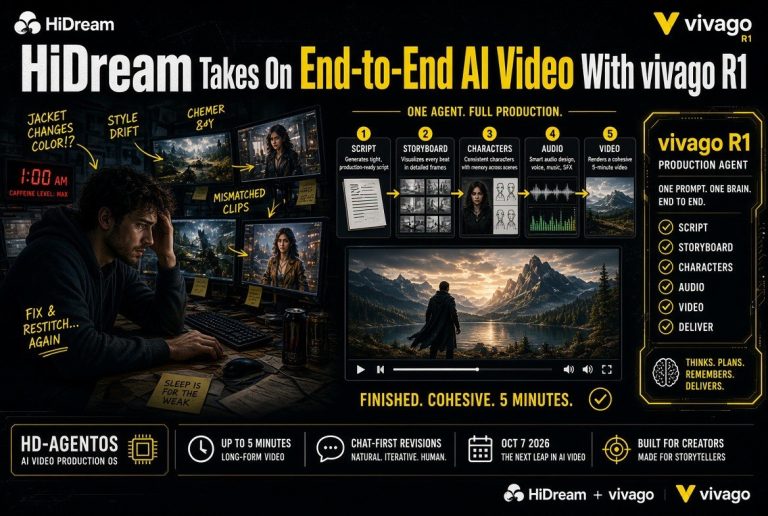
Full automation pipelines: Creators are building end-to-end systems where a single prompt generates a complete video — script, voiceover, visuals, captions, thumbnail, title, and description. Human review becomes the primary bottleneck.
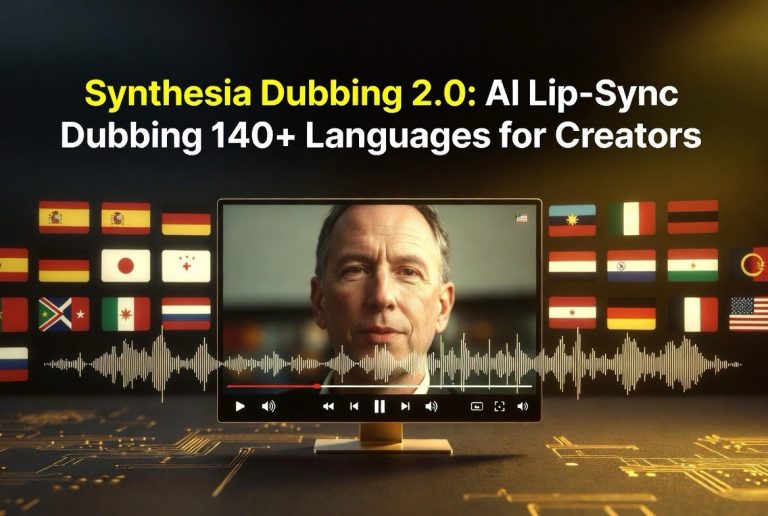
Multi-language scaling: AI dubbing tools are enabling creators to publish the same content in 5-10 languages. One creator reported that their Spanish-language AI-dubbed channel now earns more than their English original.
AI-native monetization: Beyond AdSense, creators are using AI to generate companion products — ebooks, courses, templates — that supplement their video income. The tools make product creation fast enough that it’s worth doing even for small channels.
How to Start Your First Faceless YouTube Channel
Based on everything shared on X in May 2026, here’s the simplest path to start:
Pick one niche. Research it on VidIQ. Generate 10 scripts with Claude. Produce the first video using the workflow above. Publish it. Then publish another one the next day. And another one the day after that.
After 30 days, review your analytics. Double down on what’s working. Cut what isn’t. Then do it again for another 30 days.
The creators making real money on faceless YouTube aren’t the ones with the best production quality. They’re the ones who kept publishing while everyone else was still planning.
Common Mistakes That Kill Faceless Channels
The X community is brutally honest about what doesn’t work. Here are the most common failure patterns:
1. Overproducing the first video. Beginners spend two weeks on video one, trying to make it perfect. Meanwhile, someone else published 8 videos in the same timeframe, learned what works, and adjusted. The first video doesn’t need to be amazing. It needs to be done.
2. Choosing a niche based on personal interest rather than market data. You might love discussing obscure 19th-century poetry, but if nobody’s searching for it, YouTube won’t show your videos. Use data to pick your niche, then find angles that genuinely interest you within that space.
3. Ignoring audio quality. Viewers will forgive mediocre visuals before they forgive bad audio. The ElevenLabs voiceover tuning — pauses, emphasis, pacing — is worth 10x more than spending extra time on visual effects.
4. Writing scripts that sound like AI wrote them. The most common criticism on X threads about AI content: “it sounds like AI wrote this.” The solution is a human editing pass that adds personality, specificity, and natural language patterns.
5. Publishing randomly instead of on a schedule. The algorithm rewards consistency. Creators who publish every Tuesday and Thursday outperform those who publish 10 videos in a week and then disappear for a month.
6. Chasing trends instead of building a library. Trending topics give short-term spikes. Evergreen content builds long-term equity. The winning strategy on X: 80% evergreen foundation content, 20% trend-responsive content.
7. Not engaging with the audience. AI can produce the video, but it can’t build the community. Creators who reply to comments, ask questions in their videos, and build a real connection with their audience see dramatically higher retention and loyalty.
8. Monetizing too aggressively too early. Channels that plaster affiliate links and Patreon pitches in their first 10 videos turn off viewers. Build trust first. Provide value consistently. Then introduce monetization naturally.
FAQ
How much does it cost to start a faceless YouTube channel with AI?
Creators on X report startup costs of $50-$100 per month for the essential tool stack: ElevenLabs ($22), Kling or Sora access ($20-$50), and Canva Pro ($13). Many tools offer free tiers for testing.
Can YouTube detect AI-generated content and demonetize it?
YouTube’s current policy allows AI-generated content as long as it provides value and isn’t deceptive. Creators on X report no demonetization issues when content is original, well-produced, and non-spammy.
What’s the best niche for a beginner?
Book summaries, historical stories, and personal development consistently rank as beginner-friendly niches on X. They have high search volume, good RPM ($10-$15), and lower competition than entertainment or gaming.
How long until a faceless channel generates income?
Most creators on X report 3-6 months to reach YouTube Partner Program thresholds (1,000 subscribers and 4,000 watch hours). Income from AdSense typically starts at $100-$500/month in months 4-6, scaling from there.

About Barak Schurr
Barak Schurr is a serial entrepreneur who built and exited a major ticketing platform before turning his attention to AI and content. He runs three AI-focused research sites and writes about the tools, workflows, and strategies that let solo creators build real channels — without a crew, a studio, or a Hollywood budget.
Email: [email protected]