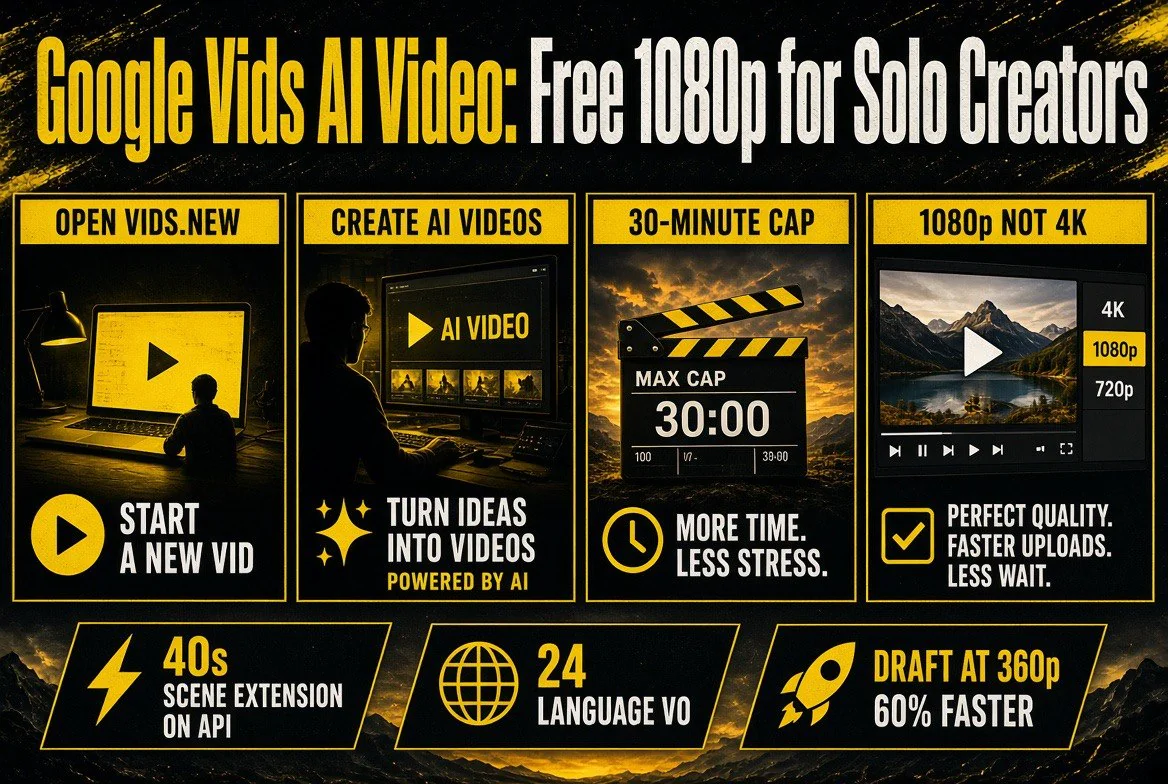
Google Vids AI Video: Free 1080p for Solo Creators
Google Vids AI Video: Free 1080p for Solo Creators
⚡ Expert Summary: On September 23, 2026, Google opened free AI video generation to anyone with a Google or Google Workspace account inside Google Vids — no paid tier, no subscription, 1080p HD output. The engine is Gemini Omni 1.1 Flash, the same model Google pushed to developers on August 27 with 40-second scene extension, first-and-last-frame control, and 4K upscaling. Vids is limited to desktop for creation, caps videos at 30 minutes, and stamps every generated clip with an invisible SynthID watermark. For solo creators, the real story is not the free tier — it is conversational, stateful editing: the model remembers the last three edits and only changes what you asked about. That removes the single biggest cost of AI video work, which is re-rolling a clip because the model forgot what you liked.
If you have ever tried to make a video by yourself, you already know where the hours go. Not in the idea. Not even in the shooting. They go in the edit — trimming, re-cutting, matching audio, fixing a transition, then doing the whole thing again because one element changed. Every solo creator building a channel has hit the point where a ninety-second video costs two days and the channel quietly stops getting posted to.
That is the wall the AI video tools have been promising to knock down for two years. And for the most part, they knocked down the wrong panel. Generating a clip got easy. Revising a clip stayed hard, because most models treated each generation as a fresh roll of the dice. You liked the lighting, you hated the framing, and when you asked for one small change you got a different video entirely. Back to square one.
Google’s September 23 move matters because it is aimed at exactly that problem, and because it removed the paywall around it.
What Google Actually Announced on September 23
In an announcement dated September 23, 2026, Google said anyone with a Google account or a Google Workspace account can now create videos free of charge in Google Vids, using the Gemini Omni 1.1 Flash model with new creative controls that include 1080p HD output.
The mechanics are unusually simple. You open vids.new on a desktop computer, choose the “Create AI videos” tile, and scene generation with Omni 1.1 launches at no cost. That is the whole onboarding. No credit card prompt, no trial timer.
Justin Luk, product manager for Google Vids, framed the expansion around the people who cannot justify a professional editing workflow or a production budget. The announcement pitches the tool at four groups specifically: side hustlers who want to launch a product from a template without manual editing, local business owners who can photograph new arrivals and turn them into promotional videos, enterprise marketing teams making assets for landing pages and digital signage, and community organizers producing videos of their own.
That list is a tell. Google is not selling this to studios. It is selling it to the person who is currently the entire video department.
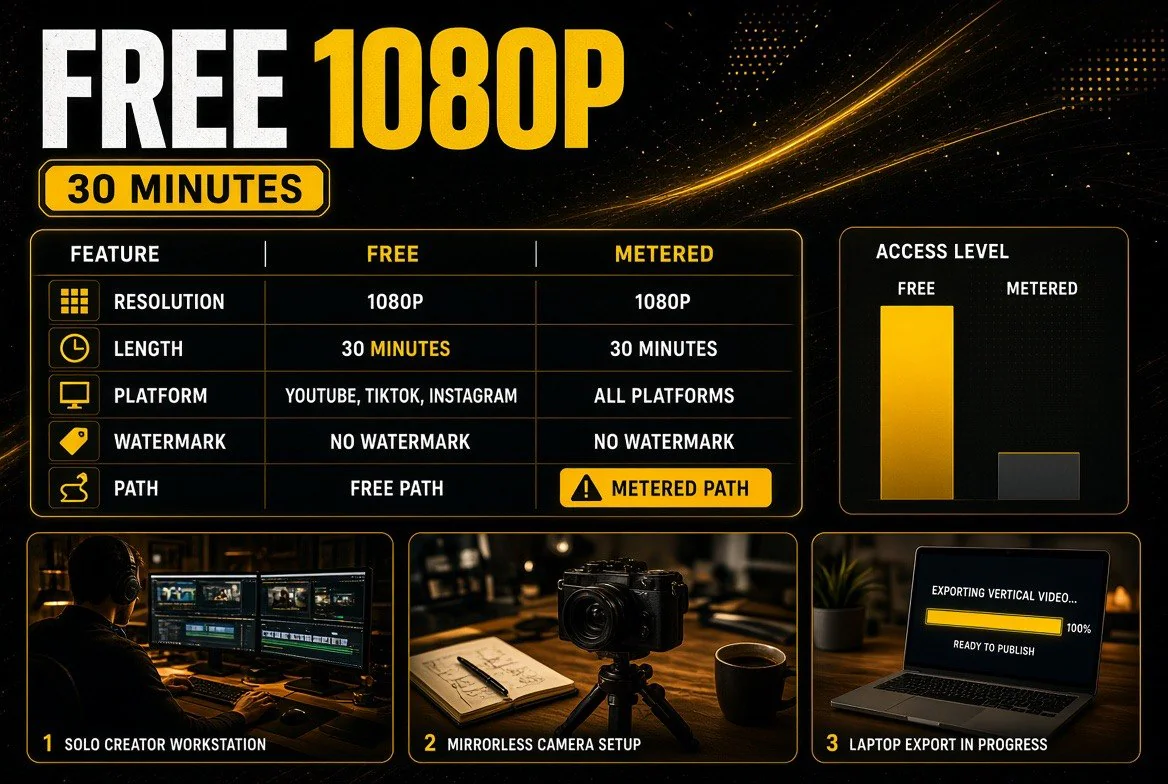
The free tier is a real platform, not a teaser — 1080p, 30 minutes, widescreen, no watermark. The metered path only matters when you need to scale.
Why “Stateful” Editing Is the Actual Feature
The spec worth understanding is how Omni 1.1 Flash handles edits. Per Google’s August 27 developer release, the model is built on three properties distinct from prior video models: native multimodality (text, image, audio, and video processed together), conversational editing through the Interactions API, and world knowledge inherited from Gemini.
The critical word is stateful. You pass a previous_interaction_id, and the model applies your change while preserving everything you did not mention. It does not re-roll the whole clip. It remembers.
This sounds like a technical footnote. It is not. It is the difference between editing and gambling. In a stateful workflow, you can say “keep everything, make it warmer” and actually get the same video, warmer. In a stateless workflow, you get a new video with a coin-flip on whether it kept anything you liked.
The scene-extension behavior shows the same philosophy. Omni 1.1 analyzes up to 10 seconds of prior context when continuing a clip, where earlier models referenced only the final second. Extensions run in 10-second increments to a cumulative 40 seconds, and the model generates a 3–10 second continuation per call, editing the final frames of the input so the seam reads as continuous.
| Creative Task | Google Vids + Omni 1.1 Flash | Traditional Solo Workflow |
|---|---|---|
| Revising one element | Conversational and stateful — change one thing, the rest is preserved | Re-cut the timeline, re-export, hope nothing else broke |
| Extending a scene | Adds 10s at a time up to 40s, using 10s of prior context for continuity | Reshoot or stretch footage; continuity breaks are visible |
| Transitions & camera moves | Supply first and last frame; model generates everything between | Manual keyframing, motion blur fixes, repeated attempts |
| Voiceover | AI avatars and voiceovers in 24 languages; 100+ language TTS coming | Book a VO artist, or record it yourself in a closet |
| Iteration cost | 360p draft mode runs up to 60% faster at a third of 720p cost | Your unpaid hours, every single pass |
| Output quality | 1080p in Vids; 4K upscaling on the developer API path | Whatever your camera and export settings deliver |
Look at the last row of that comparison and note the honest catch: the free Vids tier tops out at 1080p. The 4K upscaling and the 40-second scene extension with first/last frame control are the developer/API path, which is metered. The free tier is the on-ramp; the ceiling costs money.
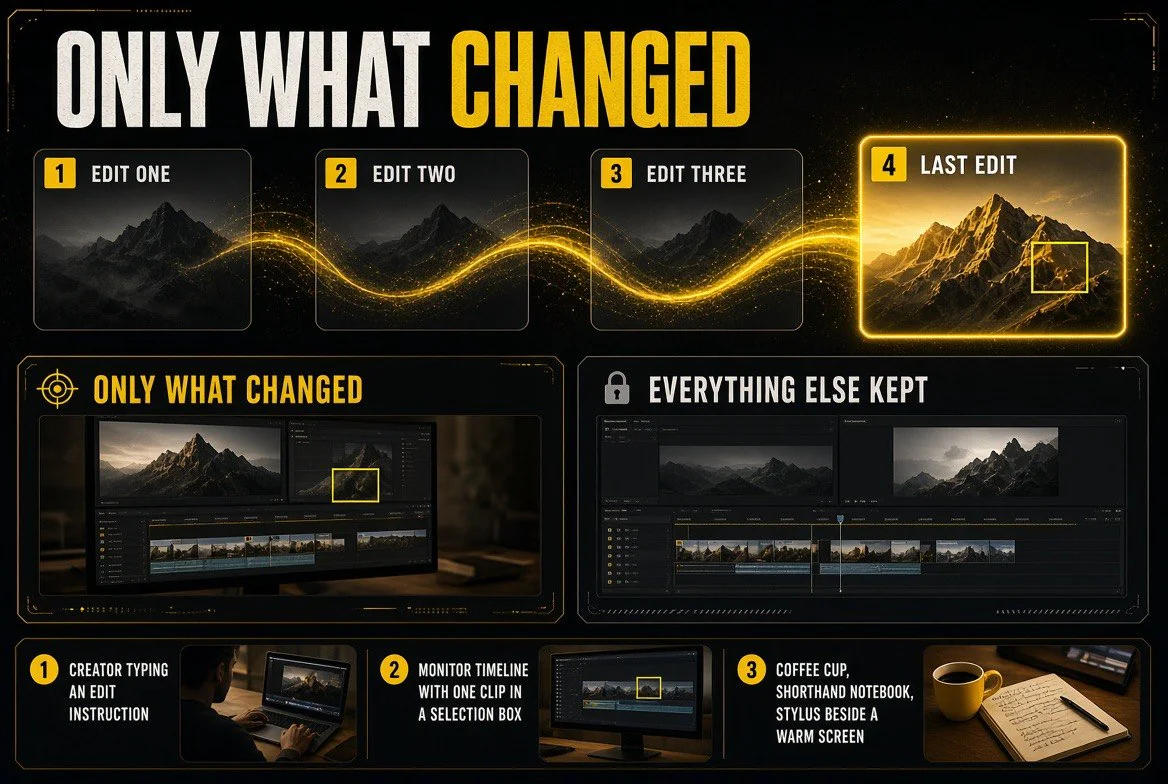
Stateful editing is the actual feature. It remembers your last three edits and touches only the region you named.
The Free Tier Is Real — Here Are the Actual Limits
Plenty of “free” AI video announcements turn out to mean three clips and an upsell screen. This one has published constraints, and they are worth reading before you plan a channel around it.
Creation is desktop only. Google’s Vids product page states that creation and editing are limited to desktop, while viewing works on both desktop and mobile. If your workflow is phone-first, this is not your tool yet — you will need a laptop for the actual work.
Videos run up to 30 minutes. That is a real ceiling for long-form but generous for anything social or promotional, which is where this tool lives.
Widescreen output, 1080p HD. Not 4K. For YouTube long-form and vertical shorts this is fine. If you are delivering to a broadcast spec, it is not.
Every clip carries SynthID. Google said every video generated with Omni 1.1 in Vids includes an imperceptible SynthID digital watermark embedded into the frames, allowing viewers to verify the content was generated with AI. This is provenance, not a visible logo — it does not ruin your video, but understand that your generation is traceable and the platforms are increasingly checking.
Workspace plans include more. For personal accounts that want heavier generation, Google points to its Google AI plans. Workspace Business and Enterprise plans include expanded generation pools and centralized admin controls.
Real editing features are included. Vids is not only generation. The product page lists professional templates and stock media, direct screen and audio recording, transcript-based editing that works like editing a document, AI avatars and voiceovers in 24 languages, and media imports from Google Drive and Google Photos. Sharing includes granular permissions for who can edit, comment, or view, plus browser playback with auto-generated closed captions, encryption by default, and export to YouTube with videos set to private by default.
That last detail — exported videos default to private — is worth pausing on. Google built the safe default in. If nothing else, it tells you who the product was designed with in mind.
What This Means If You Are Building a Channel Alone
Strip away the feature list and here is the practical read for a solo creator.
Your draft loop just got cheap enough to actually use. The intended production pattern with Omni 1.1 is draft-then-upscale: iterate at low resolution where generation is faster and cheaper, then render once at final quality. Google reports 360p previews generate up to 60% faster and at a third of the cost of 720p, based on a system-throughput comparison. For a creator, that means you can afford to try ten versions of an opening shot instead of accepting the first one.
The collaboration angle is underrated. Transcript-based editing means you revise video by editing text, the way you would edit a document. Combined with stateful conversational edits, the revision workflow stops requiring a video editor’s mental model. You describe the change; the system makes the change.
Your niche gets more crowded, not less. This is the part most creators will not say out loud. When 1080p AI video becomes free for every Google account on earth, the production barrier that protected mediocre channels disappears. The channels that survive are the ones with a real point of view, real sourcing, or real access — because those are the things the model cannot generate. Free video does not make you competitive. It removes the excuse.
Watch the provenance rules. SynthID watermarks and platform AI-labeling policies are converging. If your content strategy depends on viewers not knowing something is AI, that strategy has a short life. Build as if the label is always visible, because it is.
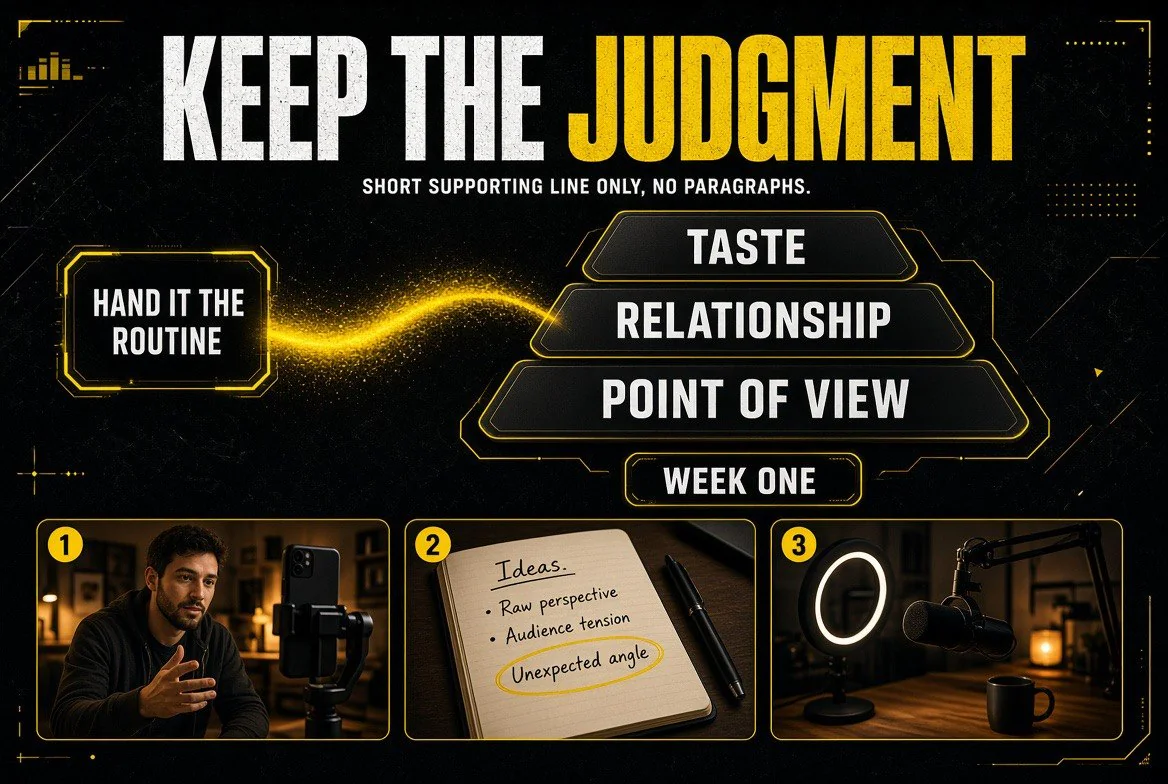
Free generation for everyone means the differentiator moves to the three things a model cannot clone — taste, relationship, point of view.
Where Omni 1.1 Flash Is Already Being Used
| Spec | Free Google Vids Tier | Developer / API Path |
|---|---|---|
| Cost | Free with any Google or Workspace account | Metered — ~$0.10 per second of 720p video |
| Max resolution | 1080p HD widescreen | 1080p, upscalable to 4K |
| Scene extension | Yes, stateful conversational edits | 10s increments to 40s cumulative, 10s prior context |
| First / last frame control | Not exposed | Yes — |
| Draft mode | Not exposed | 360p runs up to 60% faster at a third of 720p cost |
| Creation platform | Desktop only (viewing works on mobile) | API — any client you build or buy |
| Video length cap | 30 minutes per video | Per-call generation limits, composed by you |
| Watermarking | SynthID on every clip | SynthID on every clip |
The developer-side adoption is the credibility check on all of this. Google’s August 27 post named Adobe (Firefly), Figma Weave, GMI Cloud, and Runway as production users of Omni Flash. Adobe has integrated Gemini Omni Flash into Adobe Firefly. That matters because these are not experimental partners — these are the companies that professional creators already pay, and they are wiring Omni into their pipelines.
Omni 1.1 is also rolling out through Google AI Studio and the Gemini Enterprise Agent Platform API, and is available to Google AI Plus, Pro, and Ultra subscribers globally in Google Flow, with scene extension offered to those subscribers in the Gemini app.
The constraints are also worth knowing before you build a workflow around it. Extensions append to the end of a clip only — no prepending, no mid-clip insertion. Uploaded input videos must be 10 seconds or shorter unless you are extending a model-generated video in multi-turn. You cannot add new dialogue when extending an uploaded video where someone is already speaking, though spoken dialogue is supported in multi-turn extension. Video references accept a maximum of three clips at up to three seconds each and work best for likenesses; audio inside a video reference is ignored. And reasoning across multiple videos is not supported and may degrade output.
None of those limits are dealbreakers for solo production. All of them are guaranteed to be hit by someone who assumed the tool was more flexible than it is.
What to Do This Week
1. Open vids.new and generate one 10-second clip. Not a project. One clip. The point is to feel the loop — how fast you get something, and how good it actually is for your content, not for a demo reel.
2. Test stateful editing deliberately. Generate a clip, then ask for three separate single-element changes in sequence. If the model preserves everything else each time, you have found the feature. If it re-rolls, you have learned the failure mode before you built a workflow on it.
3. Import your existing assets. Pull from Google Drive and Google Photos. The fastest real win for a solo channel is not generating new footage — it is turning photos and screen recordings you already own into promotional cuts you never had time to edit.
4. Keep the 1080p ceiling in mind when you pick platforms. Widescreen 1080p suits YouTube and most social placements. Plan your formats around what the free tier actually outputs rather than discovering the limit after you have committed to a series.
5. Decide what stays yours. Use the tool for the parts of production that are mechanical — b-roll, transitions, extended scenes, voiceover drafts. Keep your voice, your sourcing, and your on-camera presence. Those are the only parts of your channel a free model cannot clone.
Frequently Asked Questions
Is Google Vids AI video generation really free?
Yes. In its September 23, 2026 announcement, Google said anyone with a Google account or a Google Workspace account can create videos free of charge in Google Vids using Gemini Omni 1.1 Flash, with new creative controls including 1080p HD output. You start by opening vids.new on a desktop and choosing the “Create AI videos” tile. Google says personal accounts wanting heavier generation can move to its Google AI plans, while Workspace Business and Enterprise include expanded generation pools and admin controls.
What is the difference between Gemini Omni Flash and Google Vids?
Gemini Omni Flash is the underlying video model. Google Vids is the end-user product built on top of it. Developers access Omni 1.1 through the Gemini API in Google AI Studio and the Gemini Enterprise Agent Platform, where they get controls like first-and-last-frame generation, 40-second extensions, and 4K upscaling. The free Vids tier gives consumers conversational generation and editing at 1080p without touching the API.
Can I edit AI video by talking to it?
That is the core design of Omni 1.1 Flash. Google describes conversational editing through the Interactions API, and the editing is stateful — you pass a previous_interaction_id and the model applies your change while preserving what you did not mention. Practically, that means asking for one adjustment does not throw away the parts of the clip you already approved.
What resolution and length does the free version support?
The free Vids tier outputs 1080p HD in widescreen, and videos can run up to 30 minutes. Creation and editing are limited to desktop, though viewing works on mobile. 4K upscaling and the longest scene-extension workflows live on the developer/API path, which is metered — video billing runs at 5,792 tokens per second of 720p, an effective rate of roughly $0.10 per second under Google’s standard pricing.
Will my AI videos be labeled as AI-generated?
Yes. Google stated that every clip generated with Omni 1.1 in Google Vids includes an imperceptible SynthID digital watermark embedded into the video frames, allowing viewers to verify the content was generated with AI. It is not a visible watermark on screen, but it is programmatically detectable, and platforms are increasingly checking for exactly this kind of provenance signal.
How long can an AI-generated scene be extended?
With Omni 1.1, extensions run in 10-second increments up to a cumulative length of 40 seconds. The model analyzes up to 10 seconds of prior context when continuing a clip, compared with only the final second in earlier models, and generates a 3–10 second continuation per call. Extensions append to the end of a clip only — you cannot prepend or insert mid-clip.
Is this good enough to replace a video editor for a solo creator?
For mechanical work — b-roll, transitions, scene extension, template-based promos, and voiceover drafts — it replaces a meaningful share of the editing hours most solo creators spend. It does not replace judgment about what to make, sourcing, access, or on-camera presence. The practical approach is to hand it the repetitive production work and keep the editorial decisions, because free generation for everyone means the differentiator moves entirely to the parts a model cannot produce.

About Barak Schurr
Barak Schurr is a serial entrepreneur who built and exited a major ticketing platform before turning his attention to AI and content. He runs three AI-focused research sites and writes about the tools, workflows, and strategies that let solo creators build real channels — without a crew, a studio, or a Hollywood budget.
Email: [email protected]
More AI Resources