Instagram’s Edits AI Assistant: What It Actually Changes for Solo Creators
Get The Faceless YouTube Blueprint — Free
The exact AI tool stack and workflow used to build a faceless YouTube channel from zero.
Instagram Just Gave Edits an AI Assistant — Here Is What It Actually Changes for Solo Creators
⚡ Expert Summary: Instagram is rolling out an AI video assistant inside Edits, its standalone video editing app, aimed at creators who cut their own footage without a team. The useful part is not the effect presets — it is the speed of the first pass: turning raw clips into a watchable draft, then letting you judge it. Here is what the assistant does, where it falls short of a real editor, and the workflow that actually saves hours.
Instagram has started rolling out an AI video assistant for creators inside Edits, the editing app it launched as a direct answer to CapCut. The framing from Instagram is straightforward: help creators get from raw footage to a finished-looking cut with less manual work.
If you already edit your own videos solo, you have heard a version of this promise from every editing app for three years. Most of the time the reality is a set of auto-captions that need fixing and a beat-sync button that guesses wrong.
This one is worth a closer look specifically because of where it lives. Edits is not a boutique tool fighting for attention — it is attached to the platform where a large share of short-form video is consumed. When Instagram ships an editing feature, it tends to become the default experience for creators who never open a desktop editor at all.
What the Instagram Edits AI Assistant Actually Does
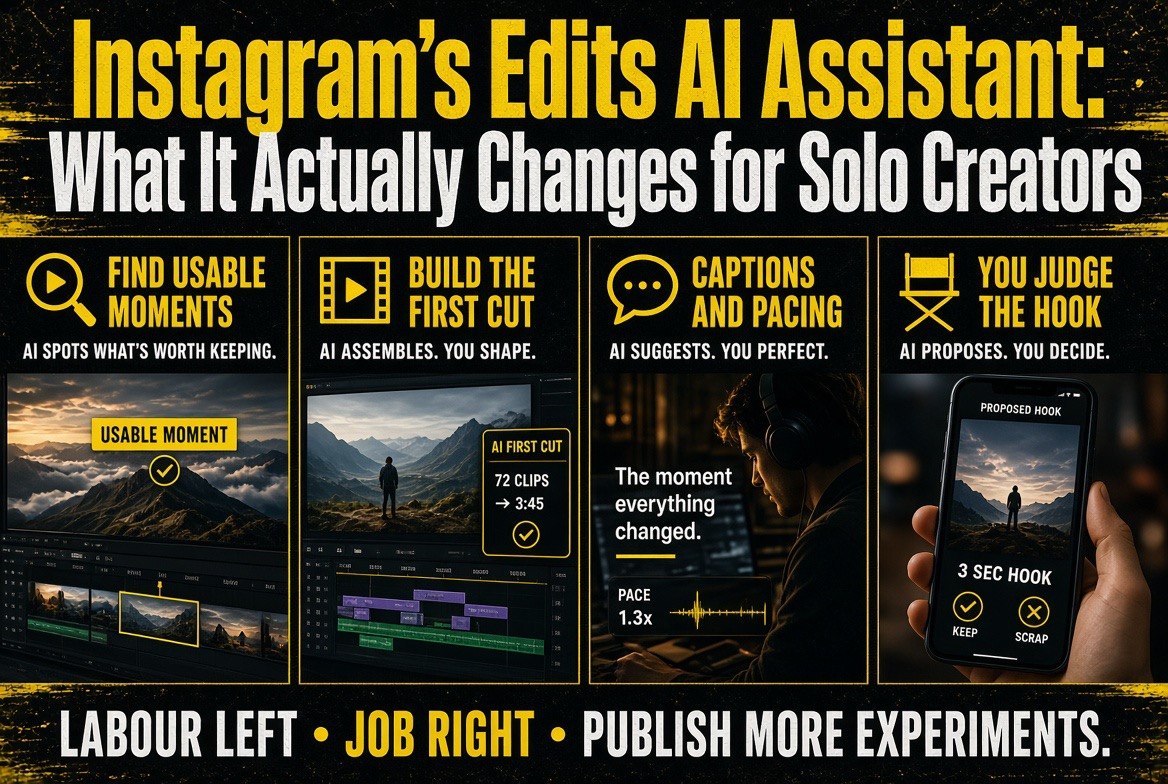
The assistant works on the parts of editing that are mechanical rather than creative. Identifying the usable moments in a long clip. Assembling a first cut you can react to instead of a timeline you have to build. Handling the repetitive layer — captions, pacing, transitions — that eats the hours without improving the idea.
That distinction matters more than the feature list. A tool that makes the first draft is genuinely valuable to a solo creator, because the hardest part of editing alone is not finishing a cut, it is starting one. Staring at forty minutes of footage with no structure is where most aspiring creators quit.
The assistant does not solve the actual creative problem: which moment is the hook, what the video is about, why anyone should keep watching past second three. Instagram can hand you a cut. It cannot hand you a reason for the cut to exist.
| What the AI assistant handles | What still lands on you |
|---|---|
| Finding usable moments in long footage | Deciding which moment is the hook |
| Building a first-pass draft cut | Judging whether the draft is any good |
| Captions, pacing and transitions | Writing something worth captioning |
| Cutting time on repetitive cleanup | Owning the publish-or-kill decision |
Read that table honestly and the value proposition gets clearer. The left column is labour. The right column is the job. Automating the labour is only worth money if it buys you more runs at the job.
Why This Matters More Than Another Editing App
The solo creator economy has a specific bottleneck, and it is not camera gear. It is that one person is doing the work of five: ideation, shooting, editing, publishing, and analysis. Every additional role dilutes the time left for the one thing that actually compounds — publishing consistently.
An assistant that compresses editing from three hours to forty minutes does not just save time. It changes how many videos you are willing to attempt. A creator who can publish three times a week instead of once is not 3x more productive in any linear sense — they are running three times as many experiments against the algorithm, which is the only reliable way to find what works.
That is the honest case for this feature. Not that it makes editing effortless, but that it brings the cost of a mediocre attempt down far enough that attempting is no longer the hard part.
There is a catch worth naming. When the same assistant that edits your video is built by the platform that distributes it, the platform gets a very clear picture of what you make and how you make it. That is not automatically bad — but it is worth knowing that you are trading some process data for convenience, and that trade should be a decision rather than a default.
The Workflow That Actually Saves Time
Most creators use AI editing tools badly. They let the tool make every decision, get a mediocre result, and conclude the tool does not work. The fix is to split the process.**
Step one — you choose the idea and the hook before you open the editor. Write the first three seconds as a line of text. If the assistant builds a cut that does not support that opening, the cut is wrong, not the idea.
Step two — let the assistant do the mechanical pass. Rough assembly, captions, pacing. This is where it genuinely beats doing it by hand, because there is no creative judgment in it.
Step three — you do the only edit that matters. Fix the opening, cut anything that does not serve it, and stop. Most solo creators overwrite their videos after the draft stage and lose the time they just saved.
Step four — publish and note what happened. A three-second retention number tells you more about your hook than an hour of re-editing ever will. The assistant’s real gift is that it makes step four happen more often.
| Factor | Manual editing in Edits | AI-assisted editing in Edits |
|---|---|---|
| Time to first draft | Long — built clip by clip | Short — assembled for you |
| Where your time goes | Assembly and cleanup | Judgement and revision |
| Creative control | Total — every frame is yours | High, but you start from its cut |
| Videos per week | Limited by editing hours | Limited by ideas, not edit time |
| Best suited to | Short, high-control pieces | Volume and experimentation |
The correct read is not that one column wins. It is that the constraint moves. Manual editing caps you at the number of videos you can cut. AI-assisted editing caps you at the number of ideas you can generate — which, for most creators starting out, is the harder ceiling to raise.
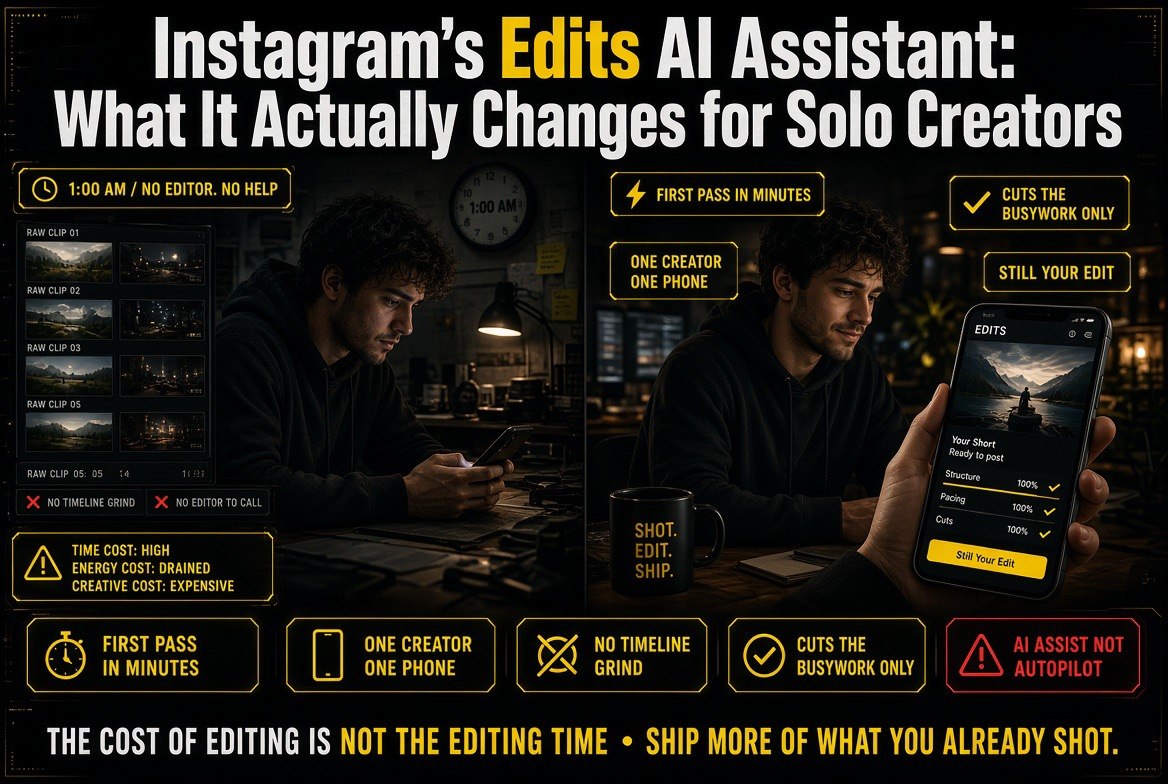
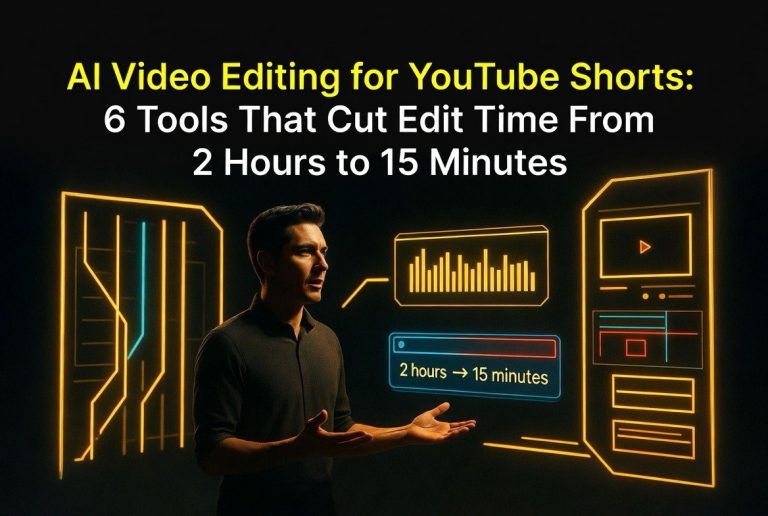
Before and after in one frame: raw clips and a timeline grind on the left, a first pass in minutes on the right — one creator, one phone, and the busywork taken out of the middle.
Where the Assistant Falls Short
Two honest limits.
It optimises for completion, not distinction. An assistant trained on what performs will push you toward the average of what performs. That is fine for a first draft and dangerous as a final cut, because the videos that break out are usually the ones that did something the average did not.
It cannot fix a weak premise. If the footage is boring, a perfectly paced cut of boring footage is still boring — just faster to produce. The assistant makes bad ideas cheaper to ship, which is a real risk if you are not honest about which ideas are bad.
Neither limit argues against using it. Both argue for keeping the judgement step in your hands, which is exactly the split the workflow above is built around.
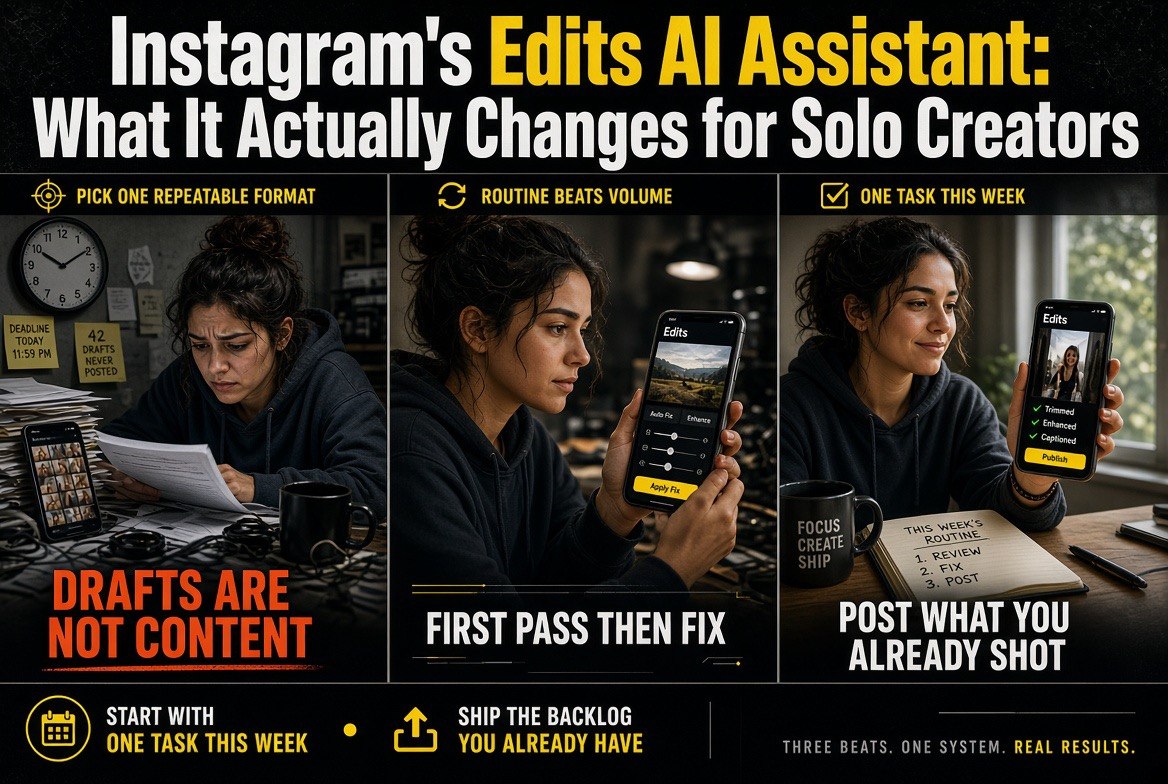
Start with one task this week: pick a repeatable format, take the first pass, then fix and post what you already shot — drafts are not content.
What to Do This Week
If you shoot video and edit it yourself, the useful move is not to learn every feature. It is to run one experiment.
Take footage you already have sitting on a drive — something you never got around to cutting. Run it through the assistant. Judge the draft. Fix the first three seconds. Publish it. Then look at whether the version of you that spent forty minutes on this would have published three videos this week instead of one.
That answer tells you whether the assistant is a genuine upgrade to your workflow or a novelty. No review can answer it for you, because it depends entirely on how many ideas you have been sitting on.
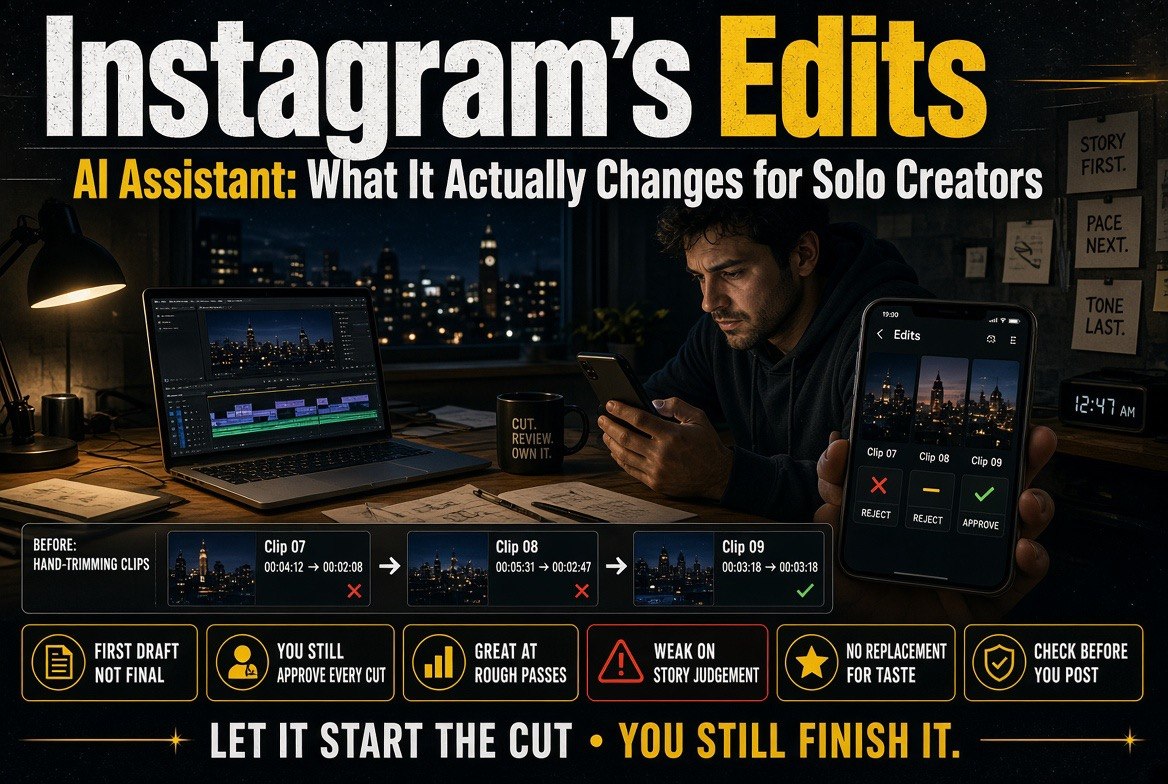
The honest middle: it is genuinely strong at the first rough pass and weak on story judgement — let it start the cut, you still finish it.
The Cost of Editing Is Not the Editing Time
There is a second cost to editing alone that rarely gets measured, and it is the reason an assistant like this lands differently depending on where you are in your channel’s life.
For a creator with an audience, editing time is the tax on output. Every hour in the timeline is an hour not spent on the next idea. Compressing that tax is straightforwardly good.
For a creator without an audience yet, the tax works differently. Learning to edit is not overhead — it is how you develop the eye that tells you why one cut works and another does not. An assistant that removes that stage entirely can leave you producing more videos without getting any better at judging them.
The distinction is not age or follower count. It is whether you can already look at a draft and say what is wrong with it. If you can, hand the mechanical work to the assistant and keep your attention for the judgements. If you cannot yet, use the assistant as a comparison point — cut the video your way, let it cut the video its way, and study the difference.
That is the version of AI assistance that compounds instead of flattening. The tool supplies the speed; you supply the standard it has to meet.
One Line to Remember Before You Install Anything
An AI assistant in your editing app is a speed multiplier, not a talent multiplier. It multiplies whatever you already are. If your ideas are sharp, you ship more sharp videos. If they are vague, you ship more vague ones, faster, and the algorithm is entirely indifferent to your effort either way.
So the feature is worth having, and worth having soberly. Get the hours back, spend them on the part of the job that no assistant can do for you, and judge the result by the only number that matters: whether people watched past the third second.
Frequently Asked Questions
Is the Instagram Edits AI assistant free?
It is being rolled out inside Edits, Instagram’s own editing app, for creators. Check the current feature availability in your region, as platform rollouts vary by market.
Do I still need a desktop editor?
For most short-form work, no. For long-form, complex projects, colour work or precise audio, a desktop editor still has the advantage.
Will using the AI assistant make my videos look generic?
Not on its own, but it can if you accept its draft as final. The draft is the starting point; the judgement you apply afterwards is what keeps the output distinct.
Does this replace learning to edit?
It reduces the need to master mechanical editing. It does not reduce the need to understand pacing, hooks and structure — those still decide whether a video works.
What is the fastest way to get value from it?
Take existing unused footage and run it through. Producing one finished video from material you already have beats learning every setting before you publish anything.

About Barak Schurr
Barak Schurr is a serial entrepreneur who built and exited a major ticketing platform before turning his attention to AI and content. He runs three AI-focused research sites and writes about the tools, workflows, and strategies that let solo creators build real channels — without a crew, a studio, or a Hollywood budget.
Email: [email protected]
More AI Resources for Your Business