AI Video Editing in 2026: What Fan Editors and Indie Filmmakers Can Actually Fix Now
Get The Faceless YouTube Blueprint — Free
The exact AI tool stack and workflow used to build a faceless YouTube channel from zero.
AI Video Editing in 2026: What Fan Editors and Indie Filmmakers Can Actually Fix Now
⚡ Expert Summary: Text-driven video editing has moved from demo reels into tools ordinary creators can afford. You hand a model a clip and type an instruction. It is not the same as text-to-video generation, and the difference decides whether it is useful to you. Everypixel Journal tested six editing models on the same footage, and the results are genuinely mixed: four preserved the actor performance, one added movement nobody asked for, one quietly re-shot the scene. The most useful finding is that the cheapest model relit correctly and a pricier one did not. Price is not a reliable guide to quality here.
Fan editors have always worked with whatever the footage gives them. You recut a trailer, you rescore a fight scene, you build an ending out of shots that were never meant to sit together. The limit was never imagination. It was the frame itself: if a boom mic dipped into the shot or the light did not match, you lived with it or you cut around it.
That limit is getting softer. Text-driven editing, where you hand a model a clip and type an instruction like remove the coffee cup or make it daytime, has moved from demo reels into tools that ordinary creators can afford to try. It does not replace a VFX team. It does change which problems a solo creator can fix on a weeknight.
What AI Video Editing Actually Means Here
This is different from text-to-video generation, where a model invents a clip from nothing. Editing models start from your footage. In theory they keep everything you did not ask them to change: the actor, the performance, the camera move, the lighting, the blocking.
That distinction is the whole ballgame. A generation model that produces a beautiful shot you did not ask for is useless to an editor working with existing material. An editing model that produces a beautiful shot you did not ask for is worse than useless, because it has altered footage you already locked.
So the useful question is not how good the output looks. It is how much of what you did not ask for got changed anyway.
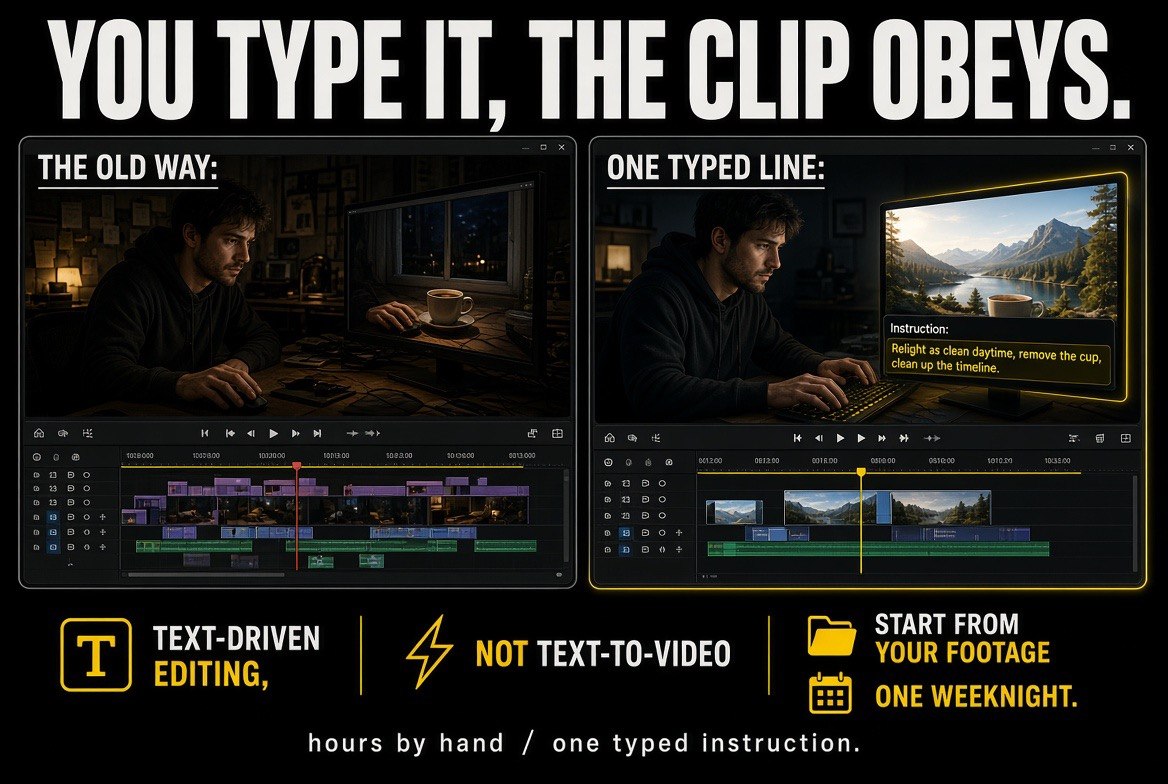
Hours by hand versus one typed instruction: the editing models start from your footage, so the practical question is which problems a solo creator can fix on a weeknight.
What the Model Tests Actually Found
Everypixel Journal ran a comparison of six video editing models on the same source footage, testing location swaps, relighting, and stylization. The results are more useful than most benchmark posts because they report where each model failed, not just where it succeeded.
| Model | Location Swap | Relighting | Notable |
|---|---|---|---|
| Seedance 2.5 | Kept actor performance intact | Moved shadows with the new light | Performance-safe, lighting-capable |
| WAN 3.0 | Kept actor performance intact | Moved shadows with the new light | Only model that held the same person through a full restyle |
| Kling 3.0 Pro | Kept actor performance intact | Did not change lighting at all | Held camera motion most faithfully |
| FLUX 3 | Kept actor performance intact | Moved shadows with the new light | Reliable on both tests |
| Runway Aleph 2 | Added an unrequested hand movement | Moved shadows with the new light | Changed something nobody asked it to |
| Gemini Omni Flash | Re-shot the scene; character moved differently and camera drifted | Moved the light but left shadows pointing the old way | Composite looked decent, felt wrong |
Two findings stand out and neither is about raw quality. First, four of the six preserved the performance, which is the single most important property for anyone editing existing footage. Second, Kling 3.0 Pro held camera motion most faithfully while doing nothing at all to the lighting, which means the model that respects your camera work may be the one that ignores your relighting request entirely. You cannot get both from the same model today.
Price Is Not a Reliable Guide to Quality
The most practically useful result in the whole test is this one: the cheapest model relit correctly, and a more expensive model did not. Gemini Omni Flash moved the light source but left the shadows pointing the original direction, which produces the specific wrongness that viewers read instantly even when they cannot name it.
The comparison puts it in terms every editor understands. It looks the way a bad green-screen comp feels. Your eye knows the subject does not belong in the shot before your brain can explain why. That is exactly the failure mode a text-driven edit must avoid, because the whole promise is that the change is invisible.
The lesson for a creator on a budget is to stop shopping by price tier. Test the specific shot you need fixed against the specific model you are considering, and judge the corners of the frame rather than the center.
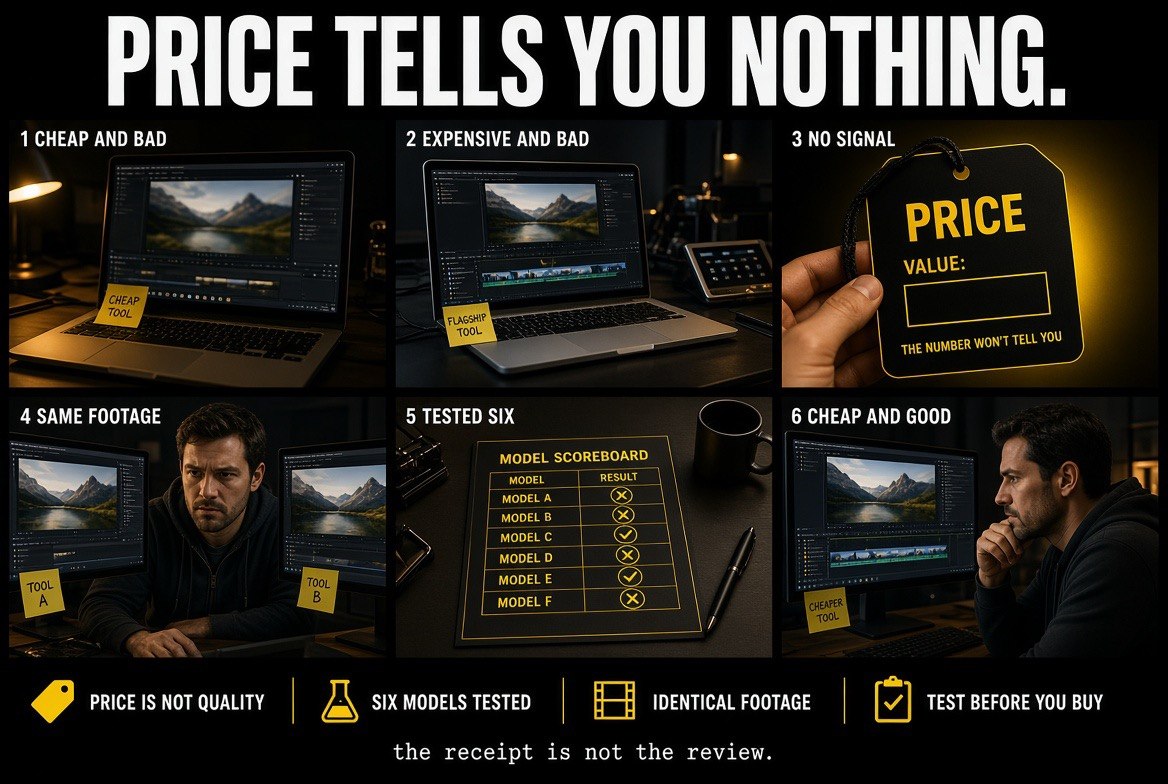
Price is not a reliable guide: six models tested on the same footage, and the cheapest entry on the scorecard is not the one at the bottom of it.
Identity Through a Restyle Is Still the Hard Problem
The stylization test is where the models separate most sharply, and it is the test that matters most to fan editors. Restyling a clip into animation or a different film look is the single most requested edit in fan communities, because it turns a scene into the “what if” version everyone wanted.
Only WAN 3.0 held the same person through a full restyle. That is a harder problem than it sounds. A restyle changes every pixel in the frame, so the model has to decide, continuously, which features of a face are the person and which are the style. Get it slightly wrong and the result is a character who reads as a stranger wearing a similar costume.
Everyone else drifted. Some kept the pose but lost the face. Some kept the face for a few seconds and then let it slip. For an editor, the practical consequence is that a full restyle is not yet a one-click operation. It is a process you run shot by shot and check frame by frame.
Gen Edit vs. Text-Driven Editing: Which One You Actually Need
A second category sits alongside these models and gets confused with them constantly. Generative editing, where you paint, mask, and direct a change to a specific region of a specific frame, is not the same tool as typing an instruction and hoping.
| Factor | Text-Driven Edit | Generative / Masked Edit |
|---|---|---|
| How you direct it | Type a prompt and review the result | Mask the region, direct the change frame by frame |
| Control | Low – the model decides what else moves | High – everything outside the mask stays put |
| Speed | Fast, seconds to minutes | Slower, more hands-on per shot |
| Best for | Removing an object, quick relights, cleanups | Precision fixes on locked footage, complex composites |
| Risk | Unrequested changes elsewhere in the frame | Time cost, needs a trained eye |
| Fan editor fit | Clip cleanup on a weeknight | Hero shots and anything you will publish |
Most creators need both, and the mistake is reaching for the fast tool on a shot that requires the slow one. Removing a stray cup from the background of a locked-off shot is a text-driven job. Changing an actor into a different character across forty frames is not, and forcing it produces the drift these tests keep documenting.
What This Changes for a Solo Creator
Here is the honest accounting, broken out by what you are actually trying to do.
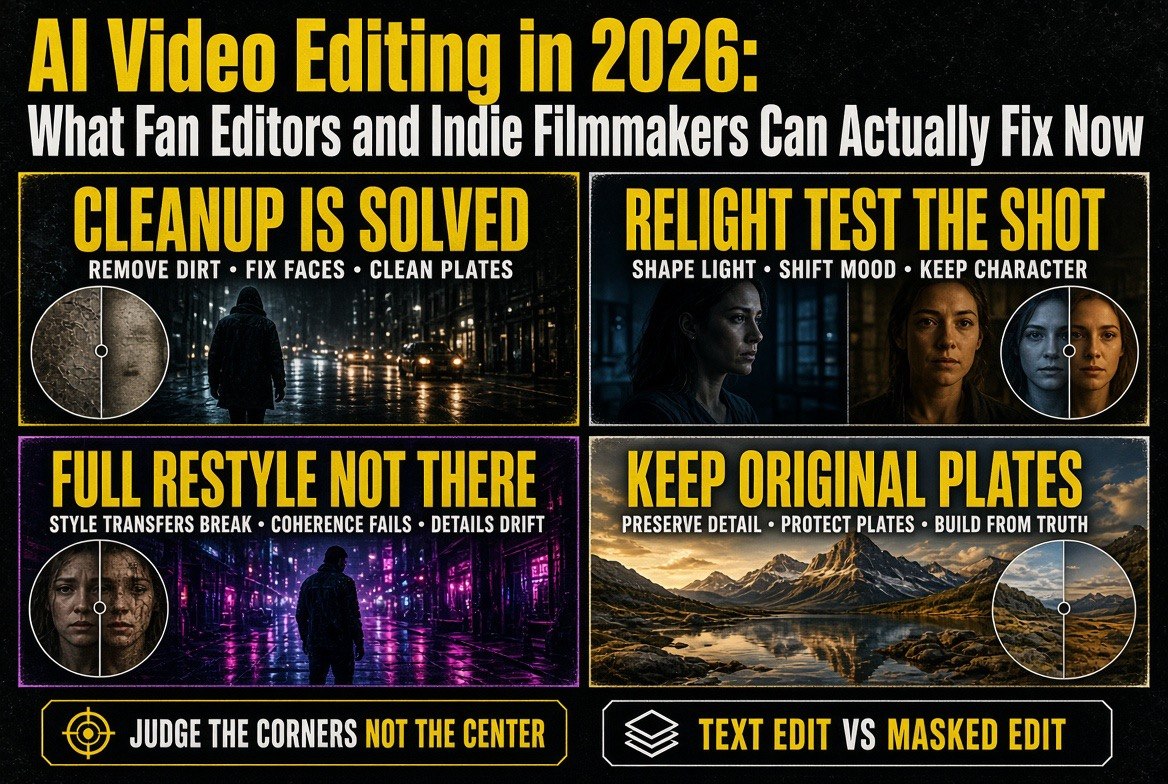
Cleanup is solved. Removing an object, a boom mic, a logo, a stray cup from a locked-off shot works, and it works across most models tested. This is the single biggest practical win for a solo creator, because cleanup used to mean either a paid VFX pass or living with the flaw. It is now a weeknight task.
Relighting works, with a catch. Four of the six models moved shadows along with the light, which is the mark of a relight that holds up. One moved the light and left the shadows pointing the old direction, which reads to an audience as wrong even when they cannot say why. Test the specific shot, not the category.
Full restyle is not there yet. One model held identity through a complete restyle and it was not the one you would guess by price or by reputation. For everyone else, identity drifted. If your edit depends on a recognizable face surviving a style change, budget time to check it frame by frame, and keep the original plates.
Camera fidelity is a separate axis. One model held your camera motion most faithfully while doing nothing to the lighting. For handheld or carefully blocked footage, that fidelity may matter more than anything else the model can do.
The Questions Nobody Has Settled
Two of them are worth thinking about before you publish.
Consent and likeness. Stylization and face handling raise real questions about whose face you are changing and whether you have the right to change it. Fan editing has lived in a gray area for two decades, and tools that rewrite what is inside the frame push further into it. This is not a reason to avoid the technology. It is a reason to think about what you publish and where.
Disclosure norms. Audiences increasingly expect to know when a frame has been altered by a model rather than by a compositor. There is no settled standard yet, and the creators who establish one early tend to have an easier time later.
What “original” means for your workflow. The practical rule most editors land on is to keep your original plates no matter what. An edit is a derivative. If you overwrite the source, you have given up the ability to redo it on a better model next year, and the models are improving fast enough that this matters more than it sounds.
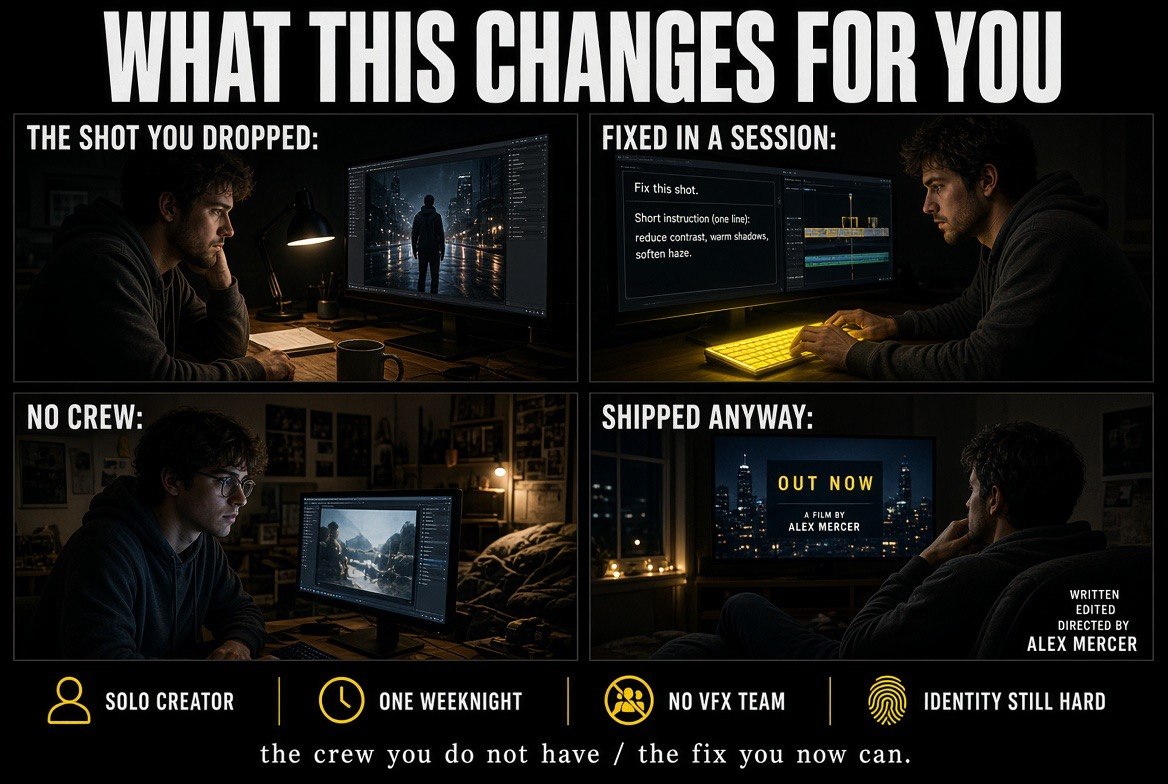
The payoff for a one-person operation: the shot you would have dropped gets fixed in a session, without a crew, and the release goes out anyway.
Frequently Asked Questions
What is text-driven AI video editing?
It is a category of model that edits footage you already have rather than generating a new clip from nothing. You supply a clip and an instruction, such as removing an object or changing the time of day, and the model alters the frame while ideally leaving everything you did not ask about untouched.
Which editing models held the actor performance intact?
In the Everypixel Journal comparison of six models, Seedance 2.5, WAN 3.0, Kling 3.0 Pro, and FLUX 3 all preserved the actor performance during location swaps. Runway Aleph 2 added an unrequested hand movement, and Gemini Omni Flash re-shot the scene with different character movement and camera drift.
Is a more expensive editing model better?
Not reliably. In the same comparison, the cheapest model relit correctly while a pricier one moved the light source but left shadows pointing the original direction, producing the composite error audiences read instantly. Test the specific shot you need fixed rather than shopping by price tier.
Can AI hold a character’s identity through a full restyle?
Only one of the models tested, WAN 3.0, kept the same person through a complete restyle. Others drifted, which makes a full restyle a shot-by-shot process requiring frame-by-frame checks rather than a single-click operation.
What should a creator do with original footage?
Keep the original plates. An AI edit is a derivative of your source, and models are improving quickly enough that you will likely want to redo the same edit on a better model next year. Overwriting the source gives up that option permanently.
Does AI video editing raise legal or ethical issues?
Yes. Stylization and face handling raise fair questions about consent and likeness, and fan editing already occupies a gray area that these tools push further into. Audiences also increasingly expect disclosure when a frame was altered by a model rather than a compositor, and no settled standard exists yet.

About Barak Schurr
Barak Schurr is a serial entrepreneur who built and exited a major ticketing platform before turning his attention to AI and content. He runs three AI-focused research sites and writes about the tools, workflows, and strategies that let solo creators build real channels — without a crew, a studio, or a Hollywood budget.
Email: [email protected]
More AI Video Resources