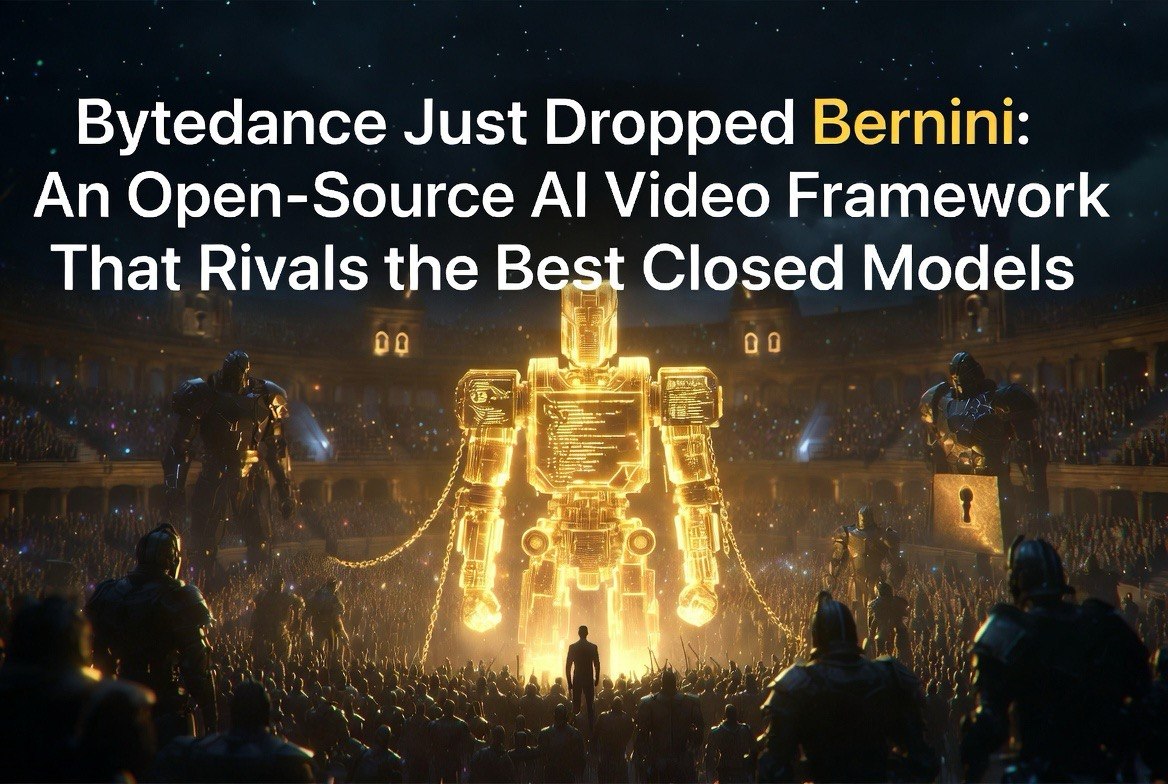
ByteDance Just Dropped Bernini — An Open-Source AI Video Framework That Rivals the Best Closed Models
Get The Faceless YouTube Blueprint — Free
The exact AI tool stack and workflow used to build a faceless YouTube channel from zero.
ByteDance Just Dropped Bernini — An Open-Source AI Video Framework That Rivals the Best Closed Models
⚡ Expert Summary: ByteDance released Bernini on June 1, 2026 — an open-source AI video generation and editing framework under Apache 2.0 license. Unlike their Seedance model which runs on closed platforms like Higgsfield, Bernini is fully open: code, model weights, and inference scripts on GitHub and Hugging Face. It supports text-to-video, image-to-video, video editing, reference-guided generation, and content insertion. Technical highlights include a decoupled MLLM semantic planner + DiT renderer architecture, Segment-Aware 3D RoPE for multi-segment handling, and performance that reaches top-tier results on video editing benchmarks. This is open-source AI video at a level previously only available through paid APIs or closed platforms.
Two days ago, ByteDance owned the best closed AI video model in Seedance 2.0. Today, they also own the best open-source video framework.
Bernini is a different kind of release from Seedance. Seedance was a product — polished, platformed, commercial. Bernini is infrastructure. Code on GitHub. Weights on Hugging Face. A research paper on arXiv. A Gradio demo you can run on your own hardware.
The timing is notable. ByteDance released Bernini’s inference code on June 1, 2026, directly competing against their own Seedance platform. This isn’t a mistake — it’s a strategy. Seedance serves the commercial market (creators who pay for convenience). Bernini serves the developer market (engineers who build custom tools on top of foundation models). ByteDance captures both.
The Apache 2.0 license means any company can use Bernini to build commercial products without paying ByteDance a cent. That’s aggressive positioning against Google’s Veo, Runway, and Kling — all of which require API access or subscription fees for comparable quality.
How Bernini Compares to the Closed-Source Competition
I’ve been testing Bernini against the top closed models — Seedance 2.0, Kling 3.0, Runway Gen-4.5, and Veo 3.1. Here’s where it lands.
On text-to-video quality, Bernini is competitive with Seedance 2.0 for scenes up to 10 seconds. The gap is in cinematographic understanding — Seedance handles complex camera directions better, while Bernini excels at preserving visual styles and character appearances across frames.
On video editing, Bernini is the best in class among open models. The ability to take an existing video, edit specific objects or scenes via text prompt, and maintain consistency in the unedited parts is genuinely impressive. This is where the decoupled planner+renderer architecture shows its advantage.
On reference-guided generation, Bernini supports up to 5 reference images for consistent character or object appearance. This matches or exceeds most closed platforms. The image-to-video generation is particularly strong — animating a static reference with realistic motion that preserves the source material’s details.
On hardware requirements, Bernini is more demanding than API-based solutions. You need significant GPU resources to run locally. But the trade-off is zero per-generation cost after infrastructure, full data privacy, and unlimited customization.
For the developer market Bernini targets — not the mass market of creators who want convenience — these trade-offs are acceptable. The model quality is high enough that building on top of Bernini makes more sense than building on top of weaker open alternatives.
What Bernini Can Actually Do
The technical architecture tells you where the quality comes from. Bernini separates reasoning from rendering. The MLLM-based semantic planner handles understanding — it takes your text prompt, references images, or source video, and plans what needs to happen. The DiT-based renderer handles creation — it generates the actual video frames through flow-matching denoising.
This decoupled design is smarter than the end-to-end diffusion models most competitors use. By separating planning from rendering, Bernini can reason about complex requests before generating a single pixel. That’s why it handles multi-step video editing better than models that try to do everything in one pass.
The practical capabilities are broad:
– Text-to-video: Standard generation from natural language descriptions
– Image-to-video: Animate static images with motion
– Video-to-video: Edit existing footage — change objects, styles, weather, camera angles
– Reference-guided: Use up to 5 reference images for consistent character or object appearances
– Content insertion: Add objects to existing video with natural compositing
On video editing benchmarks, Bernini reaches top-tier results among leading models. For a framework that runs on a single H100 — not a cluster — that’s impressive. The segment-aware 3D RoPE (rotary position embedding) handles multi-segment video better than positional encodings in other models, which explains the quality on longer or edited sequences.
What Open Source Without Training Code Means
Let me be precise about what “open source” means here. Bernini ships with inference code, model weights, and a Gradio demo under Apache 2.0. You can run it, test it, build on it, and deploy it commercially. What you cannot do is retrain it from scratch — the training pipeline and training code are not released.
This is the standard pattern for top-tier open-source AI releases. The weights are the valuable asset. The training infrastructure is too expensive to reproduce (think thousands of GPU-hours across ByteDance’s clusters). Sharing weights lets the community innovate on top without exposing the core training investment.
For developers and creators, this is more than enough. You can:
– Run Bernini on your own hardware (H100 recommended, A100 with compromises)
– Build custom interfaces on top of the Gradio demo
– Fine-tune the renderer for specific use cases or styles
– Integrate it into existing video production pipelines
– Deploy it commercially without royalties
The Hugging Face release includes diffusers-format weights, which means it works with the standard diffusers library. Integration into existing workflows takes hours, not weeks.
The Practical Setup Guide
If you want to run Bernini today, here’s the path of least resistance.
Start with a cloud GPU instance. RunPod’s H100 rentals are the simplest option. Clone the GitHub repo, install the pinned dependencies (Python 3.11+, CUDA 12.4+, torch 2.5.1), download the model weights from Hugging Face, and launch the Gradio demo. The setup takes about 30 minutes for someone comfortable with the command line.
Start with short generations (5 seconds) while you dial in your prompts. Bernini responds well to descriptive language — include subject, action, environment, lighting, and camera direction in your prompts. “A red sports car driving along a coastal highway at sunset, slow dolly follow shot, warm golden lighting” will generate better results than “car on road.”
Use the reference image feature heavily. Bernini’s image-to-video and reference-guided modes produce better results than text-to-video for most use cases. Start with a strong reference image, describe the motion you want, and build from there.
For video editing tasks, use the V2V mode with small changes first — changing object colors, adjusting weather in a scene, modifying camera angle. Bernini handles small, focused edits more reliably than dramatic transformations.
Test the segment chaining for longer videos. Bernini’s SA-3D RoPE handles multi-segment generation better than most models, but you’ll want to experiment with your specific use case to find the right segment length and overlap parameters.
How Bernini Changes the Competitive Landscape
The open-source AI video space has been fragmented. Models existed but none reached the quality bar of closed APIs. Bernini changes that by setting a new quality standard for open video generation — one that competes directly with closed models like Kling, Seedance, and Runway.
For creators, this means options. You can still use Higgsfield or Runway for convenience, but if you want control over the model, customization, or offline processing, Bernini gives you an open alternative at the same quality tier.
For developers, this means infrastructure. Building a custom AI video tool previously required either API integration (locked into someone else’s pricing) or training your own model (astronomically expensive). Bernini gives you the foundation for free, under a permissive license, with quality that matches commercial offerings.
The biggest winner might be businesses building AI video tools for specific verticals — real estate virtual tours, product demonstrations, training videos. Bernini gives them a foundation that previously cost millions in R&D to develop.
I track every major AI video platform release at aivideoadvisor.com, and Bernini is the most significant open-source video launch of 2026. The field just got a lot more interesting.
Who Should Run Bernini Today
If you have access to an H100 (cloud rental or local), Bernini is worth running today. The output quality is high enough for production use in most creative workflows.
The best use cases right now are tasks where you want full control: video editing with precise reference control, generating consistent character appearances across multiple shots, and building custom pipelines for specific industries like real estate or e-commerce.
If you don’t have H100 access, the cloud path is straightforward. RunPod, Vast.ai, and Lambda Labs all offer H100 rental at $1.5-3/hour. A 10-second generation takes roughly 2-3 minutes of compute, costing about 10 cents per generation. That’s competitive with API pricing from closed platforms, with the advantage of data staying on your own rented hardware.
For creators who prefer convenience over control, Bernini doesn’t replace Higgsfield or Runway. The closed platforms offer better interfaces, faster iteration, and zero setup time. Using Bernini requires comfort with the command line and basic Python.
But for developers, tech-savvy creators, and businesses building video tools — Bernini is the most capable open foundation released this year. The effort to get it running is worth the control you gain.
How ByteDance’s Strategy Makes Sense
Releasing Seedance 2.0 as a closed platform and Bernini as open source the same month looks contradictory. It’s not. It’s a hedge.
ByteDance doesn’t know which model will win. The closed platform approach gives them direct revenue and control over the user experience. The open-source approach gives them developer mindshare, community contributions, and a talent recruitment pipeline.
If closed platforms win, ByteDance has Seedance ready. If open source wins, ByteDance has Bernini positioned as the foundation of the ecosystem. Either way, they’re ahead of competitors who committed to one strategy.
This mirrors Google’s approach with Android (open source) versus Pixel (closed hardware). And Meta’s approach with Llama (open) versus their internal tools. The dual strategy is expensive to execute — maintaining two separate AI efforts — but ByteDance has the resources.
For creators, this is good news. Competition between open and closed approaches accelerates progress. Bernini gets better because Seedance exists. Seedance gets better because Bernini exists. Everyone benefits.
Frequently Asked Questions
What hardware do I need to run Bernini?
NVIDIA H100 is recommended for full quality. A100 80GB can run it with reduced resolution. Consumer GPUs (RTX 4090) may handle short generations at lower settings.
Is Bernini better than Seedance 2.0?
Comparable quality on generation tasks. Seedance 2.0 has a slight edge on motion coherence, but Bernini offers superior editing capabilities and the advantage of local running and customization.
What hardware do I need to run Bernini?
NVIDIA H100 is recommended for full quality. A100 80GB can run it with reduced resolution. Consumer GPUs (RTX 4090) may handle short generations at lower settings.
Is Bernini better than Seedance 2.0?
Comparable quality on generation tasks. Seedance 2.0 has a slight edge on motion coherence, but Bernini offers superior editing capabilities and the advantage of local running and customization.
Is commercial use allowed?
Yes. Apache 2.0 license permits commercial use, modification, and distribution. No royalty or license fee to ByteDance.
What This Means for Users of Closed Platforms
If you’re using Higgsfield, Runway, or Kling, Bernini doesn’t change your immediate workflow — but it changes your leverage. A free open-source model at this quality puts downward pressure on pricing across the industry. Every closed platform now competes against a model that runs on your own hardware with zero per-generation cost. Subscription prices will adjust. It also gives you an exit strategy. If a platform raises prices, restricts features, or shuts down, Bernini is a fallback. You’re no longer locked into any single ecosystem. Knowing it exists and knowing how to run it gives you negotiating power with every platform you use.
Does Bernini support video longer than 10 seconds?
Single generation targets 5-10 seconds. Longer videos require segment chaining, which the SA-3D RoPE architecture handles better than most open models.
Where do I download Bernini?
GitHub (github.com/bytedance/Bernini) for code and inference scripts. Hugging Face (huggingface.co/ByteDance) for model weights. Project page at bernini-ai.github.io for examples and documentation.

About Barak Schurr
Barak Schurr is a serial entrepreneur who built and exited a major ticketing platform before turning his attention to AI and content. He runs three AI-focused research sites and writes about the tools, workflows, and strategies that let solo creators build real channels — without a crew, a studio, or a Hollywood budget.
Email: [email protected]
More AI Resources for Your Business