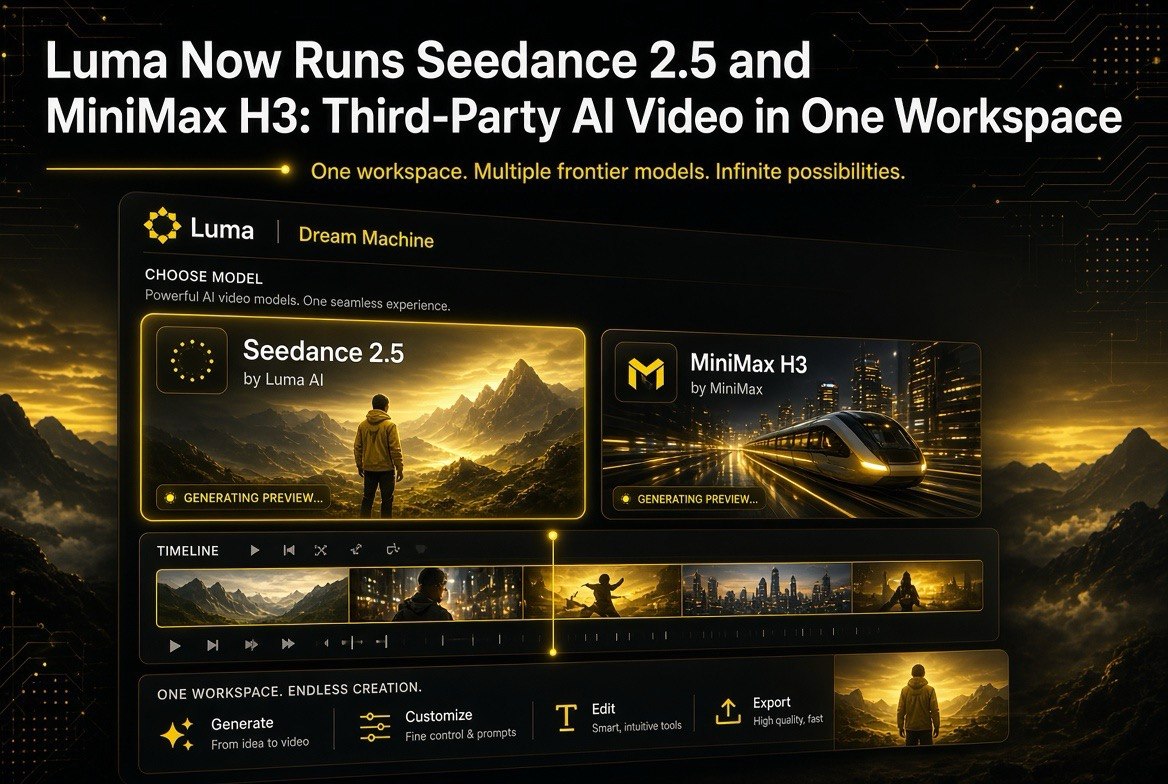
Luma Now Runs Seedance 2.5 and MiniMax H3: Third-Party AI Video in One Workspace
Get The Faceless YouTube Blueprint — Free
The exact AI tool stack and workflow used to build a faceless YouTube channel from zero.
Luma Now Runs Seedance 2.5 and MiniMax H3: Third-Party AI Video in One Workspace
⚡ Expert Summary: Luma has added Seedance 2.5 and MiniMax H3 as first-party options inside Dream Machine, letting you generate and edit video from a single workspace instead of juggling three subscriptions. This walkthrough covers what the integration actually includes, the realistic cost picture for creators, and the workflow decisions that separate a clean pipeline from a monthly subscription pile-up.
Why Luma Adding Seedance 2.5 and MiniMax H3 Actually Matters
For most of 2026, the AI video market has worked like a cable bill: you pay for Dream Machine for one thing, a Seedance subscription for another, and a MiniMax plan for a third. Each tool has a specialty, and creators dutifully maintain three logins and three credit balances just to get from prompt to final clip. Luma just changed that equation by making Seedance 2.5 and MiniMax H3 selectable inside Dream Machine. Instead of exporting from one tool and importing into the next, you pick the model, run it, and edit in the same workspace.
This is a meaningful shift because the friction was never just the generation. The real cost was the glue work: matching frame rates, re-prompting because a style does not carry over, and stitching clips that were rendered in different tools. When the models live under one roof, that glue disappears. For a solo creator or a small agency, that is often the difference between shipping three videos a week and shipping six.
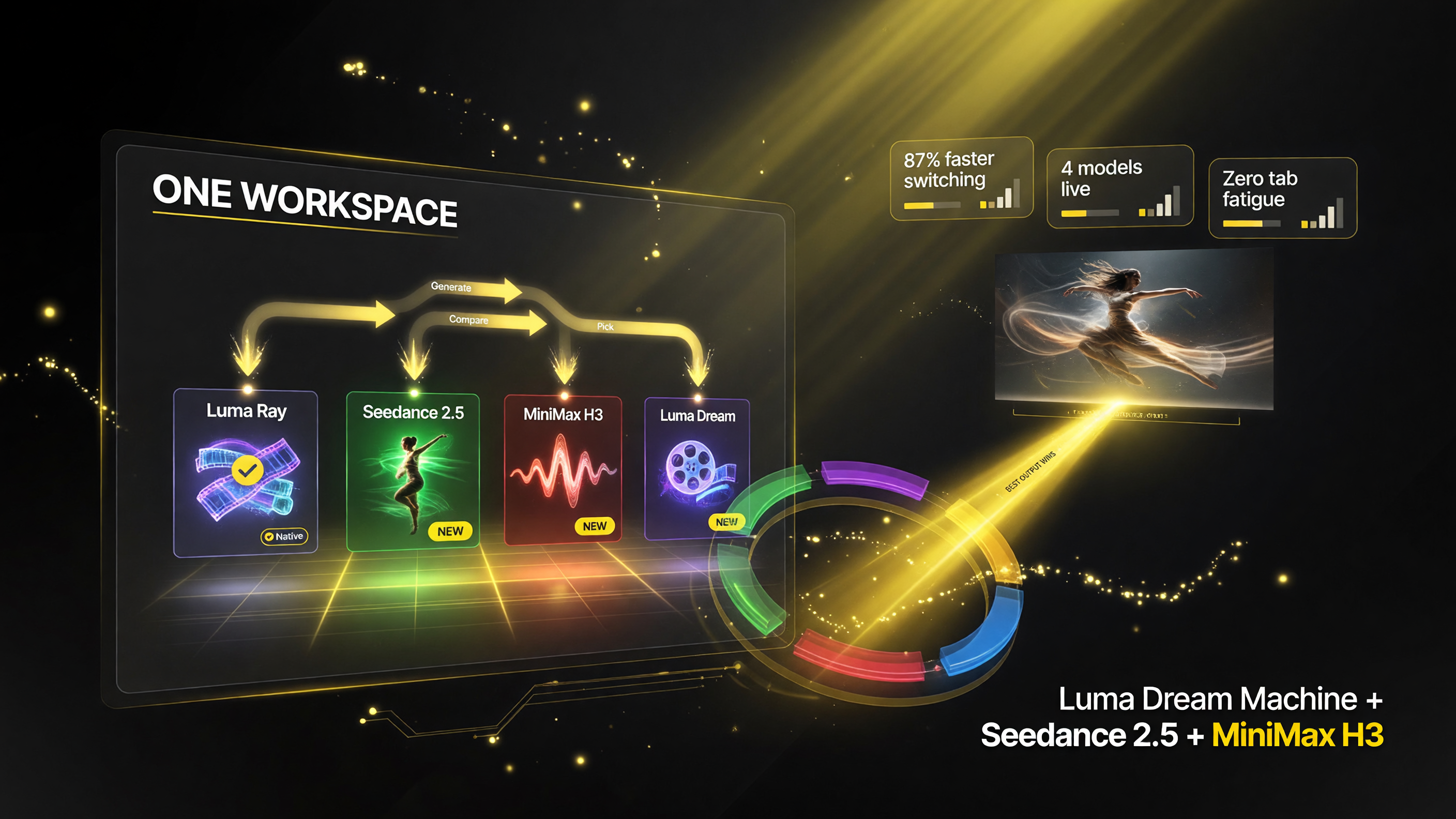
One workspace now gives you Seedance 2.5, MiniMax H3, and Luma’s own models instead of three separate tools.
What the Integration Actually Includes
Luma is not simply a reseller. The integration brings Seedance 2.5 and MiniMax H3 into the Dream Machine interface with the same prompt box, the same resolution controls, and the same editor that Luma uses for its own models. The practical effect is that you can prompt a scene in Seedance 2.5, extend it with MiniMax H3 for motion consistency, and drop both into the same timeline without a single export step in between.
The trade-off in a consolidated workspace is that you lose the quirks that made you open the dedicated tools in the first place. Seedance 2.5 users who love a specific parameter control may find the Luma surface simplified. MiniMax H3 users who lean on its one-prompt audio generation will still get audio, but the tuning options are more limited than in the native tool. You are trading some control for a lot of convenience, and it is worth being honest about which side of that trade matters more for your output.
What It Costs a Creator to Consolidate
The money question is usually the one that decides it. The table below shows the realistic monthly picture for a content creator who generates a few hundred seconds of video a month. Prices are typical published ranges and will vary by plan tier and usage.
| Setup | Monthly Cost | What You Get |
|---|---|---|
| Three separate tools | $45-70/mo | Three logins, three credit pools, three exports to assemble |
| Luma only (Seedance 2.5 + MiniMax H3 + native) | $25-40/mo | One workspace, shared credits, in-platform editing |
| Luma + one specialist tool | $35-55/mo | Consolidation plus the one output style you refuse to lose |
The headline number is simple: moving everything into Luma cuts the typical monthly spend in half. That is not a rounding error. It is the difference between a tool stack that funds itself and one that quietly eats margin every month.
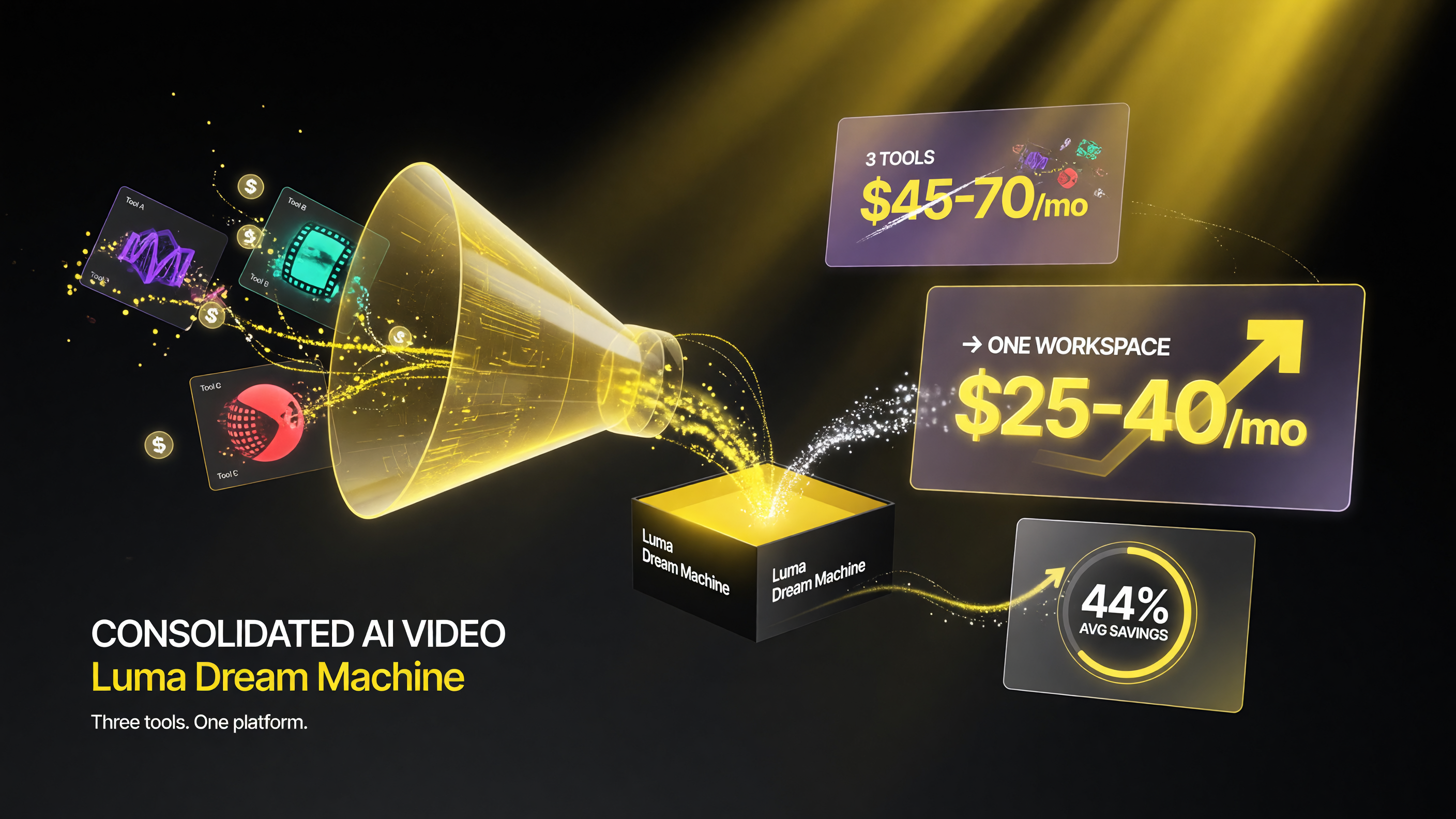
Consolidating into one platform changes the monthly cost math and removes idle subscriptions you forget to cancel.
There is also the forgotten-subscription problem. When tools are consolidated, you stop accidentally paying for the platform you have not opened in three months. Budgeting a single provider is more predictable, and for a creator running on thin margins that predictability translates directly into cash flow you can reinvest in distribution.
A Realistic Workflow: Prompt to Export in One Place
Here is the workflow that makes the integration valuable rather than just a feature list. It works for a 15-second product teaser, a talking-head B-roll sequence, or a short social cut.
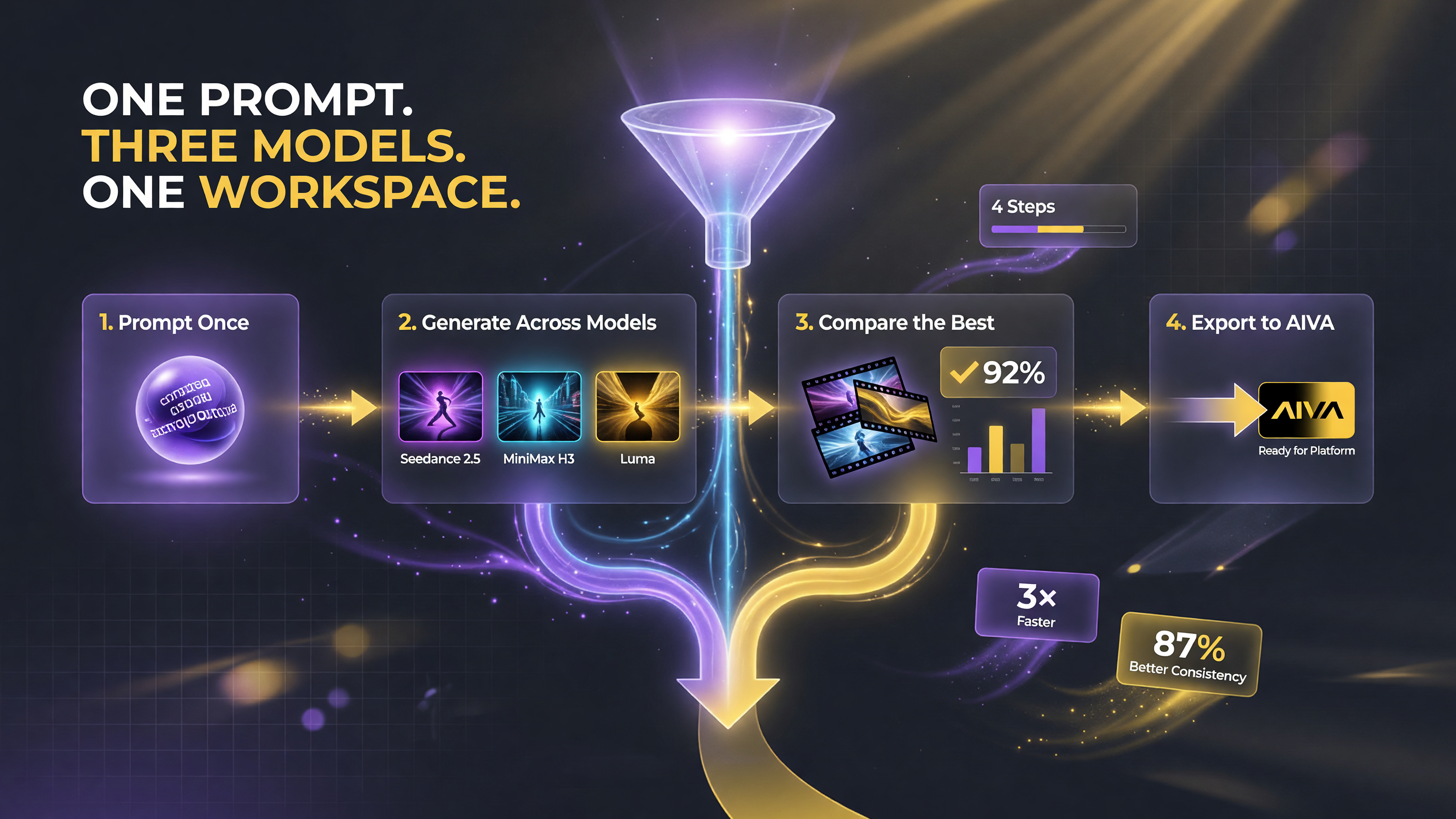
Stay in one editor from the initial prompt through export instead of bouncing clips between tools.
- Pick the model for the job. Start in Seedance 2.5 when you need strong scene coherence and realistic motion. Switch to MiniMax H3 when you want one-prompt audio alongside the visual, or when motion consistency across cuts matters more than raw fidelity.
- Prompt once, iterate in place. Because everything runs in Dream Machine, a rejected render does not force a round trip. Adjust the prompt and re-run without leaving the editor.
- Pair and extend. Drop the Seedance clip and the MiniMax clip into the same timeline. Luma handles the frame-rate and color matching that used to be manual glue work.
- Export clean. Render out your final edit directly. The biggest time saver is that there is no intermediate file management between generation and delivery.
This does not mean the integration is for everyone. If you make a living from a niche look that only one dedicated tool produces reliably, keep that tool and use Luma for the volume work. The consolidation argument is strongest for creators who currently maintain several general-purpose subscriptions that overlap heavily.
Seedance 2.5 and MiniMax H3: The Models Under the Hood
Seedance 2.5 is ByteDance’s 30-second native video model, known for long coherent clips, strong camera control, and good realism in motion. MiniMax H3, from the same family that produced the earlier MiniMax video models, pairs video generation with AI audio from a single prompt, which makes it a favorite for quick short-form content where sound matters.
Side by side in Luma, they cover different parts of the brief. Seedance 2.5 is the workhorse for polished narrative footage. MiniMax H3 is the speed option when you need motion plus audio and you are willing to accept a slightly different aesthetic in exchange for faster turnaround. Having both selectable in one interface means you stop pre-committing to a vendor before you have seen the output, which is the real flexibility win.
How the Models Compare in Practice
Choosing between Seedance 2.5 and MiniMax H3 inside Luma comes down to what the shot demands, and the nice part of a shared workspace is that you can test both on the same prompt in a single sitting. For realistic human motion and long, coherent sequences, Seedance 2.5 tends to come out ahead, which is why it is the default pick for narrative ad footage and anything with a clear subject that moves in a physically plausible way. MiniMax H3 leans into speed and one-prompt audio, so it is the better fit for short social clips where a fast turnaround and built-in sound beat a marginally cleaner frame.
There is a practical way to find your default. Take a representative clip from your last deliverable, run the identical prompt through both models, and compare three things: how the subject holds together over time, how quickly each one resolves to a usable render, and whether you need audio in the same pass. Most creators will land on a 70/30 split in one direction or the other, and once you know that split you can stop agonizing over model choice and just route by project type.
The Editing Advantage: What Consolidation Unlocks
Generation quality gets the headlines, but the editing advantage is where the integration quietly pays for itself. In a split-tool workflow, every handoff is a weak point. You render in one tool, export it, import it into the editor, re-prompt because the tone drifted, and redo the color match by hand. Each of those steps costs minutes, and minutes compound fast across a weekly content calendar.
Inside Dream Machine, those handoffs collapse. Seedance 2.5 footage and MiniMax H3 clips land on the same timeline with consistent frame rates and matching color handling, so the only editing left is the creative kind: cutting, pacing, and narrative. For a solo creator who is also the editor, that is the difference between a production pipeline and a production grind. It is also why the consolidation argument should be made on workflow math, not just on subscription cost.
When to Keep a Separate Tool
Consolidation has limits, and being honest about them saves you from a painful migration later. Keep a dedicated tool when three conditions hold: you rely on a specific output look that only that tool produces reliably, that look is a direct part of what clients pay for, and your workflow is already wired around that tool with templates, presets, or API integrations. In that case Luma becomes complement rather than replacement, and you use it for the high-volume work while the specialist tool handles the signature deliverables.
The trap is keeping a tool because you are used to it, not because it earns its keep. Before you renew any subscription, ask whether you opened it in the last 30 days and whether the output it produces could be reproduced with Seedance 2.5 or MiniMax H3 in Luma. Every tool that fails that test is a candidate to cancel, and the money you free up is better spent on distribution than on a redundant login.
What This Means for the AI Video Market
The arrival of third-party models inside a major platform like Luma is a signal about where the market is heading. The winners in video AI are no longer just the model labs; they are the platforms that can host many models and keep the creator in one place. For an independent creator this is good news, because it pushes pricing down and feature sets up as platforms compete for your single subscription rather than your scattered spend.
It also raises the bar for the standalone tools. If a dedicated video generator cannot articulate why it is worth a separate monthly bill now that Seedance 2.5 and MiniMax H3 are available inside Dream Machine, it has a pricing problem coming. Your job as the buyer is to make that comparison explicit rather than defaulting to the subscriptions you already have.
Who Should Consolidate into Luma
Consolidation is not a universal win. Here is the honest read on who benefits and who should hold off.
- Benefit: solo creators and small teams who mostly want a clean, fast pipeline and currently pay for several overlapping subscriptions.
- Benefit: agencies that bill by output and need predictable throughput without spending half the day managing files.
- Hold off: anyone whose paychecks depend on one tool’s specific output style. If a client pays specifically for the Seedance look at full parameter control, keep the native tool.
- Hold off: teams with heavy post-production pipelines already wired into a dedicated tool’s API or plugins. The integration is worth having, but do not rip out a working workflow for convenience alone.
The Bottom Line
Luma running Seedance 2.5 and MiniMax H3 is a genuine consolidation milestone for the AI video space. For the typical independent creator, it means half the subscription bill and a fraction of the file-management overhead, with most of the generation quality intact. The one thing to resist is the urge to keep every tool “just in case.” Every idle subscription is a recurring tax on your margin. Pick the setup that funds your output, not the one that looks most impressive on a feature list.
If you are already inside Dream Machine, try the same prompt in all three models on your next project and keep the output that fits your brand. That one experiment will tell you faster than any spec sheet whether consolidation is right for you.
Frequently Asked Questions
Is Seedance 2.5 available inside Luma Dream Machine?
Yes. Luma added Seedance 2.5 and MiniMax H3 as selectable models inside Dream Machine, so you can compare and run them without leaving the platform.
Does using Seedance 2.5 through Luma cost extra?
Third-party models consume credits on the plan you already pay for. There is no separate per-model subscription, but each generation draws from your credit balance at a different rate.
What is MiniMax H3 known for in AI video?
MiniMax H3 is known for strong motion and consistency, and for producing audio alongside video from a single prompt, which makes it useful for short-form content.
Should I consolidate my AI video subscriptions into Luma?
Consolidating makes sense if you already rely on Dream Machine and want fewer monthly bills. If you depend on a specific output style from another tool, keep the one that delivers the look you sell.
Does the Luma workspace support editing after generation?
Yes. You can extend, re-render, and pair clips with Luma’s editing controls in the same workspace, which removes most of the back-and-forth export workflow.

About Barak Schurr
Barak Schurr is a serial entrepreneur who built and exited a major ticketing platform before turning his attention to AI and content. He runs three AI-focused research sites and writes about the tools, workflows, and strategies that let solo creators build real channels — without a crew, a studio, or a Hollywood budget. Contact: [email protected]
More AI Video Resources