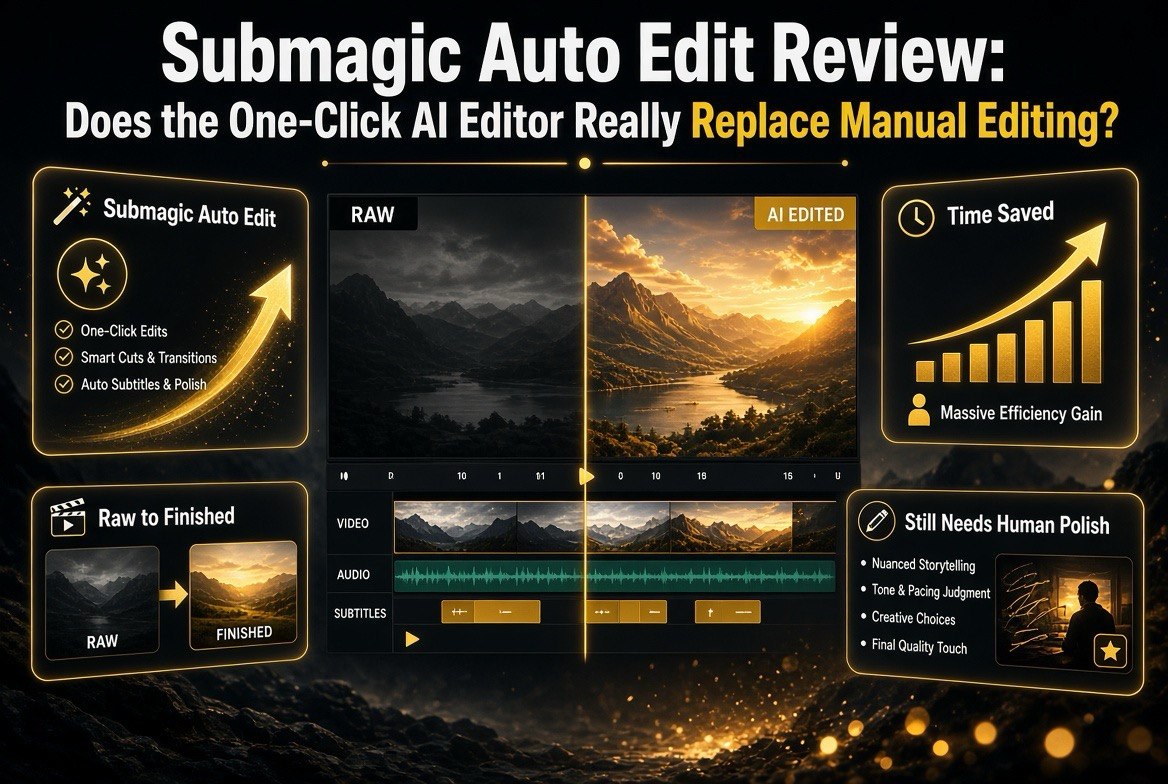
Submagic Auto Edit Review: Does the One-Click AI Editor Really Replace Manual Editing?
Get The Faceless YouTube Blueprint — Free
The exact AI tool stack and workflow used to build a faceless YouTube channel from zero.
Submagic Auto Edit Review: Does the One-Click AI Editor Really Replace Manual Editing?
⚡ Expert Summary: Submagic’s AI Auto Edit, launched in early 2026, turns raw footage into a finished short-form video in minutes. It auto-generates animated captions in 123+ languages at around 98-99% accuracy, inserts contextual B-roll, trims silences and filler, and adds cinematic zooms and effects. The catch: it’s most powerful for talking-head, podcast, and repurposing workflows — and least useful for highly art-directed, multi-scene projects. This review breaks down exactly where it saves you hours and where it still needs a human.
Let’s be honest about the state of short-form editing. You film a great podcast clip, a talking-head video, or a product walkthrough. Then you open your editor and spend the next two hours cutting silences, adding captions, hunting for B-roll, syncing timing, and dropping transitions — for a 45-second video that gets scrolled past anyway. That’s the reality of content creation in 2026, and it’s why a tool like Submagic’s Auto Edit exists.
Submagic has been a known name for AI-generated captions for a while. In early 2026, it pushed the concept much further with AI Auto Edit — a one-click workflow that claims to take raw footage straight to a ready-to-publish short. The promise is real on paper. The question is whether the output actually holds up for creators who care about quality, not just speed.
What Exactly Is Submagic Auto Edit?
AI Auto Edit is Submagic’s fully automated editing pipeline. It’s not another captioning add-on; it’s a complete edit. The workflow is deliberately short — three steps:
- Pick a template or style. You choose a caption style, overall look, and format (typically 9:16 for TikTok, Reels, and YouTube Shorts).
- Upload your footage — or in some cases paste a link, which the tool pulls in.
- Export. Submagic renders a finished video with captions, B-roll, cuts, effects, and music, ready to post.
For a typical talking-head clip, Submagic claims the whole pipeline can finish in under five minutes. That’s not the “I could do it faster manually” kind of five minutes — that’s the “I would still be trimming in my editor” kind of five minutes that actually changes your output volume.
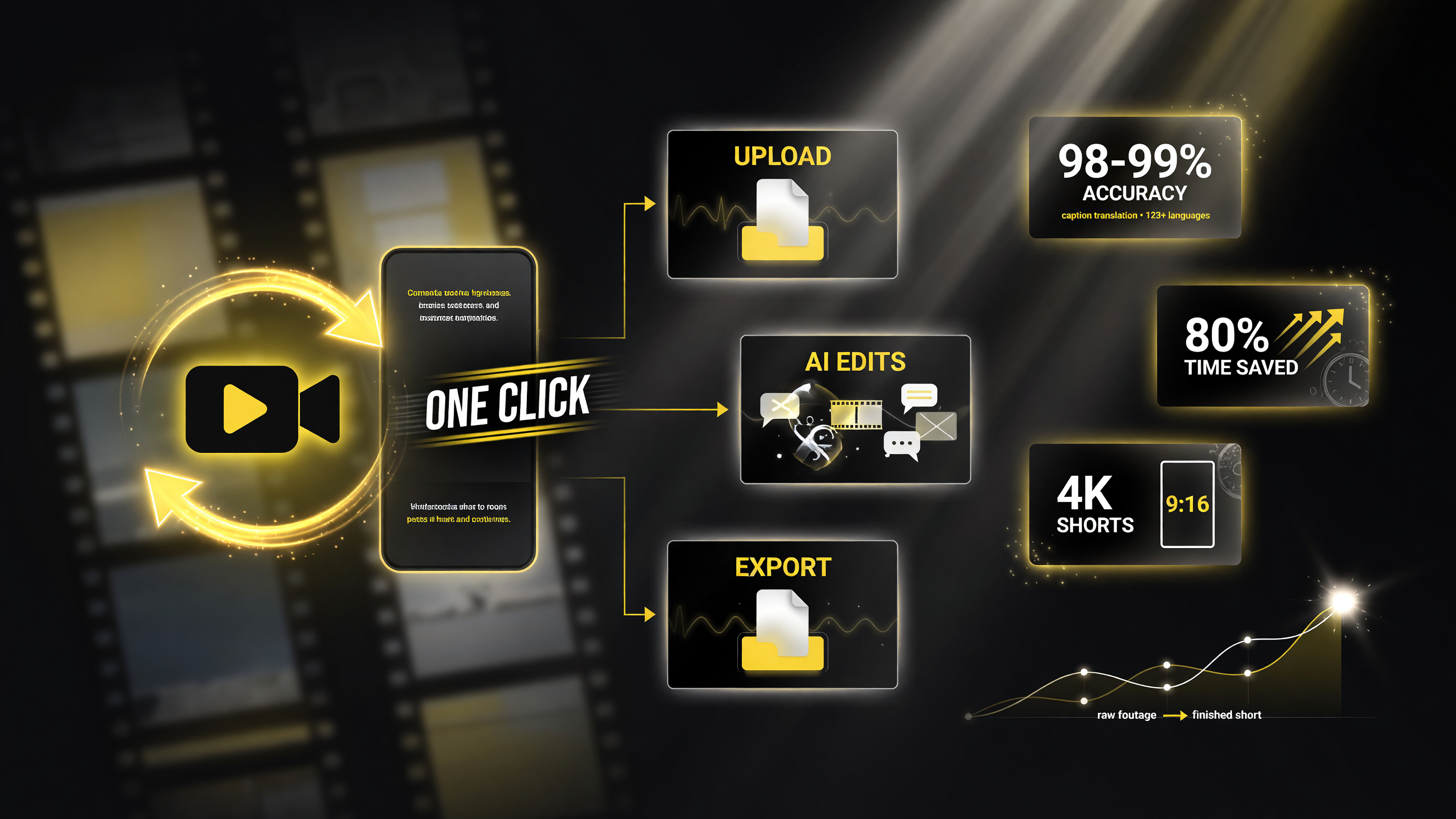
The full one-click workflow: upload raw footage, let AI caption, B-roll, cut and zoom, then export a finished 9:16 short.
The Four Things Auto Edit Handles Automatically
To judge whether this replaces your editor, you need to see what it actually does under the hood. Four capabilities define the experience.
1. Captions that are actually good
This is Submagic’s home turf. Auto Edit generates synced, animated captions in 123+ languages with claimed accuracy around 98-99%. You get emoji, keyword highlights, and animation styles — or full customization of typography, colors, and position. For a creator posting in English and repurposing into Spanish or Portuguese without re-creating the video, multilanguage captioning is a genuine superpower.
2. Contextual B-roll
The AI reads your transcript and inserts relevant stock footage from a built-in library (like Storyblocks) or your own uploads. If you mention “coffee,” it can cut to a coffee shot. You control how frequently B-roll appears. This is the feature that transforms a static talking head into a watchable short — and it’s the one that’s most impressive when it lands correctly.
3. Smart trimming
Auto Edit detects and removes silences, filler words, and bad takes, with modes ranging from Natural to Extra Fast. For a podcast clip with “umms” and pauses, this does what you’d otherwise do frame by frame — automatically.
4. Auto effects and pacing
It adds cinematic zooms (with placements the AI suggests based on emphasis), transitions, sound effects, and background music. The result is meant to feel like a human editor made pacing decisions, not like a template machine stamped your face onto a stock timeline.
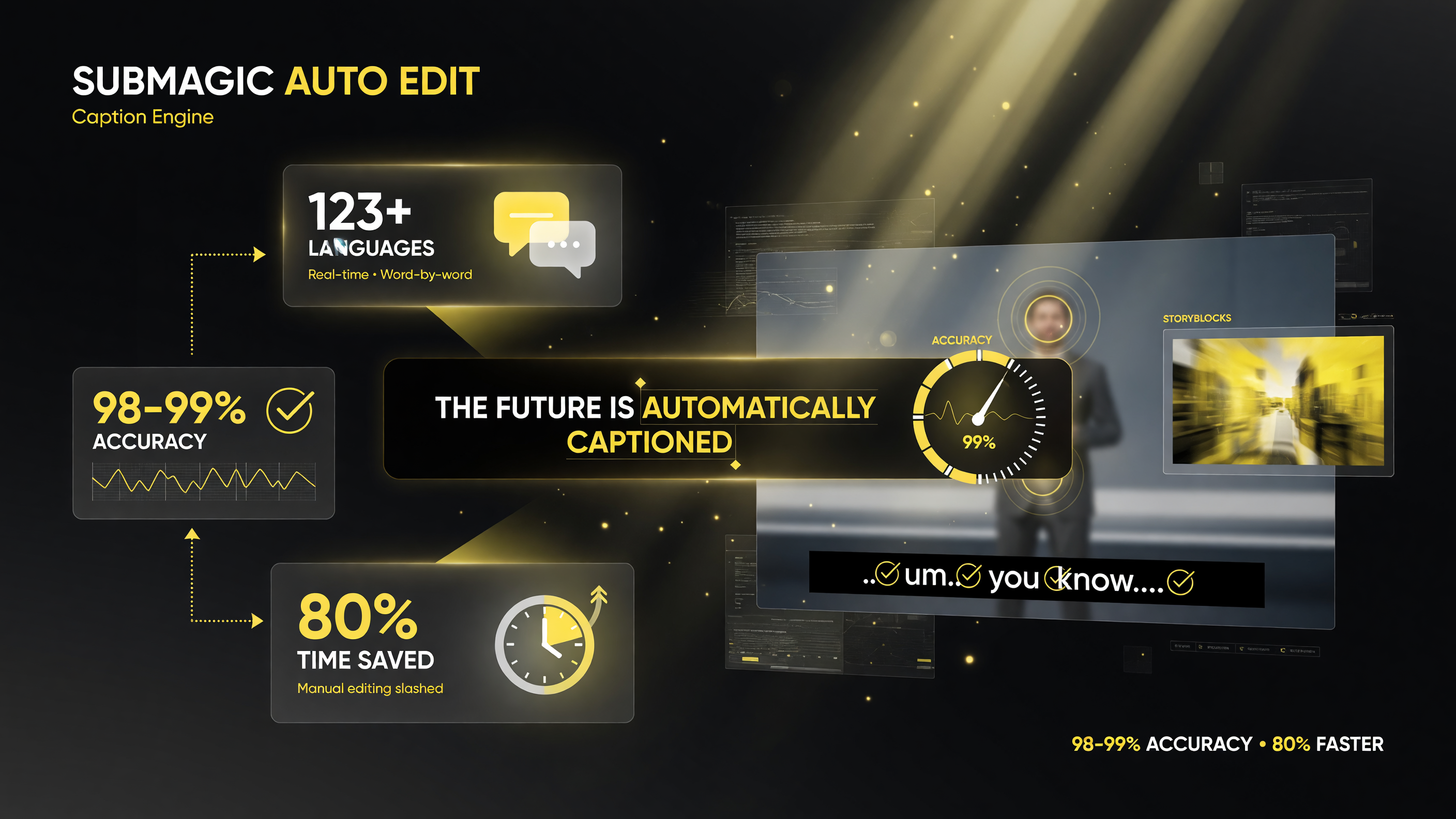
What fires automatically on every edit: animated captions, Storyblocks B-roll, silence and filler cutting, and cinematic zooms.
Where Submagic Auto Edit Shines
If you match the tool to the right workflow, the ROI is dramatic. The sweet spot is high-volume, talking-head, repurposing content:
- Podcasters turning a 60-minute episode into multiple shorts. The Magic Clips feature pulls highlight segments and edits them into separate short-form videos.
- Coaches and educators who record themselves constantly and need captions + pacing without a videographer.
- Agencies and social teams processing a large batch of UGC or creator footage where per-video manual editing would never scale.
- Creators repurposing one long video into 9:16 clips for different platforms.
For these workflows, Submagic isn’t a slightly easier editor — it’s a different category. It converts editing from a bottleneck into a batch operation. Instead of one video per afternoon, you can produce a week’s worth of shorts in a single session.
Where It Still Needs a Human
Now the honest part, because a real review does you no good if it’s all praise. Auto Edit is not a replacement for a creative editor on every type of video.
- Art-directed, multi-scene narratives. If your video has a specific visual story — camera moves, color grading, deliberate scene sequencing — automated effects won’t nail your intent. The AI makes good default choices, not your choices.
- Brand-critical precision. A 98-99% caption accuracy is excellent, but on a flagship piece with the CEO’s name and a product price on screen, that 1-2% error rate is a review-bait waiting to happen. You should still proofread captions on high-stakes videos.
- B-roll judgment. Contextual B-roll is smart, but sometimes it’s too obvious — a literal stock image of the thing you said rather than something that elevates the mood. Expect to toggle frequency or swap clips on some videos.
- Custom animation. If you want a very specific lower-third or a brand kit beyond a defined template, you’ll do more manual work than the “one click” marketing implies.
None of these are dealbreakers. They’re the difference between “the tool edits my video” and “the tool gives me a strong first edit that I refine.” For most volume creators, that trade is overwhelmingly worth it.
How It Compares to the Main Alternatives
Submagic isn’t the only automated option in 2026 — CapCut and other AI editors have been pushing into the same territory. So where does Auto Edit sit? It’s useful to judge it against the realistic alternatives rather than the idealized “old way.”
CapCut: CapCut’s AI captioning and template system is strong and comes with a huge free tier. But its auto-editing is more template-led than Submagic’s transcript-led approach. CapCut gives you powerful manual tools plus AI assists; Submagic Auto Edit leans fully into the assistant actually making the edit decisions. If you like being in control of every cut with a powerful editor at hand, CapCut is the more familiar lane. If you want the biggest share of the edit done for you automatically, Auto Edit goes further.
Full manual editing (Premiere, DaVinci Resolve): These give you maximum control and zero autopilot. For polished, art-directed work they’re still the destination. But they’re also where hours disappear on mechanical tasks that Auto Edit does instantly. Nobody serious is suggesting Auto Edit replaces Resolve for a music video; the argument is that it doesn’t need to. It’s a first-draft machine for a different job.
Other AI caption tools: Plenty of tools generate captions well. What separates Auto Edit is bundling captions with B-roll, trimming, and effects into one automated pass instead of leaving you to stitch those steps together yourself.
The honest summary: Auto Edit wins when you prioritize throughput and consistency over fine-grained control. It’s a tool for scaling output, not for obsessing over a single frame.
A Real Workflow: From Podcast to Three Shorts in One Sitting
Say you record a 45-minute podcast and want three short clips for the week. The manual route means listening for highlights, cutting each moment, captioning each, finding B-roll, and pacing each one — realistically a multi-hour job before the first video posts.
With Submagic Auto Edit, the same session looks different:
- Run Magic Clips to pull the strongest highlight segments from the episode.
- For each clip, pick a caption template and let Auto Edit generate captions, trim the dead air, and suggest B-roll.
- Review each draft — swap a B-roll clip that misses the mark, confirm a caption highlight, dial the pacing mode.
- Export three finished 9:16 videos and schedule them.
Your time shifts from building each video to QA’ing them. That’s the whole point. And when you have an agency or a repeating weekly show, that same workflow scales across ten episodes instead of collapsing under the manual workload.
There’s one more efficiency worth naming: versioning. Because Auto Edit keeps your source footage and applies a consistent template, you can re-export the same clip in different formats or caption languages without redoing the edit. That single capability — iterative output from one source — is a quiet force multiplier for teams juggling TikTok, Reels, Shorts, and LinkedIn from the same recording.
How It Compares to Editing the Old Way
Measure Submagic against the real cost of not using it. A single polished short from raw footage — captions, cuts, B-roll, effects — realistically takes a competent editor anywhere from 30 minutes to two hours, depending on the source material. At even one hour per video, a creator posting five shorts a week is spending five hours a week on editing alone.
With Auto Edit, that same set of five videos can be produced in a single focused session, with most of your time going to reviewing and fine-tuning rather than building from scratch. On the highest-volume, lowest-complexity content (talking heads, podcasts), the time savings easily reach 70-80% — which is the difference between a side project and a sustainable content operation.
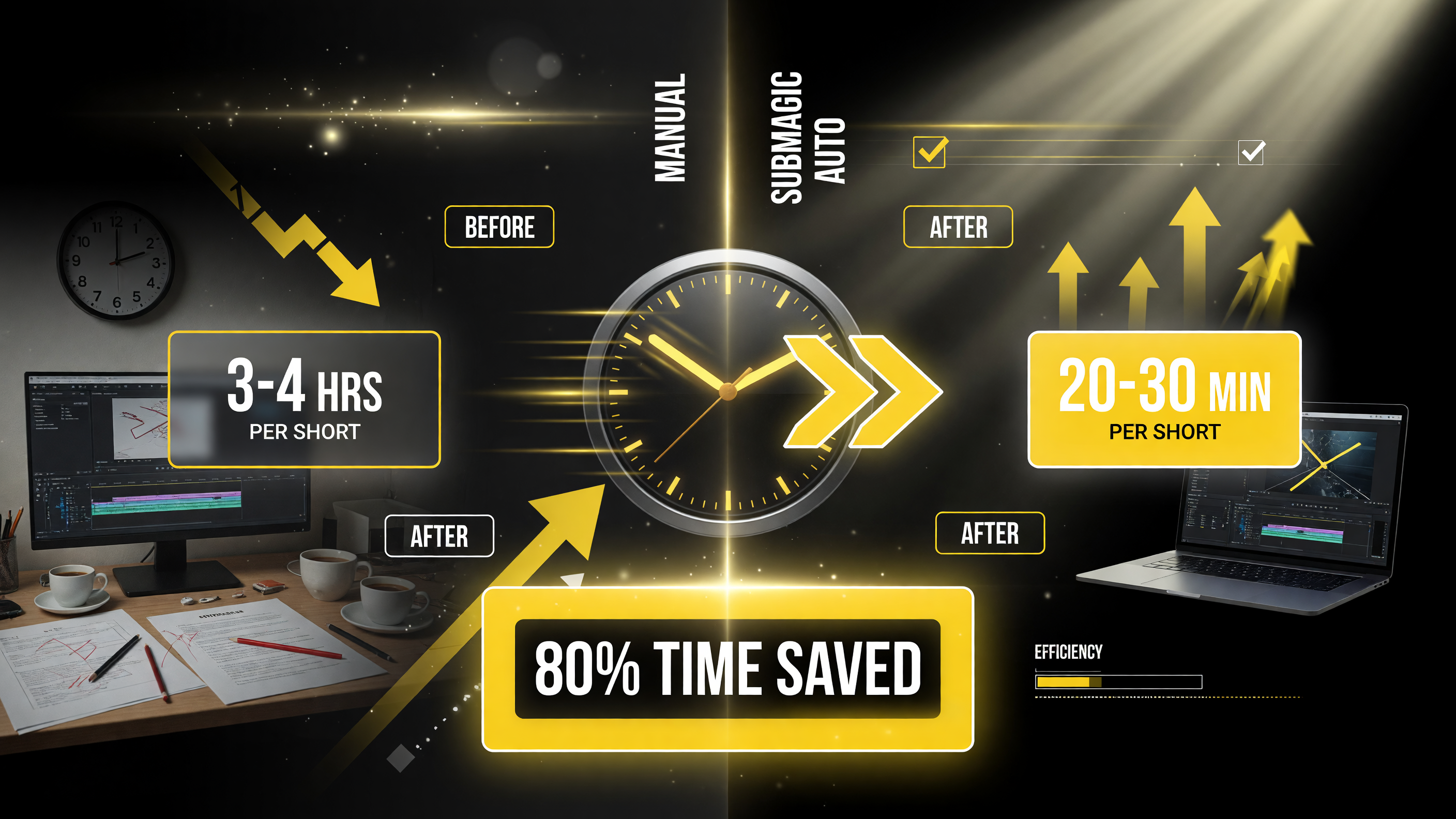
Manual editing runs 3-4 hours per short; Auto Edit gets you to a finished cut in roughly 20-30 minutes.
Who Should, and Shouldn’t, Buy This
Buy it if: you record yourself regularly; you repurpose podcasts or long-form content into shorts; you manage content for clients and need batch throughput; or you’re posting multiple times per week and editing is your bottleneck.
Skip it if: you only make a couple of heavily art-directed videos a month where you control every frame; or your content is almost entirely animation, gameplay capture, or multi-scene productions where automated editing can’t reproduce your vision.
There’s also a middle path worth noting: Submagic offers an API, so teams can plug Auto Edit into a larger automation workflow rather than using it as a standalone app. If you already have a content pipeline, that’s a more scalable integration than pasting footage into a web editor each time.
The Bottom Line
Submagic Auto Edit is one of the strongest executions of the “full automation” trend in AI video in 2026. It’s not magic — it makes smart default choices and hands you a strong draft, and you still carry the creative judgment. But for the highest-volume, most formulaic categories of short-form content, it genuinely transforms what one person can ship in a week.
The creators who win with tools like this aren’t the ones who abandon editing. They’re the ones who shift their hours from mechanical cutting to the parts that actually matter — the idea, the story, the call to action. If Auto Edit frees up even half your editing time for that, it pays for itself quickly.
FAQ
What is Submagic Auto Edit?
Submagic Auto Edit is a one-click AI video editing feature launched in early 2026 that turns raw footage into a finished short-form video by automatically adding captions, trimming silences, inserting contextual B-roll, and applying cinematic effects and music.
How accurate are Submagic’s auto captions?
Submagic claims around 98-99% caption accuracy and supports animated captions in 123+ languages in its AI Auto Edit pipeline.
Does Submagic Auto Edit replace a human video editor?
For high-volume talking-head, podcast, and repurposing workflows, it can replace most manual editing. For heavily art-directed or multi-scene videos, it produces a strong first draft that still needs a human’s creative judgment.
Who is Submagic Auto Edit best for?
It’s best for podcasters, coaches, educators, agencies, and social teams producing high volumes of short-form content for TikTok, Reels, and YouTube Shorts who want to scale output without spending hours editing each video.
Does Submagic offer an API for automation?
Yes. Submagic provides an API, allowing teams to integrate Auto Edit into larger content automation workflows rather than only using it as a standalone app.

About Barak Schurr
Barak Schurr is a serial entrepreneur who built and exited a major ticketing platform before turning his attention to AI and content. He runs three AI-focused research sites and writes about the tools, workflows, and strategies that let solo creators build real channels — without a crew, a studio, or a Hollywood budget. Contact: [email protected]
More AI Video Resources