YouTube Just Changed How Viewers Find Your Videos and How You Create Them — Here’s What Google I/O 2026 Means for Creators
Get The Faceless YouTube Blueprint — Free
The exact AI tool stack and workflow used to build a faceless YouTube channel from zero.
YouTube Just Changed How Viewers Find Your Videos and How You Create Them — Here’s What Google I/O 2026 Means for Creators
⚡ Expert Summary: Key Takeaways
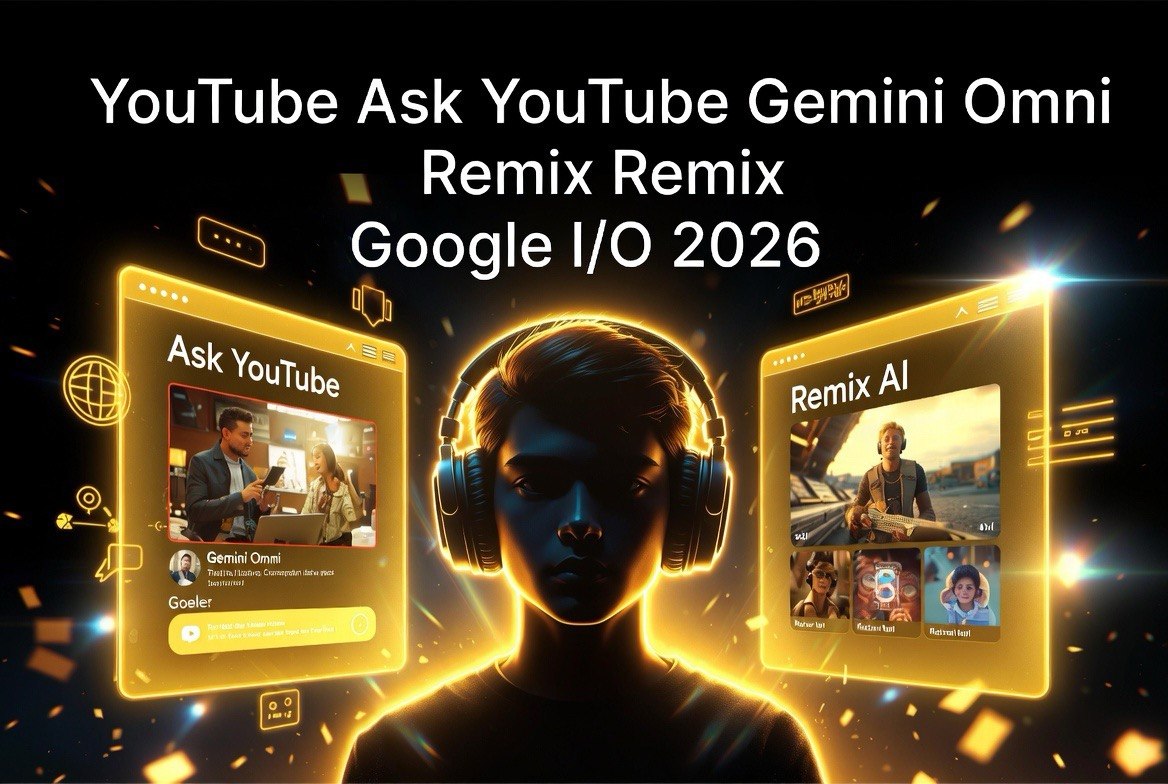
- YouTube launched two major features at Google I/O 2026 — Ask YouTube (conversational search that compiles the most relevant videos across all of YouTube into structured responses) and Gemini Omni in Shorts Remix (AI-native video editing where you describe what you want and the AI builds it).
- Ask YouTube changes content discovery fundamentally — viewers can now ask complex, multi-part questions and get curated video responses instead of keyword search results. This shifts YouTube SEO from keyword optimization to topic authority and comprehensive coverage.
- Gemini Omni in Shorts Remix lets creators remix videos by describing the output — “make this feel 90s” or “insert me into this scene” — with digital watermarking and opt-out controls for creators who don’t want their content remixed.
Announced on May 19 at Google I/O, these features are rolling out first to U.S. Premium members with broader availability expected soon.
Bottom line: If you create video content, you need to understand both of these today. Ask YouTube changes how you’ll be found. Gemini Omni changes how you’ll be remixed. Ignore either and you’re playing last year’s game.
Ask YouTube: The End of Keyword Search for Video
Ask YouTube is YouTube’s new conversational search experience. Instead of typing keywords and scrolling through results, users can ask complex, natural-language questions and get curated, structured responses that compile the most relevant videos across all of YouTube’s catalogue — including long-form videos and Shorts.
Think of it as YouTube’s answer to Perplexity or Google’s AI Overviews, but specialized for video content. A viewer can ask: “What are the best cozy games to play before bed?” and Ask YouTube will compile a response that pulls from multiple creators’ reviews, short gameplay clips, and longer analysis videos — all in one structured answer. They can ask follow-up questions to refine the results.
This is a fundamental shift in how content gets discovered on YouTube. Currently, creators optimize for specific keywords — your title, description, and tags target what someone might type into the search bar. Ask YouTube doesn’t search by keyword; it searches by topic authority. If your video thoroughly covers a topic, Ask YouTube will surface it even if your SEO isn’t perfectly optimized.
What Ask YouTube Means for Creators
Three things change for creators with conversational search.
Topic Authority Beats Keyword Optimization
The old SEO playbook was find a keyword, build a title around it, stuff the description, get ranked. Ask YouTube doesn’t work that way. It looks for videos that comprehensively answer a question. A viewer asks: “How do I teach my kid to ride a bike?” Ask YouTube looks for videos that actually cover the full process — not ones that just have “bike” and “kids” in the title. This rewards depth over keyword density.
For creators, this means you should stop optimizing for individual keywords and start optimizing for topic completeness. If your video thoroughly covers a topic from multiple angles, Ask YouTube will surface it over a keyword-optimized video that only scratches the surface.
Follow-Up Questions Change the Funnel
Traditional YouTube search is a one-shot query. Type keywords, get results, pick one. Ask YouTube supports follow-up questions — “What about tools that cost under $50?” or “Show me examples with before-and-after footage.” If your video covers sub-topics that answer common follow-ups, you’ll be surfaced deeper in the conversation. This rewards creators who build comprehensive content ecosystems — playlists that cover a topic from beginner to advanced, or videos that explicitly answer related questions within the content.
Long-Form and Shorts Are Equally Discoverable
Ask YouTube pulls from all of YouTube’s catalogue — both long-form videos and Shorts. For creators who have been debating whether to invest in long-form content, this is a signal that long-form still matters for discovery. A comprehensive 20-minute guide can be surfaced alongside a 60-second Short in the same conversational response. The key isn’t format — it’s thoroughness.
Gemini Omni in Shorts Remix: AI-Native Video Editing
The second major announcement is Gemini Omni — a new AI model that powers remixing in YouTube Shorts and the YouTube Create app. Instead of manually editing a remix, creators can describe what they want and Gemini Omni builds it.
Remix an eligible Short by adding your own prompts and images to create an entirely new vision. “Change the scene to a 90s vibe.” “Insert myself alongside this creator.” “Make the background look like a rainy city.” That’s the level of control Gemini Omni offers — and it’s running inside the Shorts creation flow, not a separate app.
The feature uses digital watermarking to mark content created or modified by AI, and YouTube has built opt-out controls for creators who don’t want their content remixed. This addresses the biggest concern creators have had since AI video tools went mainstream: losing control of how your likeness and content are used.
What Gemini Omni Means for Creators
For creators who produce Shorts regularly, Gemini Omni changes the production workflow in three ways.
Remix Speed Goes From Minutes to Seconds
Currently, remixing a Short involves downloading the video, importing it into a video editor, cutting and layering, adding effects, exporting, and re-uploading. That’s 10-15 minutes per remix. With Gemini Omni, you find the Short you want to remix, type what you want to change, and get an instant result you can post or further edit. For creators who remix 10-20 Shorts per week, this saves 2-5 hours of editing time.
New Content Formats Become Feasible
Gemini Omni enables remixes that were previously too time-consuming to be worth doing — like inserting yourself into trending creators’ videos, changing the entire aesthetic of a clip, or compositing multiple scenes together seamlessly. The barrier to creative remixes drops from “do I have time to edit this” to “do I have an idea for this” — and that’s where real creative output lives.
Opt-Out Controls Give You Agency
YouTube’s opt-out controls are arguably as important as the feature itself. If you don’t want your content remixed, you can disable it. If you want to allow remixing but limit it to certain types of transformations, you can configure that. This is YouTube learning from the backlash that other AI tools faced when they scraped creator content without permission. For aivideoadvisor.com’s audience, this is the headline within the headline: your content isn’t being used without your say-so.
Likeness Detection: YouTube’s Other Creator-First Feature
Beyond the two headline features, YouTube also rolled out likeness detection — an industry-first tool that helps creators detect when their face or voice has been used in other videos without permission. Available to all creators 18 and older, this is a practical response to the deepfake concerns that have plagued the creator economy.
For creators who have built their brand around their face and voice — which is most of AIVR’s audience — this is an essential safety net. If someone uses AI to create a video that looks like you or sounds like you, YouTube’s system flags it and alerts you.
What You Should Do Right Now
First, audit your content library for topic completeness. Do you have videos that comprehensively answer the questions your audience asks? If Ask YouTube surfaces a user’s question, will your content be the full answer or just one piece of it? Identify gaps and plan content that covers topics end-to-end.
Second, enable or disable remix opt-out in your YouTube Studio settings based on your comfort level. Decide now before a remix goes viral without your consent.
Third, test Gemini Omni the day it becomes available to your account (Premium rollout is happening now, broader access coming soon). Try remixing one of your own Shorts first to understand how the AI handles your content before you experiment with remixing others.
Frequently Asked Questions
Q: When will Ask YouTube be available to all users?
A: Ask YouTube is currently rolling out to U.S. Premium members aged 18+ through youtube.com/new. YouTube has stated that broader rollout to all users is planned but hasn’t provided a specific timeline. Check your YouTube account for availability.
Q: Will Ask YouTube reduce my video views?
A: Possibly — but not necessarily negatively. Ask YouTube compiles video results into a structured response, which means viewers may watch multiple videos in one session instead of clicking one and leaving. The key is to be one of the videos surfaced. Optimize for topic authority, not just keyword density.
Q: Can creators opt out of Gemini Omni remixing?
A: Yes. YouTube provides opt-out controls that let you disable remixing of your content entirely or configure specific permissions. Check your YouTube Studio settings under the “Remixing and AI” section.
Q: What does digital watermarking mean for Gemini Omni content?
A: Videos created or modified with Gemini Omni will include an invisible digital watermark that identifies them as AI-generated. This helps YouTube track and attribute AI-created content, and gives viewers transparency about whether what they’re watching was AI-generated.
Q: Does Ask YouTube work for non-English content?
A: Ask YouTube launches in English first. Multilingual support has not been announced but is expected given YouTube’s global audience. For creators producing content in multiple languages, this is a reason to continue building English-language content for now.

About Barak Schurr
Barak Schurr is a serial entrepreneur who built and exited a major ticketing platform before turning his attention to AI and content. He runs three AI-focused research sites and writes about the tools, workflows, and strategies that let solo creators build real channels — without a crew, a studio, or a Hollywood budget.
Email: [email protected]
More AI Resources for Your Business