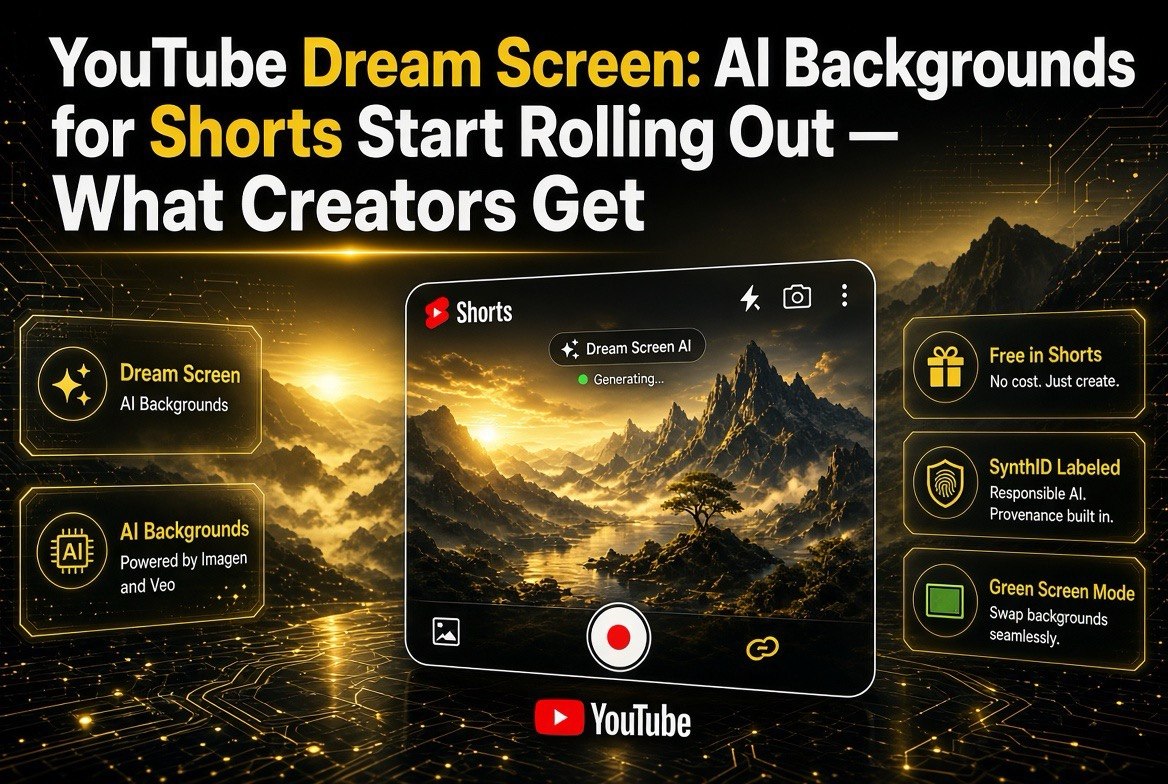
YouTube Dream Screen: AI Backgrounds for Shorts Start Rolling Out — What Creators Get
Get The Faceless YouTube Blueprint — Free
The exact AI tool stack and workflow used to build a faceless YouTube channel from zero.
YouTube Dream Screen: AI Backgrounds for Shorts Start Rolling Out — What Creators Get
⚡ Expert Summary: YouTube’s Dream Screen is a free, built-in generative AI tool that lets creators turn a text prompt into an image or video background for Shorts, right inside the YouTube app. Powered by Google DeepMind’s Imagen (images) and Veo (video), it works through the Green Screen option or the Create flow, produces up to ~6-second portrait AI clips, and keeps rolling out region by region into 2026. Every output is watermarked with SynthID and labeled as AI. No subscription required — it ships with the Shorts camera.
If you make Shorts, you already know the drill: the hardest part of a 30-second video is often not your face or your script — it’s the background. Nobody wants to film against a cluttered kitchen or a blank wall, and hiring footage or building a set for a throwaway short is not realistic. That is exactly the problem Dream Screen was built to solve.
Dream Screen is YouTube’s native AI tool that generates a custom background for your Short from a simple text prompt — no external software, no downloads, no subscription. It has been rolling out in waves since 2023, and into 2026 it keeps expanding to more markets and adding higher-quality video generation. Here is what creators actually get, how it works, and where it still falls short.
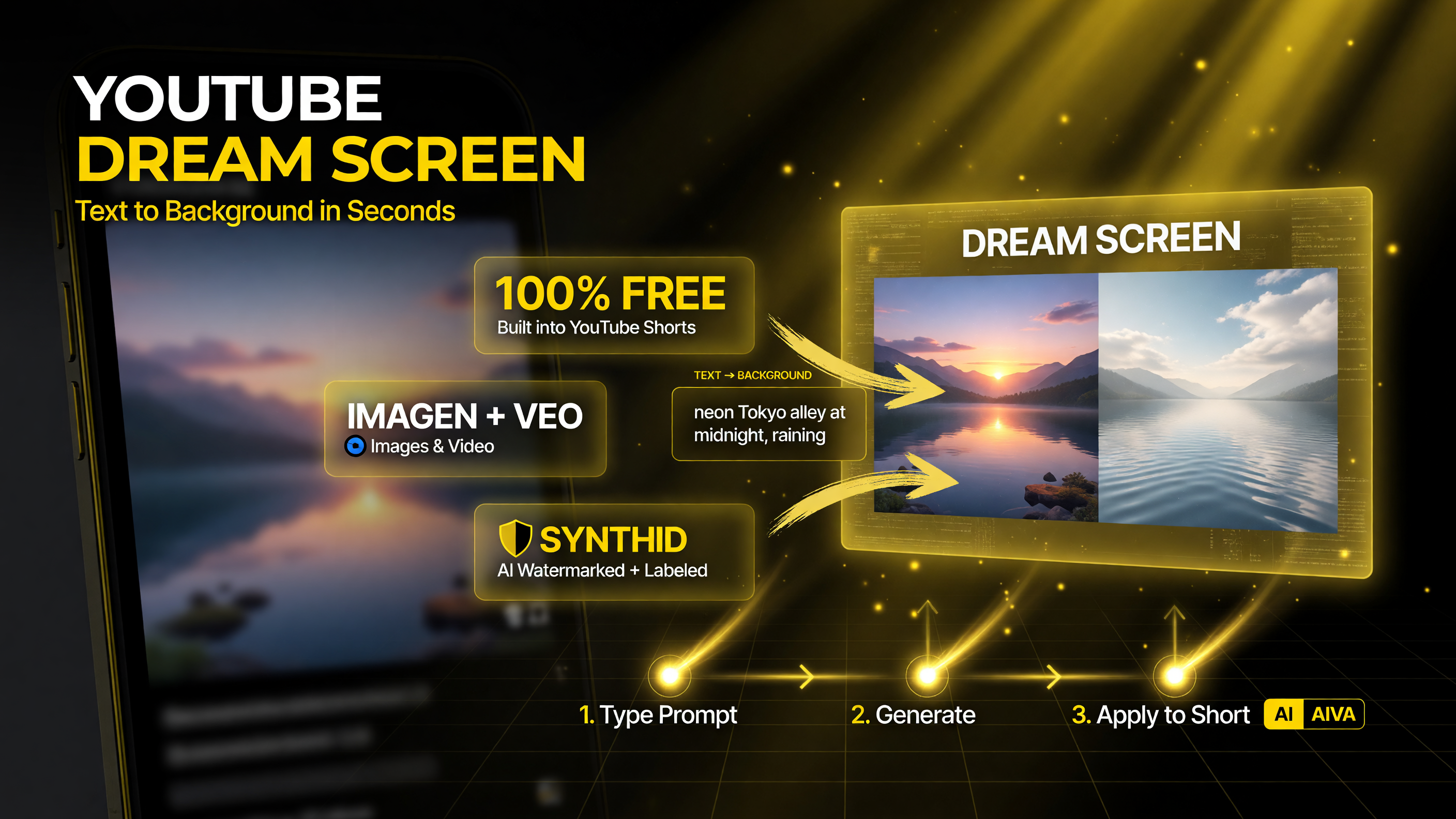
Dream Screen is YouTube’s free, built-in generative AI: type a prompt, and it produces a background for your Short right inside the app — powered by Google DeepMind’s Imagen and Veo, with every output watermarked by SynthID.
What Dream Screen Actually Does
Dream Screen lives inside the Shorts camera. You type a description like “candy-colored landscape” or “magical forest with a stream,” optionally pick a style such as claymation or vintage film, and YouTube’s AI generates the visual for you. It is powered by Google DeepMind’s models — Imagen for still images and Veo for video — which is why the output can be either a static background or a moving clip.
Two Ways to Use It
- Green Screen → Dream Screen: Generate a background and record yourself on top of it, exactly like a virtual green screen. This is the classic use case — put yourself in any scene without leaving your room.
- Media picker → Create: Generate a standalone clip to insert anywhere in a Short — a transition, an establishing shot, a B-roll beat. Since later updates added standalone clip generation, this has become a powerful way to add production value in seconds.
The video clips are usually around six seconds, 1080p, and portrait-oriented — sized for Shorts from the ground up. Depending on the model version rolled out to your region, you get either still frames that can be animated or full motion video with better physics, human movement, and detail.
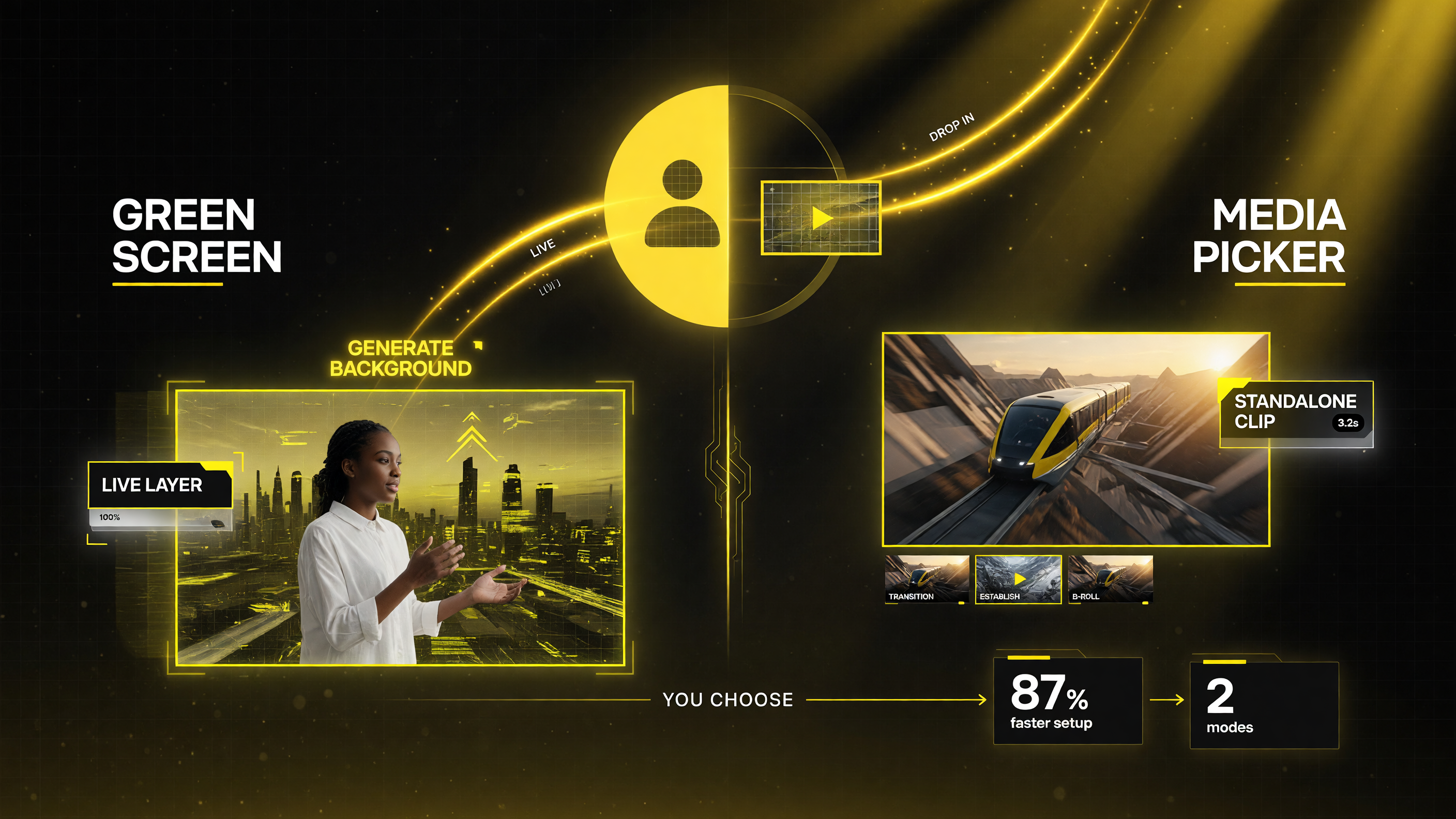
Dream Screen gives you two ways to use it — Green Screen generates a background you record on top of, while Media Picker → Create drops a standalone AI clip into your Short as a transition, establishing shot, or B-roll beat.
Free, Mobile, and Integrated
One of the most attractive things about Dream Screen is the price: it is free. There is no Premium requirement and no subscription to unlock it — if you have access in your region, it is part of the Shorts camera. The trade-off is that it is mobile-only (iOS and Android), with no desktop version, and it often requires English as your device or app language.
Because it is native to the app, there is no export, no file upload, no round trip through another tool. You prompt, you get a result, and it drops straight into your Short. For a creator cranking out multiple shorts a day, that speed is the whole point.
Rollout: Who Has It Now (2026)
Dream Screen’s rollout has been gradual and region-dependent, which is the one thing that frustrates creators the most. It is not universal, so checking your own app is the only reliable way to know if you have it. Here is the shape of the rollout as of 2026:
| Phase | Timing | What Rolled Out |
|---|---|---|
| Experimental launch | Sept 2023 | Image backgrounds only |
| Video backgrounds | Late 2024 | AI video backgrounds via Veo |
| Veo 2 integration | Early 2025 (Feb) | Higher-quality video + standalone clips; US, Canada, Australia, NZ, then UK |
| 2025-2026 expansion | Ongoing | India (via YouTube Create), MENA markets, and more regions |
At the start of 2025, the initial availability landed in the US, Canada, Australia, and New Zealand, and then expanded to the UK and other markets. By 2026 YouTube had pushed into India and select Middle East / North Africa markets, with continued plans for more regions, languages, and users. Because availability updates frequently, the practical advice is simple: open your Shorts camera and look for the Green Screen or Create option. If it is there, you are in; if not, it is likely coming.
Transparency You Can’t Miss
YouTube has built disclosure directly into Dream Screen. Every output carries a SynthID watermark and is automatically labeled as AI-generated, so viewers can tell the background was created by AI rather than filmed. YouTube also blocks prompts that violate Community Guidelines and has safeguards against generating harmful or photorealistic content of people.
That labeling matters more than creators sometimes realize. As AI content becomes indistinguishable from reality, tools that voluntarily watermark their output protect both the platform and the creators who use them — your AI-generated background will not be mistaken for real footage, and you stay compliant with disclosure expectations.
Dream Screen vs. External AI Video Tools
Creators already have plenty of AI video tools, so it is worth being honest about where Dream Screen fits. Here is the side-by-side:
| Factor | Dream Screen | External AI Video Tool (e.g. Runway, Veo access) |
|---|---|---|
| Cost | Free, no subscription | Credit/subscription based |
| Where it runs | Inside the Shorts camera (mobile) | Separate app/desktop, then import |
| Clip length | ~6 sec, Shorts-sized | Variable, often longer |
| Control / resolution | Simpler, prompt + style presets | Finer control, higher res, more params |
| Watermarking | Built-in SynthID + AI label | Varies by tool |
| Best for | Fast, on-the-fly Shorts backgrounds | Bigger projects & custom video |
The honest takeaway: Dream Screen is not trying to replace Runway or a full AI video platform. It is the fastest, cheapest way to get a good-looking background or a short clip baked directly into your Shorts workflow. For cinematic, high-resolution, longer, or heavily controlled output, a dedicated tool is still the right choice. Most creators who make Shorts regularly will end up using both — Dream Screen for the quick stuff, a real AI video tool for the hero pieces.
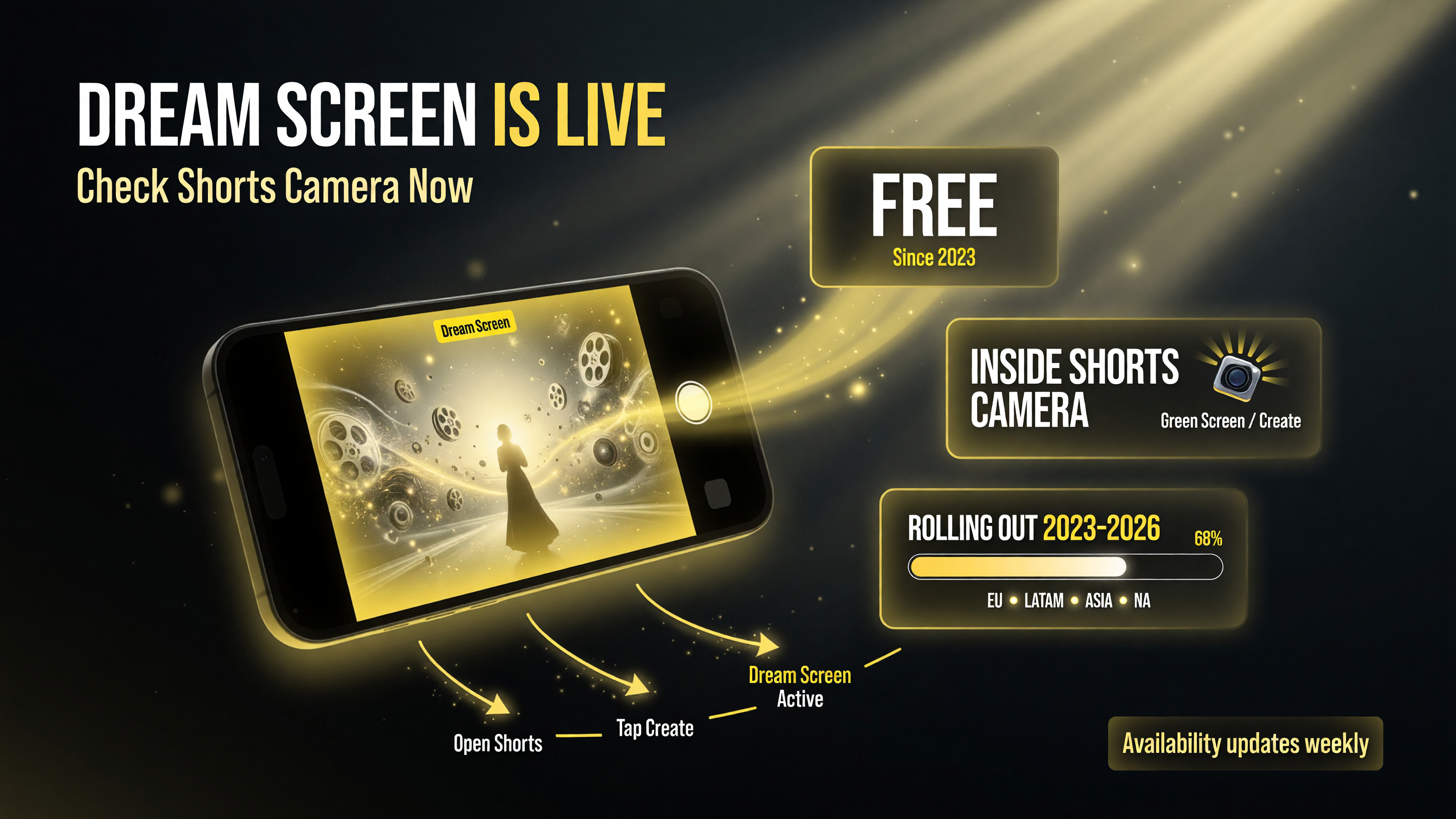
Dream Screen has been rolling out region by region since 2023 into 2026, free and built into the Shorts camera — because availability updates so often, the practical move is simply to open the camera and check for the Green Screen or Create option.
The Reality Check for Creators
Dream Screen is genuinely useful, but a few realities are worth knowing before you rely on it.
Availability is not guaranteed. This is the single biggest frustration. Because rollout is regional and language-dependent, two creators in the same country can have different access, and the feature can appear without announcement. If you do not see it, you are not doing anything wrong — it is staged to you.
AI backgrounds still look AI. Veo 2 made a big jump in physics and realism, but generated scenes can still feel slightly off, especially for anything with people or complex motion. For most Shorts backgrounds this is fine — people are watching you, not scrutinizing the frame. But do not expect pixel-perfect photorealism even now.
It is baked for Shorts, not long-form. The ~6-second, portrait, mobile workflow is tuned for short-form. If your content is long-form video, Dream Screen is not your tool — it is a Shorts feature first and foremost.
The Bottom Line
Dream Screen is the rare AI feature that removes an actual pain point instead of adding a shiny new toy to learn. For Shorts creators, the ability to type “neon city street at night” and instantly get a usable background — for free, inside the app, auto-labeled and watermarked — is a genuine workflow upgrade. The rollout may be uneven, but the direction is clear: YouTube is making AI-generated visuals a default part of how Shorts get made.
It is also worth remembering how unusual this is in the creator-tool landscape. Most AI video features are gated behind a paid tier, a credit system, or a waiting list. Dream Screen broke that pattern by making a genuinely capable AI generator free and embedded in one of the largest platforms on the internet. That combination — zero cost, zero friction, zero extra login — is exactly why so many creators who never touched a dedicated AI video tool have now generated their first AI background without even thinking of it as adoption.
It also raises a question every creator will have to answer eventually: how much of your production should be AI-generated, and how transparent should you be about it? Dream Screen removes the friction of generating AI visuals, but it does not remove the judgment call. A tasteful AI background behind you talking about a topic is one thing; a fully synthetic scene presented as filmed footage is another. The good news is that YouTube’s built-in labeling makes the choice for you — the viewer sees the AI tag, sees your craft, and decides for themselves. That leaves you free to use the tool for what it is best at: saving you time and making your Shorts look better than your actual surroundings.
There is also a practical content-strategy angle. Shorts that lean on a strong visual hook tend to earn more watch time in the first seconds — the window that decides whether a viewer keeps scrolling. Dream Screen gives even a solo creator filming from a bedroom a way to open with a striking scene, which is a lever that used to require stock footage or a set. For channels that publish daily, that means every short can look deliberate and produced rather than improvised, without adding meaningful production time. Over a month of daily shorts, that consistency is exactly what turns random clips into a recognizable channel aesthetic.
One thing to keep in mind as you experiment: the quality ceiling is rising with each model generation. Dream Screen started as still images in 2023, moved to video in late 2024, jumped with Veo 2 in early 2025, and keeps improving. If you tried an early version and were underwhelmed, it is worth a second look now — the gap between a first-generation Dream Screen still and today’s Veo-powered clips is enormous, and the feature itself updates without any action on your part.
If it is available in your app, the barrier to trying it is essentially zero. for more breakdowns of AI video tools, browse the AI video tools archive. Open the Shorts camera, tap Green Screen, type something fun, and record a short over it. Worst case you spend two minutes and know exactly what it can and cannot do. Best case, you just found your new fastest way to make a scroll-stopping background.
Frequently Asked Questions
What is YouTube Dream Screen?
Dream Screen is YouTube’s free, built-in generative AI tool that creates image or video backgrounds for Shorts from text prompts. It runs inside the Shorts camera through the Green Screen or Create option and is powered by Google DeepMind’s Imagen and Veo models.
Is Dream Screen free?
Yes. Dream Screen is free with no Premium or subscription requirement. It is part of the Shorts camera, though it is mobile-only (iOS and Android) and often requires English as the device or app language.
How do I use Dream Screen for my Shorts?
Open the Shorts camera in the YouTube app and use the Green Screen option to generate a background to record over, or use the media picker’s Create flow to generate a standalone clip to insert anywhere in your Short.
Is Dream Screen available in my country?
Availability is regional and language-dependent and has been rolling out in waves since 2023, expanding to more markets into 2026. The only reliable way to check is to open your Shorts camera and look for the Green Screen or Create option.
Does YouTube watermark AI-generated Dream Screen content?
Yes. Every Dream Screen output carries a SynthID watermark and is automatically labeled as AI-generated, and YouTube blocks prompts that violate Community Guidelines or generate harmful content.

About Barak Schurr
Barak Schurr is a serial entrepreneur who built and exited a major ticketing platform before turning his attention to AI and content. He runs three AI-focused research sites and writes about the tools, workflows, and strategies that let solo creators build real channels — without a crew, a studio, or a Hollywood budget. Contact: [email protected]
More AI Video Resources