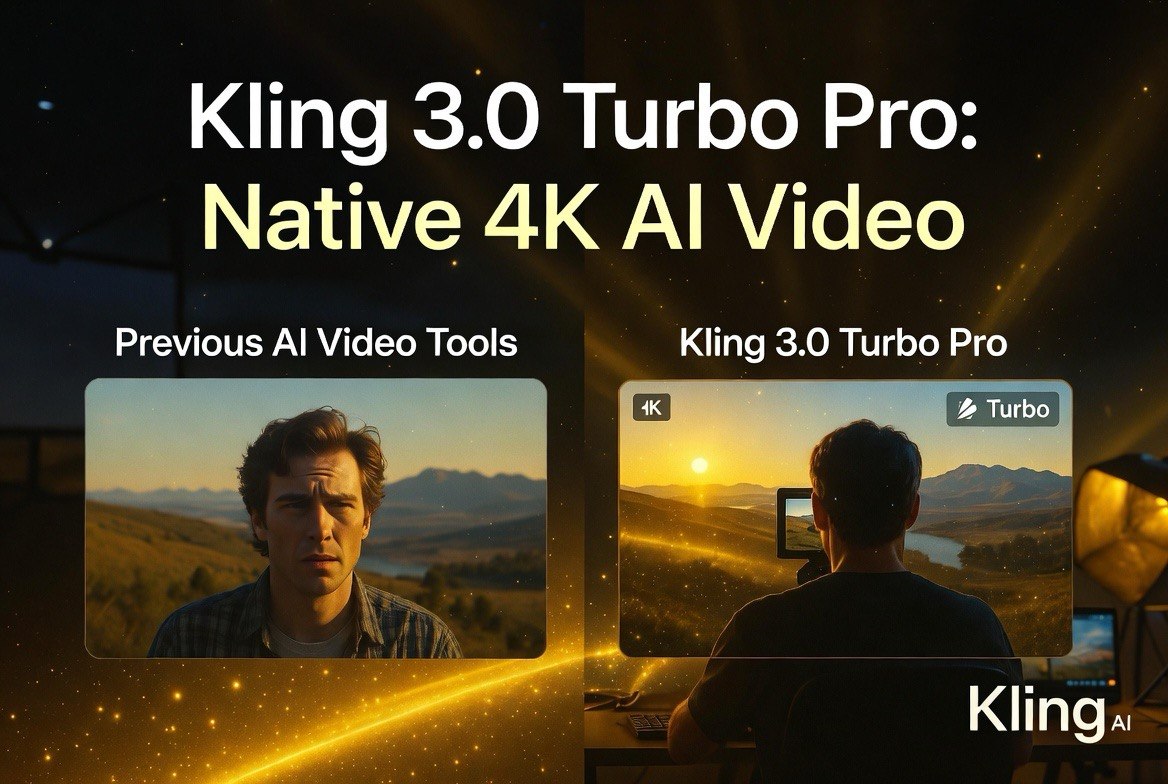
Kling 3.0 Turbo Pro: Native 4K AI Video Generation With Style Reference
Get The Faceless YouTube Blueprint — Free
The exact AI tool stack and workflow used to build a faceless YouTube channel from zero.
Kling 3.0 Turbo Pro: Native 4K AI Video Generation With Style Reference
⚡ Expert Summary: Kling 3.0 Turbo Pro, available through fal.ai, delivers native 4K AI video generation with style reference, multi-shot storyboarding, and native audio. With 26 model iterations in a year and over 100 million users worldwide, Kling has become the strongest contender for cinematic AI video production. A fully AI-generated feature film premiered at Cannes using Kling’s technology, signaling a shift from short clips to real production work.
What Makes Kling 3.0 Different?
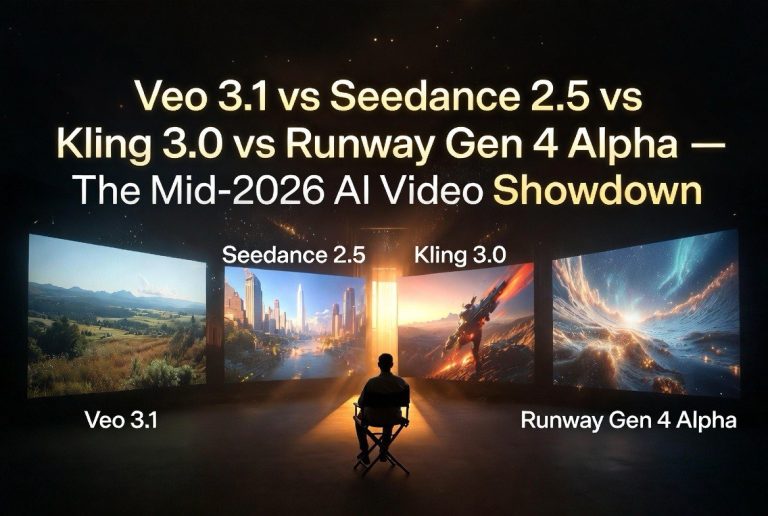
Kling AI started as a Kuaishou-backed project in China and has rapidly become one of the most capable AI video platforms globally. By June 2026, the platform had shipped 26 model iterations in a single year, crossed 100 million users worldwide, and released Kling 3.0 with features that directly challenge Runway’s dominance.
Where most AI video generators produce short clips with inconsistent characters and physics, Kling 3.0 focuses on three things: resolution, motion realism, and subject consistency. The 3.0 release brought native 4K generation, multi-shot storyboarding with up to six connected scenes, and style reference that maintains a consistent look across an entire production.
For video creators and small businesses, the practical implication is clear: Kling 3.0 can produce footage that looks like it was shot professionally, not generated by a model that doesn’t understand how objects move.
Kling 3.0 Turbo Pro on fal.ai
The most accessible way to use Kling 3.0 in the United States is through fal.ai, which hosts multiple Kling endpoints including the Turbo Pro tier. Here’s what each tier offers:
| Tier | Resolution | Clip Length | Best For | Pricing (approx) |
|---|---|---|---|---|
| Turbo | 720p | 3-10 seconds | Fast iteration, social clips | ~$0.11/s |
| Turbo Pro | 1080p | 3-10 seconds | Professional social content | ~$0.14/s |
| Pro | 1080p | 3-15 seconds | Cinematic, ads, product demos | ~$0.14/s |
| 4K | Native 4K | 3-15 seconds | Cinema-grade, commercial | ~$0.42/s |
The O3 variants (which fal.ai labels as “omni/reference-focused”) add advanced character consistency and multi-reference support, making them the best option for projects where the same subject must appear across multiple shots.
Style Reference: How Kling Handles Consistency
One of Kling 3.0’s standout features is its style reference system, called “elements.” Instead of describing your desired style in a prompt and hoping for the best, you upload one or more reference images — a character photo, a product shot, an environment — and Kling uses them as visual anchors.
The workflow works like this:
1. Upload reference images. Kling accepts frontal views plus optional additional angles for characters, or single images for objects and environments.
2. Assign element tags. Your references become @Element1, @Element2, etc., which you can call out in your prompt to tell the model which reference applies to which part of the scene.
3. Generate with multi-shot prompts. For storyboards with up to six connected scenes, each shot inherits the same element definitions, maintaining visual consistency across cuts.
This matters more than resolution specs. The biggest practical problem with AI video in 2025 and early 2026 was that characters changed appearance between shots — the protagonist in scene one looked nothing like the protagonist in scene two. Kling 3.0’s elements system solves that at the generation level, not through post-production editing.
For a small business creating a product video series, this means the same product, the same brand colors, and the same visual style persist across every shot in the commercial. You don’t need to fix inconsistencies in post — they never happen in the first place.
Native 4K: Real Resolution, Not Upscaled
Kling 3.0 offers a dedicated 4K endpoint on fal.ai that generates at true 4K resolution in a single pass. This is different from the common approach of generating at 1080p and upscaling; native 4K preserves fine detail in textures, lighting, and edges that upscaling loses.
The 4K tier is priced at roughly $0.42 per second of generated video — about three times the cost of 1080p Pro. For a 15-second commercial clip, that’s roughly $6.30 per generation. For comparison, a traditional 4K commercial shoot costs thousands per hour, including crew, equipment, and post-production.
According to Magnific’s analysis of Kling 3.0’s 4K capabilities, the model “renders directly at 4K resolution for cinema-grade detail,” making it suitable for professional broadcast and commercial work. The image-to-video mode is particularly strong for 4K since the starting image anchors the resolution baseline.
For video creators, the practical tradeoff is clear: use Turbo for rapid prototyping and social clips, use 4K for final deliverables that will appear on a website, TV, or cinema screen. The same Kling workflow applies at every tier, so moving from prototype to final production doesn’t require rebuilding from scratch.
Native Audio: Speech and Sound Effects
Kling 3.0 generates audio natively alongside its video output, supporting both Chinese and English with auto-translation for other languages. The audio isn’t an afterthought — it’s generated as part of the same model run, which means lip movements, sound effects, and scene audio are synced to the video at a fundamental level rather than added in post.
For social media content, this eliminates a time-consuming post-production step. A product demo generated in Kling 3.0 comes with its audio baked in. For longer-form content like the RAPHAEL film, native audio provides a cohesive soundtrack that matches the visual generation quality.
RAPHAEL: The First AI-Generated Feature Film at Cannes
RAPHAEL, a feature-length film generated primarily with Kling’s technology, premiered at the Cannes Film Festival in 2026. The film represents a milestone for AI-generated content — not a short, not an experiment, but a full feature that was screened at one of the world’s most prestigious film festivals.
While details on the production process are still emerging, RAPHAEL’s premiere signals that Kling’s platform has reached a level of quality where professional filmmakers can produce cinema-grade content without traditional production infrastructure. The film’s existence changes the conversation around AI video from “is it good enough?” to “what can we do with it?”
For American video creators and small business owners, the significance is more practical than artistic. If Kling can produce a Cannes-worthy feature film, it can absolutely produce a compelling 30-second ad, a product demo, or a brand story.
Who Should Use Kling 3.0 Turbo Pro?
Kling 3.0 is best suited for creators who need high-quality, consistent video output at scale. The platform’s strengths — native 4K, style reference, multi-shot storyboarding, and native audio — make it the strongest option for commercial video production in mid-2026.
Product-based businesses should use the Pro tier for ad content. The style reference system ensures brand colors and product appearance remain consistent across every video in a campaign. A DTC brand running 20 product ads can generate them all with the same visual identity without manual editing.
Marketing agencies should explore the 4K tier for client deliverables. The ability to generate cinema-grade footage at roughly $0.42/second versus $5,000+ for a traditional commercial shoot is a value proposition clients understand immediately.
Content creators focused on platforms like YouTube and Instagram should start with the Turbo tier for fast iteration, then upgrade to Pro for final posts. The $0.11/second Turbo tier makes it affordable to test multiple creative directions before committing to a final version.
The Bottom Line
Kling 3.0 Turbo Pro on fal.ai is the most technically complete AI video platform available to American creators in June 2026. The combination of native 4K, style reference via elements, multi-shot storyboarding, and native audio addresses nearly every practical objection to using AI video for commercial production.
The RAPHAEL film premiere at Cannes validates the platform’s quality at the highest level of professional filmmaking. For small businesses, the Turbo tier offers an accessible entry point, while the 4K tier delivers broadcast-ready output for advertising and commercial use.
Kling’s primary limitation compared to Runway is editing — Kling generates from prompts and references but doesn’t offer keyframe-level editing of existing footage. For projects that need both generation and post-production editing, a combination of Kling for generation and Runway Aleph 2.0 for editing covers the full workflow.
Frequently Asked Questions
Is Kling 3.0 available in the United States?
Yes, through fal.ai. Kling’s platform is hosted on fal.ai’s infrastructure with tiered pricing and API access for US customers.
How long does a Kling 3.0 generation take?
Turbo tiers generate in approximately 30-60 seconds for standard clips. Pro and 4K tiers take longer due to higher resolution rendering.
Can I use my own images as style references?
Yes. The elements system accepts uploaded reference images for characters, objects, environments, and visual styles.
Does Kling 3.0 support commercial use?
Yes. Content generated through fal.ai’s API includes commercial usage rights for most use cases. Check the specific endpoint terms.
What languages does Kling’s audio support?
Native audio supports Chinese and English directly, with auto-translation available for other languages.
Is Kling better than Runway for commercial video?
For generation quality and resolution, yes — Kling’s 4K output exceeds Runway’s 1080p cap. For editing existing footage, Runway’s Aleph 2.0 is better. The platforms complement each other.

About Barak Schurr
Barak Schurr is a serial entrepreneur who built and exited a major ticketing platform before turning his attention to AI and content. He runs three AI-focused research sites and writes about the tools, workflows, and strategies that let solo creators build real channels — without a crew, a studio, or a Hollywood budget.
Email: [email protected]