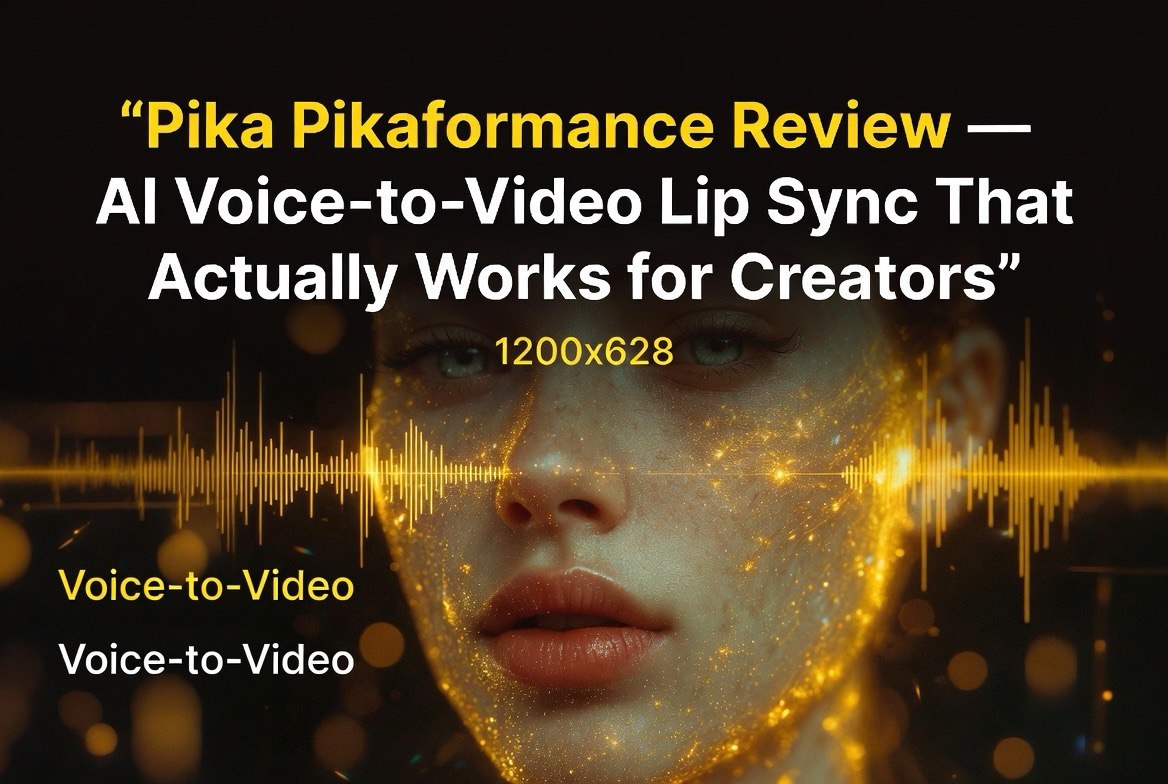
Pika Pikaformance Review — AI Voice-to-Video Lip Sync That Actually Works for Creators
Get The Faceless YouTube Blueprint — Free
The exact AI tool stack and workflow used to build a faceless YouTube channel from zero.
Pika Pikaformance Review — AI Voice-to-Video Lip Sync That Actually Works for Creators
⚡ Expert Summary: Pika’\”s Pikaformance turns a single image and an audio track into a fully synced talking video in about 6 seconds — at 3 credits per second of video. Upload a portrait or character art, add your voice or a song, and Pika generates HD output with lip sync, jaw motion, eye blinks, and micro-expressions. For US creators producing short-form content on TikTok, Reels, and YouTube, this is the most accessible voice-to-video lip-sync tool available in mid-2026.
Voice-to-video lip sync has been one of the hardest problems in AI video generation. Early tools produced stiff, puppet-like mouth movements that broke the illusion immediately. The jaw did not move properly. The eyes stared blankly. The result looked like a dubbed foreign film from the 1970s.
Pika’\”s Pikaformance tool, available on pika.art as of mid-2026, changes that equation. Upload a front-facing image of any character — realistic, cartoon, anime, stylized — add a speech or music track, and Pika generates a video where the character appears to actually perform the audio track (Pika Pikaformance page). Lip shapes match the phonemes. The jaw moves naturally. Eye blinks and gaze changes occur at appropriate moments. Subtle micro-expressions add realism.
Generation takes roughly six seconds in HD regardless of style complexity. On paid plans, clips can run up to 30 seconds.
How Pikaformance Works
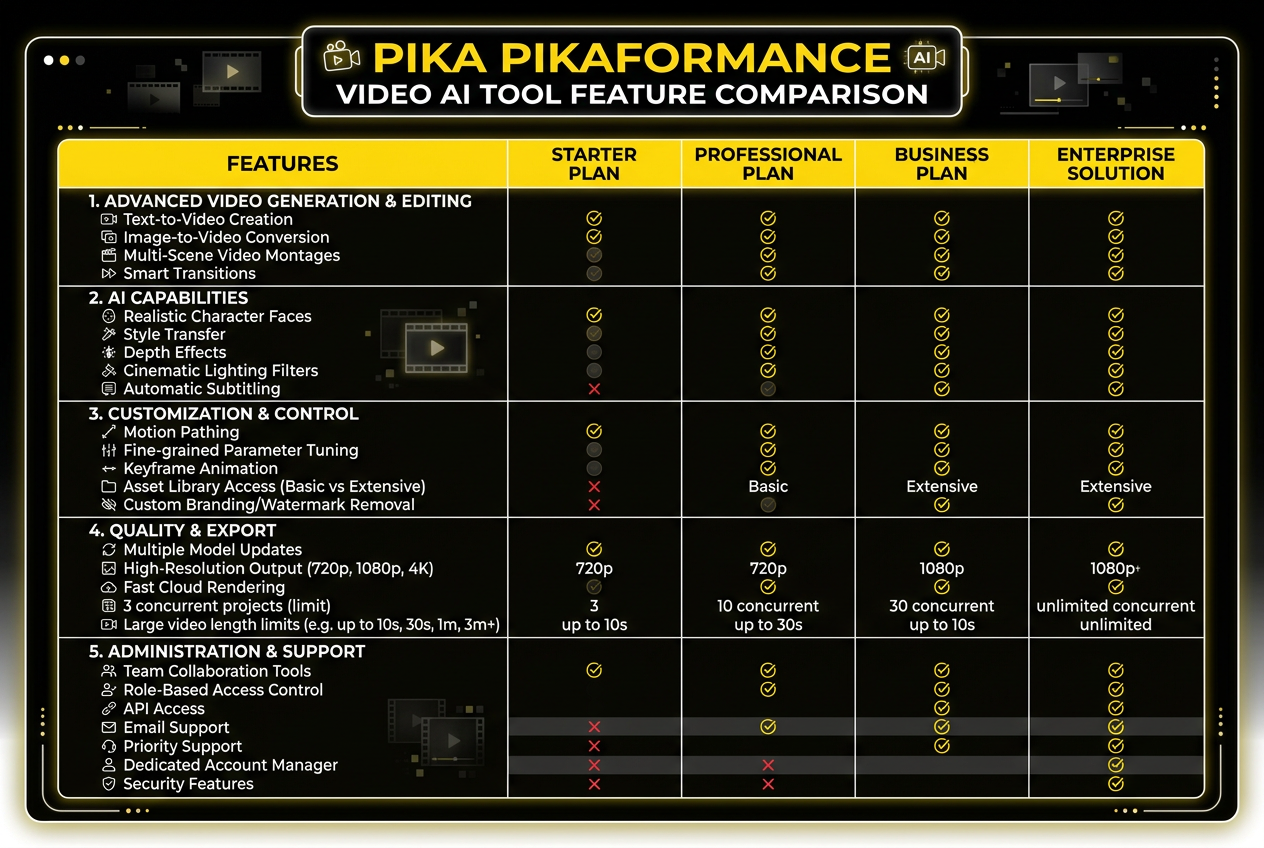
Pika Pikaformance delivers full lip sync, jaw motion, eye blinks, and micro-expressions from a single image and audio track. Generation takes about 6 seconds at 3 credits per second of video.
The Pikaformance workflow is straightforward and requires no technical skill:
- Upload a face image — A front-facing portrait, character art, avatar, or selfie. The tool works with any visual style as long as the face is usable.
- Add audio — Upload a speech recording, song, rap track, or even non-speech audio like sound effects. Pika accepts audio files directly or you can record within the tool.
- Generate — Pika’\”s audio-driven performance model processes the input and produces a talking video with synced lip movements, facial expressions, and natural motion.
- Export — Download the HD video for use in Reels, TikTok, YouTube shorts, or any other platform.
The underlying model is distinct from Pika’\”s text-to-video generation pipeline. It is a dedicated audio-driven performance model that learns the relationship between audio waveforms and facial movements — not a general video generator with lip-sync bolted on (Pika blog).
For creators who want even more control, Pika’\”s main editor includes lip-sync functionality for pre-generated clips: generate a text-to-video scene, then add dialogue by typing text and selecting a voice for AI-generated speech, or drag in an external audio file for precise alignment.
Pikaformance Pricing
Pikaformance is priced at 3 credits per second of audio output. This applies across both free and paid tiers:
| Plan | Monthly Credits | Pikaformance Capacity | Price |
|---|---|---|---|
| Free | Limited | ~10-15 seconds | $0 |
| Starter | ~1,500 | ~8 minutes of lip-sync | $10/month |
| Pro | ~4,500 | ~25 minutes of lip-sync | $30/month |
At 3 credits per second, a 15-second talking-head video costs 45 credits — well within any paid plan. The free tier gives enough for testing but is too limited for regular content production.
What Pikaformance Does Well
Lip Sync Accuracy
The core metric for any lip-sync tool is whether the mouth shapes actually match the phonemes. Pikaformance handles this better than most competing tools because the audio-driven model was trained specifically on the relationship between speech waveforms and facial movements, not optimized as a secondary feature of a general video model. Vowel sounds open the mouth appropriately. Plosives create the correct lip-closure shapes. The timing is tight enough that a viewer watching without audio can roughly guess what is being said.
Facial Expression and Micro-Movements
Beyond lip sync, Pikaformance adds eye blinks, gaze changes, and subtle micro-expressions that prevent the uncanny-valley stiffness of earlier tools. The character’\”s eyes blink at natural intervals. The gaze shifts slightly — not tracking perfectly, but convincingly. For short clips under 10 seconds, the illusion holds well.
Style Flexibility
The tool works across visual styles without requiring style-specific training. A realistic selfie produces natural-looking speech. A cartoon character maintains its art style while the face animates. An anime-style portrait moves like an animated character should. This flexibility makes Pikaformance useful for diverse content types: faceless channels that want a branded avatar, educators who want a talking-head character, and creators who want to repurpose audio content with a visual element.
Where Pikaformance Falls Short
Long Clip Degradation
At 15-20 seconds, the quality is excellent. At 30 seconds (the maximum on paid plans), the character can drift slightly — a subtle shift in head position or eye focus that breaks the illusion. For most short-form content (TikToks, Reels), this is not an issue. For longer talking-head content, you will want to cut at 15-20 second segments and stitch in editing.
Single Image Only
Pikaformance works from a single image, not a video reference or multi-angle input. This means the character shows one consistent view throughout the clip. If you need a character turning their head or changing expression dynamically, you will need to combine Pikaformance output with other editing tools.
Background and Scene Limitations
The tool focuses on the face. Backgrounds remain static from the input image. If you want a character speaking in a dynamic environment — walking through a scene, interacting with objects — you need to generate the scene separately in Pika’\”s text-to-video tool and add lip-sync through the editor workflow.
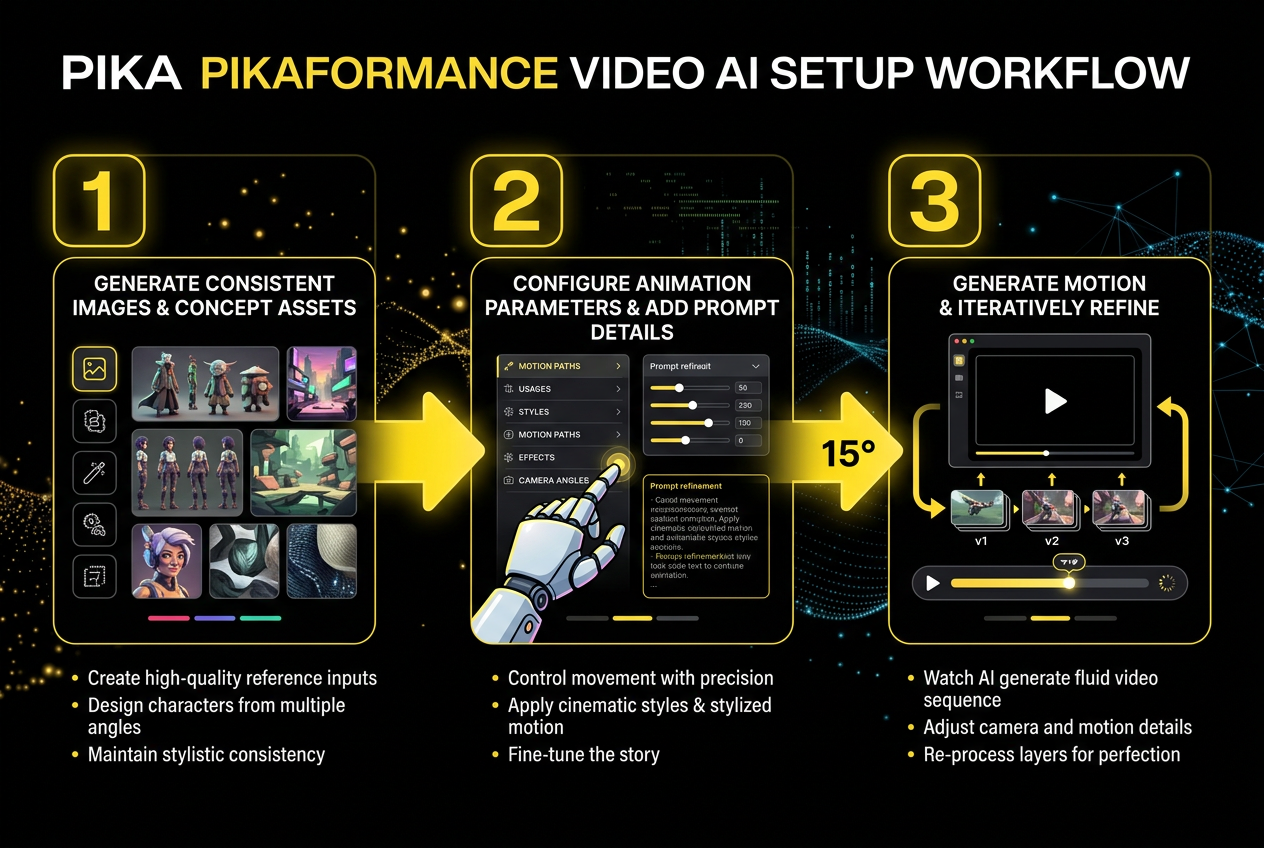
Step 1: Upload a portrait or character art. Step 2: Add voice or song audio. Step 3: Pika generates a fully synced talking video with natural facial motion. Total time: about 6 seconds.
Practical Use Cases for Content Creators
Branded Avatars for Faceless Channels
Faceless content channels — YouTube channels that use narration over B-roll without showing the creator’\”s face — are a massive and growing category. The limitation has always been that you cannot put a face to the voice without appearing on camera yourself. Pikaformance solves this: generate a branded character or avatar, record your voiceover, and output a talking-head clip with your character delivering the narration. Drop it into your video as an intro or transition segment. The character becomes a recognizable brand element that audiences associate with your channel.
Localized Content at Scale
If you create content in English and want to reach Spanish, French, or German audiences, the traditional approach is either hiring voice actors for each language or using text-to-speech with no visual element. Pikaformance lets you generate the visual performance once from your original image, then swap the audio file for each language version. The lip sync adjusts to the new audio automatically. One afternoon of recording generates a week’\”s worth of localized video content.
Social Media Repurposing
A podcast episode or long-form video can be broken into 10-15 second clips. Each clip can be paired with a different Pikaformance-generated character or expression variant. The result: a week of daily social media posts generated from one recording session, with fresh visuals each day.
Interactive AI Characters for Marketing
Small business marketing teams can create a branded character that introduces products, explains features, or answers common questions in a consistent voice and visual style. Because the character is generated from a single image, there is no need for actors, studio time, or reshoots. Update the script, record new audio, generate a new clip. The character stays the same. The message changes.
Setting Up Your First Pikaformance Project
The learning curve is minimal. Create a Pika account at pika.art, navigate to the Pikaformance tool, upload a front-facing image with good lighting and a clear view of the face. Upload or record your audio track. The first generation takes about six seconds. Review the output for lip-sync accuracy — check a few specific moments where the audio has plosive sounds (P, B, M) to confirm the mouth shapes match. If the result looks good, export at HD resolution. If the audio does not align perfectly, check whether your image has adequate face visibility and try a different crop around the face area.
The best results come from images where the face fills at least 30% of the frame, the lighting is even across the face, and the subject is looking roughly toward the camera. Profile shots and heavily angled faces produce less accurate lip sync because the model needs a clear view of the mouth area to map phonemes to jaw positions.
From static image to talking character. Pika Pikaformance adds realistic lip sync, jaw motion, and micro-expressions that make the character appear to speak naturally — ideal for TikTok talking head videos, character animation, and song lip-sync content.
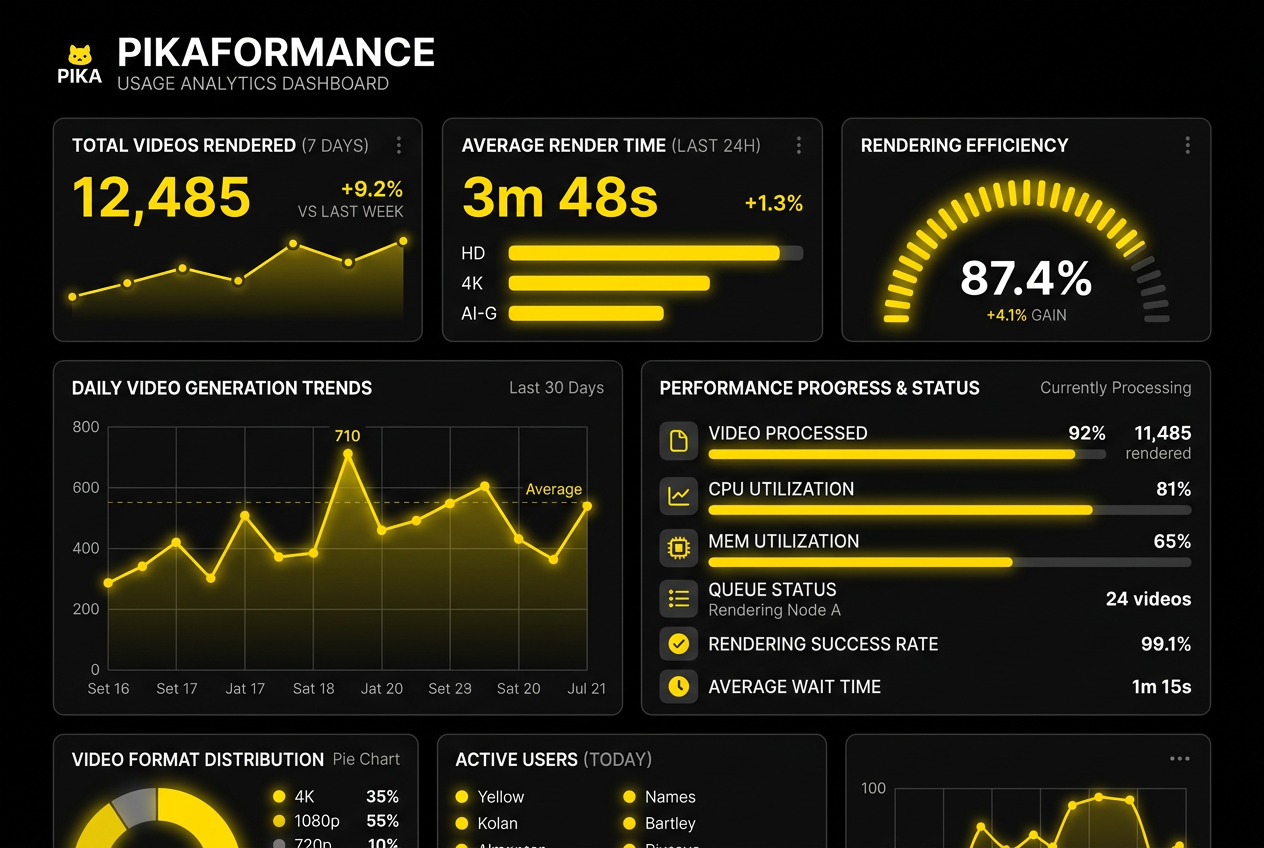
Content type and cost breakdown: TikTok talking heads at 1-3 credits, YouTube Shorts voiceover at 2-5 credits, character animation at 3-8 credits, and song lyric videos at 5-10 credits. Quality is consistent across all use cases at about 6 seconds generation time.
How Pikaformance Compares to Alternatives
| Pika Pikaformance | Runway Lip Sync | HeyGen | |
|---|---|---|---|
| Generation speed | ~6 sec HD | 15-30 sec | 30-60 sec |
| Max clip length | 30 seconds (paid) | 10 seconds | 5 minutes |
| Style support | Any visual style | Realistic only | Realistic avatars |
| Starting price | $10/month | $15/month | $24/month |
Pikaformance wins for speed and style flexibility. HeyGen wins for long-form talking-head video. Runway sits in the middle with better overall video quality but shorter clip limits.
Who Should Use Pikaformance
- Short-form content creators — TikTok and Reels creators who regularly post talking-head content with branded characters or avatars
- Animation and cartoon creators — Anyone working with stylized characters who wants to add voiced dialogue without hiring voice actors
- Faceless channel operators — Creators who want to use a branded avatar instead of showing their own face on camera
- Social media marketers — Small business teams producing quick promotional videos with a consistent character
Frequently Asked Questions
How fast is Pika Pikaformance?
Pikaformance generates HD lip-sync videos in approximately 6 seconds, regardless of the visual style of the input image.
How much does Pika Pikaformance cost?
Pikaformance costs 3 credits per second of audio output. Paid plans start at $10/month (Starter) or $30/month (Pro), with the free tier offering limited testing credits.
What images work with Pikaformance?
Any front-facing image with a usable face — realistic photos, cartoon art, anime characters, avatars, or selfies. The tool works across all visual styles.
What is the maximum clip length for Pikaformance?
Paid plans support clips up to 30 seconds. The free tier has shorter limits. Quality is best at 10-20 seconds, with slight quality degradation at the maximum length.
Is Pika Pikaformance better than HeyGen?
Pikaformance is better for short-form lip sync (under 30 seconds) at a lower price. HeyGen is better for long-form talking-head video content up to 5 minutes.

About Barak Schurr
Barak Schurr is a serial entrepreneur who built and exited a major ticketing platform before turning his attention to AI and content. He runs three AI-focused research sites and writes about the tools, workflows, and strategies that let solo creators build real channels — without a crew, a studio, or a Hollywood budget. Contact: [email protected]
More AI Video Resources