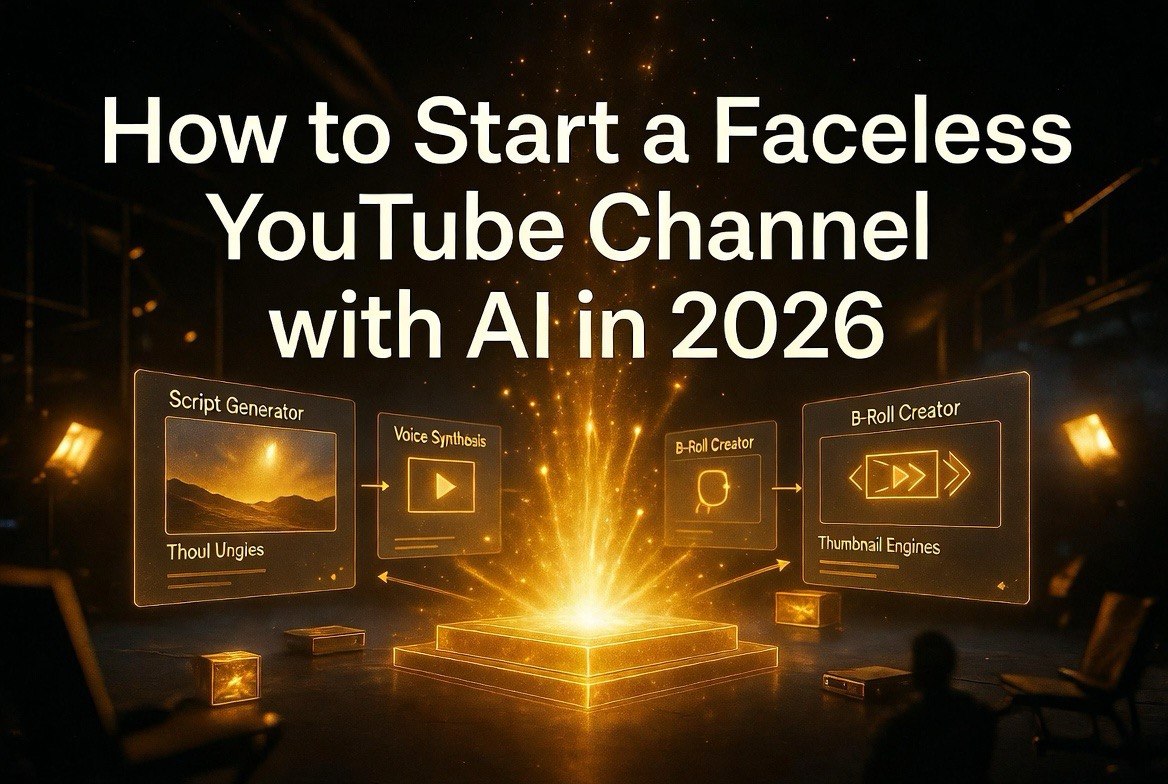
How to Start a Faceless YouTube Channel with AI in 2026
Get The Faceless YouTube Blueprint — Free
The exact AI tool stack and workflow used to build a faceless YouTube channel from zero.
How to Start a Faceless YouTube Channel with AI in 2026
⚡ Expert Summary: Starting a faceless YouTube channel in 2026 requires no camera, no on-camera skills, and almost no video editing experience. AI handles scripting, voiceover, video assembly, and thumbnails. This guide walks through the exact step-by-step process from niche selection to first paycheck — including the tool stack, production workflow, and growth strategies used by creators earning thousands per month. If you want the complete ready-made system, the Faceless YouTube Blueprint packages everything including prompts, templates, and scaling workflows.
Why Faceless YouTube in 2026
The math behind faceless YouTube is simple. A traditional YouTube channel requires a camera, lighting, microphone, editing software, and the willingness to appear on camera. Total upfront investment: $1,500 to $5,000. Time to first video: one to two weeks for setup and learning. Ongoing time per video: 4 to 8 hours of filming and editing.
A faceless channel requires a laptop and AI subscriptions. Total upfront investment: under $100 for the first month of tools. Time to first video: two to three hours. Ongoing time per video: 45 to 60 minutes for standard format, 15 minutes for Shorts.
The cost and time advantages explain why faceless channels are growing faster than traditional channels in 2026. The barrier to entry has dropped so low that the competitive advantage has shifted from production resources to niche selection and content strategy. A creator who picks the right niche and publishes consistently will outperform a creator with professional equipment who publishes sporadically.
Here is the exact process for starting your faceless channel this week.
Step 1: Pick Your Niche
Niche selection is the single most important decision you will make. A good niche has three characteristics: high RPM, evergreen content potential, and low production complexity.
High RPM — Revenue per thousand views varies by niche from $2 to $15. The highest-paying niches include personal finance, self-improvement, technology tutorials, and business education. Entertainment and general content pay significantly less. Check RPM data before committing to a niche.
Evergreen content potential — Some content stays relevant for years. Historical facts, how-to guides, and psychological concepts are evergreen. News and trending topics expire quickly and require constant new research. A channel built on evergreen content compounds over time because old videos continue generating views and revenue years after publication.
Low production complexity — Some niches require extensive b-roll, complex animations, or specialized knowledge. Others work well with simple text overlays, stock footage, and AI voiceover. Start with a niche that requires minimal visual complexity and upgrade your production quality as you gain experience.
For beginners, the recommended starter niches in 2026 are: motivational stories and biographies, historical facts and “did you know” content, practical how-to guides for software or business tools, and list-based educational content. These niches check all three boxes and produce five-figure monthly results for creators who execute consistently.
Step 2: Set Up Your AI Production Pipeline
With your niche selected, the next step is configuring your AI tool stack. Here is the exact setup process for each tool.
Claude or ChatGPT for Scripting
Create a dedicated prompt folder in your chosen AI tool. Your base prompt should include: your niche, target audience demographics, desired video length, preferred tone (authoritative, friendly, dramatic), and your channel’s unique angle or perspective. Save this prompt and reuse it for every video with the topic changed.
Script structure that works: 3 to 5 second hook that creates curiosity, 15 to 30 second introduction establishing what the viewer will learn, main content broken into 3 to 5 sections with clear transitions between each, and a call to action in the final 15 seconds. This structure matches YouTube’s retention curve — viewers who make it past the hook tend to watch through to the end.
ElevenLabs for Voiceover
Create a free ElevenLabs account and browse the voice library. Select a voice that matches your channel’s tone. Professional, neutral voices work best for educational content. Warm, expressive voices work better for storytelling channels. Once you select a voice, clone it to create a consistent narrator across all your videos.
Voice settings to configure: set speaking rate between 90 and 105 percent depending on content pace. Enable stability at 60 to 70 percent for consistent delivery. Enable clarity boost for maximum audio quality. Export in MP3 format at 192kbps or higher for YouTube’s audio compression to preserve quality.
CapCut for Video Assembly
Download CapCut desktop application. Create a project template with your channel’s standard settings: 1920×1080 resolution, 30 or 60 frames per second, your colors and font selections preloaded. Import your AI voiceover file and let CapCut auto-generate captions.
Set caption style: white text with black outline or semi-transparent black background, font size appropriate for mobile viewing, positioned in the lower third of the frame. Consistent caption styling becomes part of your channel’s visual identity.
Search for stock footage within CapCut’s built-in library or use Pexels for additional options. Match footage to each section of your script. When stock footage does not cover specific concepts, use Runway to generate custom b-roll from text descriptions.
Canva or Midjourney for Thumbnails
Create a thumbnail template in Canva with your channel’s colors, font, and logo position. For each video, generate 5 to 10 thumbnail variations. Test them before publishing using YouTube’s thumbnail test feature. Keep the version with the highest click-through rate after 24 hours. Document what worked and apply the pattern to future thumbnails.
Step 3: Your First Production Day
Day one of production should produce your first three videos. Here is the exact workflow.
Hour 1 — Research and scripting. Use Claude or ChatGPT to generate three video topics within your chosen niche. The prompting strategy matters here: instead of asking for generic topic ideas, provide a specific audience, a desired outcome, and a format constraint. Example prompt: “Generate five video topics for a faceless YouTube channel targeting entrepreneurs interested in AI tools. Each topic should be a how-to format, 8 to 12 minutes long, and optimized for search discovery. Include the target keyword for each topic.”
Review each generated script. Edit for accuracy — AI can hallucinate facts, especially in history and finance niches. Verify any specific claims, statistics, or dates before including them in the final script. Adjust tone to match your channel’s voice. Each script should be 1,000 to 1,500 words for an 8 to 12 minute video or 200 to 300 words for a Short. Longer videos generally earn more ad revenue per view because they carry more pre-roll and mid-roll ads, but retention must stay above 40 percent for YouTube to promote long-form content.
Hour 2 — Voiceover and captions. Paste each script into ElevenLabs. Generate voiceover files. Import into CapCut. Generate auto-captions. Adjust any timing issues where captions do not match the audio.
Hour 3 — Visual assembly and export. Add stock footage or generated b-roll to each section. Apply transitions. Add background music. Export all three videos. Create thumbnails while videos render.
At the end of three hours, you have three publishable videos. Schedule them to publish over the following week. Repeat the production day weekly. Three production days per month produces 12 videos. At 100,000 views per month in a $6 RPM niche, that is $600 in monthly revenue. Scale to three channels and it becomes $1,800. Scale to ten channels and it exceeds most full-time incomes.
Step 4: Growth and Optimization
Publishing videos is necessary but not sufficient. Growth requires active optimization of your channel’s performance.
Title optimization. Test three to five title variations for each video. YouTube shows different titles to different viewers and surfaces the highest-performing one after roughly 48 hours and 5,000 impressions. Use AI to generate title variations that include your target keyword, a curiosity hook, and an emotional trigger. The formula that consistently wins: [number or power word] + [specific outcome] + [timeframe or surprising angle]. Examples: “7 AI Tools That Generated 2,000 in 30 Days” or “The YouTube Strategy That Requires Zero Face Time.”
Run each variation through TubeBuddy or VidIQ to check search volume and competition before deciding on the final title. A title that ranks for a high-volume keyword with low competition is worth more than a clever title that nobody searches for. Balance clickability with searchability — the best titles do both.
Description and tagging strategy. Write descriptions that include your target keyword in the first 150 characters — this is what YouTube’s search algorithm evaluates most heavily. Add timestamps for each section of the video. Include links to related videos on your channel. Use all available tags, prioritizing 2-3 word phrases over single words. The description signals to YouTube what your video is about, so be thorough but accurate. Misleading descriptions that promise content the video does not deliver will hurt retention and future promotion.
Thumbnail A/B testing. As mentioned above, test multiple thumbnails for every video. The difference between a 3 percent click-through rate and a 7 percent click-through rate on a video with 100,000 impressions is 4,000 additional views. Over a catalog of 100 videos, that compounds dramatically.
Audience retention analysis. Review YouTube Studio’s retention graph for each video after it has been live for 48 hours. Identify the exact second where drop-off spikes. That section of the video needs improvement — either the content disconnected from viewer expectations or the pacing slowed down. Apply what you learn to the next video’s script.
Community engagement. Reply to every comment within the first 24 hours of publishing. Active engagement during the initial publish window signals to YouTube that your content generates discussion, which increases the video’s promotion in suggested and search results.
When to Scale
Most creators scale too early. They see some initial success, rush to add more channels or more frequent publishing, and end up burning out because they did not solidify their production workflow first.
The right time to scale is when you have demonstrated consistent results from a single channel for at least 60 days. Your production process should be documented as a checklist that anyone could follow. Your tool settings should be saved as templates. Your niche strategy should be proven, not hypothetical.
When you add a second channel, choose a niche related to your first one. A finance channel adds a business education channel. A history channel adds a science facts channel. Related niches share audience overlap, which means cross-promotion between channels drives growth on both.
For creators who want a complete system that covers every detail from niche selection through production workflow through multi-channel scaling, the Faceless YouTube Blueprint provides the exact prompts, templates, tool settings, and quality control checklists used by creators running profitable faceless channels. It removes the trial and error from every phase of the process, letting you go from zero to publishing in a single day.
FAQ
Is it too late to start a faceless YouTube channel in 2026?
No. The space is growing, not saturating. YouTube’s audience is expanding globally. New viewers discover faceless content every day. The creators who start now will have a 6-month advantage over those who start in 2027.
How much money can I expect in the first month?
First month earnings are typically $0 to $100 for most creators. YouTube requires 1,000 subscribers and 4,000 watch hours before monetization. Focus on reaching those thresholds before projecting revenue.
Do I need to show my face eventually?
No. Many top faceless channels operate entirely without on-camera presence. Showing your face is a choice, not a requirement for success.
What is the biggest mistake new faceless creators make?
Picking a niche based on personal interest rather than market demand. Your personal interest matters for motivation. Market demand determines whether your videos get found and monetized. Both are necessary. Neither alone is sufficient.
How long until I see results?
Most creators see meaningful traction — 10,000+ monthly views — within 60 to 90 days of consistent publishing. Channels that publish 5+ videos per week see faster growth than those publishing weekly.

About Barak Schurr
Barak Schurr is a serial entrepreneur who built and exited a major ticketing platform before turning his attention to AI and content. He runs three AI-focused research sites and writes about the tools, workflows, and strategies that let solo creators build real channels — without a crew, a studio, or a Hollywood budget.
Email: [email protected]