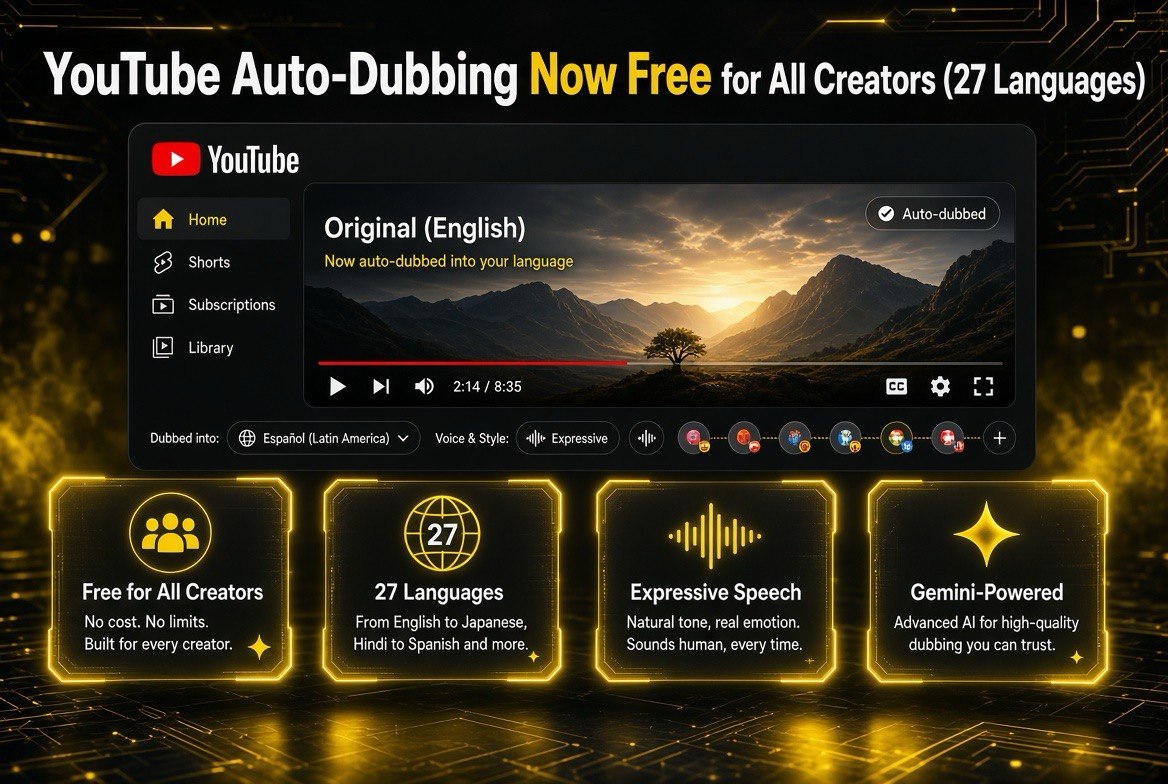
YouTube Auto-Dubbing Now Free for All Creators (27 Languages)
Get The Faceless YouTube Blueprint — Free
The exact AI tool stack and workflow used to build a faceless YouTube channel from zero.
YouTube Auto-Dubbing Now Free for All Creators (27 Languages)
\n\n
Your video is finished. It is good. The only thing standing between it and a global audience is the language it is in. That wall just came down.
\n\n
YouTube’s auto-dubbing tool, previously gated to a slice of creators, is now available to everyone. Every channel. Every upload. Twenty-seven languages, turned on by default, with an upgrade to Expressive Speech that preserves your tone and energy instead of flattening it into a robotic translation. For a US creator who has never thought beyond English, this is suddenly a reach multiplier you are not paying for.
\n\n
\n\n
What YouTube Auto-Dubbing Actually Is
\n\n
Auto-dubbing is YouTube’s built-in tool that translates the audio of your video and replaces it with a voiceover in another language. It is not a subtitle overlay. It is a full audio dub — a native speaker of the target language hears your video in their language, synced to your footage. Viewers can toggle between your original audio and any dubbed track with one tap.
\n\n
The tool is powered by Google’s Gemini models. That matters because dubbing quality has historically been the thing that makes creators skip localization entirely. Bad dubbing makes you look cheap. Expressive Speech changes the calculus: it is designed to carry your original emotion and energy across the language barrier, so your deadpan delivery does not become a monotone and your enthusiasm is not lost in translation.
\n\n
For US creators, the practical effect is simple: a video that was English-only is now watchable in French, German, Hindi, Indonesian, Italian, Portuguese, and Spanish with zero extra production work from you.
\n\n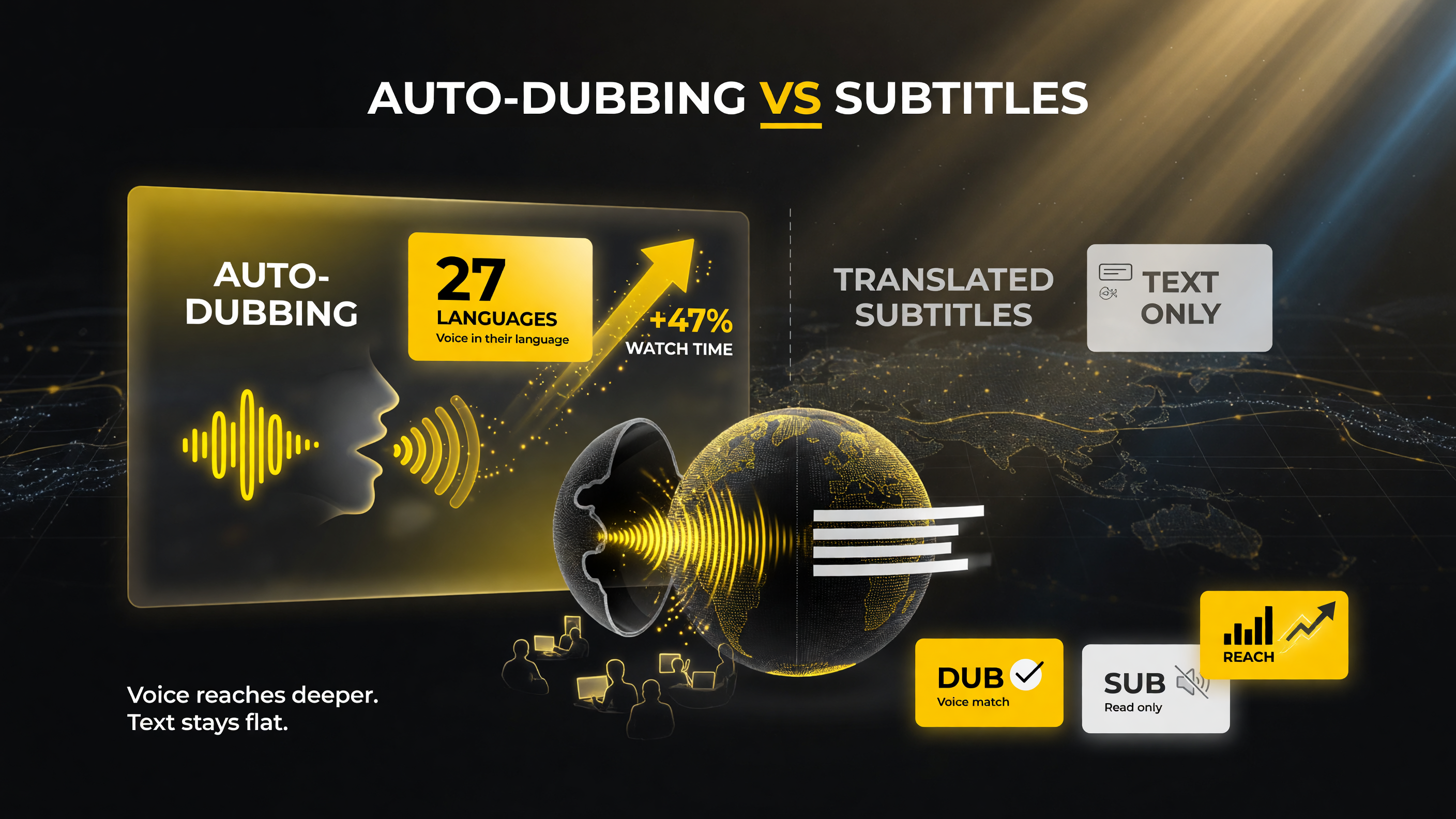 \n
\n
Auto-dubbing adds native voice in the viewer’s language (27 languages) and lifts watch time, where subtitles only cover on-screen text.
\n
27 Languages and 6 Million Daily Viewers — The Scale
\n\n
This is not a niche experiment. YouTube reported that in December alone, more than 6 million daily viewers watched at least 10 minutes of auto-dubbed content. That is real watch time, on real videos, from people who would never have found your English-language upload without a dub.
\n\n
| Capability | What It Means for You |
|---|---|
| Availability | Now rolled out to all channels, not just select creators |
| Languages | 27 languages supported for standard auto dubbing |
| Expressive Speech | 8 languages: English, French, German, Hindi, Indonesian, Italian, Portuguese, Spanish |
| Viewer scale | 6M+ daily viewers watched 10+ min of dubbed content in Dec |
| Control | Opt out anytime, or upload your own dubs |
\n
\n\n
\n\n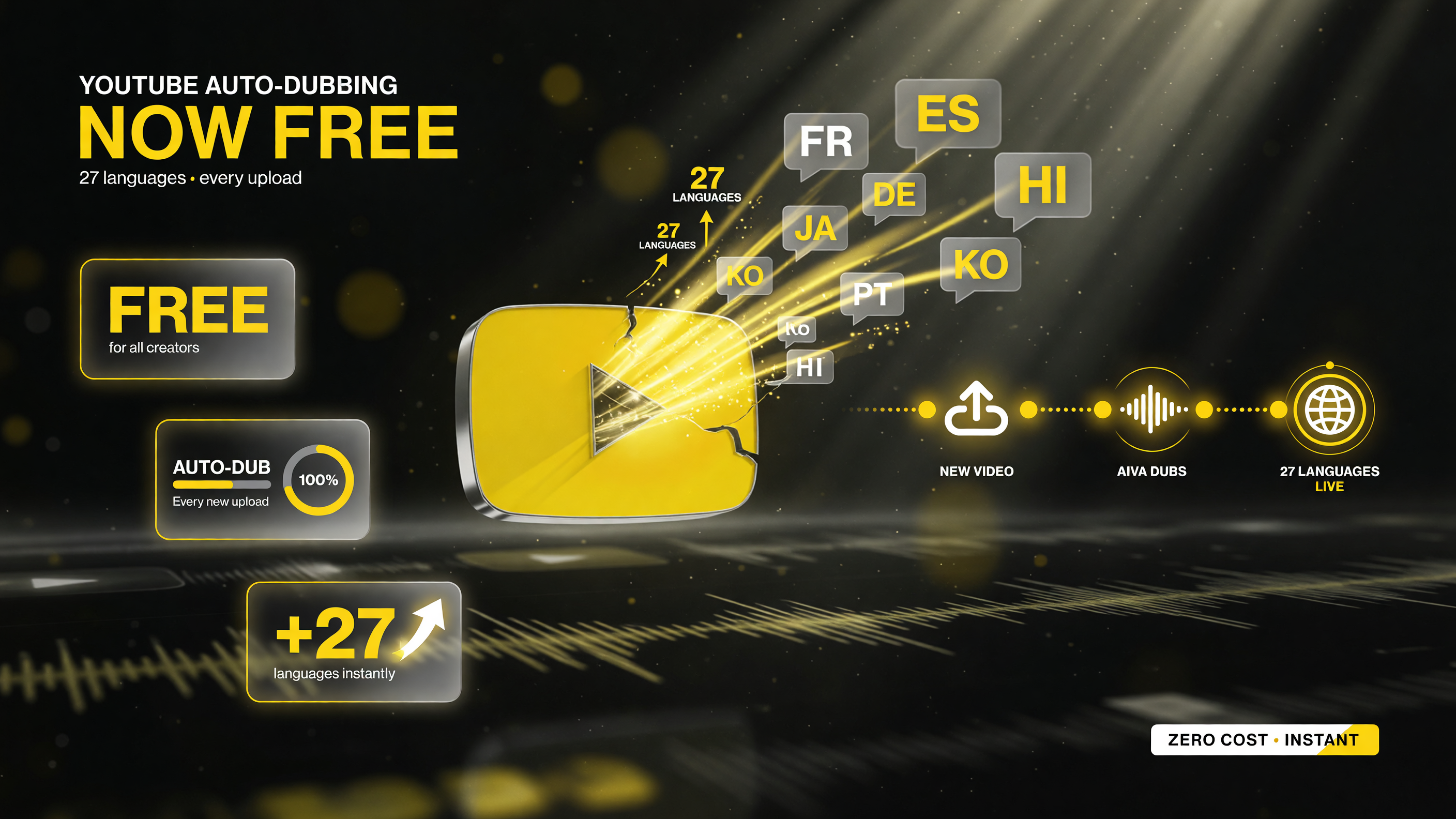 \n
\n
Every new upload auto-dubs into 27 languages instantly — turning a single video into a global release at zero cost.
\n
Which of the 27 Languages Should US Creators Prioritize?
\n\n
Not every language is worth your attention at launch. As a US creator, your goal is the biggest return on the least effort, so start with the languages where your content has the best chance of landing and growing.
\n\n
The strongest first move is Spanish. It is one of the most spoken languages in the world, it is already present in a huge part of the US audience, and it is one of the eight languages where Expressive Speech is live. That combination — huge market, low barrier, preserved tone — makes Spanish the safest, fastest win for most English-language channels. Portuguese and Hindi are next in line, both large markets with strong YouTube penetration and both supported by Expressive Speech.
\n\n
After that, match the language to your niche. If you make cooking or travel content, Italian and French are natural fits. If you make business or tech content, German carries purchasing power in a region that watches a lot of YouTube. The pattern is simple: cover the big Expressive Speech languages first, then layer in the languages your specific niche already has demand for.
\n\n
| Factor | YouTube Auto-Dubbing | Subtitles Only |
|---|---|---|
| Language barrier for viewer | Low — viewer hears your voice in their language | Higher — viewer must read and follow along |
| Retention on foreign-language viewers | Strong — natural listening keeps people watching | Weaker — reading fatigue drives early drop-off |
| Creator effort to enable | Near zero — turn on auto-dubbing at upload | Near zero — upload a subtitle file or rely on auto-captions |
| Expressive Speech support | Yes — tone and energy preserved in 8 languages | No — text only, no audio personality |
| Best for US creators targeting | Passive international growth with no extra work | Accessibility and search inside existing markets |
\n
\n\n
Expressive Speech: The Upgrade That Actually Matters
\n\n
Here is the difference between “a dub” and “a dub people will watch.” Standard machine dubbing translates your words but flattens your delivery. If you are a comedic creator, the joke dies. If you are a tutorial creator, the instruction sounds bored. Viewers click away because the energy does not match the content.
\n\n
Expressive Speech is YouTube’s fix for that. Rolled out to all channels in eight languages — English, French, German, Hindi, Indonesian, Italian, Portuguese, and Spanish — it is designed to capture a creator’s original emotion and energy. The cadence, the emphasis, the tone shifts. It does not just say the words; it performs them the way you did.
\n\n
For a US creator, the practical read: if your audience speaks Spanish or Portuguese or Hindi, Expressive Speech is the difference between a dub that embarrasses you and one you would actually put your name on. And it is on by default for eligible languages — you do not have to chase it.
\n\n
No More Production Work: Smart Filtering and Discovery
\n\n
The two objections most creators have to dubbing are (1) it is extra work and (2) it will hurt my algorithm. YouTube addressed both head-on.
\n\n
Automatic Smart Filtering uses video-level AI to recognize when a video should not be dubbed at all — music videos, silent vlogs, content where a dub would feel wrong — and skips them. You are not launching robotic voiceovers on videos that should stay as they are.
\n\n
No discovery penalty. YouTube is explicit: auto-dubs have no negative impact on your original video’s discovery algorithm. In fact, a dub can help with discovery in other languages — the same video now surfaces to viewers searching or watching in Spanish, German, or Hindi. It is all gain, no pain.
\n\n
| Feature | Benefit to Creator |
|---|---|
| Expressive Speech (8 languages) | Preserves your tone and energy across languages |
| Automatic Smart Filtering | Skips music/silent videos so nothing dubs awkwardly |
| Preferred Language setting | Viewers pick their preferred dub or stick to original |
| Lip Sync pilot (in testing) | Matches lip movements to translated audio for realism |
| Opt-out / own dubs | Full agency — turn it off or supply better dubs yourself |
\n
\n\n
\n\n
Why This Is a Competitive Advantage for US Creators Right Now
\n\n
Here is the part most creators will miss: they will treat auto-dubbing as a novelty and ignore it. That is exactly why you should not.
\n\n
The US market is saturated. Every English-language niche you can think of has ten established channels fighting for the same viewers. But the moment a dub puts your content in front of a Spanish-speaking or Hindi-speaking audience, you are no longer competing against those ten channels. You are the English-speaking channel with international reach, and very few of your domestic competitors are doing it. That is an edge you can convert into subscribers, watch time, and — if you monetize — revenue from markets your rivals are not even touching.
\n\n
It is free. It is on by default. It costs your competitors nothing to enable it too, so this window is not permanent. The creators who get in early and build an international audience now will be the ones who look unbeatable in six months.
\n\n
Who Should Turn This On First
\n\n
Not every channel benefits equally. Auto-dubbing rewards content that travels — tutorials, listicles, reviews, explainers, commentary. If your videos are visual demonstrations with clear voiceover, a dub lets someone in Brazil or Indonesia follow along perfectly. If your content is hyper-local, heavily slang-driven, or built on US-specific humor, a dub will translate the words but not necessarily the joke.
\n\n
Start with your best-performing, most universal videos. Enable the dub, check the Expressive Speech result in Spanish or Portuguese or Hindi, and let the data tell you whether international viewers stick around. That is the fastest way to know if global reach is a growth lever for your channel or just a nice-to-have.
\n\n
Viewers Stay in Control — And So Do You
\n\n
YouTube built this so nobody feels forced into it. Viewers get a Preferred Language setting, so a multilingual audience member can watch their favorite creators in the language they choose — or switch back to your original audio anytime. Creators can opt out completely, turn off dubbing for individual videos, or upload their own professionally produced dubs instead of the auto version.
\n\n
The takeaway: this is a tool you own, not a change imposed on you. The default is on, but the choice is always yours.
\n\n
How to Enable and Manage Auto-Dubbing
\n\n
One of the most valuable details in this rollout is that auto-dubbing is on by default for eligible uploads. That means you do not have to remember to flip a switch — your newest videos are already being localized in the background. The work you actually need to do is review, curate, and decide what you want the default to be.
\n\n
The rollout is gradual, so if your channel does not show the option immediately, it is coming. When it does, here is the workflow:
\n\n
- \n
- Upload your video as normal. Auto-dubbing is applied in the background for eligible uploads.
- Open YouTube Studio and go to the video’s details to see which dubbed languages were generated.
- Review the dubs in your preferred target languages — especially any that use Expressive Speech.
- Decide per video: keep the auto dub, replace it with your own, or turn dubbing off for that upload.
- Set a viewer-facing default if you want to control which language viewers hear first.
\n
\n
\n
\n
\n
\n\n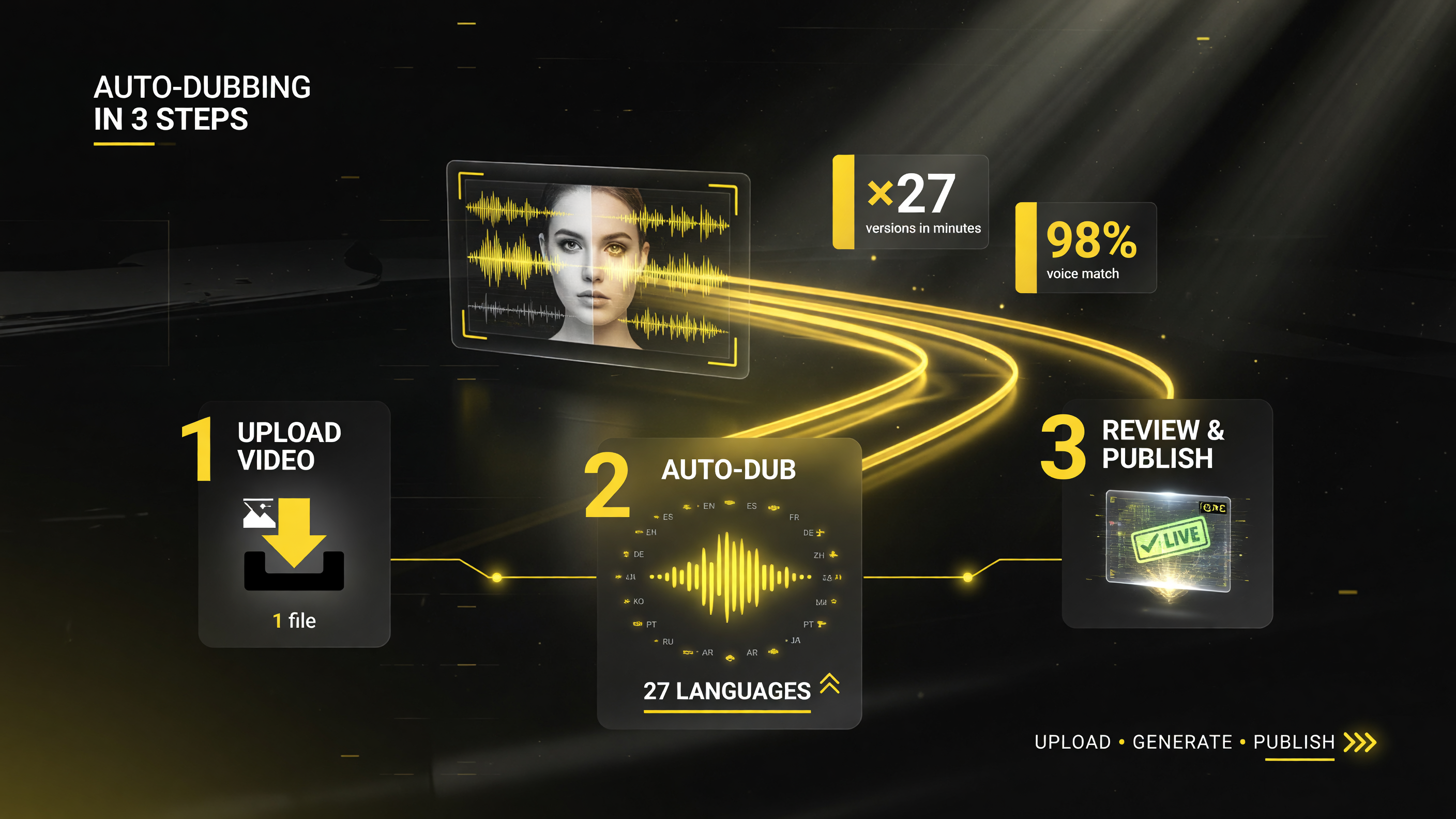 \n
\n
Turn it on in three steps: upload your video, let auto-dub generate 27 language versions, then review and publish.
\n
Frequently Asked Questions
\n\n
Is YouTube auto-dubbing really free for all creators?
\n
Yes. YouTube rolled the tool out to all channels in this update, and it is enabled by default for eligible uploads. You do not pay per video or per language. Standard auto dubbing covers 27 languages with no extra cost.
\n\n
Which languages support Expressive Speech?
\n
Expressive Speech — the version that preserves your tone and energy — is available in eight languages: English, French, German, Hindi, Indonesian, Italian, Portuguese, and Spanish. Other languages use standard auto dubbing.
\n\n
Will auto-dubbing hurt my video’s performance in search and recommendations?
\n
No. YouTube states that auto-dubs have no negative impact on your original video’s discovery. A dub can actually help with discovery in other languages, since the same video can now surface to viewers in those markets.
\n\n
Can I turn auto-dubbing off?
\n
Yes, at every level. You can opt out on your channel, disable it for a single video, or upload your own professionally produced dubs instead of the auto-generated track.
\n\n
Does auto-dubbing work for music or silent videos?
\n
Automatic Smart Filtering detects videos that should not be dubbed — like music videos or silent vlogs — and skips them, so your content stays authentic.
\n\n
Is there lip-sync matching in auto-dubbing?
\n
YouTube is testing a Lip Sync pilot that subtly matches the speaker’s lip movements to the translated audio, making dubbed videos feel more like the original. It is currently in testing and rolling out gradually.
\n\n\n\n\n
 \n
\n
About Barak Schurr
\n
Barak Schurr is a serial entrepreneur who built and exited a major ticketing platform before turning his attention to AI and content. He runs three AI-focused research sites and writes about the tools, workflows, and strategies that let solo creators build real channels — without a crew, a studio, or a Hollywood budget. Contact: [email protected]
\n
\n
\n\n\n
More AI Video Resources
\n
 \n
\n\n
 \n
\n\n
\n