
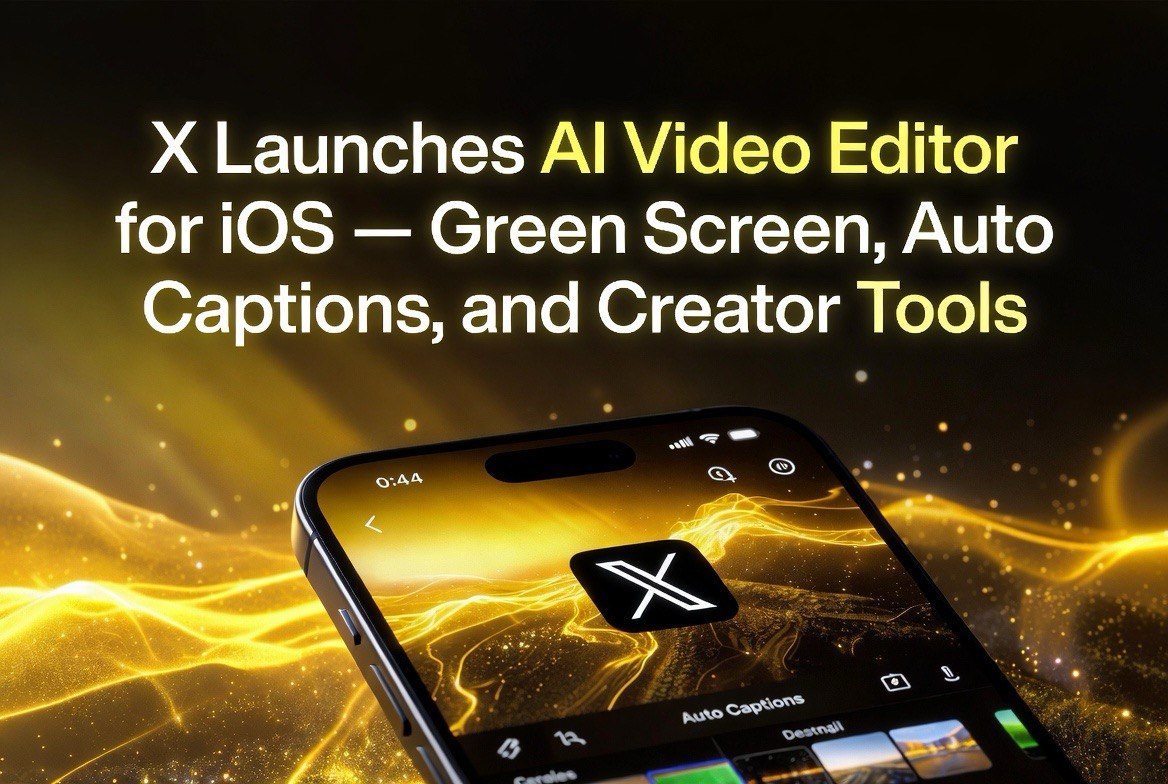
X Launches AI Video Editor for iOS — Green Screen, Auto Captions, and Creator Tools
Get The Faceless YouTube Blueprint — Free
The exact AI tool stack and workflow used to build a faceless YouTube channel from zero.
X Launches AI Video Editor for iOS — Green Screen, Auto Captions, and Creator Tools
⚡ Expert Summary: X (formerly Twitter) launched a native video editing hub for iOS on July 7, 2026, with AI-powered auto-captioning in multiple languages, green screen effects using photos or X posts as backgrounds, and a built-in recording interface. The tool is designed to encourage original content creation on the platform, where video already drives the largest share of user impressions.
X released a native video editing hub for iOS on July 7, 2026, adding AI-powered editing tools directly inside the platform — no third-party app, no export-import loop, no separate subscription required.
The editor includes automated multi-language captioning with customizable styles, green screen effects that pull backgrounds from camera roll photos or other X posts as source material, and an integrated recording interface for quick capture, edit, and publish in one session. For creators who post video to X regularly, this removes a significant friction point in the daily workflow.
X has been positioning itself as a creator-first platform under its current leadership, and video tools are a central part of that strategy. According to TechCrunch’s coverage of the launch, original video content already generates the highest engagement rates on the platform, and X is investing in tools that make it easier for creators to produce that content natively rather than importing finished clips from other platforms.
What the X Video Editor Actually Does
X’s new video editing hub, rolling out to iOS users in the July 7, 2026 update, includes several features designed to make original video creation faster and more accessible for creators who post regularly to the platform:
AI auto-captioning in multiple languages. The system automatically generates captions for uploaded or recorded video. Captions appear as styled overlay text that can be customized for appearance — font, color, size, and position. Multi-language support means a single video can reach audiences across different language segments without separate caption files or secondary export workflows. This is one of the most requested features from creators who found manual captioning to be the most time-consuming part of their posting workflow, often taking longer than the actual video production.
Green screen effects. Creators can replace the background of their video using any photo from their camera roll or any post from X as the source image. This opens creative possibilities — commentary over news images, reaction content with themed backgrounds, product demonstrations with branded environments, educational content over slides or diagrams — without requiring a physical green screen, studio lighting, or any video editing software beyond what is already in the phone.
Integrated recording interface. The editor includes a built-in camera and recording UI, so creators can shoot, edit, and post in a single session without leaving the app. The recording interface is optimized for the vertical short-form format that dominates X’s video feed, with controls designed for one-handed operation during capture.
Why This Matters for Creators
X’s move into native video editing is part of a broader platform strategy shift under the current leadership. Video already drives the largest share of impressions on X, and original content generates significantly higher engagement than reposted clips from other platforms. By building editing tools directly into the app, X reduces the incentive for creators to produce video content elsewhere and then upload finished clips — keeping both the content and the creator’s time within the platform ecosystem.
For creators, the practical impact is simpler and more immediate: one less app in the workflow. The editing tasks that previously required switching between a recording app, a captioning app, and X before posting are now handled in a single interface with a single upload step. For high-volume creators posting multiple times daily, that friction reduction adds up to hours saved per week — time that can be reinvested into content planning, audience interaction, or simply taking a break from the posting treadmill.
The AI auto-captioning feature is particularly valuable for creators producing content for a global audience. Manual captioning is the single most avoided task in social video production — it is tedious, time-consuming, and easy to get wrong, especially when working across multiple languages. An automated system that handles it in the background, with customization options for appearance and styling, removes a bottleneck that often causes creators to skip captions entirely, which in turn reduces their content’s accessibility and organic reach across language segments.
Limited but Strategic: What the Editor Doesn’t Do
X’s editing hub is not a replacement for CapCut, Premiere, DaVinci Resolve, or any professional editing suite. It is designed for the specific needs of social video: quick capture, basic effects, automated captions, and immediate posting with minimal friction. It does not include:
- Multi-track timeline editing
- Color grading or correction tools
- Transitions beyond basic cuts
- AI clip generation from text prompts
- Audio editing beyond basic volume control
This is intentional design, not a limitation. X is not competing with professional editing suites from Adobe or Apple. It is competing with the friction that causes creators to post less frequently than they could. The editing hub targets the specific gap between having a video idea and getting it posted — a gap that currently requires at least one additional app and often several, each with its own loading time, export settings, and format compatibility issues.
The AI Angle: Why This Matters for Video Creators in 2026
X’s video editor is a small feature in the context of a social media platform, but it represents a larger trend that video creators should pay attention to: AI-powered editing is becoming a platform feature rather than a standalone tool.
In 2025 and early 2026, creators needed separate AI tools for captioning (Descript, CapCut, OpusClip), visual effects (Runway, Pika), and full clip generation (Seedance, Kling, Veo, Luma). Each tool required its own subscription, learning curve, and export-import workflow with format compatibility checks at every junction. The dedicated AI video tools that remain impressive today — Pika Labs Director’s Suite, Seedance 2.5, Kling 3.0 — are specialized products for creators who want deep creative control and professional-grade output.
But platforms like X, Instagram, TikTok, and YouTube are absorbing the most commonly used AI editing features into their native interfaces. Auto-captions, background removal, smart cropping, and simple effects are increasingly available without leaving the platform where the video will be posted. For the majority of creators who do not need cinematic production quality for every post — which is most creators, most of the time — this eliminates the need for a separate editing tool for the bulk of their output.
The implication for creators is strategic: invest your learning time in the tools that platforms cannot or will not absorb. AI clip generation from text prompts, advanced visual effects, multi-clip story construction with narrative coherence, and agentic workflow tools like Pika Labs Director’s Suite are not coming to X’s native editor anytime soon. Those skills and workflows remain the creator’s competitive advantage and differentiation. Basic captioning and green screen effects, on the other hand, are becoming table stakes — expected features that no longer justify a standalone subscription.
What Creators Should Do
For creators who post video on X, the new editor is worth testing immediately. The auto-captioning feature alone saves significant time per video — for a creator posting three videos per week, that is approximately 60-90 minutes recovered from manual captioning each week, which compounds to 50-75 hours per year. The green screen effects open creative options that previously required a separate tool, a physical setup, or both.
But the broader lesson is about workflow optimization and platform strategy. Every time a platform absorbs a feature you previously used in a separate tool, that is a small efficiency gain in your daily routine. Over a year of consistent posting, dozens of such gains compound into hours of recovered time that can be redirected toward content strategy, audience engagement, or higher-value creative work that platforms cannot automate.
The creators who pay attention to these platform-level updates and adjust their workflows accordingly will have a structural time advantage over those who keep using the same multi-tool pipeline out of habit or because they have not checked what their posting platform now offers natively.
Frequently Asked Questions
Is the X video editor free?
Yes. The editing hub is available to all X users on iOS. Some features may require X Premium, but the basic editing, captioning, and green screen tools are included in the standard experience.
When will the X video editor be available on Android?
X has not announced an Android release date. The initial rollout is iOS-only, with additional platforms likely to follow based on user adoption metrics and technical infrastructure alignment. Historically, X rolls out iOS features first due to the simpler device ecosystem, with Android versions following weeks to months later.
Can I edit videos I already posted?
The editor is designed for new video creation. Existing posted videos cannot be edited through this interface. X’s existing video editing capabilities for published posts remain unchanged.
What languages does the auto-captioning support?
X has not published the full language list, but initial reports indicate support for English, Spanish, French, German, Japanese, and Portuguese, with additional languages expected in subsequent updates.
Can I use the green screen with any photo?
Yes. Any photo from your camera roll or any image post from X can serve as the green screen background. The AI handles edge detection and background replacement automatically, with no manual masking or keying required.
Does the X video editor support landscape video?
Yes. While optimized for vertical short-form content, the editor supports both portrait and landscape orientations.

About Barak Schurr
Barak Schurr is a serial entrepreneur who built and exited a major ticketing platform before turning his attention to AI and content. He runs three AI-focused research sites and writes about the tools, workflows, and strategies that let solo creators build real channels — without a crew, a studio, or a Hollywood budget.
Email: [email protected]
More from the Barak Schurr Network





Your writing style is so engaging and easy to read It makes it a pleasure to read your blog and I always look forward to your new posts