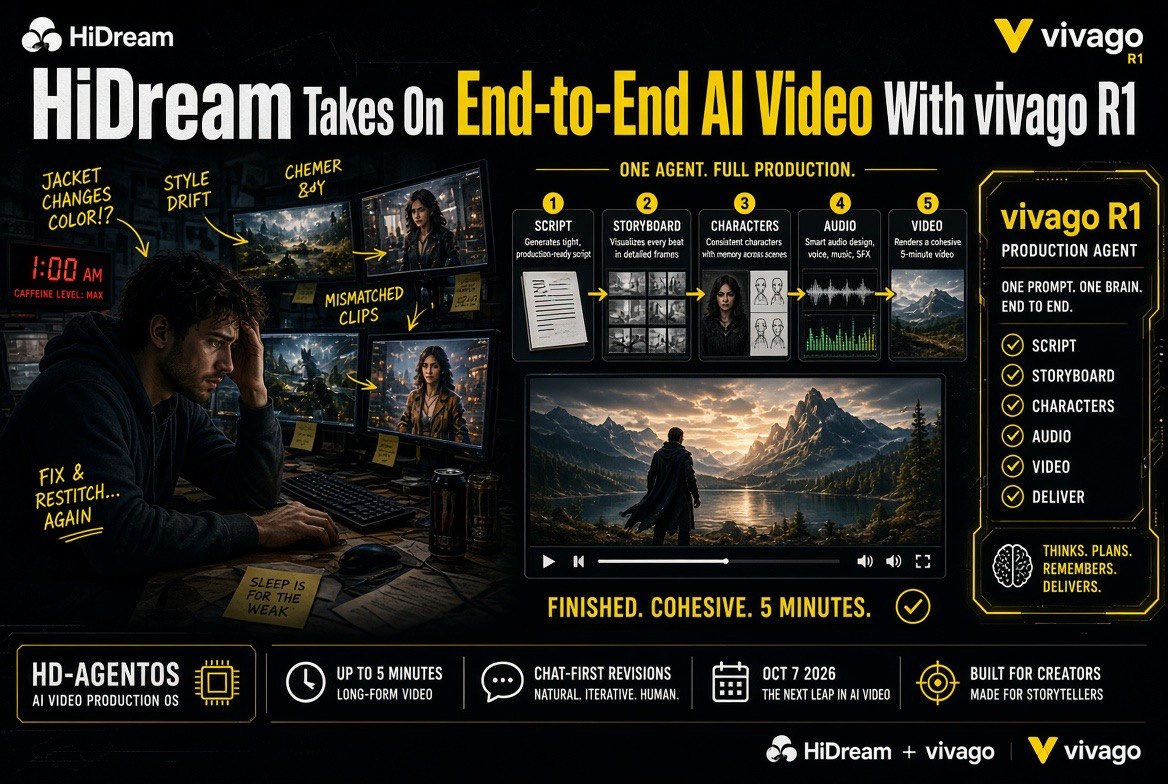
HiDream Takes On End-to-End AI Video With vivago R1
Get The Faceless YouTube Blueprint — Free
The exact AI tool stack and workflow used to build a faceless YouTube channel from zero.
HiDream Takes On End-to-End AI Video With vivago R1
⚡ Expert Summary: HiDream.ai has launched vivago R1 globally — an AI video creation agent that handles scriptwriting, storyboarding, generation and editing in a single workflow, producing finished videos of up to five minutes rather than stitching together separate clips. It coordinates specialized agents through HiDream’s HD-AgentOS, exposes its video capabilities through a command-line interface, and plans to fold in HiDream-O1-Video-1.0, a 1080p model with natively synchronized audio that ranked No. 4 globally on the Artificial Analysis Image to Video leaderboard with audio. Here is what R1 actually does, how it compares to assembling a video from single-shot generators, and what it means if you produce video for a living.
Every creator who has tried to make a real video with AI has hit the same wall. The individual shots look great. Then you have twenty of them, none of them match, the character’s jacket changed color between scene two and scene three, the audio is out of sync, and you are back in an editing timeline at 1 a.m. doing the work the AI was supposed to do.
On October 7, 2026, HiDream.ai made vivago R1 available globally, and the pitch is aimed directly at that gap. Instead of generating clips, R1 is built as a production agent — it takes a brief and carries it through script, storyboard, characters, environments, audio and final assembly as one coordinated project.
What HiDream Actually Launched
HiDream.ai describes vivago R1 as an AI video creation agent. The practical difference from a clip generator shows up in the structure of the work. A lead agent interprets the brief and develops a production plan, then specialized agents handle individual tasks — scripts, storyboards, characters, environments and audio. HD-AgentOS manages the workflow and the context shared across those tasks.
That shared context is the part that matters. Because each agent works from the same project state, the assets do not drift. R1 is designed to keep characters, settings and other creative elements consistent as a project develops — the exact failure mode that breaks multi-scene AI video today.
Output runs to up to five minutes in a single production workflow, with support for extending a project through additional rounds of creation. Users can start from a written prompt or supply images, video, documents and other references, then refine the result conversationally.
The Details Creators Will Actually Care About
Three specifics stand out, and none of them are marketing language.
The chat-first interface. Revisions happen in conversation. A user can ask for a scene to be rewritten, a storyboard adjusted or a visual element changed without manually reconfiguring a chain of tools. For anyone who has spent an afternoon re-prompting the same shot with slightly different wording, this is the difference between directing and fighting the software.
SkillHub. A library of reusable workflows for production tasks — developing a product ad, or a narrative short — that can be applied instead of built from scratch. It is the equivalent of a preset for an entire production type rather than a single effect.
Asset reuse and continuity. R1 lets users save approved assets for later projects and use references to keep characters, locations, props and voices consistent across shots. For serialized content, existing characters and settings can be carried into a subsequent episode. That is the feature that makes episodic AI video possible rather than merely impressive in a demo.
HiDream’s own creator examples include a story of nearly five minutes inspired by Journey to the West, and an ad following a designer who captures ideas throughout the day with a red foldable phone.
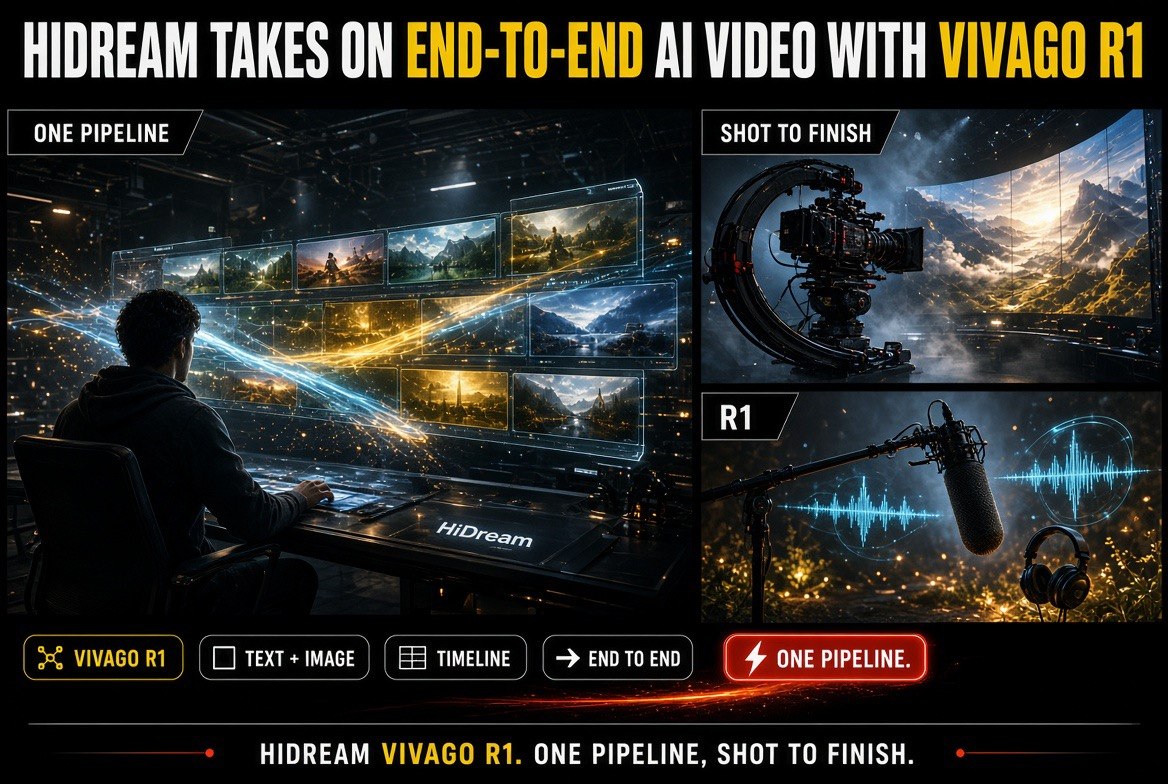
One pipeline, shot to finish: HiDream positions vivago R1 as a text-and-image-to-video system rather than a single-shot generator.
R1 vs. Single-Shot Generators: Where the Time Actually Goes
The honest comparison is not “which tool makes prettier frames.” Single-shot generators have gotten genuinely good at that. The difference is what happens after the first good shot — the part of the process that no individual generator owns.
| Production Stage | Single-Shot Generator Workflow | vivago R1 Agent Workflow |
|---|---|---|
| Script | Written outside the tool | Handled by a script agent from the brief |
| Storyboard | Maintained manually, usually in another app | Generated and editable in conversation |
| Character continuity | Drifts between shots; fixed by re-rolling | Kept consistent across the project |
| Audio | Separate tool, aligned by hand | Coordinated by a dedicated agent |
| Rough-cut length | As long as you can hold in your head | Up to five minutes per production run |
| Revision | Regenerate the clip and accept the drift | Ask for the change in plain language |
| Series continuity | Re-describe the look every episode | Carry saved assets into the next episode |
None of this makes single-shot generators obsolete. A creator who needs one striking five-second loop for an ad is still better served by a focused tool. R1 targets the job that starts at thirty seconds and keeps going.
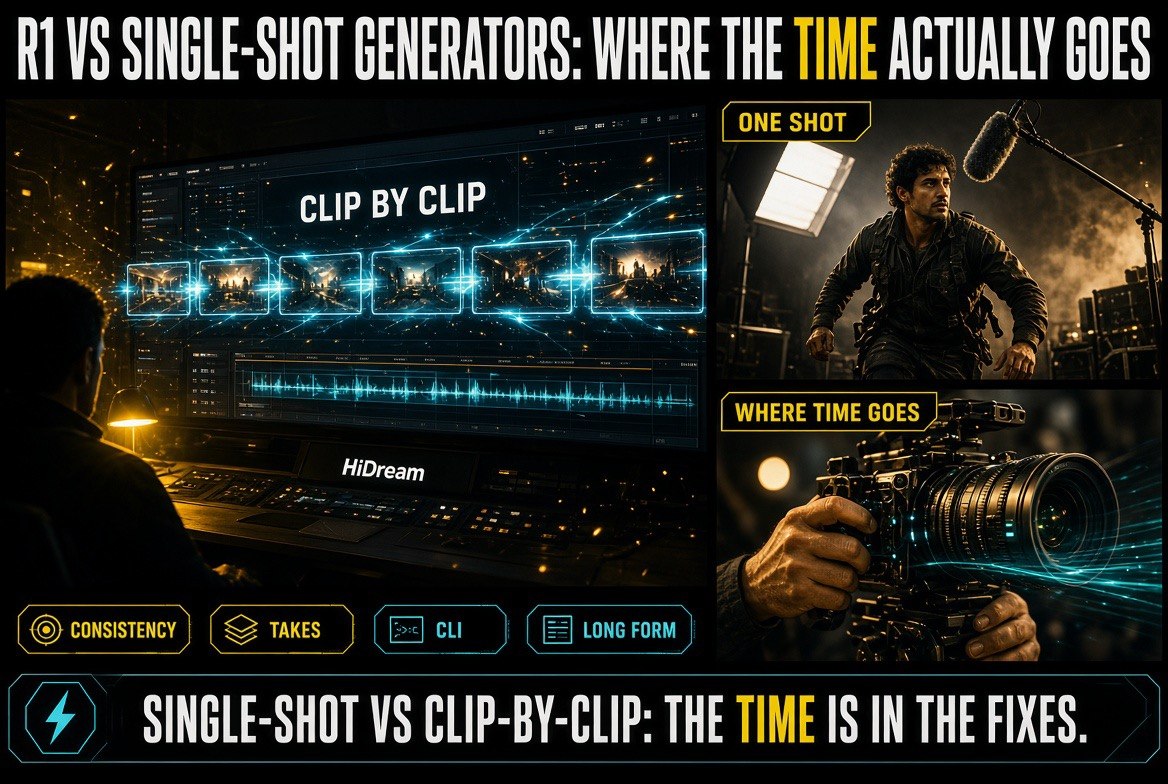
The time question is the real one: single-shot generators look fast until consistency breaks and every fix costs another generation.
The Developer Angle: A CLI, Not Just an Interface
The detail that separates R1 from a consumer app is the command-line interface. HiDream is exposing vivago’s video creation capabilities through a CLI so developers and compatible AI agents can incorporate video production into existing workflows.
CLI-supported tasks include initiating video generation, processing media assets and managing production jobs. In practice that means a team can develop a marketing concept in its existing workflow and hand video production to vivago programmatically — or fold it into automated and batch pipelines. HiDream notes that availability of specific integrations may vary by platform.
The strategic read here is straightforward. A web app competes for human attention. A CLI competes to be infrastructure. By making R1 callable from scripts, task queues and general-purpose AI agents, HiDream is positioning vivago as the video stage inside somebody else’s pipeline rather than a destination users visit. For solo creators and small teams, the practical benefit is the same: video generation becomes a step you can automate, not a manual session.
HiDream-O1-Video-1.0: The Upgrade Coming Next
R1’s launch capabilities are the current product. What HiDream says it is integrating next is arguably more interesting.
The company plans to fold HiDream-O1-Video-1.0, its native omnimodal video model, into vivago R1 in an upcoming update. At launch, the model ranked No. 4 globally on the Artificial Analysis Image to Video Leaderboard (With Audio) and No. 7 on the Arena.ai Image-to-Video leaderboard — publicly available results at the time of the launch, subject to change.
HiDream-O1-Video-1.0 generates 1080p video with natively synchronized audio, and is designed to improve handling of multimodal instructions, physical behavior and audiovisual coherence. The division of labor is worth understanding: the model generates video sequences, while R1 coordinates the wider process of developing and refining a longer-form project. Putting the model inside the agent workflow means the generation quality and the production orchestration improve together.
Natively synchronized audio deserves a separate note. Mismatched audio is one of the most reliable tells that a video was AI-generated — the motion and the sound operate on different clocks. A model that generates both together removes a step that creators currently solve by hand, and it is the kind of unglamorous fix that actually shortens a production cycle.
What This Means for the Way You Work
Three practical implications, in order of how soon they will show up in a real workflow.
First, the bottleneck is moving. When individual shot generation was the hard part, the skill was prompt craft. If R1’s approach holds up, shot quality becomes table stakes and the differentiator becomes direction — knowing what the video should say and being able to express revisions clearly. That is a better skill to invest in, because it transfers to any tool.
Second, episodic content gets cheaper. Continuity across episodes has been the specific thing that made serialized AI video impractical. Saved assets, persistent characters and a shared project context attack that directly. If you have been waiting to build a recurring series rather than one-off clips, this is the feature to test.
Third, plan for programmatic video. A CLI means video generation can sit inside a queue. Teams producing content at volume should assume that within a year the expectation is automated production pipelines, not manual sessions. Getting comfortable with that shape now is cheaper than catching up later.
Where R1 Sits Against the Rest of the AI Video Stack
R1 arrives into a market that has split into three layers, and understanding which layer a tool occupies tells you more than any feature list. The first layer is generation — models that turn a prompt or an image into footage. The second is control — tools for keeping a character, a face or a style stable across many generations. The third is production — the layer that decides what the video is, in what order, with what sound, and finishes it.
Most of the loudest tools compete in the first two layers, because those produce the most shareable demo clips. R1 is aimed at the third, which is the layer where creators actually lose days. HiDream’s decision to publish a CLI alongside the app reinforces the positioning: a production layer is something other systems call, not something users visit.
The Consistency Problem Nobody Has Fully Solved
Ask any creator what breaks an AI video project and you will get the same answer every time: continuity. A character’s face shifts subtly between shots. A jacket changes shade. A room’s layout rearranges itself between two angles of the same scene. Individually the shots pass. Strung together, the illusion collapses.
The reason is structural. Most tools treat each generation as an independent event, so consistency depends on the user re-describing the same details in enough identical language to produce identical results — an approach that works for two shots and fails at twenty. The fixes have been workarounds: reference images, character LoRAs, seed locking, careful prompt libraries. All of them push manual continuity management onto the creator.
R1’s answer is to hold project state. Characters, settings, props, voices and approved assets live inside the project, and each specialized agent works from that shared context rather than from an isolated prompt. Whether this holds up across a genuine five-minute production is the real test — and it is the test no launch announcement can pass for you. But the architecture targets the correct failure, which is more than can be said for another round of prompt-engineering tips.
Audio Is Quietly the Hardest Part
Creators and reviewers obsess over visuals, but audio is where AI video most reliably gives itself away. Dialogue lands a fraction early. Ambience cuts at the wrong beat. Footsteps do not match the motion. Music resolution does not line up with the cut. Each mismatch is small; together they read as “generated” within seconds.
The usual solution is post-production — generate silent footage, then build the sound separately and align it by hand. That works, and it is also the single most time-consuming step in an AI video workflow. Eight shots with dialogue and ambience can consume more editing hours than the generations took to produce.
This is why HiDream’s plan to integrate HiDream-O1-Video-1.0 into R1 is more significant than the model’s leaderboard placement. The model generates 1080p video with natively synchronized audio, meaning motion and sound are produced on the same clock rather than reconciled afterwards. Its No. 4 finish on the Artificial Analysis Image to Video Leaderboard (With Audio) speaks specifically to that combined capability. If natively synchronized audio performs as described, it removes the step most likely to send a creator back into a timeline. It is not in R1 yet, which is worth remembering, but it is the update that would change how much of the work stays inside R1.
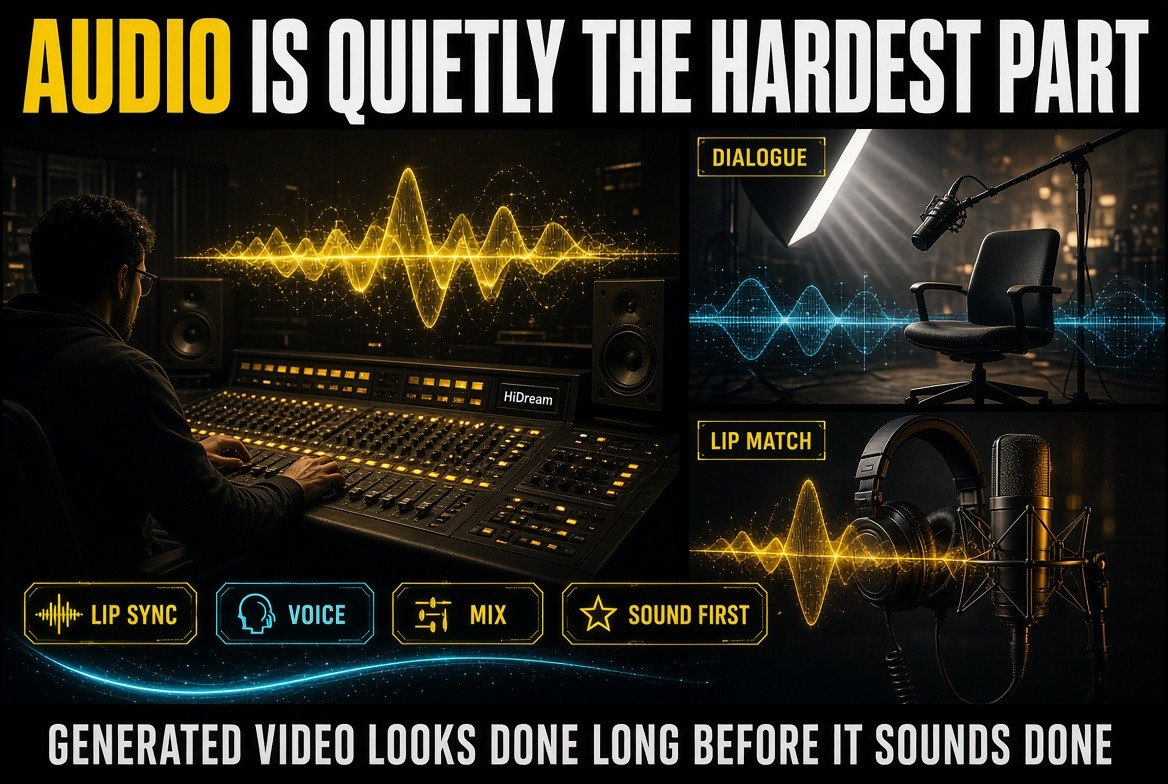
Audio is the quiet failure mode: generated video looks finished long before sync, dialogue and lip match actually hold together.
What to Test First, and What to Watch For
If you are going to spend a real project inside R1, test the things that historically break, in this order.
Run a continuity stress test, not a beauty test. The demo appeal of any AI video tool is a single gorgeous shot. What matters is whether the same character walking through four different scenes still looks like the same person. Build a short sequence with deliberate environment changes and inspect the face, wardrobe and proportions at each cut.
Push the five-minute claim from the boring end. Generating five minutes of striking visuals is a different challenge from holding a coherent narrative for five minutes. Test whether pacing survives, whether the story still makes sense at minute four, and whether revisions to the script propagate sensibly into the storyboard and footage rather than requiring a rebuild.
Verify that revisions do not cascade into damage. The value of a chat-first interface is that a small change stays small. Ask for one scene to be rewritten and check that the scenes around it remain untouched. If editing one element quietly reshuffles others, the interface is a convenience rather than real control.
Test the CLI with something real. If programmatic video matters to you, do not evaluate the CLI on a toy call. Wire it into a queue that produces a batch of short variants and see what breaks when volume goes up — failure handling, asset management and job management all behave differently at scale.
Watch for the classic agent failure mode. Agent-led production is prone to confident mediocrity: the system produces something plausible that satisfies its own plan without ever being good. When you review R1’s output, ask whether it followed the brief or merely completed a checklist. That question tells you whether you are collaborating with a director or supervising a machine.
None of these are reasons to avoid R1. They are the difference between a fair evaluation and a demo impression — and at this stage of the category, the difference matters more than any leaderboard ranking.
Prompting vs. Directing: The Skill Shift
Every generation tool so far has rewarded prompt craft — knowing the phrasing, the style tokens, the camera language that coaxes a specific frame out of a model. It is a real skill, and it is also a fragile one, because the phrasing that works on one model does not transfer cleanly to the next.
An agent-led workflow changes what the creator is being asked to do. Instead of describing a shot precisely enough that a model produces it, the user describes intent and revises in plain language: rewrite this scene, adjust that storyboard, change this visual element. The leverage moves from wording to judgment — knowing what the piece needs and being able to say it clearly.
| Skill Area | Prompt-Centric Workflow | Agent-Led Workflow (R1) |
|---|---|---|
| Core skill | Phrasing that produces a desired frame | Judgment about what the piece needs |
| Transferability | Breaks when you switch models | Carries across tools and projects |
| Revision cost | Re-roll and accept what else changes | Ask for the change, keep the rest |
| Where time goes | Perfecting individual shots | Deciding sequence, pacing and story |
| Scaling up | Effort grows with shot count | Project state carries the load |
| Automation ceiling | Human must drive every generation | Callable from scripts and queues |
The table undersells the point slightly, because the two columns are not mutually exclusive. Prompt craft still matters inside an agent workflow — the brief you write is what the lead agent plans from. What changes is that the creator is no longer the one executing each shot, which means the ceiling on a project stops being set by how many generations a person can babysit.
For solo creators, that shift is the entire value proposition. The constraint on a one-person channel has never been ideas; it has been the hours between an idea and a finished video. A production agent that holds context and revises conversationally attacks that specific constraint. Whether it delivers is a claim to verify on a real project, not a claim to accept from a launch announcement.
The Bottom Line
HiDream’s vivago R1 is not trying to win on individual shot quality, and that is the right call. That contest is crowded and the leader changes monthly. R1 is trying to own the part nobody else has claimed — the coordination layer that turns a brief into a finished, consistent, five-minute video with sound.
Is it proven? No. Agent-led production is exactly the kind of claim that demos beautifully and falls apart on a real deadline, and HiDream-O1-Video-1.0 is not in R1 yet. But the architecture addresses the actual reason AI video has been frustrating to work with, the CLI makes it usable inside real pipelines, and the leaderboard results on the incoming model suggest the generation half will not be the weak link.
Worth testing on your next project — especially if that project is anything longer than a single shot.
For more on AI video tools that hold up in real production, see our coverage in AI video tools.
Frequently Asked Questions
What is vivago R1?
vivago R1 is an AI video creation agent from HiDream.ai, launched globally on October 7, 2026. It combines scriptwriting, storyboarding, video generation and editing into a single workflow so creators produce finished videos rather than assembling them from independently generated clips.
How long a video can vivago R1 produce?
R1 can produce videos of up to five minutes in one production workflow, with support for extending a project through additional rounds of creation.
How does R1 keep characters consistent between scenes?
It uses a system of agents coordinated by HD-AgentOS. A lead agent builds the production plan while specialized agents handle scripts, storyboards, characters, environments and audio — all working from shared project context. Saved assets and references can also carry characters, locations, props and voices across shots and into later episodes.
What is the vivago CLI for?
HiDream exposes vivago’s video creation capabilities through a command-line interface so developers and compatible AI agents can incorporate video production into existing workflows. Supported tasks include initiating video generation, processing media assets and managing production jobs, which allows video generation to run inside scripts or batch queues.
What is HiDream-O1-Video-1.0 and when does it arrive?
It is HiDream’s native omnimodal video model, planned for integration into vivago R1 in an upcoming update. At launch it ranked No. 4 globally on the Artificial Analysis Image to Video Leaderboard (With Audio) and No. 7 on the Arena.ai Image-to-Video leaderboard. It generates 1080p video with natively synchronized audio.
Is vivago R1 available now?
Yes. The vivago R1 platform is available globally at vivago.ai. HiDream has also released an updated version of Gouda for users in China.

About Barak Schurr
Barak Schurr is a serial entrepreneur who built and exited a major ticketing platform before turning his attention to AI and content. He runs three AI-focused research sites and writes about the tools, workflows, and strategies that let solo creators build real channels — without a crew, a studio, or a Hollywood budget.
Email: [email protected]
More AI Video Resources