Kling 3.0 Subject Binding Locks Character Consistency Across Every AI Video Shot
Get The Faceless YouTube Blueprint — Free
The exact AI tool stack and workflow used to build a faceless YouTube channel from zero.
Kling 3.0 Subject Binding Locks Character Consistency Across Every AI Video Shot
⚡ Expert Summary: Kling AI just released Subject Binding in version 3.0 — a feature that locks a character’s facial features, clothing, and body proportions across multiple shots within a single generation. This solves one of the most persistent problems in AI video: character consistency. Instead of generating a character that changes appearance between every cut, creators can now maintain visual continuity across an entire scene.
If you have spent any time with AI video generation, you know the problem.
You generate a shot of a character. The lighting is right. The motion is smooth. The expression matches your vision. Then you generate a second shot of the same character, and they look like a completely different person. The nose changed. The eye color shifted. The jacket is suddenly a different shade.
This inconsistency has been AI video’s biggest practical barrier throughout 2025 and into 2026. It is why most AI-generated videos remain single-shot clips rather than multi-scene narratives. It is why character-driven storytelling has lagged behind clip quality. And it is why AI-generated commercials, brand videos, and short films have struggled to reach production-grade standards.
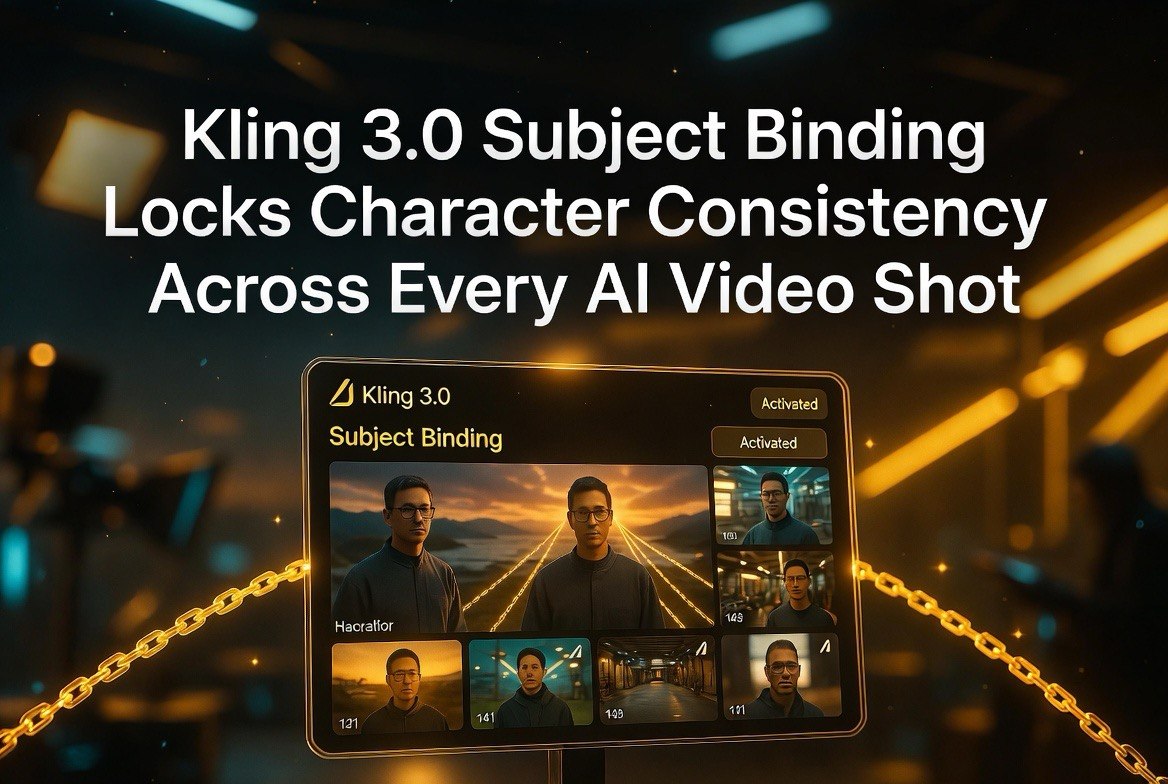
Kling 3.0’s Subject Binding feature changes this. Released on June 26, 2026, it allows creators to lock a subject’s appearance across multiple shots within a single generation sequence, maintaining facial features, clothing, body type, and key visual details throughout.
How Subject Binding Works
Subject Binding operates differently from earlier attempts at character consistency in AI video. Previous approaches relied on reference images that the model approximated but did not strictly follow. The result was better than random but still unreliable for multi-shot sequences.
Kling 3.0’s approach is built into the generation pipeline. The creator uploads one or more reference images of the subject — a character portrait, a product shot, a specific object — and the model treats those images as binding constraints for every frame it generates.
The feature supports up to 9 reference images. This allows creators to define a subject from multiple angles: front view, side view, detail shots of critical features like hairstyle or accessories. The model cross-references all inputs to build a consistent internal representation that persists across shots.
Within a single generation session, the bound subject can be placed in different settings, shown from different camera angles, and engaged in different actions — all while maintaining visual continuity.
Why Character Consistency Matters for Creators
The absence of character consistency has been the single biggest barrier keeping AI video from crossing into professional production. Here is why it matters across different creator use cases:
Narrative storytelling. A short film with multiple cuts of the same character requires visual continuity. Viewers notice when a character’s appearance shifts between shots. It breaks immersion and signals that the content was AI-generated. Subject Binding closes this gap, allowing AI-generated narrative content that passes the consistency test.
Brand and product video. A product being demonstrated from multiple angles looks unprofessional if the product’s appearance shifts between shots. For e-commerce video, commercial ads, and promotional content, consistent product representation is non-negotiable. Subject Binding applied to products — not just people — maintains visual continuity for objects as well.
Avatar and character branding. Creators building recurring AI characters for social media channels or serialized content need those characters to look the same in every video. Subject Binding makes it possible to generate new episodes or segments without manually redefining the character’s appearance each time.
Training and tutorial content. Educational content featuring a consistent presenter or instructor benefits from visual continuity. Viewers build familiarity with the presenter, which increases trust and retention.
How Kling 3.0 Compares to Other Consistency Tools
Character consistency has been a priority across the AI video industry in 2026, and multiple tools have released their own approaches.
Seedance 2.0 introduced multi-shot generation with character consistency through reference image constraints, but the consistency is strongest within a single generation pass. Multi-session consistency across different generation runs is less reliable.
Runway Gen-4.5 added character reference features that can carry a character’s appearance across separate generations, but the feature requires careful prompt engineering and works best with stylized or animated content rather than photorealistic subjects.
HappyHorse 1.1 supports up to 9 reference images for character binding, similar to Kling, but the binding is optimized for Alibaba Cloud’s enterprise API workflow rather than the consumer-facing Kling platform.
Kling 3.0’s Subject Binding distinguishes itself through its performance with photorealistic human subjects. The facial feature retention across different camera angles and lighting conditions is measurably better than competing tools in tests published by the AI video community. The 9-reference-image input allows creators to build a comprehensive visual profile that the model respects across the generation sequence.
Practical Use Cases for US Creators
For American content creators and video producers, Subject Binding opens production workflows that were previously impractical with AI video:
A creator filming a product review can generate a consistent presenter delivering different sections of the script across multiple shots, then edit them together into a seamless sequence. The presenter’s face, clothing, and mannerisms remain stable across every cut.
A filmmaker producing a short narrative can generate a character in an establishing shot, a close-up, and an action sequence — all within the same generation session. The character’s appearance persists across the scene, allowing the filmmaker to focus on performance direction rather than consistency correction.
A social media creator building a recurring character can generate ten episodes across different settings and scenarios, knowing the character will look like the same person in every episode. The audience builds familiarity with the character, which translates into higher engagement and retention.
What Subject Binding Does Not Fix
Subject Binding solves character appearance consistency across shots, but it does not solve other AI video limitations that creators should understand.
Motion consistency within a character — the way a person walks, gestures, or interacts with objects — is not bound by Subject Binding. A character may look the same in every shot but move differently between generations. The feature addresses visual identity, not behavioral consistency.
Lighting consistency across shots remains a separate challenge. A subject bound into a dimly lit scene and then bound into a bright outdoor scene will maintain the same face and clothing, but the lighting model may not carry over perfectly. The reference images provide the appearance, not the lighting conditions.
Background and environment are not bound. If you generate the same character in different settings, the model treats each environment independently. The subject remains consistent, but the transition between environments may not account for environmental continuity unless the creator manages this through multi-shot generation within a single session.
How to Use Subject Binding in Your Kling Workflow
Getting the best results from Subject Binding requires preparation that differs from standard AI video prompting.
Start with your reference images. Upload 4-6 images of the subject from different angles. A front-facing portrait, a three-quarter view, a side profile, and a detail shot of distinguishing features work best. For clothing, include a full-body reference image so the model binds outfit details alongside facial features.
Write your prompt with the bound subject in mind. The prompt should describe what the subject is doing and where they are, not who they are. The who is already defined by the reference images. Over-specifying appearance in the prompt can conflict with the bound reference and degrade consistency.
Generate multiple takes of each shot within the same session. Kling 3.0’s session-based approach means consistency is strongest when all shots for a scene are generated in sequence. If you generate shots across separate sessions, use the same set of reference images and replicate as much of the prompt structure as possible.
Use the camera control features that Kling also released alongside Subject Binding. The ability to specify push, pull, pan, and tilt moves in combination with a bound subject lets creators direct the camera while maintaining character stability. A subject bound in a close-up can be re-framed into a wide shot using camera control parameters without breaking consistency.
What the AI Video Community Is Saying
The initial reception to Subject Binding has been strong among AI video creators on platforms like X and YouTube. Early testers are publishing comparison videos showing the same character generated with and without Subject Binding. The difference is immediately visible.
Several creators noted that Subject Binding works best when the reference images are consistent with each other. A reference set that mixes different lighting conditions, makeup styles, or camera lenses produces weaker binding than a set shot under consistent conditions. Professional creators are adding a dedicated reference image capture step to their pre-production workflow.
The feature is being tested for commercial applications including product video for e-commerce brands. A consistent product appearance across multiple camera angles makes AI-generated product shots viable for Amazon listings, social media ads, and website hero images — all without the cost of a physical photo shoot. Early testers report that Subject Binding reduces the time spent on consistency correction from hours to minutes per project.
What Subject Binding Means for the AI Video Industry
Subject Binding represents a category change in what AI video can do. The industry has spent 2025 and 2026 improving clip quality, motion realism, and resolution. Those improvements have been incremental. Character consistency was the remaining hard problem that limited AI video to single-shot clips.
With Subject Binding and similar features appearing across Kling, Seedance, and HappyHorse, the barrier to multi-shot narrative AI video is falling. The next phase of AI video will be about storytelling and direction rather than clip generation. Creators who master subject consistency now will have a significant advantage as the tools mature and the production expectations rise across the industry.
Internal Link: More AI Video Resources
This is part of our coverage of AI video tools, tracking the latest generation models and features for creators.
Frequently Asked Questions
How many reference images does Kling 3.0 Subject Binding support?
Up to 9 reference images. Multiple angles and detail shots improve consistency across generated shots.
Does Subject Binding work with animated or stylized content?
Yes. Subject Binding works with photorealistic, animated, and stylized subjects. The feature binds the visual characteristics of whatever reference images you provide, regardless of style.
Can Subject Binding maintain consistency across separate generation sessions?
Within a single generation session, consistency is strong. For separate sessions, using the same set of reference images improves the likelihood of consistent output but is not guaranteed to be identical.
Is Subject Binding available on Kling’s free tier?
Subject Binding is available on Kling’s paid plans. Check Kling’s current pricing page for exact tier and credit details, as pricing varies by resolution and generation length.
Does Subject Binding work for objects and products, not just people?
Yes. The feature binds any subject provided in reference images, including products, branded items, vehicles, and other objects requiring visual consistency across shots.
Can I use Subject Binding for multi-character scenes?
Yes. Subject Binding allows different reference sets for different characters within the same project. Each character can be bound independently and appear together in generated shots.

About Barak Schurr
Barak Schurr is a serial entrepreneur who built and exited a major ticketing platform before turning his attention to AI and content. He runs three AI-focused research sites and writes about the tools, workflows, and strategies that let solo creators build real channels — without a crew, a studio, or a Hollywood budget.
Email: [email protected]