Canva Built Its Own Image Model to Stop Paying Google
Canva Built Its Own Image Model to Stop Paying Google
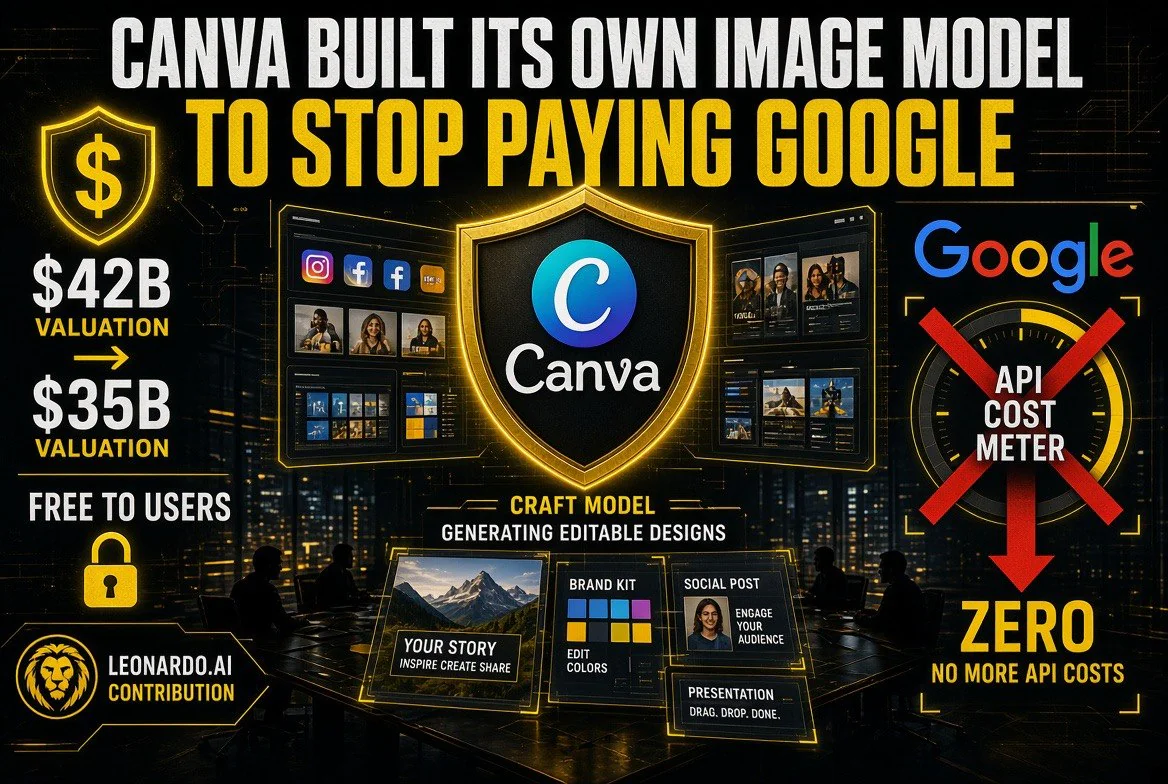
⚡ Expert Summary: Canva shipped Canva Craft, its first in-house image generation model, available free to every user in the Dream Lab tab. It was trained on Canva’s own design templates rather than photographs, so output converts into layered designs. The real story is not the model — it is why a $4 billion design company with a valuation that reportedly fell from $42 billion to $35 billion decided it could no longer afford to rent image generation from Google, OpenAI, ByteDance, and Meta.
Canva’s valuation reportedly fell from $42 billion to $35 billion this year, after the company cut its growth forecast for 2026. Last year it was on track for $4 billion in revenue. It is a big, profitable-adjacent design company that suddenly has to explain a $7 billion hole to people who lend it money.
On Wednesday it shipped Canva Craft, its first image generation model, built by its own research team to compete with the same-category models from Google, OpenAI, ByteDance, and Meta.
Put those two facts next to each other and the announcement stops being about creativity. It is about gross margin.
The Model Is Good. That Is Not the Point.
Credit where it is due: Canva Craft does something structurally different from a generic text-to-image model, and the difference is not marketing.
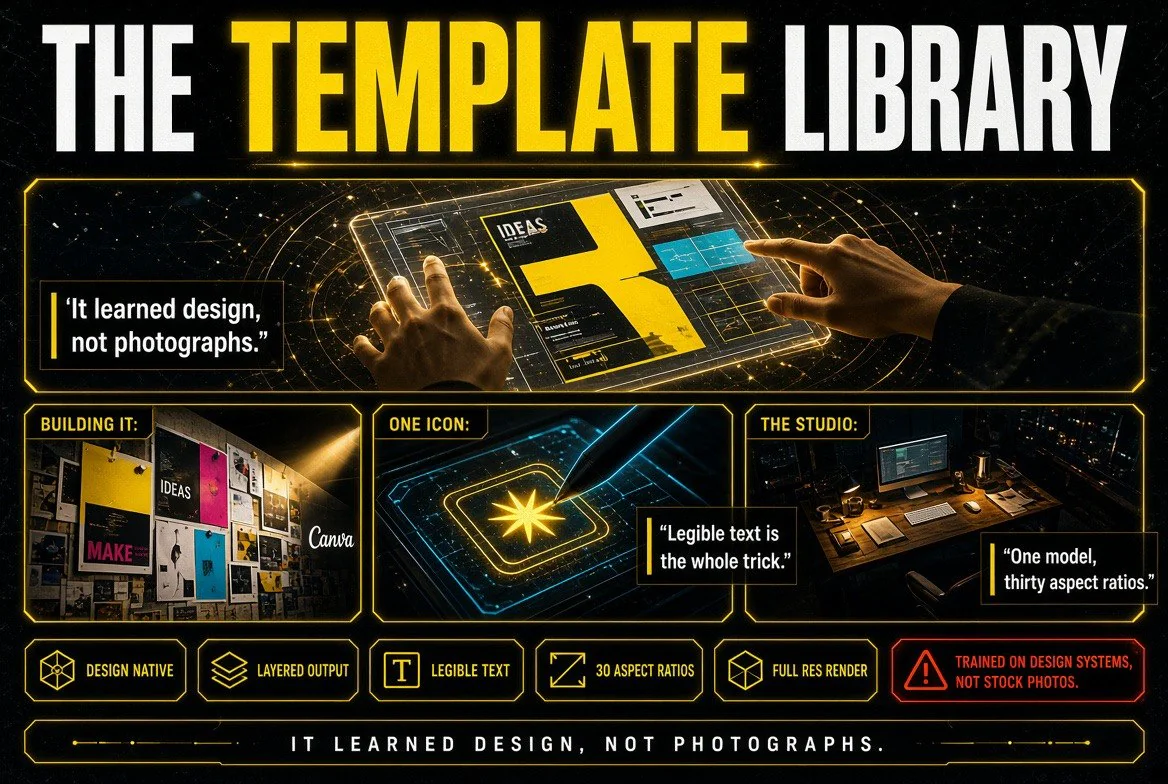
The company says the model works in two stages. First it interprets the prompt and builds a plan — spatial relationships between elements, relative scale, visual hierarchy, and the information needed for text generation. Then it renders up to 2K resolution across 30 possible aspect ratios.
That plan-then-render approach is what lets the output carry accurate object detail and legible text, and it is what makes precise edits possible without regenerating the whole image. Anyone who has tried to fix one word in an AI-generated poster knows why that matters.
The training data is the more interesting choice. Rather than using photographs, Canva trained Craft on human-designed templates from its own library — posters, social posts, presentations, infographics, menus, and typography-rich layouts. That is why generated images can be converted into layered designs through Canva Magic, the company’s image-to-design transformer. The model learned what a design is, not what a photograph looks like.
Canva Craft is available now to all users in the Dream Lab tab, through the Canva API, and it is coming to third-party chatbots like ChatGPT and Gemini through Canva’s MCP. Two cost-efficient variants, Craftfast and Craft-ultrafast, are in development. The researchers who came to Canva in its 2024 acquisition of Leonardo.ai contributed to the model.
The API Bill Nobody Talks About
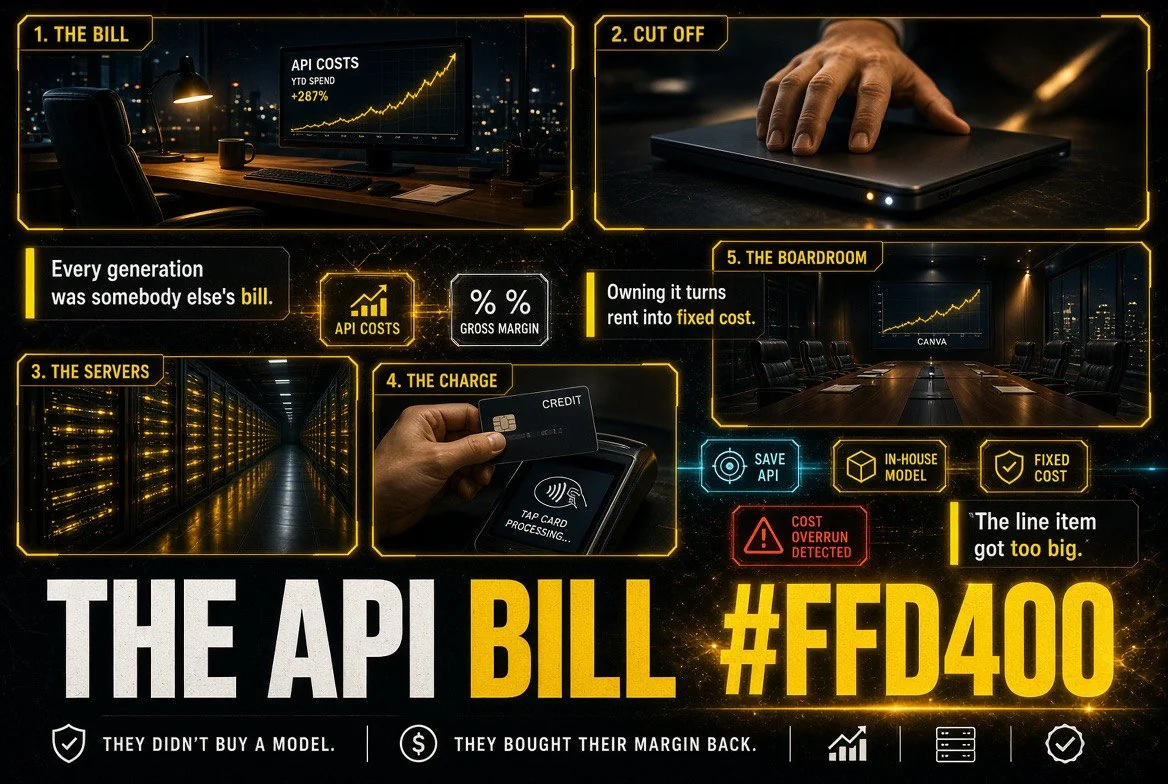
Here is the sentence in the coverage that explains everything else: Canva said the new model will help save API costs, and that beyond cost it gives the company better quality and speed control.
Read that as an operator rather than a user. Canva has spent years building a design product on top of other people’s image models. Every generation a Canva user fired was a bill from somebody else — Google, OpenAI, ByteDance, Meta, or a mix. That is a variable cost that scales with usage, under a margin that was already under pressure the moment growth slowed.
Owning the model does not just cut the bill. It flips the cost from variable to fixed. Inference still costs money, but the model is yours, the roadmap is yours, and nobody upstream can raise your prices or deprecate the version your product depends on.
| Consideration | Renting a Third-Party Model | Owning Canva Craft |
|---|---|---|
| Cost structure | Variable per generation, scales with usage | Fixed research investment, cheaper per generation |
| Price control | Set by the upstream provider | Set internally |
| Model continuity | Provider can deprecate or change terms | Version stays as long as you keep it |
| Training advantage | General model, generic design sense | Trained on your own template library |
| Output control | Whatever the API exposes | Full pipeline control, incl. layered conversion |
That is the actual product. Craft is the visible part. The margin structure underneath it is the strategy.
The Uncomfortable Parallel for Creators
If you make your living on images, video, or design, you are about to experience the same thing Canva just did to its upstream providers — at a smaller scale, and with less leverage.
For two years, the deal was simple: you paid monthly for tools that wrapped somebody else’s model, and the tools took a cut. That was fine while the models were a marvel. It stops being fine when the wrapper realizes it is paying more in API fees than its own work is worth, and decides to build the model itself.
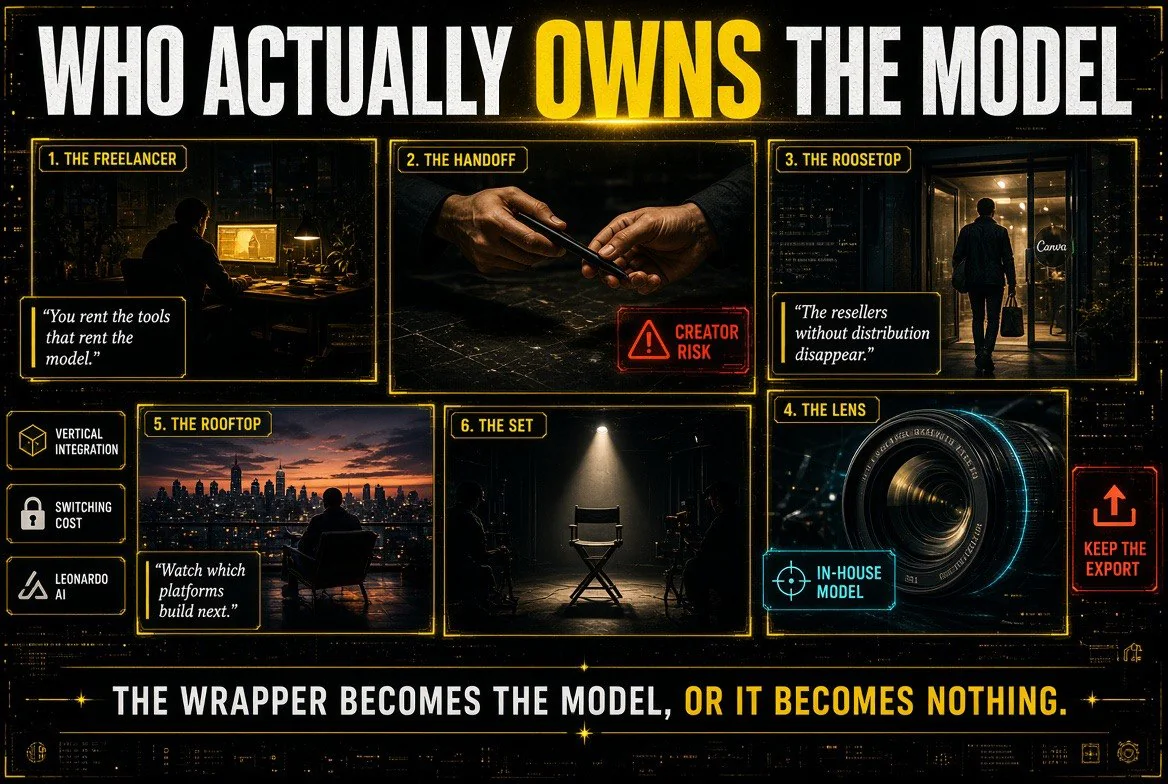
Canva is not an outlier. It is the template. A platform reaches a certain size, looks at the API line item, and either buys the lab (Canva bought Leonardo.ai in 2024) or builds in-house (Craft, in 2026). What is left upstream is a company whose best customer just stopped being a customer.
Which means the next round of consolidation will not be by category. It will be vertical: whoever owns the model cutting out whoever merely resells it. The resellers with real distribution survive as the interface. The resellers without it become a line in a shutdown notice.
What Canva Is Actually Betting On
Three separate bets, and they are worth naming because only one of them is certain.
Bet one: that design-native beats photo-native.
Training on templates rather than photographs is a real thesis. A model that understands hierarchy, layout, and legible text produces something a designer can actually ship, whereas a beautiful photograph of a product is step one of a five-step job. If the thesis holds, Canva’s output is closer to finished work than a generic model’s output — and that is a defensible difference.
Bet two: that free is a moat.
Craft is available to all users, not gated behind a premium tier. That is a distribution play against every competitor that meters image generation. If your design tool generates images for free and your competitor’s charges credits, the free one wins the trial.
Bet three: that the layering pipeline locks people in.
A generated image that converts into an editable layered design inside Canva Magic is a one-way door. Once a team builds a workflow around editable AI output, exporting to a flat PNG and starting over elsewhere is not an option anyone chooses.
The third bet is the one with teeth, and it is also the one that should make creators slightly uneasy. Lock-in is a moat for the platform and a leash for the user, and the difference is decided entirely by what the pricing looks like once the switching cost has done its work.
The Counter-Argument, In Its Own Terms
Is this actually bad for creators? Not obviously, and it would be dishonest to pretend otherwise.
Free, unlimited-ish image generation inside a tool designers already pay for is a genuine improvement in their working lives. Legible text in generated images solves a problem that has annoyed people for two years. Editable layers mean the output is a starting point rather than a lottery ticket. And a valuation decline at Canva does not harm a single freelancer — if anything, it makes the company hungrier and more likely to give product away to defend its base.
The fair version of the worry is not “Canva is exploiting you.” It is that the creative tool layer is consolidating into a handful of vertically integrated platforms, and every one of them will eventually price its generosity against your switching cost. That is not a scandal. It is a pattern with a long history, and the people who see it coming negotiate better than the people who do not.
What a Creator Should Do With This
One thing, and it is the same thing every time a platform ships something free.
Test it against your actual workflow this week, and check two specific things: whether the text it generates is legible enough to skip a round trip through a design tool, and whether Canva Magic’s layered conversion survives an edit without mangling the composition. Those are the two claims that would change how you work. Everything else is a feature list.
Then keep the export. Whatever you make with Craft, get the layered source out and archived somewhere that is not Canva’s cloud. The one thing you control in a vertically integrated platform is whether your working files live inside it or outside it.
| Claim | What Canva Says | What to Verify Yourself |
|---|---|---|
| Legible text | Two-stage planning produces accurate, readable text | Generate a poster with a long headline and count the typos |
| Precise editing | Edit one element without changing others | Change one word three times, check nothing shifts |
| Layered conversion | Craft output converts via Canva Magic | Convert, then edit layers — confirm groups stay sane |
| Free for all users | Available in Dream Lab to every account | Check for caps and queue priority on the free plan |
The Number That Explains the Launch
$42 billion to $35 billion. That is the reported valuation move, alongside a cut growth forecast for 2026, after a year on track for $4 billion in revenue.
Nobody builds a research team and trains a model from scratch because it is fun. They do it because the line item they were paying upstream got too big relative to the growth they were buying with it. Canva Craft is what that decision looks like when it ships.
The model might be excellent. The layered conversion might genuinely change how designers work. But the launch is not a creative milestone — it is a cost-structure event, and the same event is queuing up at every platform that built its product on somebody else’s model.
Watch which ones build next. That list is your map of who survives the next two years.
Frequently Asked Questions
What is Canva Craft?
Canva Craft is Canva’s first in-house image generation model, built by its research team. It is available to all Canva users from the Dream Lab tab, through the Canva API, and it will be supported in third-party chatbots like ChatGPT and Gemini through Canva’s MCP.
How is Canva Craft different from other image models?
It works in two stages: first planning the composition — spatial relationships, scale, visual hierarchy, text requirements — then rendering at up to 2K resolution across 30 aspect ratios. It was trained on Canva’s design templates rather than photographs, so output can convert into editable layered designs.
Is Canva Craft free?
Canva says the model is available on its platform to all users, accessible from the Dream Lab tab. Canva also plans cost-efficient variants called Craftfast and Craft-ultrafast.
Why did Canva build its own image model?
Canva said the new model helps save API costs and gives it better quality and speed control. Previously the platform used a range of third-party image models, which carried per-generation costs set upstream.
Did Leonardo.ai contribute to Canva Craft?
Yes. Canva acquired the media generation platform Leonardo.ai in 2024, and said researchers from Leonardo contributed to the new image model.
What resolution does Canva Craft generate?
Images up to 2K resolution, in any of 30 possible aspect ratios for different platforms.
Can I edit Canva Craft images afterwards?
Canva says users can make precise edits without changing other parts of the image, and generated images can be converted into layered designs using Canva Magic, the company’s image-to-design transformer.
How big is Canva as a business?
Canva was on track for $4 billion in revenue last year, but cut its growth forecast for 2026, with its valuation reportedly falling from $42 billion to $35 billion according to external analysts.
What does this mean for creators who use AI image tools?
Free, design-native image generation inside an existing design tool is a real workflow gain. The strategic risk is consolidation — a handful of vertically integrated platforms owning the model, the editor, and your working files, which raises switching costs over time.
Should I still use third-party AI image tools?
Yes, where they do something Canva cannot. The practical rule is to verify the two claims that matter — legible text and clean layered editing — and to keep exported source files wherever you generate them.
About Barak Schurr
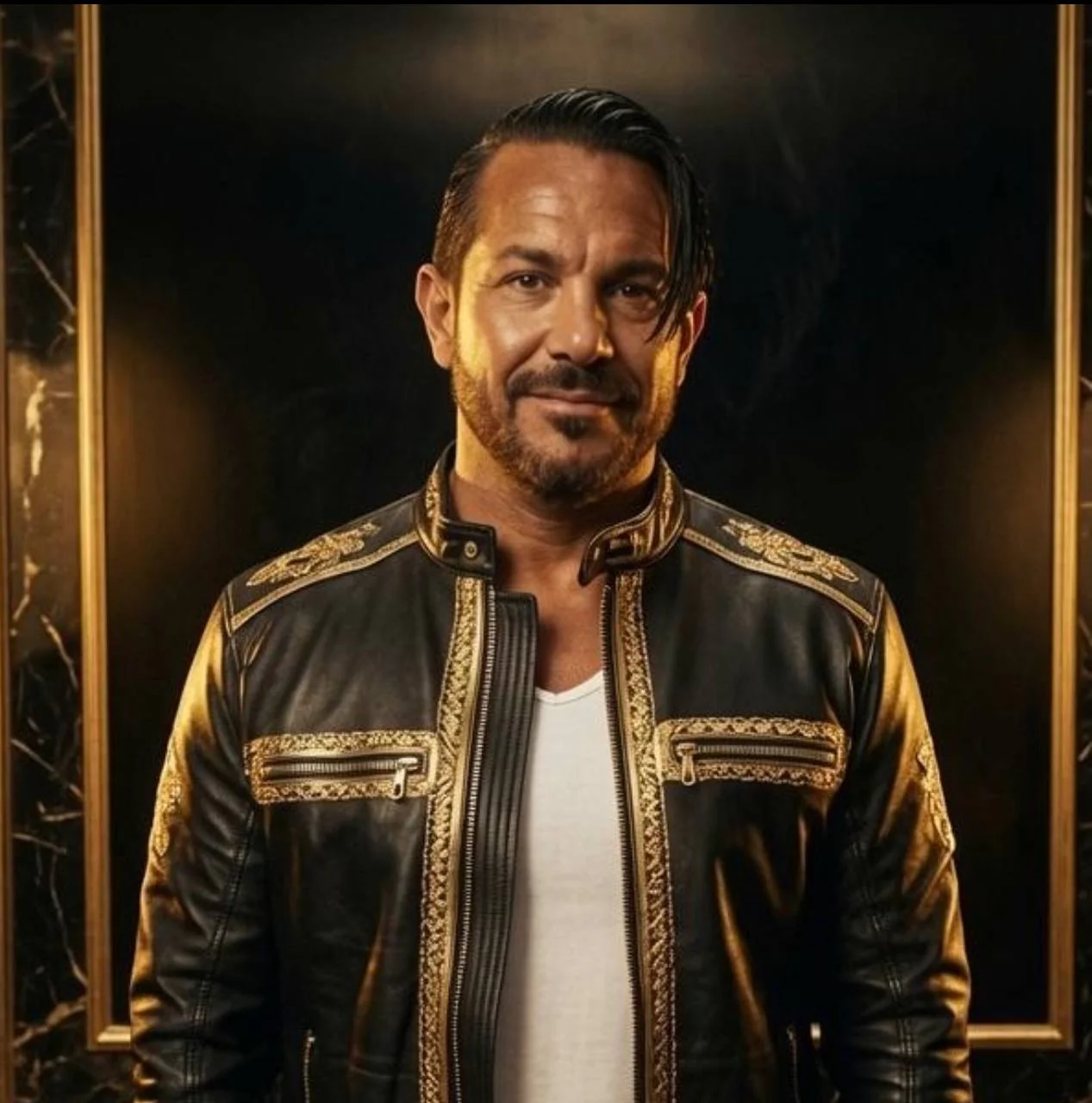
Barak Schurr is a serial entrepreneur who built and exited a major ticketing platform before turning his attention to AI and content. He runs three AI-focused research sites and writes about the tools, workflows, and strategies that let solo creators build real channels — without a crew, a studio, or a Hollywood budget.
Email: [email protected]
More AI Resources for Creators