The Motion Problem — Why AI Video Tools Still Can’t Get a Handshake Right
Get The Faceless YouTube Blueprint — Free
The exact AI tool stack and workflow used to build a faceless YouTube channel from zero.
The Motion Problem — Why AI Video Tools Still Can’t Get a Handshake Right
⚡ Expert Summary: AI video generation has made incredible leaps in visual quality, but motion consistency remains the industry’s biggest unsolved problem. Generating a beautiful static frame is table stakes. Making a handshake look natural, a person walk without glitching, or a character maintain consistency across a 30-second clip — those are the challenges that separate today’s tools from what creators actually need. This article breaks down the motion quality landscape across Kling, Runway, Sora, and the emerging contenders, and explains why practical business uses like AI avatars are winning while cinematic tools struggle with the fundamentals.
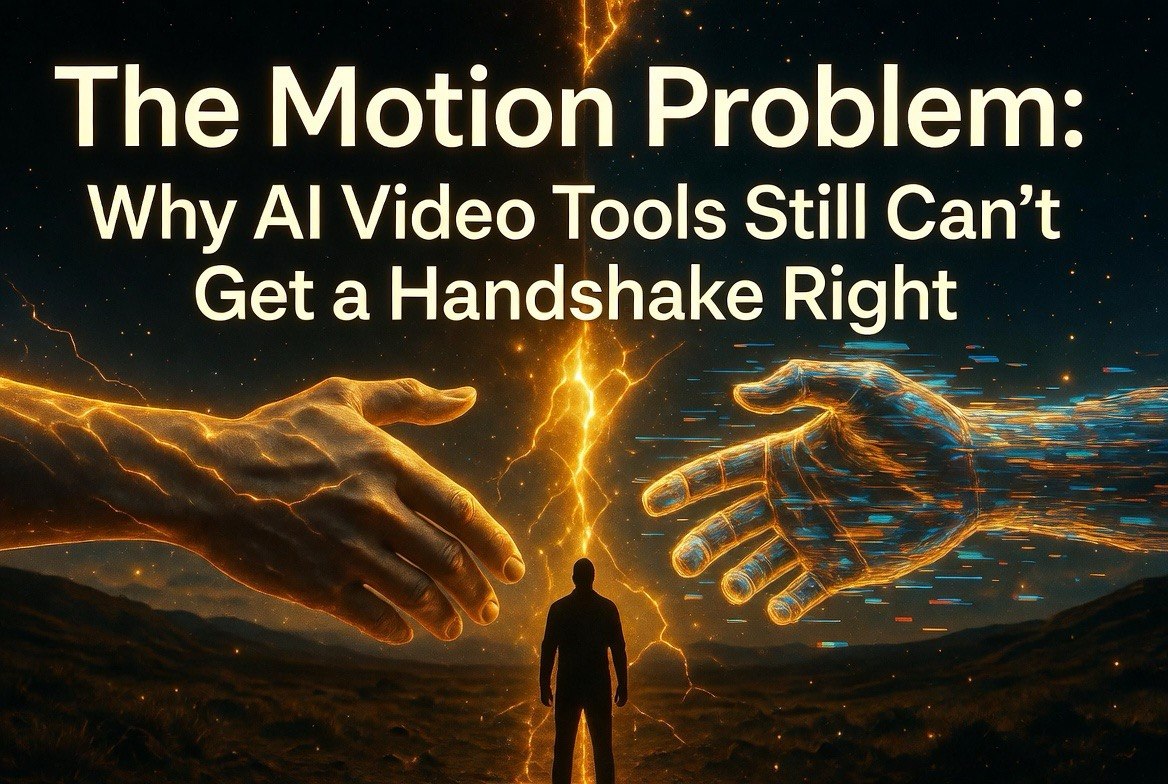
Here’s a simple test of any AI video generator: ask it to show two people shaking hands.
Watch what happens. The hands approach each other and then — something breaks. A hand clips through the other person’s arm. The handshake becomes a blurry mess that looks more like a fight. The people morph into each other. The background distorts around the contact point. By the time the clip ends, you’re watching something that looks like a glitched video game from 1998 rather than the “cinematic quality” the demo reels promised.
This is the motion problem. And it’s the single biggest barrier standing between AI video tools and mainstream professional adoption.
Good frames are easy now. Good motion is still hard.
The Frame Quality Illusion
It’s easy to look at the latest demo reels from Runway Gen-4, Sora, or Kling 3.0 and think AI video has arrived. The lighting is cinematic. The textures are photorealistic. The colors are gorgeous. If you freeze any frame, it could be a professional photograph.
But video isn’t frozen frames. Video is motion over time. And motion is where the AI video industry is still struggling.
The fundamental challenge is that current AI video models are trained primarily on static images. They learn what a hand looks like, what a face looks like, what a background looks like. But they don’t learn the physics of how objects move through space, how joints rotate, how fabric folds during movement, how two hands interact without passing through each other.
This creates a gap between visual quality and motion realism that no amount of training on static images can close. Every new model release improves the frames. Very few improve the motion.
Consider this: the best AI video generators in the world can produce a frame that looks indistinguishable from a Hollywood production still. But ask that same system to sustain that quality across 24 frames per second for 10 seconds, maintaining character identity, physical consistency, and natural movement throughout — and the illusion shatters. The character’s jacket changes color between frames. Their face shifts subtly every few seconds. The background warps as if viewed through water.
The industry has optimized for the wrong metric. Beautiful frames are easy. Beautiful video — frames that maintain quality and consistency over time — is the actual challenge. And progress on that front has been much slower than the demo reels suggest.
Where Each Major Tool Stands
Kling 3.0 — Kling has emerged as the current leader in handling complex human movement. Its latest version shows significant improvement in full-body motion, including walking, running, and dancing. The key innovation is Kling’s approach to body tracking, which maintains skeleton consistency across frames better than its competitors. It still struggles with fine motor movements — finger articulation, subtle facial expressions during movement, and object interactions like the handshake problem. But for wide shots of people moving through space, Kling is currently the best option available.
Runway Gen-4.5 — Runway remains the leader in cinematic quality and creative control. Its latest release improved motion consistency significantly over Gen-3, particularly in camera movement and scene transitions. The product is clearly designed for professional editors who want to integrate AI clips into traditional workflows. Where Runway falls short is character consistency across cuts. A character that looks one way in shot one can look completely different in shot two. This makes it difficult to use Runway for narrative storytelling with recurring characters.
Sora — OpenAI’s Sora still produces the most visually impressive individual clips in the industry. The lighting, texture quality, and environmental rendering are unmatched. But Sora’s motion consistency hasn’t kept pace with its visual quality improvements. Long clips (over 15 seconds) frequently show degradation where objects drift, characters change appearance, and physics breaks down. Sora excels at short atmospheric clips — waves crashing, clouds moving, landscapes. It struggles with anything requiring precise human motion or object interaction over time.
Topaz Video AI — Taking a completely different approach, Topaz focuses on enhancing existing video rather than generating it from scratch. Its motion handling is superior because it’s working with real footage as a base. For creators who need consistent motion, the best current workflow is often generating shorter clips in Kling or Runway and using Topaz for upscaling and frame interpolation. The hybrid approach outperforms any single AI video generator on motion quality.
Pika and Haiper — Both have improved significantly but remain behind the frontrunners in motion consistency. Pika’s latest release added sprite-based generation that shows promise for maintaining character consistency. Haiper focuses on shorter clips where motion degradation is less visible. Both are useful tools for specific use cases but neither has cracked the motion problem yet.
Why Motion Matters More Than Visual Quality
Here’s something counterintuitive: viewers will forgive mediocre visuals more easily than they forgive bad motion. A slightly soft image doesn’t break immersion. A character that glitches, morphs, or moves unnaturally absolutely does.
Research on the uncanny valley effect has shown that motion quality is the strongest predictor of how viewers perceive AI-generated content. A study published in early 2026 found that viewers rated AI video clips with natural motion as “professional” even when the visual quality was only moderate. Conversely, clips with high visual quality but unnatural motion were rated as “amateur” or “creepy.”
This has profound implications for how AI video tools should be developed and used. The industry has been chasing higher resolution, better lighting, and more realistic textures — the metrics that look good on demo reels. But the research suggests that improving motion consistency would have a bigger impact on viewer satisfaction than any visual enhancement.
When a creator uses AI video for a client project, the client doesn’t care about resolution or texture maps. They care about whether the video looks real. And the single biggest factor in “looking real” is how naturally things move.
The Motion Physics Gap
The core of the motion problem is physics — or rather, the absence of physics in AI video models. Current models don’t understand how objects behave in the real world. They don’t know that hands can’t pass through each other, that feet should touch the ground when walking, that a person turning around shouldn’t lose their facial features halfway through.
Why does this matter for creators? Because every time the physics breaks, the audience notices. Not consciously most of the time, but viscerally. The uncanny valley in AI video isn’t about visual quality — it’s about motion. Viewers might not be able to articulate that the handshake looked wrong, but they feel it. The clip loses credibility. The emotional impact is lost. The video feels fake.
For marketing content, training videos, and social media, that feeling of fakeness is fatal. If your audience doesn’t trust what they’re watching, they don’t absorb your message. The motion problem isn’t just a technical curiosity. It’s a business problem that limits the commercial applications of AI video.
Why AI Avatars Are Winning While Cinematic Video Struggles
This is why companies like Synthesia and HeyGen are dominating the practical AI video market while the cinematic tools gather hype but limited adoption. AI avatars avoid the motion problem almost entirely.
Think about what an AI avatar does: a talking head, usually behind a desk or in front of a simple background. The motion is minimal — lips move, eyes blink, head tilts slightly. No complex hand movements. No walking. No object interactions. No full-body motion. These are exactly the kinds of shots that current AI video handles well because they avoid the motion physics nightmare.
Synthesia and HeyGen aren’t more technically advanced than Runway or Sora. They’re more commercially successful because they chose a use case that matches the current capabilities of the technology. They built products for what AI video can actually do, not for what the demo reels promise it will someday do.
Corporate training videos, internal communications, marketing testimonials — these don’t need complex motion. They need a person who looks real and talks naturally. That’s a solved problem. Complex cinema shots with multiple characters interacting? That’s still 12-24 months away at the current pace of improvement.
Workarounds That Actually Work Right Now
For creators who need AI video today, here are the strategies that deliver usable results despite the motion problem:
Shorter clips. Motion degradation accelerates over time. A 5-second clip with good motion is more useful than a 30-second clip that falls apart at 12 seconds. Create short clips and stitch them together in traditional editing software.
Static characters, dynamic backgrounds. Keep the subject relatively stationary and let the background move. This plays to the strength of current models while minimizing their weaknesses in character motion.
Cut away from interactions. If a scene requires two objects interacting — handshake, passing an object, touching — cut away or use a different angle before the interaction starts. Simulate the interaction rather than trying to render it.
Use real footage as a base. The hybrid approach of shooting real video and using AI for enhancement (upscaling, background replacement, object removal) produces exponentially better results than pure AI generation.
Choose tools by shot type. Use Kling for full-body shots, Runway for cinematic scenes, and Topaz for enhancement. No single tool is best for everything. Building a pipeline that uses each tool for what it does best produces the best overall results.
Prioritize practical use cases. If your video doesn’t require complex motion, you’re better served by avatar-based tools than cinematic generators. Most business videos, training content, and social media clips fall into this category.
The Business Case for Imperfect Tools
None of this means AI video is useless today. It means you need to match the tool to the use case — and for most business applications, the current tools are already good enough.
Product demos, explainer videos, social media content, internal training — these don’t require Hollywood-grade motion consistency. They require clear communication, decent visuals, and production that doesn’t look broken. Current AI video tools, paired with the right workflows and workarounds, can deliver that.
The creators who are winning with AI video right now aren’t the ones waiting for perfect tools. They’re the ones who understand the current limitations and build their production around them. They keep shots short. They avoid complex interactions. They use multiple tools in a pipeline. And they focus on use cases where the motion problem doesn’t kill the message.
For that reason, AI avatars for corporate content and faceless YouTube channels using stock footage AI enhancement are the two areas seeing the most real-world success. Both avoid the motion problem by design. Both deliver measurable ROI today, not in 12 months when the tools improve.
The Next Leap — What We’re Waiting For
The next major breakthrough in AI video won’t be about better textures or more realistic lighting. It will be about integrated physics models that understand how objects move through space. Several companies are working on this — Google’s DeepMind has published research on physics-informed video generation, and Kling’s team is rumored to be building a dedicated physics engine for their next major release.
Until that breakthrough arrives, the gap between what the demo reels show and what creators can actually produce will persist. The smartest creators aren’t waiting for the tools to catch up. They’re building workflows that work within the current limitations, using each tool for what it does best, and avoiding the motion scenarios that still break.
Because eventually, the motion problem will be solved. And when it is, the creators who have already built their AI video pipelines will be years ahead of everyone else.
Frequently Asked Questions
What is the motion problem in AI video?
The motion problem refers to the difficulty AI video generators have with producing realistic, physics-accurate movement over time. Common issues include objects passing through each other, characters changing appearance mid-clip, and unnatural motion that creates an uncanny valley effect.
Which AI video tool has the best motion quality?
Kling 3.0 currently leads in handling complex human movement like walking and dancing. Runway Gen-4.5 excels in camera movement and scene transitions. For short atmospheric clips, Sora remains unmatched. No single tool handles all motion scenarios well.
Why are AI avatars like Synthesia more popular than cinematic AI video?
AI avatars avoid the motion problem by minimizing character movement — talking heads require much less complex motion than walking, interacting characters. Synthesia and HeyGen are more commercially successful because they match the technology’s actual capabilities rather than promising capabilities that don’t exist yet.
Can I use AI video for professional work despite the motion problem?
Yes, with the right approach. Use shorter clips, keep characters static, cut away from complex interactions, and combine AI with real footage. Hybrid workflows that use multiple tools for different shot types produce the most reliable professional results.
When will AI video solve the motion problem?
Most industry observers estimate 12-24 months before dedicated physics models are integrated into mainstream AI video tools. Google’s DeepMind and Kling are both working on physics-informed generation that could significantly improve motion consistency.

About Barak Schurr
Barak Schurr is a serial entrepreneur who built and exited a major ticketing platform before turning his attention to AI and content. He runs three AI-focused research sites and writes about the tools, workflows, and strategies that let solo creators build real channels — without a crew, a studio, or a Hollywood budget.
Email: [email protected]
More AI Resources for Your Business