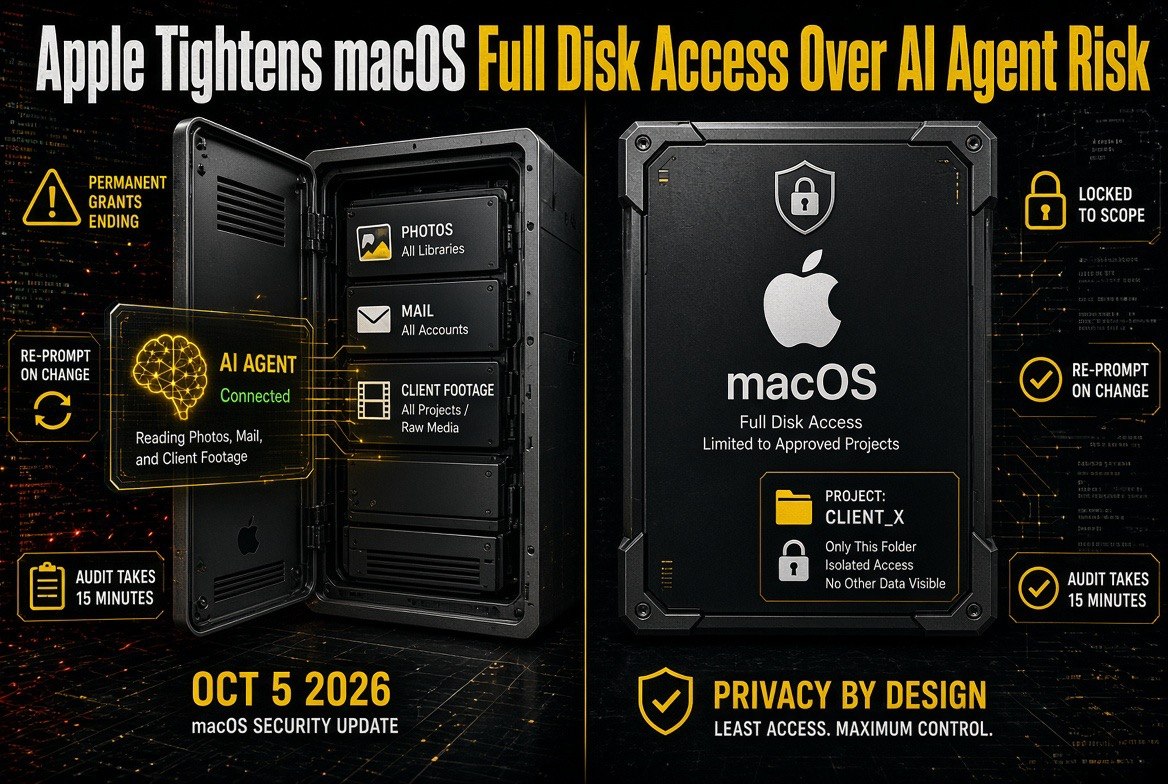
Apple Tightens macOS Full Disk Access Over AI Agent Risk
Get The Faceless YouTube Blueprint — Free
The exact AI tool stack and workflow used to build a faceless YouTube channel from zero.
Apple Tightens macOS Full Disk Access Over AI Agent Risk
⚡ Expert Summary: Apple is tightening how macOS grants Full Disk Access, the permission that lets an app read every file on your machine, after AI agents and automation tools were handed whole-disk visibility they never needed. For anyone running an AI video pipeline on a Mac, this is the moment to audit which tools can see your footage, your client assets, and your license keys — because the operating system is about to start asking harder questions on your behalf.
If you cut video on a Mac and you have wired AI tools into that workflow, the ground just shifted under your permissions. Apple is tightening macOS Full Disk Access — the single broadest permission a desktop app can hold — in response to a wave of AI agents that were granted unrestricted read access to the entire disk.
Full Disk Access does exactly what it sounds like. An app with it can read your Photos library, your Messages database, your Mail store, your browser profile, and any project folder on any drive. For a video editor, that includes raw camera media, client footage under NDA, and the license files for every plug-in you own.
Granting that to an AI agent that only needs to read your export folder is like giving a delivery driver the keys to every room in the building because he needs the lobby.
What Full Disk Access Actually Unlocks
Most Mac users grant Full Disk Access once, during setup, and never look at it again. The permission lives in System Settings under Privacy & Security, and it is deliberately boring, which is the problem. It does not warn you. It does not expire. It sits there granting whatever app you approved months ago the ability to read anything on your machine.
That was a survivable risk when the list was short and every entry was a known utility. It stops being survivable when the list includes AI assistants, local model runners, transcription agents, and automation scripts — apps that are updated weekly, that may phone home, and whose behaviour can change between versions without you reinstalling anything.
Security researchers have been flagging this exact gap. MacRumors has tracked the tightening of macOS privacy controls, and the pattern is consistent: Apple reacts to a demonstrated class of abuse, not to a theoretical one. AI agents reading whole disks is now a demonstrated class.
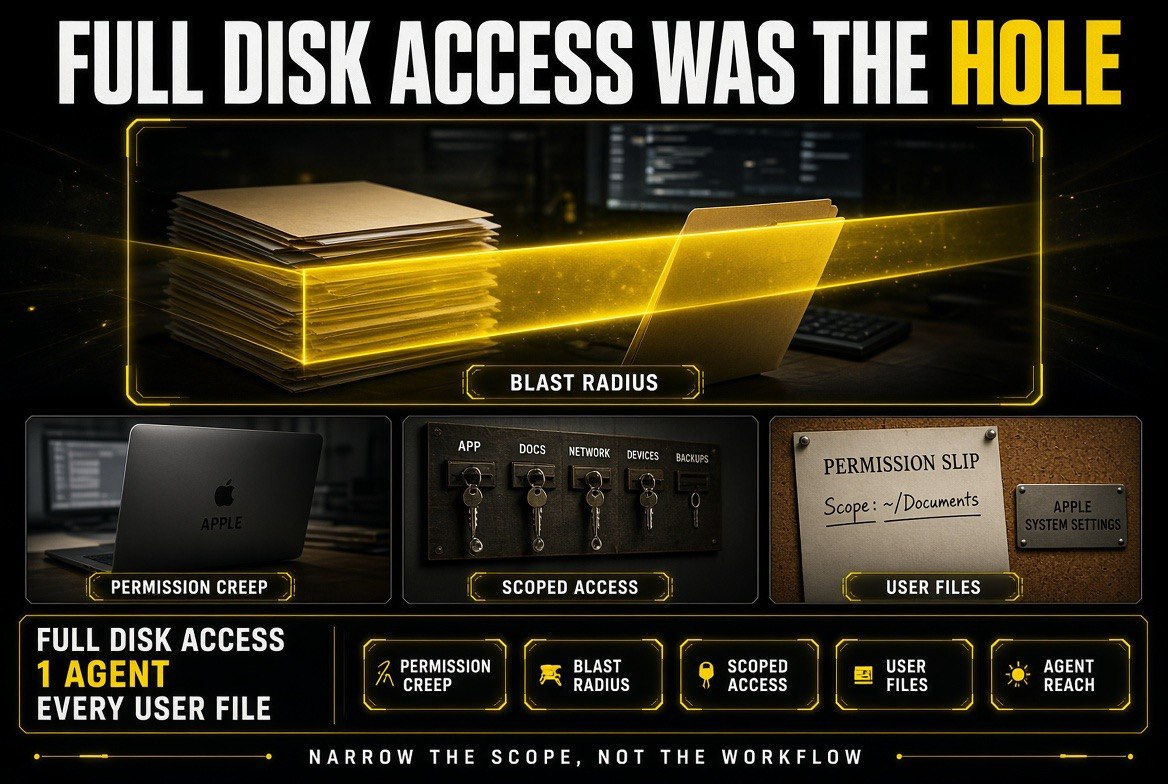
The real story is not malware — it is blast radius. One agent with blanket permission can reach every file the user can.
Why AI Agents Made This Urgent
There are three reasons an AI agent with Full Disk Access is different from a normal app with it.
1. Agents are given broad permissions to compensate for weak tooling
When an AI assistant cannot reliably find the file it needs, the fastest fix is to give it access to everything and let it search. That is a shortcut, and it is the shortcut almost everyone takes. The result is a tool holding a permission far wider than its job.
2. Agents act on instructions from untrusted text
An agent reads a brief, a transcript, a filename, or a web page and acts on what it finds there. If any of that content contains instructions, the agent may follow them. Combine that with whole-disk read access and a hostile instruction buried in a downloaded subtitle file becomes a data exfiltration path.
3. Agents update themselves at a pace no one audits
A traditional app that ships a major version change asks you to install it. An agent backed by a cloud model can change its behaviour with a server-side update you never see. The permission you granted to version one applies to whatever version ten does.
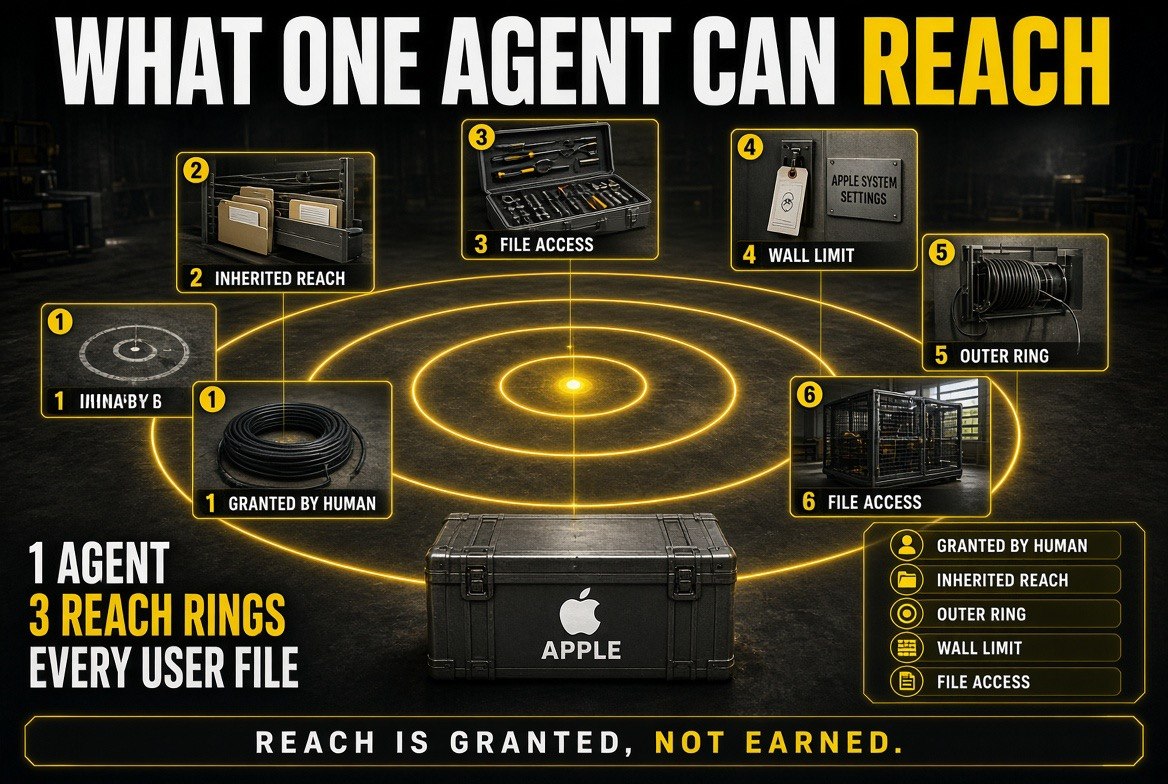
Reach is granted, not earned — the agent inherits every ring the granting human already occupied.
Before and After: What the Tightening Changes
The comparison below is what matters for a working creator. Nothing about your footage changes. What changes is how much of your machine an AI tool can reach by default, and how often macOS makes you justify it.
| Factor | Before the Tightening | After the Tightening |
|---|---|---|
| Permission scope | One grant covers the entire disk, permanently | Narrower, more explicit access with tighter defaults |
| When you are asked | Once, during setup, then never again | Re-prompted as the app or its behaviour changes |
| AI agent access | Whole-disk read granted to make search work | Scoped to folders the agent actually needs |
| Creator risk | Client footage and license files exposeable | Exposure limited to the folders you approve |
| User visibility | A buried list in System Settings | A permission you are forced to notice |
| App behaviour changes | Silent server-side updates keep old access | Access reviewed against what the app now does |
What a Creator Should Audit This Week
You do not need to wait for the next macOS release to act. The audit takes about fifteen minutes and it is the same audit whether Apple ships the change next week or next quarter.
Open System Settings, go to Privacy & Security, and open Full Disk Access. Read the list out loud. Every entry you do not immediately recognise as essential to your work is a candidate for removal. Then repeat for Files and Folders, where the access is narrower and easier to justify.
The important step is the second one: separate the tools that need to read your media from the tools that need to read your whole machine. A transcription tool needs one folder of audio. An upscaler needs a folder of source clips. Almost nothing in a video workflow genuinely needs the entire disk.
Which Grants Are Worth Keeping
Not every permission is a problem. The test is whether the access a tool holds matches the job it does. The table below is the short version of that test for a typical AI video workflow.
| Tool Type | Access It Actually Needs |
|---|---|
| Video editor (Final Cut, Resolve) | Broad media access — it opens projects from anywhere you keep footage. |
| Transcription or caption agent | One folder of audio or video per project. Nothing else. |
| Local model runner or AI assistant | A nominated working directory, not the whole disk. |
| Upscaler, denoiser, background remover | Source clips in, renders out. Two folders. |
| Password manager, browser, mail | Their own data store. Full Disk Access is not the mechanism they need. |
Scoped Access Instead of Blanket Permission
The practical answer is a project-folder model. Give every AI tool a single working directory — footage in, renders out — and let it see nothing else. If it needs more, it asks, and you decide case by case.
That model also makes your pipeline cheaper to run, because scoped tools do not waste tokens and time searching your whole drive for files that were never relevant. We covered that economics in detail in our breakdown of no-camera YouTube economics, RPM, and real margin — the same discipline of removing everything the workflow does not need applies to permissions as much as to render settings.
If you are still assembling your stack, prefer tools that work inside a folder you nominate rather than tools that ask for the disk. That instinct should inform your whole toolchain, the same way it informs how we choose AI video tools on this site.
Why Permission Creep Is the Real Story
The interesting part of this change is not the tightening itself. It is the permission creep that made it necessary, and the pattern is one every creator running AI tools has already lived through without noticing.
Permission creep works like this. You install a tool for a narrow job. It cannot find what it needs, so you widen its access until it works. A month later you install another tool, and you do the same thing, because granting broad access is faster than working out which folder it actually needs. Six months in, you have a dozen applications that can each read your entire drive, and not one of them was ever designed to have that power.
The reason this matters more with AI agents than with classic desktop software is what happens after the install. A code editor that gains a permission stays a code editor. An AI agent that gains a permission becomes a general-purpose actor with a server-side brain that can be pointed at any task, including tasks you did not anticipate when you clicked Allow.
That mismatch — narrow job, broad power, changing behaviour — is precisely the class of risk Apple is responding to. The operating system is moving in the direction of making the mismatch visible again.
The Risk Is Not Malware, It Is Blast Radius
Most creators read a story like this and conclude it does not apply to them, because they install tools from reputable vendors and avoid cracked software. That reasoning misses the point entirely. The exposure here is not a malicious app. It is a legitimate app with more access than its job requires, combined with a failure mode nobody planned for.
A transcription tool with whole-disk read access has, in effect, a copy of your client contracts, your invoices, and your private correspondence within reach. The vendor may be entirely trustworthy. The risk lives in three other places: a compromised update, a prompt-injection payload hiding in a file the tool reads, and the simple possibility that a future version transmits more than the previous one did.
None of those require the vendor to be dishonest. They require only that the tool holds a permission broader than its function, and that nobody reviewed the grant after the first day.
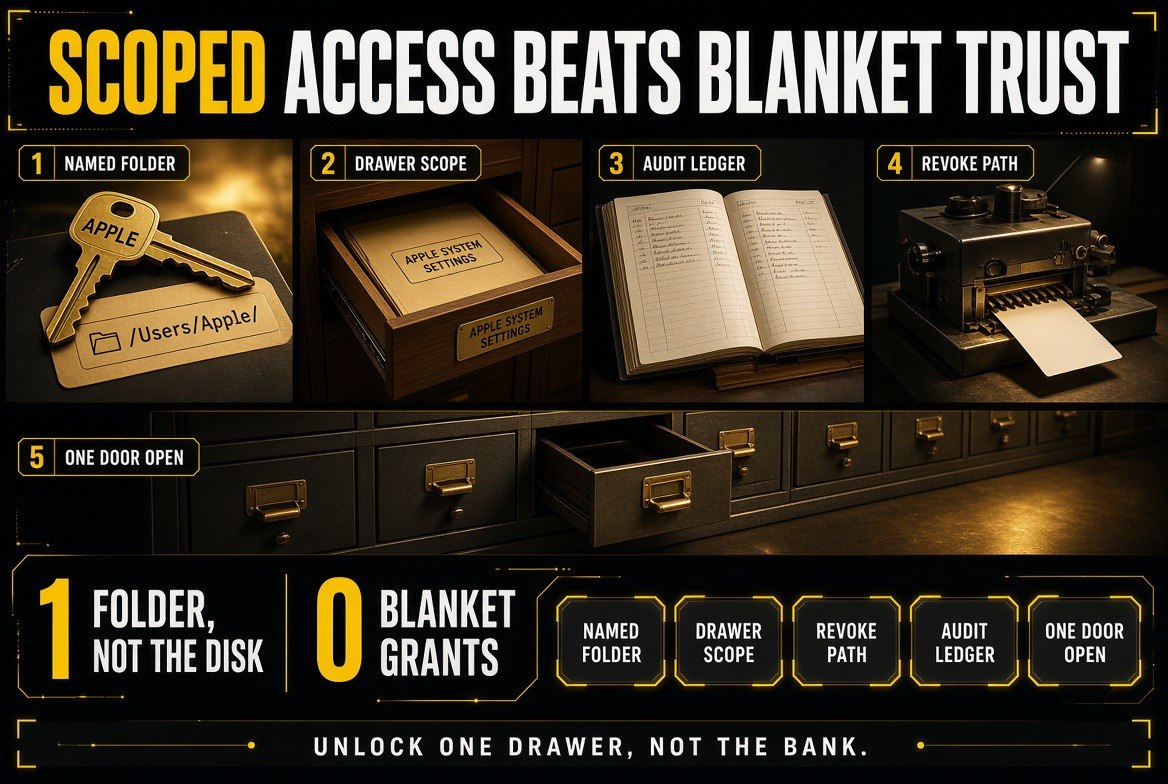
Unlock one drawer, not the bank — scope the agent to a named folder and the blast radius collapses to that folder.
What the Audit Looks Like in Practice
Start by listing every entry with Full Disk Access and asking one question per entry: does this tool need to read files anywhere on this machine, or does it need to read files in one specific place? Almost every tool belongs in the second category.
Then apply the same test to your render pipeline. Your editor needs the media. Your captioning agent needs the same media. Your upscaler needs the same media. Very little in that chain needs the Applications folder, the Photos library, or your mail store, and every one of those grants is exposure you carry for no operational benefit.
The final step is the one people skip: write down what you decided. A short note listing which tools hold which permissions turns an invisible setting into a reviewable policy, and it takes five minutes once rather than a forensic exercise later.
Where This Heads Next
Every major desktop platform is converging on the same answer: broad, permanent, one-time permissions are being replaced by scoped, visible, revocable grants. macOS is early, not alone. Windows has moved on similar lines, and browser vendors have been tightening extension permissions on the same logic for years.
For creators, the practical consequence is that your toolchain is about to be asked questions it was never asked before. Tools that can operate inside a nominated folder will sail through. Tools that depend on having the whole disk will require a decision every time they update — and that friction, multiplied across a dozen tools, is a workflow cost worth avoiding now rather than later.
The creators who build a scoped pipeline today will not notice the transition. The ones who granted everything and forgot will spend the next year clicking permission dialogs and wondering why their editing machine feels like a corporate laptop.
Frequently Asked Questions
What is Full Disk Access on macOS?
Full Disk Access is a macOS privacy permission that lets an app read protected areas of your drive, including Mail, Messages, Photos, browser profiles, and other apps’ data. It is the broadest single permission a desktop app can hold.
Why is Apple tightening it now?
Because AI agents and automation tools were being granted whole-disk read access in order to function, creating a wide exposure surface. Apple is reacting to demonstrated risk in the same pattern it has applied to previous privacy changes.
Should I remove Full Disk Access from my AI tools?
Review every entry. Keep access only for tools that genuinely need the whole disk, and scope everything else to a project folder. Most AI video tools should be pointed at a single working directory, not your entire machine.
Does this affect Final Cut Pro or DaVinci Resolve?
Editing applications themselves need broad access to your media. The risk sits with the AI assistants, transcription agents, and local model runners around them, which rarely need more than a nominated folder.
How do I check which apps have Full Disk Access?
Open System Settings, go to Privacy & Security, and select Full Disk Access. Check the same list under Files and Folders for narrower grants.

About Barak Schurr
Barak Schurr is a serial entrepreneur who built and exited a major ticketing platform before turning his attention to AI and content. He runs three AI-focused research sites and writes about the tools, workflows, and strategies that let solo creators build real channels — without a crew, a studio, or a Hollywood budget.
Email: [email protected]
More AI Resources for Your Business