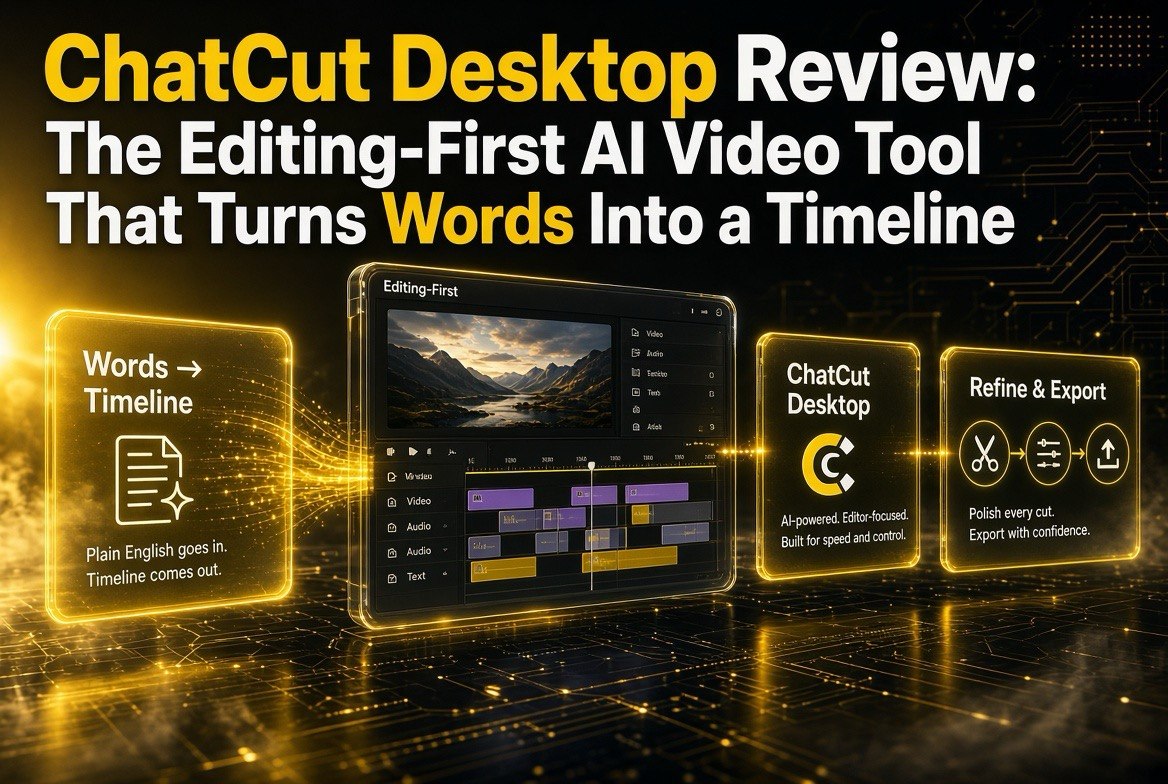
ChatCut Desktop Review: The Editing-First AI Video Tool That Turns Words Into a Timeline
Get The Faceless YouTube Blueprint — Free
The exact AI tool stack and workflow used to build a faceless YouTube channel from zero.
ChatCut Desktop Review: The Editing-First AI Video Tool That Turns Words Into a Timeline
⚡ Expert Summary: ChatCut Desktop is a fresh AI video tool that flips the usual generation-first approach on its head: instead of typing a prompt and hoping for a decent clip, you describe your edit in plain English and it builds a real, editable timeline — clips, cuts, order, and all — that you can then refine like any editor would. It’s designed for creators who don’t want to fight AI for control, who want the machine to do the boring assembly work while they keep their hands on the creative decisions. The angle that makes it worth watching: editing-first instead of generation-first.
Here’s the pattern most AI video tools have settled into over the last couple of years. You type a description, the model generates a clip, you either like it or run it again, and if you need something different you’re essentially stuck replaying the lottery until you get close. Generation-first. The AI is the star, and you’re the one adapting to it.
ChatCut Desktop takes the other route, and that’s why it stands out in a crowded launch week. It’s editing-first. You describe the edit you want — the shots, the order, the cuts, the pacing — in plain English, and it assembles that into a real timeline you can then open, adjust, and shape like a proper edit. The AI handles the assembly; you keep the creative control. For a creator who’s been frustrated by the “generate and pray” loop, that’s a genuinely different deal.
What ChatCut Desktop Actually Is
ChatCut is a desktop AI video editing tool centered on a conversation-driven workflow. You narrate what you want the video to be, and it translates that description into an editable timeline rather than a single finished render.
Think of it less like “prompt a video” and more like “dictate an edit.” It’s built for the person who already knows what they want their video to look like and is tired of tools that either take the wheel entirely or demand you hand-keyframe and cut everything yourself.
The desktop form factor matters too. A lot of the early AI-video wave leaned on web apps, which creates practical friction for serious editors — file handling, exports, project size, and speed all suffer in a browser tab. A desktop app that runs locally carries projects, manages assets, and renders without the browser fighting you for resources.
Editing-First vs. Generation-First: The Core Shift
To understand why ChatCut is interesting, you have to contrast two philosophies that now divide the AI video space.
Generation-first tools (the majority) treat the model as the creator. You prompt, it produces a clip or a video, and your leverage is limited to re-rolling the prompt. Great when you want a specific visual you can’t easily shoot. Limited when you want a complete, coherent edit with a specific order, pacing, and story — because you’re assembling fragments, not driving a timeline.
Editing-first tools like ChatCut treat the model as an assistant to your edit. You describe the sequence, and it builds the timeline structure. Your narrative becomes the edit list. This is a much better fit for the enormous amount of creator work that isn’t “make a wild B-roll shot” but rather “cut this footage into a tight 60-second story with this order and rhythm.” That’s the work creators actually do all day, and it’s been underserved by generation-first hype.
How You’d Actually Work in ChatCut
Picture the flow from a creator’s point of view:
- You drop in your existing footage — the shots you already have in the can.
- You describe what you want in plain English: which shot opens, how long each beat lasts, the order you want clips to run, where the cuts land, the pacing.
- ChatCut assembles those instructions into an editable timeline with clips, cuts, and ordering mapped out.
- You open that timeline in the editor and refine — trim a beat, move a cut, tighten a transition — the same way you’d work in any NLE (non-linear editor).
- You export the finished edit.
The key word through all of that is editable. You’re not locked into a render you can’t change. The output is a real, adjustable edit. That’s the difference between a novelty and an actual tool for day-to-day work.
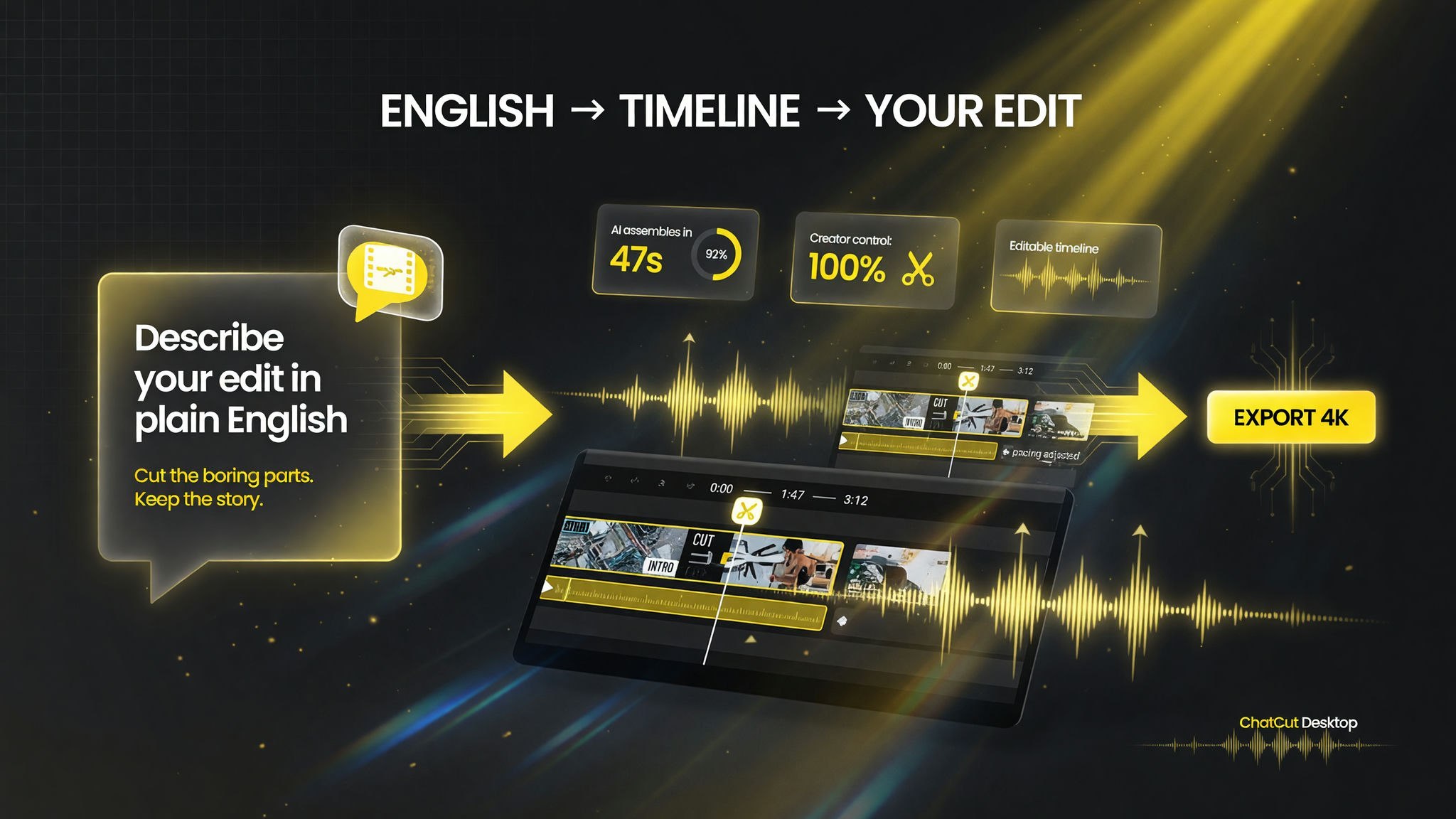
The ChatCut loop in one frame: English description in, editable timeline built in about 47 seconds, full creator control, 4K out.
English-Description Editing and the XML Angle
A feature worth calling out is the tool’s support for describing edits in English and working with an editable, structured representation of the timeline. The ability to describe a cut in words and have it land as an actual, adjustable edit on a timeline is precisely what makes editing-first tools usable — it removes the barrier between what you’re picturing and what’s sitting in front of you in the editor.
For creators who live in other tools, this kind of structured, transportable timeline data is a quieter but real advantage. It means the work isn’t trapped in a proprietary black box — you can picture moving your edit structure to workflows and tools you already trust. It’s the kind of detail power users notice long before the marketing does.
Who ChatCut Desktop Is For
This is not a tool that claims to replace your editor. It’s built for a specific, very common creator profile:
- You shoot your own footage but hate the assembly grind — the clip sorting, the rough cuts, the reordering that eats hours.
- You know what you want narratively but want AI to draft the edit so you can refine rather than build from zero.
- You’re frustrated by generation-first tools that give you beautiful fragments you can’t actually control or turn into a coherent story.
- You want control — you don’t want the machine making all the creative choices, you want it handling the assembly so you make the decisions faster.
If your work is “generate a wild visual,” ChatCut is likely the wrong tool — that’s what generation-first models do best. But if your work is “cut this into a tight, ordered story,” ChatCut’s editing-first approach is squarely aimed at you.
ChatCut vs. Generation-First Tools
Put side by side, the philosophical difference becomes concrete.
| Factor | Generation-first tools | ChatCut Desktop (editing-first) |
|---|---|---|
| Core action | Prompt generates a clip | Description builds a timeline |
| Output you get | A generated fragment | An editable, adjustable edit |
| Your leverage | Re-rolling the prompt | Refining the timeline |
| Best for | Fresh visuals you can’t shoot | Cutting footage into a story |
| Control level | Low after generation | Full, through the timeline |
| Verdict | For wild visuals | For structured, controllable edits |
Neither approach is a winner across the board. Serious creators increasingly reach for both: generation tools to create shots they can’t capture, and editing-first tools to assemble the edit they actually need to publish. ChatCut is betting that the assembly side — the side creators do every single day — has been badly underserved by an industry obsessed with one-shot generation.
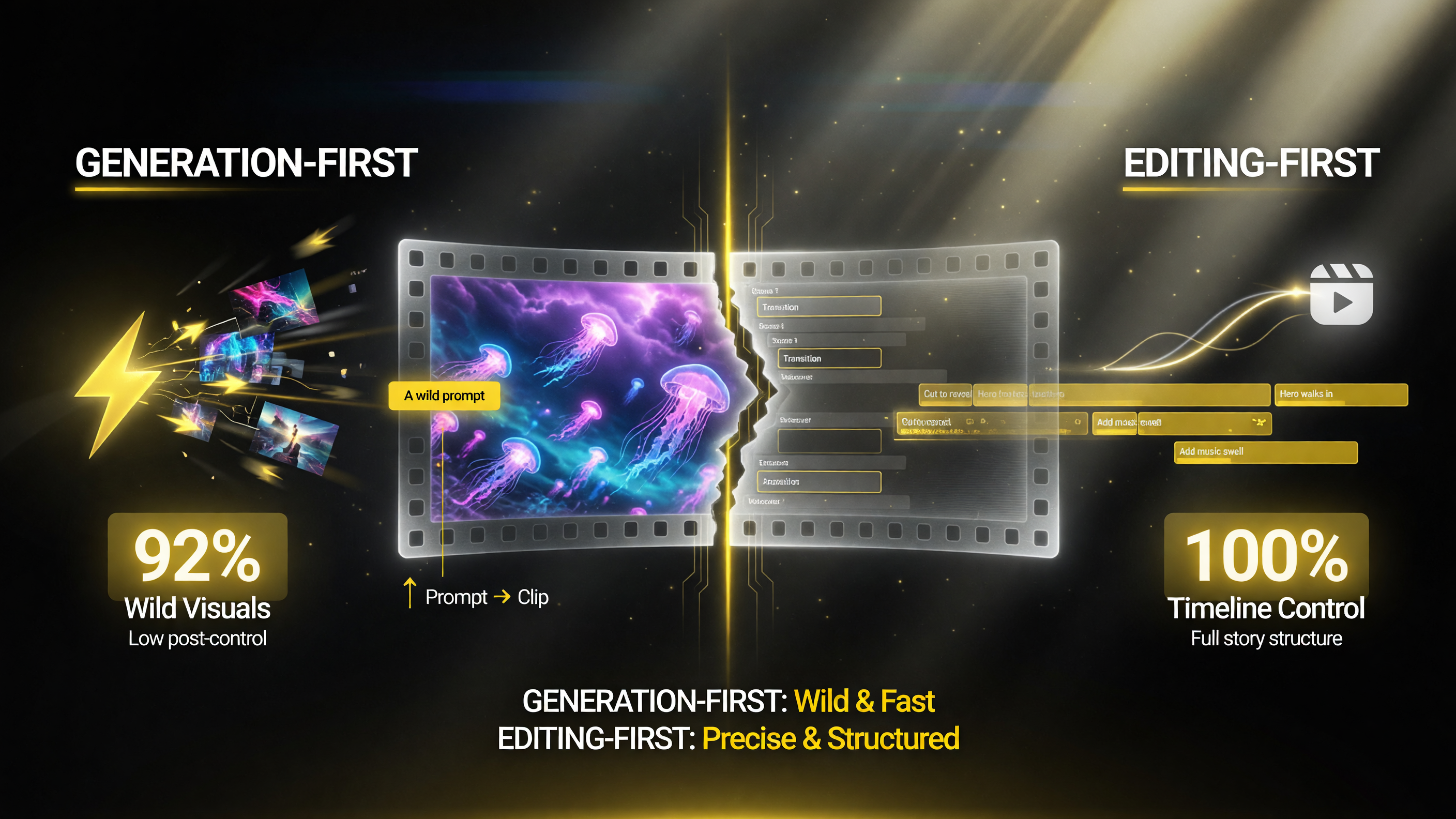
Generation-first gives you wild visuals fast but little control after the clip; editing-first hands you a full, editable timeline.
How Much Time Editing-First Saves
The honest value of an editing-first tool is measured in assembly time — the hours between “I have my footage” and “I have a rough cut worth refining.”
| Editing task | By hand (typical) | ChatCut-assisted |
|---|---|---|
| Sorting and organizing clips | 20-40% of first pass | Handled from your description |
| Building the rough cut | Hours of dragging, trimming | Timeline assembled, then refined |
| Ordering and pacing beats | Manual reordering, trial and error | Described in English, adjusted fast |
| Getting creative control back | Always there (but slow) | Refine each beat on the timeline |
| Net effect | Assembly eats the afternoon | Refinement replaces assembly |
The efficiency gain isn’t in the final polish — that’s still your job, and it should be. It’s in skipping the brutal first-pass assembly. That’s the part where creators burn the most real time, and it’s exactly what an editing-first agent is designed to remove.
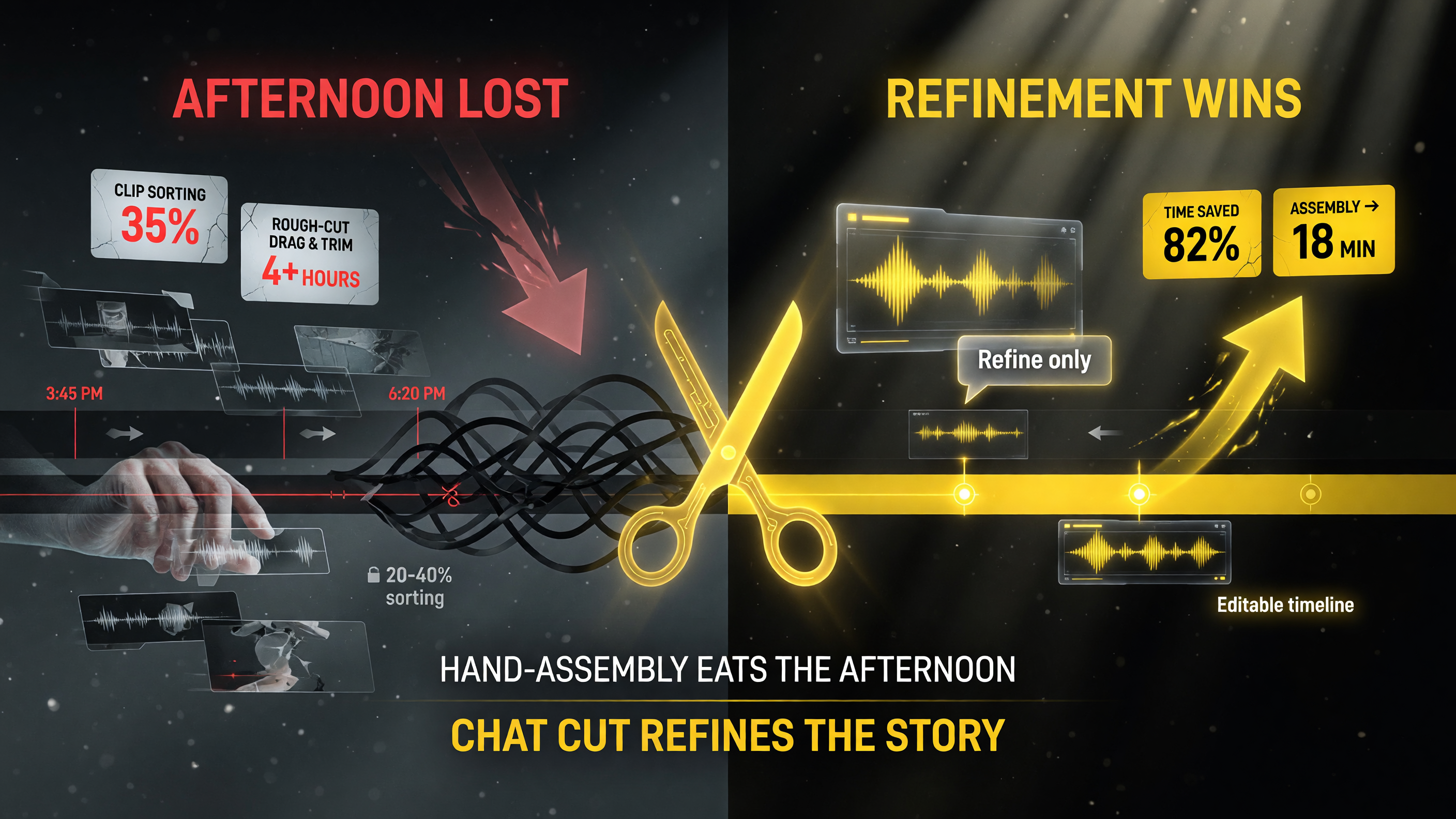
The real win is skipping the brutal first-pass assembly: hand-editing burns the afternoon, while ChatCut collapses assembly into minutes you then refine.
What to Watch Before You Commit
ChatCut Desktop is a fresh launch, and while the approach is compelling, verify these before you build a workflow around it:
First, how well it handles real, messy footage. Demo tools shine on clean sample clips. Test it on the footage you actually shoot — variable lighting, camera movement, different frame rates — and see if the timeline assembly holds up outside the highlight reel.
Second, the granularity of your edit control. “Editable timeline” is only valuable if you can actually reach the controls you need. Confirm you can trim to the frame, adjust individual beats, and override its choices, not just nudge a few presets.
Third, export and fluency with your workflow. If you finish in another NLE, make sure its output and project structure move cleanly into your existing process. A tool that traps the edit in a walled garden is harder to justify than one that hands you a usable result.
Fourth, platform and performance. As a desktop app, confirm it runs well on your machine and handles your typical project sizes without fighting for resources.
How to Get Started
When you’re ready to try editing-first, the path is simple:
- Install ChatCut Desktop and bring in a short, representative piece of your own footage.
- Describe how you want it cut — the opening shot, the order, the pacing — in plain English.
- Review the timeline it assembles and refine the beats you want tighter or moved.
- Export and compare the result against how long that same edit took you by hand.
- Decide based on the real gap between your old assembly time and the new one.
ChatCut Desktop isn’t trying to replace your creative judgment — it’s trying to remove the soul-sucking middle of the edit, the part where you drag clips and rearrange beats and wonder where the afternoon went. For the creator who wants AI at the assembly table but not in the director’s chair, that’s exactly the right division of labor.
Frequently Asked Questions
What is ChatCut Desktop?
ChatCut Desktop is an AI video editing tool built around an editing-first approach. You describe the edit you want in plain English — shots, order, cuts, pacing — and it assembles that into an editable timeline you can then refine and export, rather than generating a single finished clip from a prompt.
How is ChatCut different from other AI video tools?
Most AI video tools are generation-first: you prompt a clip and the model generates it, often with limited control afterward. ChatCut is editing-first: it turns your English description into an editable timeline, so you keep creative control while AI handles the assembly work.
Is ChatCut Desktop good for beginners?
Its conversational, English-description workflow is beginner-friendly for the assembly step, but it’s built most strongly for creators who already shoot their own footage and want to speed up the rough-cut process while keeping hands-on control over the final edit.
Does ChatCut replace a traditional video editor?
No. It’s designed to build the editable structure of an edit from your description, after which you refine on the timeline like in any NLE. The final polish and creative decisions remain yours; ChatCut removes the slow assembly phase.
What does editing-first mean in practice?
It means the AI organizes and orders your footage into a timeline based on your spoken or typed description, instead of generating a finished clip you can barely adjust. You get a real, editable timeline — not a locked render.

About Barak Schurr
Barak Schurr is a serial entrepreneur who built and exited a major ticketing platform before turning his attention to AI and content. He runs three AI-focused research sites and writes about the tools, workflows, and strategies that let solo creators build real channels — without a crew, a studio, or a Hollywood budget. Contact: [email protected]
More AI Video Resources