Kling 4.0: AI Video’s Fight Moves From Looking Good to Being Directable
Get The Faceless YouTube Blueprint — Free
The exact AI tool stack and workflow used to build a faceless YouTube channel from zero.
Kling 4.0 Shifts the AI Video Fight From Pretty to Directed
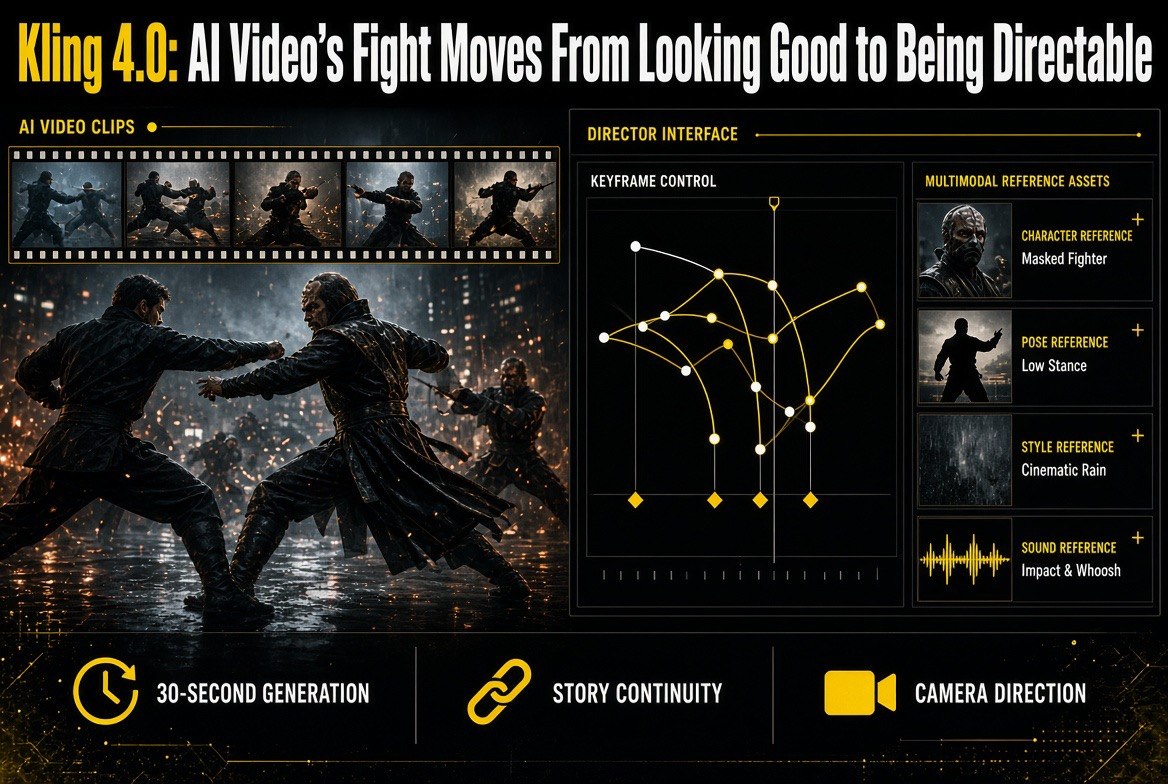
⚡ Expert Summary: Kling 4.0 stops competing on how good a single clip looks and starts competing on whether you can actually direct one. It generates up to 30 seconds natively, accepts up to 15 multimodal reference assets, and gives you 10 keyframe control points for character states, action changes, and scene transitions. For creators, that reframes the buying decision: visual fidelity is now the entry fee, not the differentiator. Here is what changed, what it means for real production work, and how to use it without burning credits on reshoots.
AI video has spent two years in a beauty contest. Every release was judged on how convincing a four-second clip looked, and every model got convincing enough that the comparison stopped being useful.
Kling 4.0 is the release that admits the contest is over and moves to a different one. The pitch is not realism. It is control.
What Kling 4.0 Actually Adds
Three specs define this release, and they are worth reading literally because each one maps to a specific production problem.
| Capability | Kling 4.0 | Problem It Solves |
|---|---|---|
| Native generation length | Up to 30 seconds in a single generation | Multi-part storytelling instead of stitched clips |
| Multimodal reference assets | Up to 15 (images, video, audio) | Locking how a video should look and feel |
| Keyframe control points | Up to 10 | Defining how a story should unfold |
| Video extension | Extend existing videos | Continuous action across longer sequences |
| Focus areas | Motion performance, creative control, longer-form storytelling | Shots that connect instead of standalone moments |
That is a shift in what the tool is for. A 30-second native generation is not just a longer clip — it is the difference between generating shots and generating scenes.
References and Keyframes Do Different Jobs
The two headline features are easy to conflate, and the distinction matters more than either spec sheet suggests.
Multimodal references — up to 15 assets spanning images, video, and audio — tell the model how a video should look and feel. They establish the visual and tonal target: this character’s face, this colour grade, this pacing, this audio bed.
Keyframes — up to 10 control points — tell the model how a story should unfold. They let you plan character states, action changes, and scene transitions at defined moments in the sequence.
Put simply: references define the look, keyframes define the plot. A creator who only uses references gets a consistent aesthetic. A creator who uses both gets a consistent narrative. And notably, Kling’s own framing is that these features reduce reliance on repeated generations and manual selection — which is the actual cost centre in AI video work.
That reduction is the pragmatic case for the upgrade. If you are currently generating forty clips to find one usable shot, cutting that to ten is a bigger productivity gain than any improvement in fidelity.
Why 30 Seconds Is Not the Real Story
Kling’s own spokesperson was unusually direct about this, and it is the most useful thing in the release.
Longer videos do not automatically make more complete stories. The stated bottleneck as AI video moves toward longer-form content is stability, controllability, and narrative coherence over extended periods.
That is a technical claim with real teeth. As length increases, a model has to maintain consistency across character identity, spatial relationships, action continuity, camera direction, lighting, and audio-visual synchronisation — all at once, across the whole sequence. Any one of those drifting breaks the illusion.
The practical contrast Kling draws is worth internalising. A compelling shot lasting a few seconds can be obtained through repeated generation and selection. You brute-force it. A longer work cannot be: shots must connect naturally, characters must behave consistently with the storyline, and the visual style has to hold throughout.
So 30 seconds should be read as a capability ceiling, not a recommendation. The number tells you what the model can sustain. It does not tell you that a 30-second sequence will hold together, and it does not replace the work of directing it.
Fidelity Is Now the Baseline, Not the Advantage
There is an industry-level shift embedded in this release, and it changes how you should evaluate every AI video tool from here.
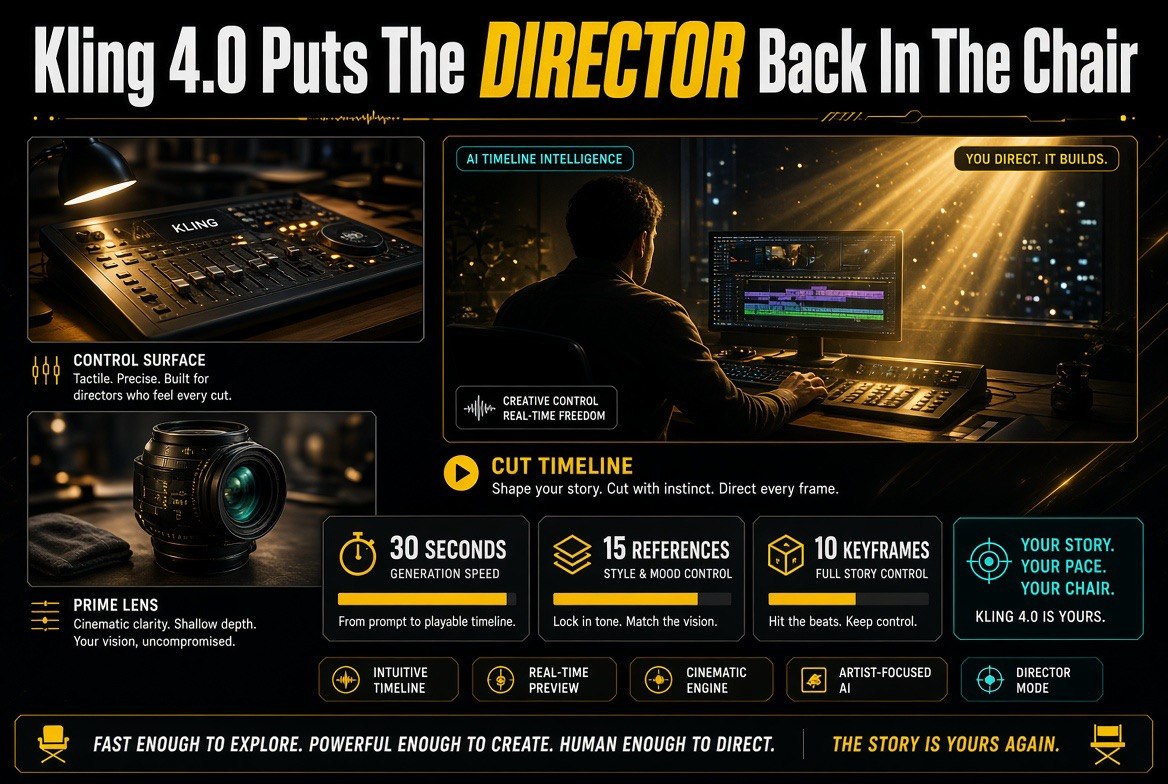
As the visual quality of AI-generated video improves across the board, comparisons based purely on realism become less sufficient to assess a product’s competitiveness. Kling’s spokesperson describes this as a natural evolution: as visual quality improves, fidelity becomes a baseline capability rather than the sole competitive advantage.
The stated next priorities are more precise creative control and better understanding of scripts and storyboards.
That reframes everything. For professional creators, the metrics that matter are now:
- Reproducing characters consistently across shots and scenes
- Controlling camera movements with intent rather than luck
- Following storyboards rather than approximating them
- Reducing the cost of revisions when a client asks for a change
Notice that none of those are “looks better.” They are all about whether the tool is usable inside a professional workflow where a director has a plan and the client has notes.
Kling 4.0 vs Traditional Prompt-Only Workflow
The honest comparison is not against other models. It is against how most creators were working a year ago.
| Workflow Stage | Prompt-Only Approach | Kling 4.0 Approach |
|---|---|---|
| Defining a character | Describe in text, hope it repeats | Upload reference assets; model matches them |
| Planning a sequence | Separate prompts per shot | Up to 10 keyframes define the beat structure |
| Camera movement | Text description, unreliable results | Guided through references and keyframes |
| Achieving a usable shot | Generate repeatedly, hand-select | Fewer generations needed, less manual selection |
| Sequence length | Short clips stitched together | Native generation up to 30 seconds, extendable |
| Client revisions | Re-roll and hope for a similar look | Re-generate against the same references and keyframes |
The last row is the one that changes your business. A revision that preserves the look is a revision you can bill for. A revision that forces a re-roll is a revision you eat.
Where This Is Heading
Kling’s own description of the trajectory is worth quoting, because it tells you what to prepare for rather than what to buy today.
According to the company’s spokesperson, the future of AI video tools lies beyond individual generation tasks and will increasingly encompass ideation, reference input, shot generation, editing, and video extension — the whole production chain rather than one step of it.
That is a studio-shaped ambition, and it is where every serious player in this category is heading. The practical implication for a working creator is that the tool you choose now is the one you will build your workflow inside, and workflow lock-in is far more expensive to reverse than a subscription.
Choose for the pipeline, not the prettiest demo clip.
How to Actually Use Kling 4.0 Without Burning Credits
Five practices that follow directly from what the features do.
1. Build a Reference Library Before Your First Project
With up to 15 reference assets per generation, the quality of your references determines the quality of your output. Assemble character sheets, approved colour grades, and audio beds as reusable assets rather than hunting for them mid-project. This is a one-time cost that compounds on every job afterwards.
2. Storyboard in Keyframes, Not Prompts
Ten keyframe control points is enough to plan a real sequence — character states, action changes, scene transitions. Sketch the beat structure first, then assign each beat to a control point. Creators who plan in keyframes stop discovering their story during generation.
3. Treat 30 Seconds as a Ceiling, Not a Target
Generate at the length the scene actually needs. Consistency drift is the failure mode, and it gets worse with length. A tight 12-second sequence that holds together beats a 30-second one that loses the character at the 20-second mark.
4. Measure Generations Per Usable Shot
Before and after. If the references and keyframes reduce your generation count, the upgrade is paying for itself in time and credits. If it is not, your references are the problem, not the model.
5. Test Your Revision Workflow Before a Client Does
Deliberately request a change on a finished sequence and confirm you can regenerate against the same references and keyframes with the look intact. Do this on your own time. Discovering a revision breaks continuity while a client is waiting is the expensive version of that lesson.
The Cost Nobody Puts in the Demo
AI video pricing discussions usually stop at the subscription. The real cost is the generation count — how many attempts it takes to produce one shot you can actually use.
That number is invisible in a launch video, because the launch video shows the successful attempt. A creator working with prompt-only generation learns to expect a high ratio: dozens of rolls to find a shot where the face holds, the hands behave, and the motion does not drift. At scale, that ratio is the difference between a viable project and an unprofitable one.
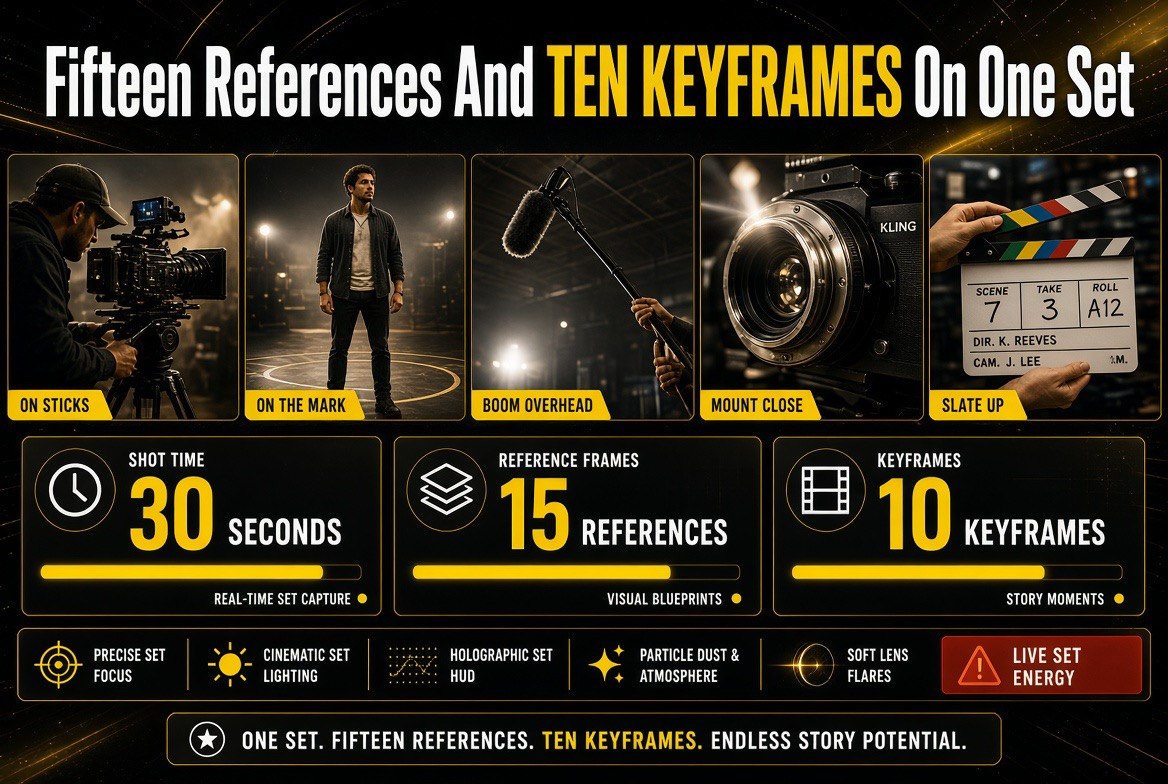
This is why the reference and keyframe features matter commercially rather than cosmetically. Kling’s own claim is that multimodal references and keyframes reduce reliance on repeated generations and manual selection. If that holds even partially, the upgrade is not buying prettier output — it is buying a lower ratio of failures per usable shot.
Track it as a plain ratio. Generations per usable shot, measured across a real project before and after. It is the only metric that tells you whether the tool is earning its keep, and almost nobody measures it.
What Consistency Actually Requires
Kling’s list of what has to hold across a long sequence is worth reading twice, because it is a specification for what can go wrong.
A model maintaining coherence over an extended period has to keep character identity, spatial relationships, action continuity, camera direction, lighting, and audio-visual synchronisation all stable — simultaneously, across the whole run. These are not independent. A character who turns the wrong way breaks spatial relationships. A lighting shift mid-scene breaks continuity even if the face is perfect.
For a creator, this translates into a practical checklist rather than a technical one. Before accepting a long sequence, verify each dimension separately: does the character remain the same person, does the space stay consistent, does the action flow, does the camera hold its direction, does the light stay plausible, does the audio line up.
Most broken AI video fails on one of those six, not on visual quality. Knowing which one to look for turns an afternoon of frustration into a five-minute check.
How to Evaluate Any AI Video Model From Here
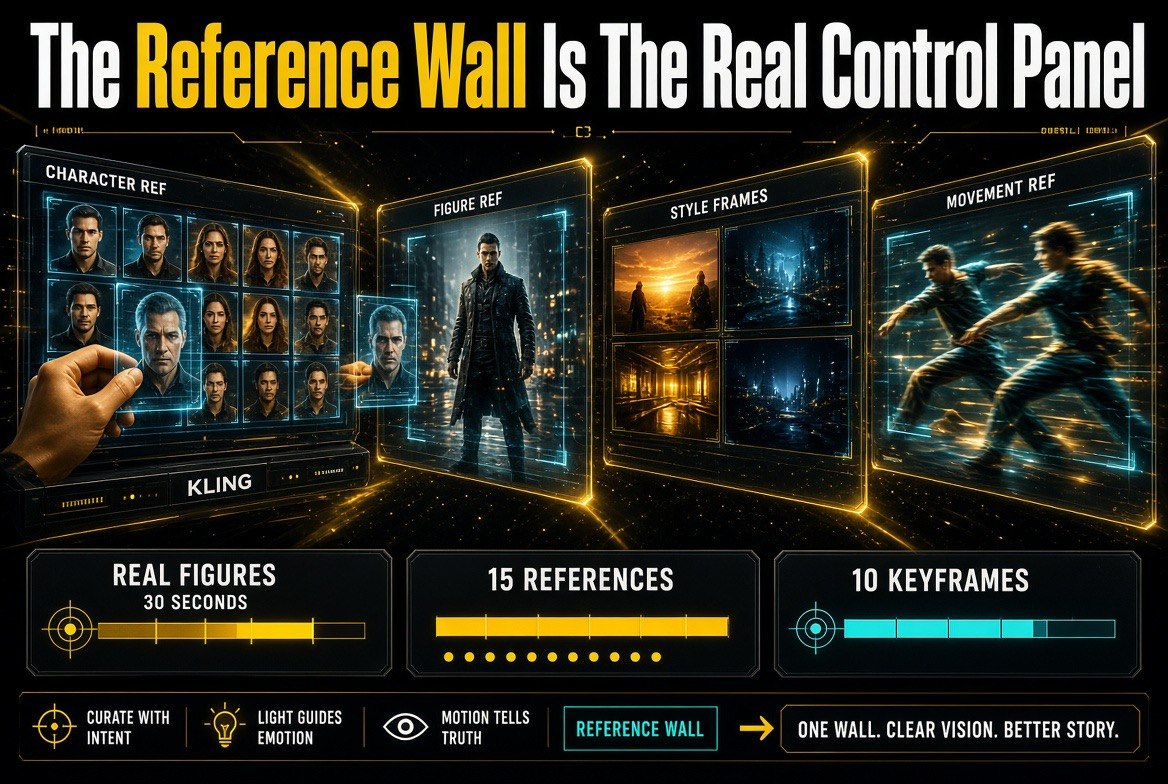
The industry’s own shift in criteria gives you a better scorecard than the marketing does. Four questions, asked of any model in this category.
Can it reproduce a character consistently? Give it the same reference across five separate generations and compare. If the face drifts, the model is not production-ready for narrative work regardless of how good any single clip looks.
Can you control camera movement with intent? Not “does it produce a nice camera move” — can you specify the move and get it repeatedly. Control means repeatability.
Does it follow a storyboard? Feed it a defined sequence of beats and check whether the output matches the plan or approximates it. Approximation is fine for exploration and useless for client work.
What does a revision cost? Ask for a change and see whether you can regenerate while preserving the established look. This single question predicts your profitability on every job that involves notes.
Fidelity shows up in none of those four questions. That is the point of the shift.
Who Should Upgrade and Who Should Wait
Not every creator needs this release, and the honest answer depends on what you produce.
If you make short social clips where each piece stands alone, prompt-only generation is probably still sufficient. Visual quality is good across the category now, and you have no continuity problem to solve because there is no sequence.
If you produce ads, explainer sequences, animation, or anything with a recurring character and a script, the calculus flips. Your bottleneck was never realism — it was whether shot three matched shot one. That is precisely the problem these features target, and it is the difference between AI video being a novelty in your workflow and being a line item in your production budget.
The dividing line is narrative. If you are telling a story across more than one shot, control is worth paying for. If you are not, buy on quality and price and ignore the rest.
Frequently Asked Questions
What is new in Kling 4.0?
Kling 4.0 supports native video generation of up to 30 seconds in a single generation, up to 15 multimodal reference assets (images, video, audio), and up to 10 keyframe control points. It also allows existing videos to be extended. The update focuses on motion performance, creative control, and longer-form storytelling.
What is the difference between reference assets and keyframes?
Reference assets define how a video should look and feel — character appearance, style, tone, and audio. Keyframes define how a story should unfold, letting you plan character states, action changes, and scene transitions at specific points. References establish the look; keyframes establish the narrative structure.
Does Kling 4.0 make longer AI videos easier to produce?
It helps, but length alone does not solve the core problem. Kling states that the biggest technical bottleneck in longer-form AI video is stability, controllability, and narrative coherence over extended periods — maintaining consistency in character identity, spatial relationships, action continuity, camera direction, lighting, and audio-visual sync. The new features target those challenges directly rather than just extending duration.
How does this change which AI video tool I should buy?
The evaluation criteria have shifted. As visual quality improves industry-wide, fidelity becomes a baseline rather than a differentiator. The stated priorities are now precise creative control and better understanding of scripts and storyboards — meaning character consistency, camera control, storyboard adherence, and reduced revision cost are the metrics that matter for professional work.
Can Kling 4.0 reduce my generation costs?
Potentially, yes. Kling says the multimodal reference and keyframe features can reduce reliance on repeated generations and manual selection, though effectiveness depends on scene complexity. The measurable test is generations-per-usable-shot before and after adopting the features.
What is the future direction for AI video tools?
According to Kling, the future lies beyond individual generation tasks — increasingly encompassing ideation, reference input, shot generation, editing, and video extension across the whole production chain. That makes pipeline compatibility a more important selection criterion than any single generation feature.
Should I generate at the full 30 seconds?
Not by default. Generate at the length your scene requires. Consistency drift increases with duration, so a tighter sequence that holds together usually serves a project better than a longer one that loses character continuity partway through.

About Barak Schurr
Barak Schurr built and exited a major ticketing platform, ran global operations at Eventbrite, and now focuses on one question: which AI tools actually help creators and businesses produce more, faster. He writes from the operator’s perspective — no vendor spin, no theory, just what’s real in 2026.
Email: [email protected]
More AI Resources