Seedance 2.5 in CapCut: 30-Second 4K AI Video With 50 References
Get The Faceless YouTube Blueprint — Free
The exact AI tool stack and workflow used to build a faceless YouTube channel from zero.
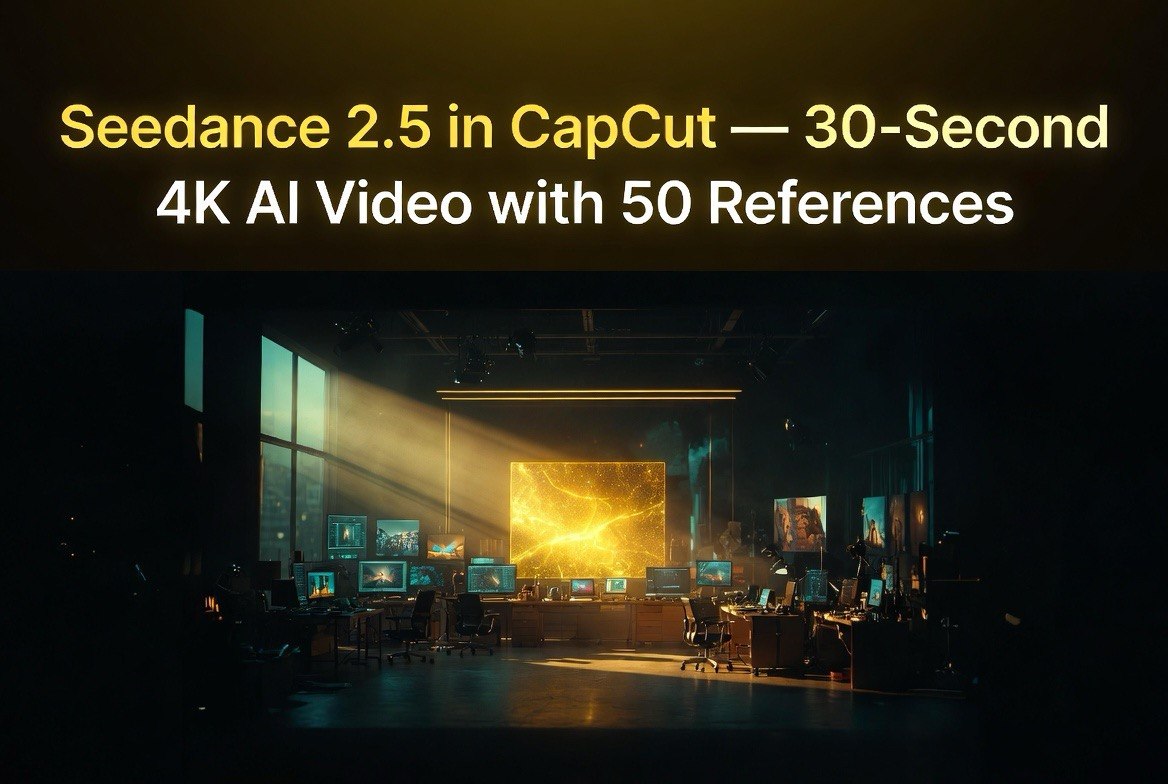
Seedance 2.5 in CapCut: 30-Second 4K AI Video With 50 References — What Creators Need to Know
⚡ Expert Summary: Seedance 2.5, ByteDance’s latest AI video generation model, launched inside CapCut and Dreamina in early July 2026. The upgrade brings native 30-second continuous clips at 4K resolution, support for up to 50 multimodal reference images and videos, and local editing that lets you modify specific elements without regenerating the entire clip. For YouTube creators and content marketers who have been waiting for AI video to become production-ready, this is the most significant release of 2026 so far.
AI Video Just Made a Leap — and It Is Inside the Tool You Already Have
If you are a YouTube creator or content marketer who has been watching the AI video space but holding out for a tool that actually delivers professional quality, Seedance 2.5 is the release that changes the calculation.
The previous version, Seedance 2.0, launched in February 2026 and was impressive for its time — 10-second clips, solid character consistency, good motion control. But it was still a tool for generating short snippets that needed significant editing to fit into a finished video. Seedance 2.5 removes that limitation.
Native 30-second continuous clips change the game for content creators. A 30-second clip is a complete YouTube Short, a TikTok video, a product ad, an Instagram Reel. It is not a fragment that needs to be assembled. It is publishable content straight out of the generator. And because it is integrated directly into CapCut — the most popular video editing app among content creators — there is no new workflow to learn, no separate tool to log into, no export-import dance between platforms.
What Seedance 2.5 Actually Adds
The headline features are straightforward, but the real improvements are in the details that matter to creators who produce video for a living.
30-second continuous clips. Seedance 2.5 generates up to 30 seconds of video from a single prompt, with consistent characters, lighting, and scene composition throughout. A beta long-video mode extends this to approximately three minutes. For a YouTube creator, that means generating a full intro, a product demonstration, or a scene in a single generation instead of stitching together multiple clips hoping they match.
50 multimodal references. You can now provide up to 50 reference images, videos, and audio clips to guide the generation. This is a major upgrade from the limited reference support in earlier versions. For creators producing brand content, this means you can feed Seedance your brand style guide, previous video frames, product photos, and character images, and the output will match your existing visual identity without requiring expensive post-production color grading.
4K native output. The model generates 4K video directly. No upscaling required. For creators who publish on YouTube, where video quality is a ranking factor, 4K native generation eliminates the need for third-party upscalers that often introduce artifacts.
Local editing. This is the feature that most clearly signals Seedance 2.5 is built for production workflows, not just experimentation. You can modify specific areas of a generated clip — change a character’s hair color, replace a background object, adjust lighting — without regenerating the entire video. The model preserves the performance, expression, and continuity of the rest of the frame. For creators who have spent hours regenerating 20-second clips because a single element was wrong, local editing is the feature that turns AI video from a time-saver into a production tool.
Real-World Use Cases for YouTube Creators
Different types of YouTube channels will use Seedance 2.5 differently. Here are the three use cases that map most directly to real creator workflows.
Faceless educational channels. Channels that explain concepts using visuals, diagrams, and B-roll footage are the most natural fit for Seedance 2.5. A 30-second clip is long enough to illustrate a complete concept — how a neural network works, what compound interest looks like, how a combustion engine fires. With 50 reference images, you can maintain consistent visual style across an entire video series, which is essential for building channel identity without showing your face.
Product review and comparison channels. Reviewers typically need product shots, comparison grids, and demonstration scenes. Seedance 2.5’s local editing feature lets you generate a product shot and then swap the product color, remove background clutter, or adjust the lighting without regenerating the entire clip. For a creator producing weekly review videos of AI tools or gadgets, this cuts production time from hours to minutes per scene.
Short-form content repurposing. If you produce long-form YouTube videos and repurpose them as YouTube Shorts or Instagram Reels, Seedance 2.5 lets you generate supporting visuals for the short-form version without pulling from your main footage. A 30-second generated clip becomes the visual hook for a Short, while your long-form content provides the depth. Creators who repurpose content report that this hybrid approach — AI-generated visuals for short-form, filmed content for long-form — produces the highest engagement per minute of production time.
The Reference Capacity Advantage
The 50-reference limit deserves a closer look because it is the feature that most clearly separates Seedance 2.5 from every other AI video tool on the market in mid-2026.
Character consistency has been the holy grail of AI video generation since the technology became usable. Every major tool has struggled with it: characters change appearance between frames, clothing shifts color, facial features drift. The standard workaround has been to generate multiple clips and cherry-pick the ones where the character looks consistent, which defeats the purpose of AI generation as a time-saving tool.
Seedance 2.5 addresses this by letting you provide up to 50 reference images of your character from different angles, in different lighting conditions, wearing different outfits. The model uses these references to maintain consistent appearance across the entire 30-second clip and across multiple generations. For a creator producing a series with a recurring character — a mascot, an avatar, a product presenter — this makes AI video production viable for the first time at scale.
The same logic applies to brand assets, location consistency, and product placement. Feed Seedance your logo, your color palette, your product photos, and your preferred lighting reference, and the output will match your brand identity without requiring manual correction in post-production.
How Seedance 2.5 Changes the Workflow for YouTube Creators
Before Seedance 2.5, a typical AI video workflow looked like this: generate 5-second clips in an AI tool, export them, import into CapCut or Premiere, edit out the bad frames, color-correct to match, add transitions, render, upload. The multi-tool chain was the bottleneck. Each generation was a fragment, and the assembly process ate up the time savings the AI was supposed to deliver.
Seedance 2.5 changes that to: prompt in CapCut, generate 30-second clip, edit local elements if needed, export. That is a three-step workflow from concept to publishable video, and it all happens inside the same application.
For faceless YouTube channels — channels that use stock footage, animation, and AI-generated visuals instead of on-camera talent — this is transformative. A 10-minute faceless video that previously required 60 to 80 individual AI clip generations and hours of assembly can now be produced with 20 to 30 generations and significantly less post-production work.
Pricing and Availability
Seedance 2.5 is accessible through CapCut (desktop, mobile, and web) and Dreamina (dreamina.capcut.com). ByteDance offers free daily credits for testing, with additional credits available through subscription plans for higher-volume production. The exact credit structure varies by region, but the free tier is sufficient for creators to evaluate whether the tool fits their workflow before committing to a paid plan.
The model is rolling out in early July 2026. If you do not see it in your CapCut dashboard yet, check for updates or access it directly through Dreamina.
How It Stacks Up Against Competitors
Seedance 2.5 enters a competitive market. Google Veo 3.1 offers comparable cinematic quality with native audio. OpenAI Sora 2 produces strong hero shots and viral-friendly content. Kling 3.0 from Kuaishou matches the 30-second clip length with aggressive pricing down to $0.028 per second.
Seedance 2.5’s advantages are integration — it lives inside CapCut, which 200 million creators already use — and reference capacity. No other major AI video tool supports 50 multimodal references. For creators who need brand consistency across a video series, that capability alone makes Seedance 2.5 the practical choice over tools that require manual consistency management.
What Creators Should Do Next
If you produce video content for YouTube, Instagram, TikTok, or any other platform, the most important thing you can do right now is test Seedance 2.5 with your own content. The free daily credits allow you to experiment without financial risk. Try generating a 30-second clip using your brand references. Test the local editing feature. See how the output integrates with your existing CapCut workflow.
AI video generation is evolving fast enough that waiting for the “perfect” tool is a losing strategy. The right approach is to pick the best available option, integrate it into your workflow, and iterate as the technology improves. For July 2026, that best option for most creators is Seedance 2.5 inside CapCut.
Frequently Asked Questions
What is Seedance 2.5?
Seedance 2.5 is ByteDance’s latest AI video generation model, available inside CapCut and Dreamina, capable of generating 30-second 4K video clips with up to 50 reference images.
Is Seedance 2.5 free?
CapCut offers free daily credits for Seedance 2.5 generation. Higher-volume production requires a paid subscription plan.
How does Seedance 2.5 compare to Sora or Veo?
Seedance 2.5 offers longer native clips (30 seconds), higher reference capacity (50 inputs), and deeper integration with CapCut, which is already the most popular video editing app among content creators.
Does Seedance 2.5 support local editing?
Yes. You can modify specific elements within a generated clip — like changing colors or objects — without regenerating the entire video.
What resolution does Seedance 2.5 generate?
It generates native 4K video output without requiring separate upscaling.
When is Seedance 2.5 available?
The model rolled out in early July 2026 and is accessible through CapCut desktop, mobile, web, and Dreamina.

About Barak Schurr
Barak Schurr is a serial entrepreneur who built and exited a major ticketing platform before turning his attention to AI and content. He runs three AI-focused research sites and writes about the tools, workflows, and strategies that let solo creators build real channels — without a crew, a studio, or a Hollywood budget.
Email: [email protected]