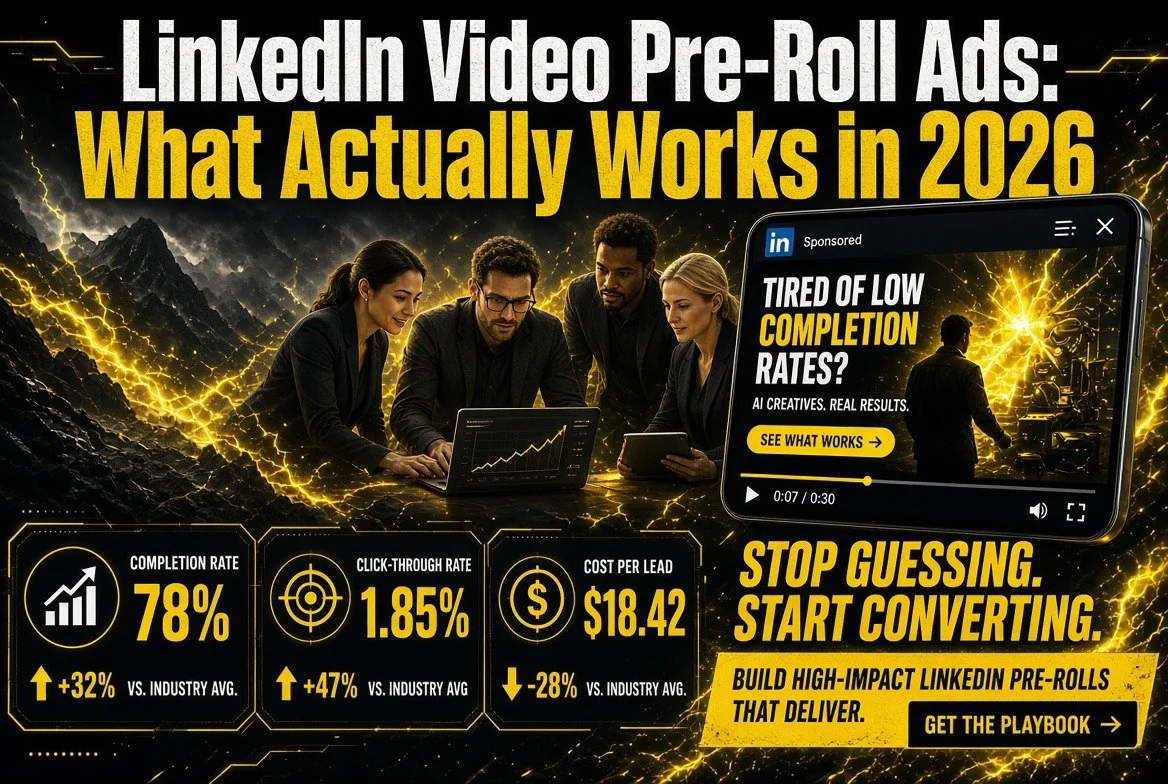
LinkedIn Video Pre-Roll Ads: What Actually Works in 2026
LinkedIn Video Pre-Roll Ads: What Actually Works in 2026
⚡ Expert Summary: LinkedIn pre-roll is the five seconds before someone watches the video they actually clicked. LinkedIn reports 80% of B2B video ads are viewed on mobile and that video generates more than half of its ad engagement on the platform. The format is unforgiving: a viewer who wanted a webinar does not owe you a pitch. The ads that work lead with a specific claim and a recognizable problem, use captions, run six seconds, and are built to survive being skipped. Here is how to make one with AI tools without it looking like one.
Most B2B video advice is written by people selling B2B video. This is not that. Pre-roll on LinkedIn is a specific format with a specific failure mode: you interrupt someone who was already going somewhere, and you get a short window to prove you belong there.
The good news is that the constraints are tight enough that the creative decisions get simple. Six seconds. No sound for most viewers. A vertical frame. One idea.
What Pre-Roll Actually Is on LinkedIn
Pre-roll means your ad plays before a publisher’s video content. On LinkedIn the viewer has already chosen a video, usually a webinar, a course, a news segment, or a conference clip. Your ad is a toll booth on their route.
That changes the creative completely from feed video. A feed video interrupts a scroll — you are competing with a next swipe. A pre-roll interrupts an intention — you are competing with the thing they came for. The viewer’s patience is shorter and their frame of reference is sharper.
The Numbers That Should Shape Your Creative
LinkedIn’s own advertising data is the reference point worth knowing before you storyboard anything. The platform reports that 80% of B2B video ads are viewed on mobile, and that video drives more than 50% of ad engagement on LinkedIn. Both facts push in the same direction: your ad is being watched on a phone, probably one-handed, probably without sound.
Those two numbers also explain why so much B2B pre-roll fails. It was shot for a desktop viewer with headphones who is paying full attention. That viewer does not exist in the majority case.
| Assumption | What the data says | What it means for the ad |
|---|---|---|
| Viewers are at a desk | 80% of B2B video ads are viewed on mobile | Design for a vertical, one-handed frame |
| Viewers will listen | Mobile playback is often muted by default | Burned-in captions are mandatory, not optional |
| Video is a minor channel | Video drives over 50% of LinkedIn ad engagement | It deserves real budget and real creative |
| A 30-second story is fine | Skip buttons appear within the first few seconds | The claim must land before the skip is reachable |
The Six-Second Structure
Six seconds is not a shortened 30-second ad. It is a different unit of communication. There is room for one claim, one visual, and one call to action — and often not all three comfortably.
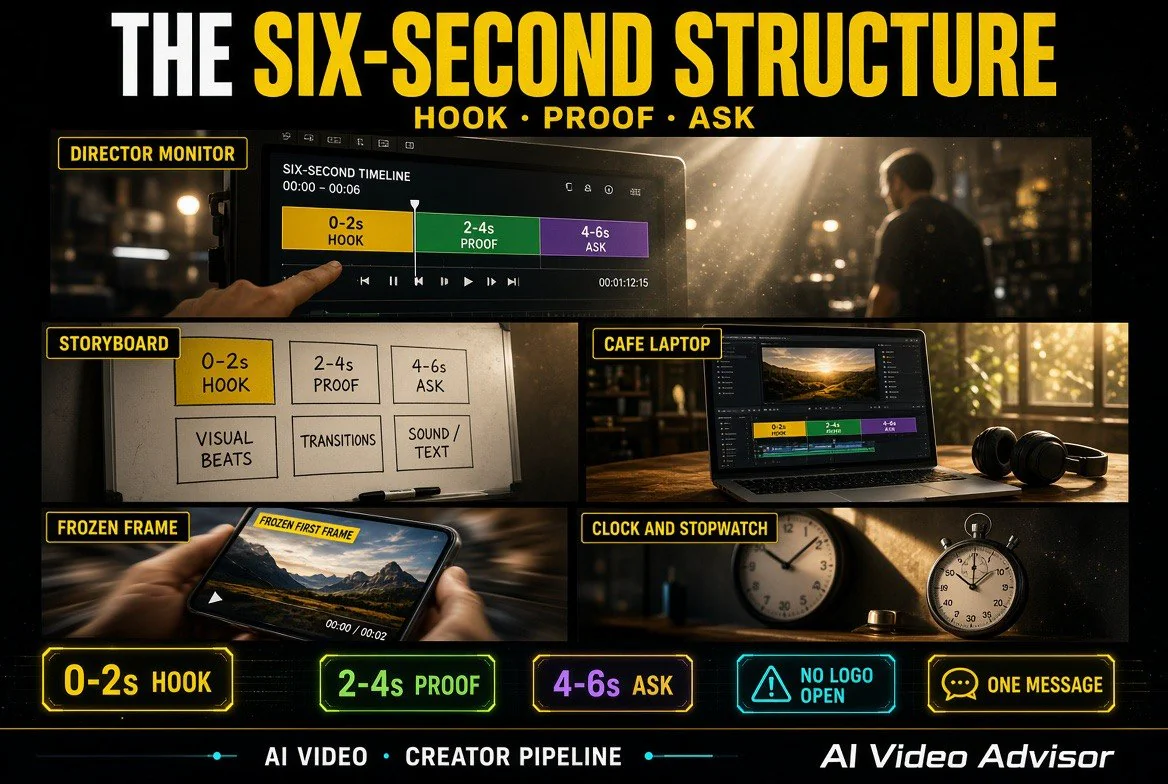
The structure that survives a skip: 0-2 seconds name a problem the viewer recognizes as theirs. 2-4 seconds make one specific claim with a number in it. 4-6 seconds show the next step and stop. No logo sting, no slow fade, no “Hi, I’m the founder of.”
If the viewer skips at second three, they should still have absorbed the problem and the claim. That is the test. Write the script, then delete everything that happens before the claim. If the claim is now at second zero, you have the right structure.
Writing the Script Before You Touch a Video Tool
AI video tools generate footage. They do not generate a reason to watch. The script comes first and it comes from your own sales calls — the objection you hear most often, in the words the buyer actually used.
A workable pattern: name the objection, contradict it with a number, then offer the proof. “Most agencies quote six weeks for a launch film. Ours ship in nine days. Here is the last one.” That is six seconds of writing and it does more work than a minute of b-roll.
Write three versions with different openings and run them against each other. This is where AI helps most — not in generating the video, but in generating twelve variations of a hook in the time it used to take to write one.
Using AI Tools Without Looking Like It
The tell in AI-generated B2B video is rarely the rendering quality. It is the absence of specifics. Generic offices, generic handshakes, generic smiling people in a generic meeting room. Anyone who has scrolled a feed in the last two years can spot it in under a second, and that recognition costs you the viewer.
The fix is to use AI for the parts that are expensive and boring, and real footage for the parts that establish that you are a real company. Generate the motion backgrounds, the lower-thirds, the transitions, the abstract data visuals. Shoot the people on a phone. A genuine, slightly imperfect shot of your actual team outperforms a flawless synthetic one because it carries information the synthetic version cannot.
For a practical walkthrough of the tools worth paying for in each category, our guide to AI video tools covers generation, editing, and captioning separately — they are rarely strong in the same product.
Captions, Ratios, and the Details That Get Skipped
Burned-in captions are not a nice-to-have on LinkedIn pre-roll. If your video only works with sound, it only works for a minority of viewers. Caption the whole thing, size it for a phone, and keep two lines maximum on screen.
Frame for vertical first. Even if the placement serves landscape, the mobile experience dominates and a vertical-safe composition loses nothing when letterboxed. Keep the top and bottom eighth clear of critical text so platform overlays do not cover your claim.
Finally, put your claim in the first frame as text as well as in the audio. A viewer who lands mid-scroll with sound off should be able to read the promise without waiting for anything to happen.
What to Measure Beyond Views
Views are the least useful number in pre-roll reporting, because a view is often counted before the viewer has decided anything. The metrics that tell you whether the ad works are completion rate among the audience you targeted, click-through to the landing page, and — most important — the drop in cost per qualified lead compared to your other formats.
If completions are high and clicks are flat, the creative is interesting but the offer is weak. If clicks are decent and leads are bad, the landing page is the problem, not the ad. Diagnosing this correctly saves you from reshooting a video that was never the issue.
A Short Checklist Before You Launch
One claim in six seconds. Claim visible as text in frame one. Captions burned in. Vertical-safe composition. Real footage of real people for at least one shot. No logo sting. Landing page matches the promise in the ad word for word.
That is the whole discipline. Pre-roll does not reward production budget as reliably as it rewards specificity, and specificity is the one thing you can produce for free.
If you want to see how this fits the wider set of tools a small team can run without a studio, the breakdown of AI tools for business owners covers where the budget actually goes.
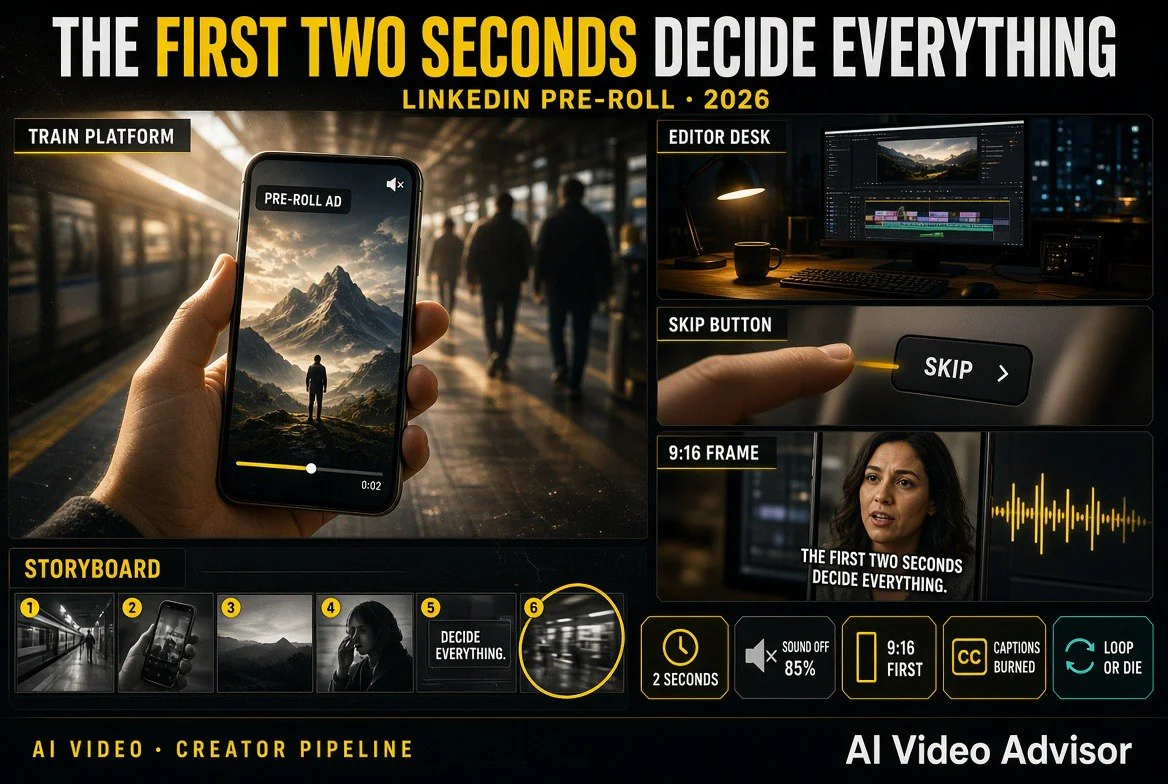
Why the First Two Seconds Decide Everything
Most B2B advertisers treat pre-roll like a compressed television spot and spend the opening on brand setup. That instinct is expensive here. The viewer arrived with a task, and the skip button is a physical object within reach of their thumb. Every second before your claim is a second they are deciding whether you are in the way.
The practical consequence is that the opening frame has to do three jobs at once: name a problem in language the viewer already uses, carry a text version of that claim for muted playback, and look like it came from a company rather than a stock library. That is a lot of work for two seconds, which is exactly why it should be written before anything is filmed.
A useful exercise is to show the first frame to someone who does not work with you and ask what the ad is selling. If they cannot answer in one sentence, the frame is decoration, not communication. Rewrite and test again. This costs nothing and catches the majority of pre-roll failures before any budget is spent.
| Pipeline stage | Use AI? | Where the time actually goes |
|---|---|---|
| Finding the objection | No — sales notes | The sentence a customer said before buying |
| Writing the script | Partly — variations | Twelve hooks in one session instead of twelve sessions |
| Shooting people | No — real footage | Sets it apart from every synthetic competitor |
| Backgrounds and motion | Yes | No motion designer needed for six seconds |
| Captions and localisation | Yes — human pass | Minutes of editing instead of an hour |
| Reading the results | No — you | Completions versus clicks tells you what to fix |
Where AI Actually Saves Time in the Pipeline
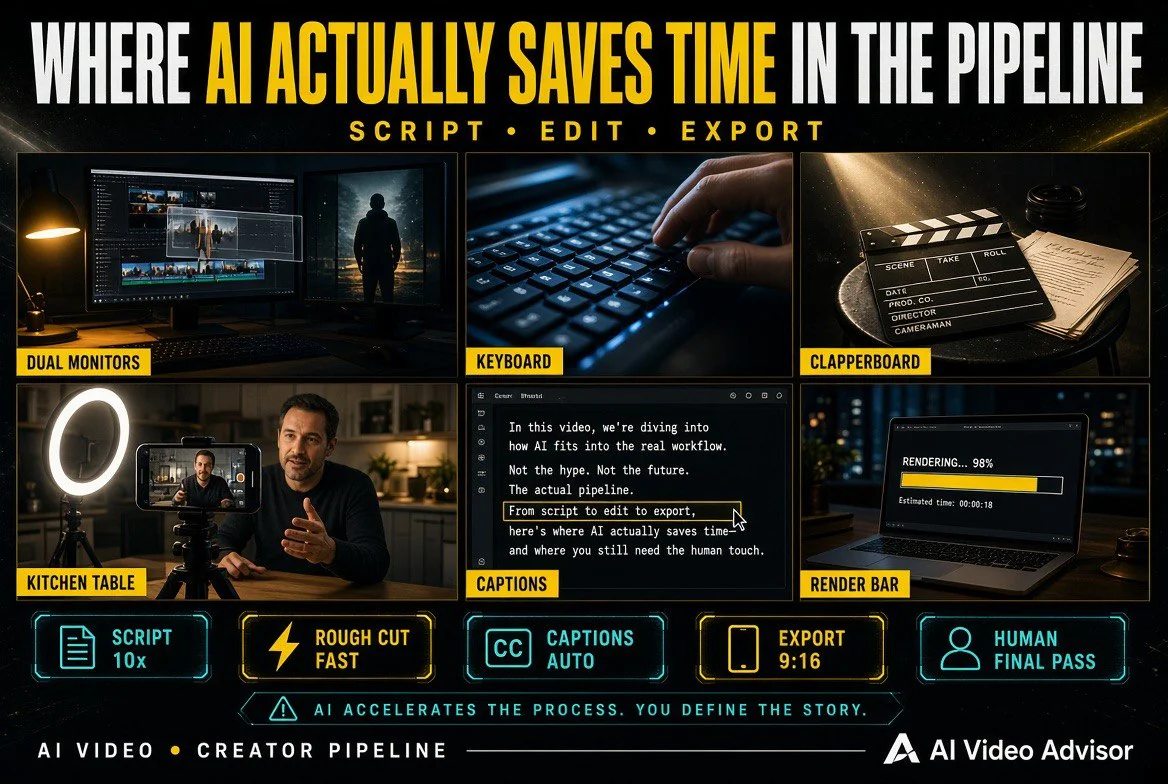
The savings in an AI-assisted video workflow are not evenly distributed. They cluster in three places, and being honest about which is which keeps you from overpaying for the wrong stage.
The first is variation. Generating ten hooks, ten opening frames, or ten caption styles used to mean ten writing sessions. It now means one good session and a short review pass. The second is asset production — motion backgrounds, lower thirds, transitions, and simple data animations no longer require a motion designer for a six-second cut. The third is captioning and localisation, where automated transcription is accurate enough that a human edit takes minutes rather than an hour.
What AI does not do well is the part that determines whether the ad works at all: knowing which objection to lead with. That comes from your sales calls, your support tickets, and the sentence a customer said right before they bought. No generator has access to that, and no prompt produces it.
Frequently Asked Questions
What is a LinkedIn pre-roll ad?
Pre-roll is a video ad that plays before a publisher’s video content. On LinkedIn, the viewer has already chosen a video such as a webinar or course, so the ad interrupts an intention rather than a scroll. That makes patience shorter and the opening claim more important.
How long should a LinkedIn pre-roll ad be?
Six seconds is the practical target. It is enough for one problem statement, one specific claim, and one next step. If a viewer skips at second three, they should still have absorbed the problem and the claim.
Do LinkedIn video ads need captions?
Yes. LinkedIn reports 80% of B2B video ads are viewed on mobile, where playback is frequently muted. Burned-in captions ensure the ad works for viewers who never turn sound on, which is the majority case.
Can AI tools make a LinkedIn pre-roll ad?
AI tools handle backgrounds, motion graphics, transitions and captioning well, and they are excellent for generating hook variations. They should not replace real footage of your own team — synthetic footage lacks specifics, and viewers recognize it quickly.
What metrics matter for pre-roll ads?
Completion rate among your targeted audience, click-through to the landing page, and cost per qualified lead compared with your other formats. Views alone are a weak signal because they are often counted before the viewer has made a decision.

About Barak Schurr
Barak Schurr is a serial entrepreneur who built and exited a major ticketing platform before turning his attention to AI and content. He runs three AI-focused research sites and writes about the tools, workflows, and strategies that let solo creators build real channels — without a crew, a studio, or a Hollywood budget.
Email: [email protected]
More AI Video Resources