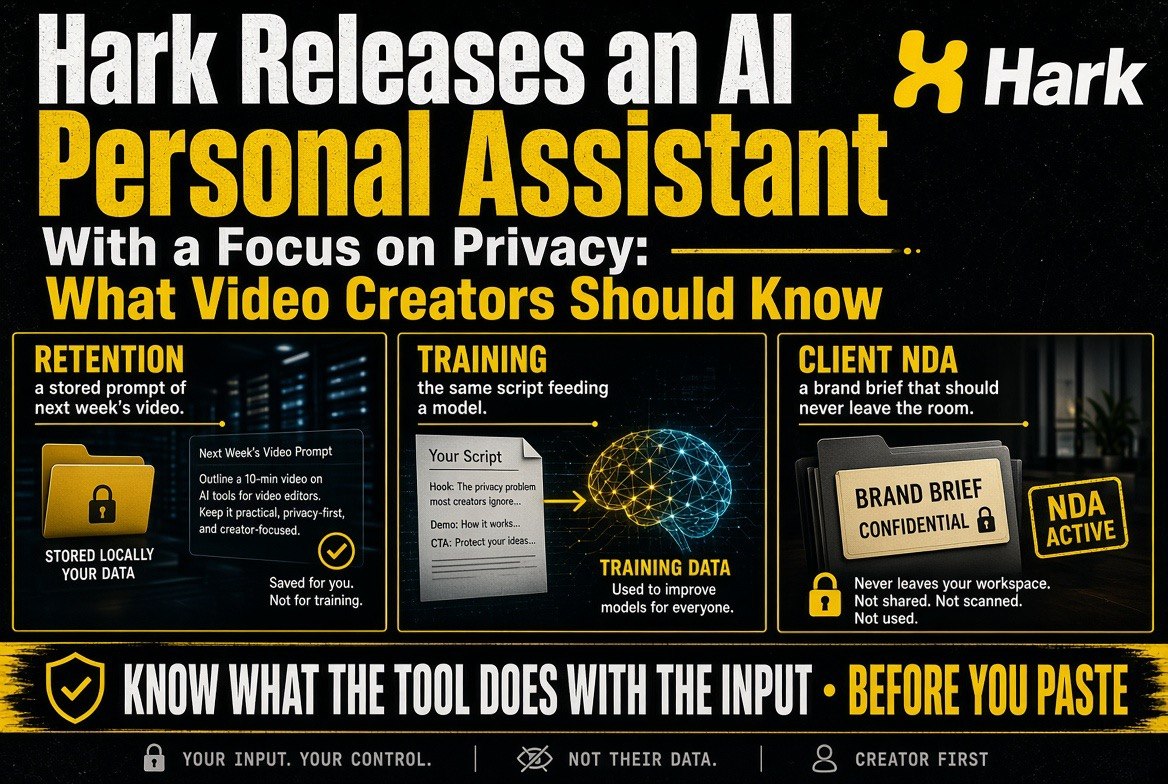
Hark Releases an AI Personal Assistant With a Focus on Privacy: What Video Creators Should Know
Get The Faceless YouTube Blueprint — Free
The exact AI tool stack and workflow used to build a faceless YouTube channel from zero.
Hark Releases an AI Personal Assistant With a Focus on Privacy: What Video Creators Should Know
⚡ Expert Summary: Hark has launched an AI personal assistant that puts privacy at the centre of the product rather than the marketing page. For solo video creators the value is less about the assistant itself and more about what it signals: your scripts, footage notes, client briefs and channel strategy are the assets, and a tool that treats them as private changes which AI workflows are safe to adopt.
Most AI assistant announcements in 2026 are variations on the same pitch: a model, a chat box, and a list of integrations. Hark’s release is interesting for a different reason. It is built around the constraint that personal and business context is sensitive, and it treats that constraint as a product requirement rather than a feature bullet.
If you are a solo creator running a channel with AI assistance, that distinction matters more than it sounds. Here is what Hark is, where a privacy-first assistant actually helps a video workflow, and where it does not.
What Hark Actually Is
Hark is an AI personal assistant designed to handle everyday administrative and research work on your behalf — the kind of task that sits between “I could do this in twenty minutes” and “I will do this never.” Summarising documents, drafting replies, organising notes, chasing information across a handful of apps.
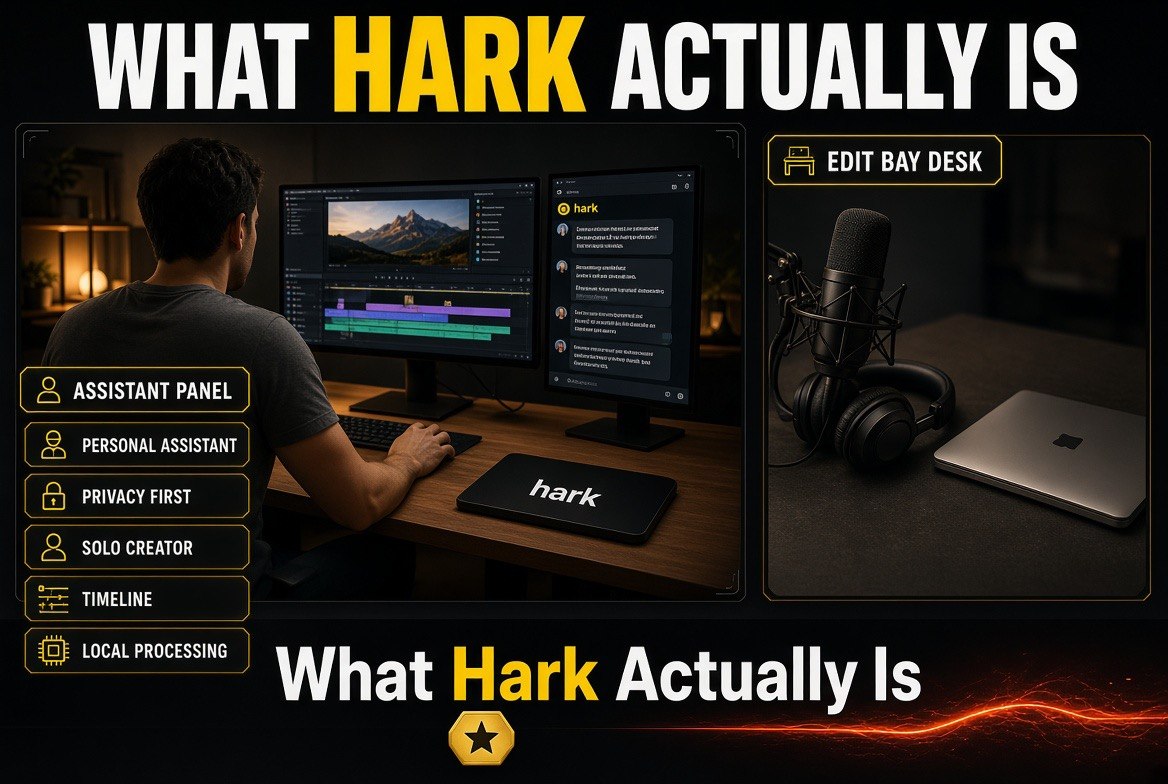
The distinguishing claim is privacy. Rather than treating data handling as a compliance footnote, Hark’s positioning puts control over what the assistant can see and retain at the front of the product. For anyone whose work involves client material under NDA, unreleased footage, or a channel strategy they would rather not train someone else’s model on, that is a meaningful difference.
The broader market has moved in this direction for good reason. Story isn’t the only signal. Recall that 2026 has produced repeated reminders that AI assistants collect far more context than users assume, and that consumer sentiment on AI recommendations remains low. In our piece on why only 2% of consumers trust AI recommendations, the pattern is the same one that makes privacy-first tools worth considering: trust is now a product feature, and audiences can tell when it is missing.
Why Privacy Is a Creative Production Issue, Not a Legal One
Creators tend to think about privacy in terms of compliance. The practical risk sits closer to home.
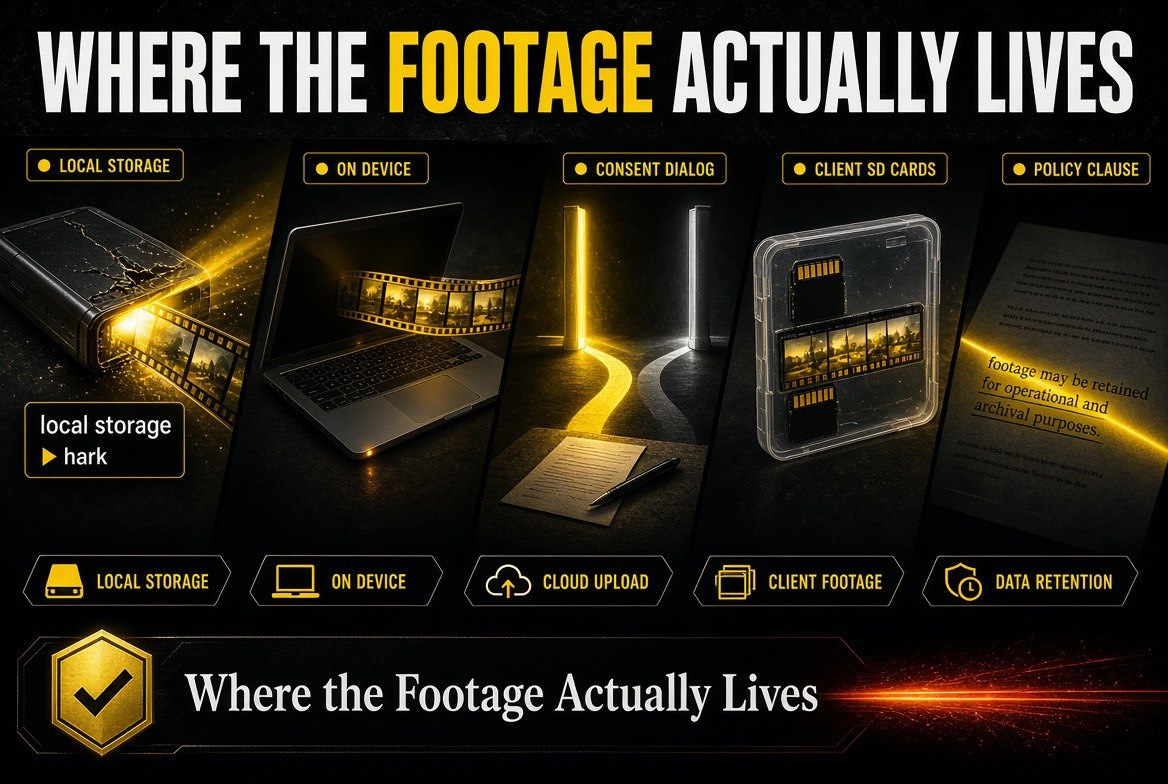
A solo video operation runs on unreleased material. Client rough cuts, unpublished scripts, brand deal terms, revenue figures, audience analytics, the working theory behind a new format that you have not launched yet. That is the most sensitive data most creators ever hold, and it is exactly the material people feed into AI tools to save time.
Three specific risks deserve names.
Retention. A tool that stores your prompts has a copy of your upcoming content strategy. Whoever holds that copy has a view of your channel that your competitors would pay for.
Training exposure. Terms vary enormously on whether your inputs can be used to improve a model. For a creator, that is the difference between using a tool and quietly becoming someone else’s training data.
Client confidentiality. Brand deals often carry confidentiality clauses covering the campaign, the creative, and sometimes the metrics. Running a client’s brief through an assistant without understanding its data terms can put a contract at risk for reasons that have nothing to do with the video.
None of that requires a lawyer to manage. It requires knowing what a tool does with your input before you paste anything into it.
| Data Type | Typical Risk With a Generic Assistant | What a Privacy-First Tool Changes |
|---|---|---|
| Unreleased scripts and concepts | Retained and potentially used for training | Clear retention and training controls |
| Client briefs under NDA | Confidentiality exposure | Scoped access and defined handling |
| Revenue and analytics figures | Aggregated into third-party systems | Data stays within your control boundary |
| Raw footage notes | Often unnecessary to disclose | Excluded by default rather than opted out |
| Audience research | Low sensitivity, high volume | Safe to process — the routine work |
Where an Assistant Like Hark Actually Fits a Video Workflow
An assistant does not edit video and it will not make your channel grow. What it does well is absorb the administrative layer that sits around production — the part that most solo creators under-invest in because it produces nothing visible.
Five jobs fit cleanly.
Research assembly. Pulling background on a topic, checking a claim, collecting source links into one usable document before you write a script. This is the highest-value use because it front-loads work you would otherwise do in a rush.
Script and description drafting. Not writing the script for you — drafting a structure, a hook variant, a set of title options you can react to. Editing is faster than inventing.
Metadata and repurposing. Turning one long-form video into descriptions, chapter lists and short-form captions is mechanical work that consumes hours and produces nothing memorable.
Inbox and admin triage. Sponsor enquiries, collaborator outreach, invoice chasing. Consistency matters more than brilliance here, which is exactly what an assistant provides.
Posting-schedule notes and checklists. The unglamorous discipline that separates channels that publish weekly from channels that publish when they feel like it.
If you are evaluating that layer more broadly, our roundup of the best AI tools for faceless YouTube channels covers the production side, while an assistant like Hark sits on the operations side.
Where Privacy-First Falls Short
Honesty matters more than enthusiasm here, because privacy-first positioning comes with real trade-offs.
Integration depth. Tools that hold your data can offer richer cross-app context. A stricter data boundary usually means a shallower reach across your accounts, at least at launch.
Personalisation. Memory is what makes an assistant feel like it knows you. Tight retention limits make it feel more like a competent stranger — useful, but less uncanny.
Convenience. The strictest privacy settings require decisions. Which folders this tool may read, whether history is kept, what gets excluded. That friction is the price of control, and it is worth paying deliberately rather than by default.
None of those are reasons to avoid the category. They are reasons to test it against your actual workflow rather than a feature list.
The Self-Hosted and Local Alternative
Privacy-first cloud tools are one answer. Local tools are another, and for some creators they are strictly better.
Running models locally — or using a strictly self-hosted setup — means your scripts, notes and analytics never leave your machine. The cost is hardware, setup time, and a ceiling on model quality that varies by task. The benefit is that the question of what happens to your data has a short answer: nothing, because it never left.
For most solo creators the practical split looks like this: local for anything containing client material, unreleased creative or financial figures, and a cloud assistant with clear terms for the routine research and metadata work. Knowing which bucket a task falls into is the actual skill, and it takes about a week to build the habit.
Privacy-First Cloud vs Local: Which Fits Your Workflow
The decision is not ideological. It is a trade between convenience and control, and the right answer differs by the kind of work you do.
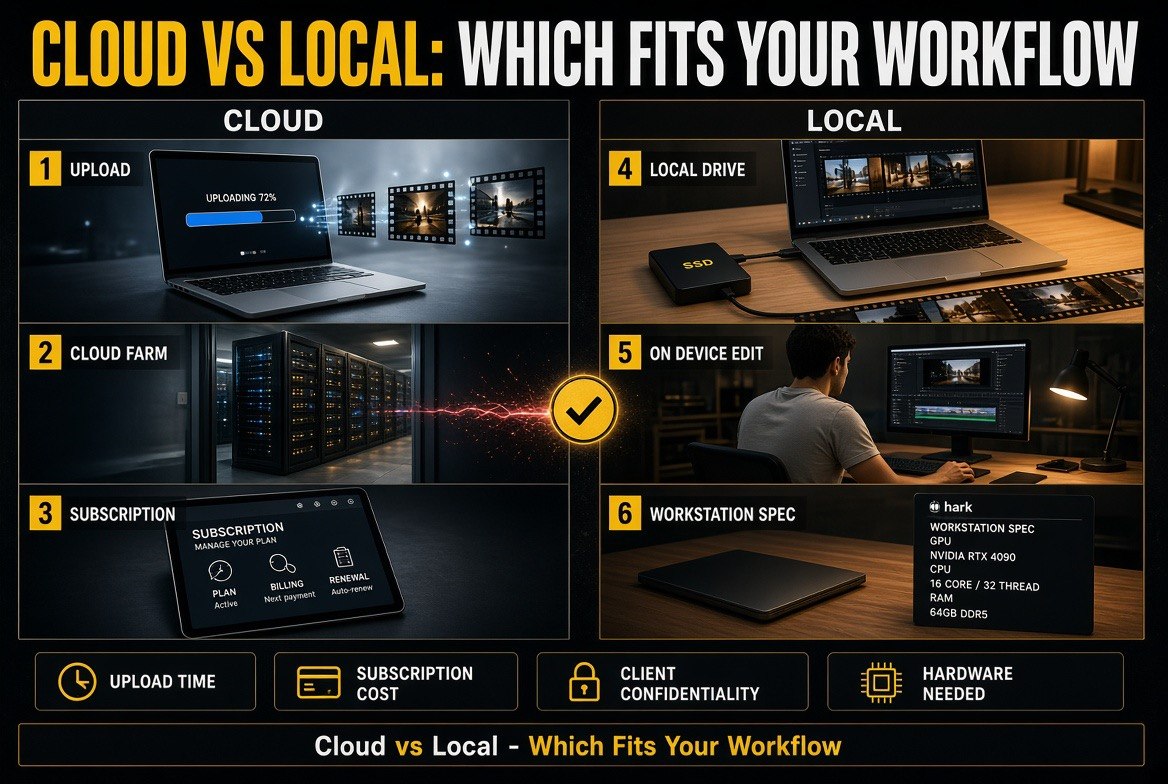
| Factor | Privacy-First Cloud (e.g. Hark) | Local / Self-Hosted |
|---|---|---|
| Setup effort | Minutes — sign up and configure access | Hours to days, plus ongoing upkeep |
| Model quality | Frontier-class for research and drafting | Depends entirely on your hardware |
| Data leaves your machine | Yes, under stated controls | No |
| Client-NDA work | Acceptable with vetted terms | Safest option available |
| Cost | Subscription per seat | Upfront hardware, no per-task fee |
| Best for | Solo creators doing research and admin at volume | Creators handling sensitive client and unreleased work |
What This Means for Your Channel
Hark is one product, but the release points at a shift worth taking seriously. Privacy has moved from a compliance line item to a competitive feature, and that is good news for solo creators because it expands what you can safely automate.
The practical takeaway is not “switch tools.” It is to answer one question for every AI tool in your stack: what happens to the material I put in? If you can answer that clearly for your writing tool, your editing assistant and your metadata helper, you are already ahead of most channels your size.
Keep the sensitive work where you control it, put the routine work wherever it is fastest, and revisit the split when a tool changes its terms. That is a five-minute quarterly habit with a real upside — and it is the same discipline that makes any creative business defensible when the tools change under you.
Frequently Asked Questions
What is Hark?
Hark is an AI personal assistant built with privacy as its central design constraint rather than an add-on. It handles administrative and research work — summarising, drafting, organising and chasing information — while giving the user clearer control over what it can access and retain.
Is a privacy-focused AI assistant worth it for a solo creator?
It depends on what you feed it. If you regularly put client briefs, unreleased scripts or revenue figures into an AI tool, clearer data terms are worth a premium. If you only use AI for public research and metadata, the difference matters less.
Do AI assistants train on my data?
It varies by product and by plan, and it changes over time. Some tools train on inputs by default and require you to opt out; others exclude inputs by default or offer a contractual guarantee. Always read the current terms before pasting anything sensitive.
What should I never put into a generic AI assistant?
Anything a client has asked you to keep confidential, anything unreleased that would damage your channel if it leaked, and financial or personal data about other people. If a disclosure would matter, treat it as out of bounds until you have verified the tool’s terms.
Can I run an AI assistant locally instead?
Yes, and for sensitive work it is the safest option. Local models keep your data on your machine, at the cost of hardware, setup time and variable model quality. Many creators use local tools for sensitive material and a vetted cloud assistant for routine research and metadata.
Does privacy-first mean worse performance?
Sometimes, but the gap is narrowing. Stricter data handling most often reduces personalisation and integration depth rather than raw capability. Test a tool against your real workflow before deciding whether the trade is worth it.

About Barak Schurr
Barak Schurr is a serial entrepreneur who built and exited a major ticketing platform before turning his attention to AI and content. He runs three AI-focused research sites and writes about the tools, workflows, and strategies that let solo creators build real channels — without a crew, a studio, or a Hollywood budget.
Email: [email protected]
More AI Resources for Your Business