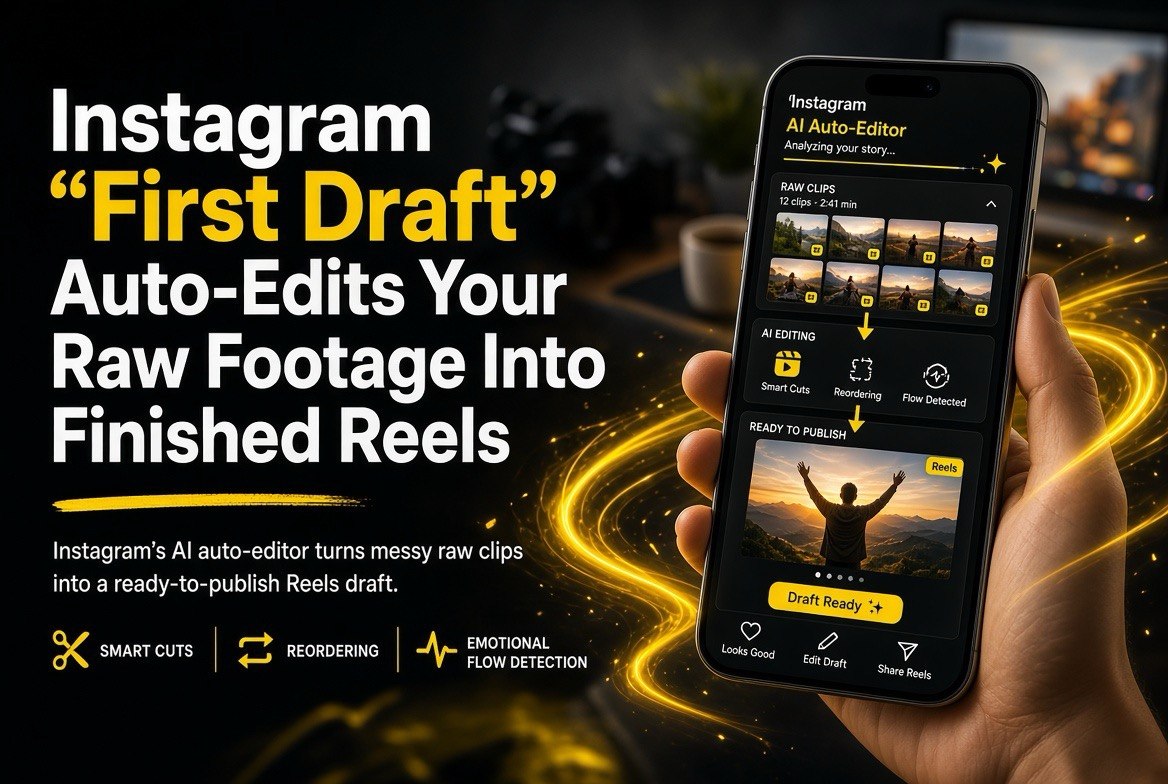
Instagram ‘First Draft’ Auto-Edits Your Raw Footage Into Finished Reels
Get The Faceless YouTube Blueprint — Free
The exact AI tool stack and workflow used to build a faceless YouTube channel from zero.
Instagram “First Draft” Auto-Edits Your Raw Footage Into Finished Reels
⚡ Expert Summary: On August 25, 2026, Instagram began rolling out “First Draft,” an AI assistant that analyzes your raw, unedited footage and automatically trims and sequences it into a polished Reels draft. It reads audio cues, visual spikes, and facial expressions to decide what to keep, what to cut, and in what order to assemble the clips, then hands you a draft you can refine or publish straight to your profile. For YouTube creators who also post Shorts, this is a meaningful shift: the tedious “cut the blank frames and reorder” work is now automatic inside the same app where you publish, so you can turn a long filming session into multiple vertical clips without opening a separate editor. For US creators posting a few times a week, First Draft attacks the single biggest time sink in short-form production, and it is free where it rolls out.
Ask any short-form creator what the most boring part of the job is and most won’t say filming. They’ll say editing the raw footage down — scrubbing through minutes of tape to find the two seconds worth keeping, cutting the dead air, reordering the shots so the video actually flows. Instagram’s new First Draft feature is aimed squarely at that pain. Launched August 25, 2026, it quietly turns AI loose on your unedited clips and returns a finished Reels draft you can post with a tap.
Here’s what First Draft actually does, why it matters for creators in the United States who publish to both YouTube and Reels, and where the line still is between “good enough draft” and “ready to post.”
What Instagram First Draft Does (and How It Works)
First Draft is not a video generator and it’s not a filter. It’s an auto-assembly tool. You give it raw footage — clips shot in the moment, no structuring, no pre-trimming — and it returns a sequenced draft. Instagram describes the analysis as multi-signal: the AI reads audio cues (when someone starts or stops talking, laughter, key sound bites), visual spikes (motion, scene changes, camera movement), and facial expressions (eye contact, reactions) to figure out which moments carry the video and which are dead weight.
That combination is the interesting part. A simple “cut the silence” tool has existed for years. What’s newer is the ranking — the AI deciding not just what’s dead air but which moments are the good moments worth keeping, then ordering them to build a narrative. For a vlogger or educator who films 10 minutes of talking-head footage and needs a 45-second Reel, that’s the difference between a feature that saves you a few minutes and one that does the actual creative judgment.
Once First Draft returns a draft, the creator can refine it — trim further, reorder clips, swap text or audio — or post it as-is. The pipeline is designed to remove friction from the single most important habit for growing a Reels audience: posting consistently.
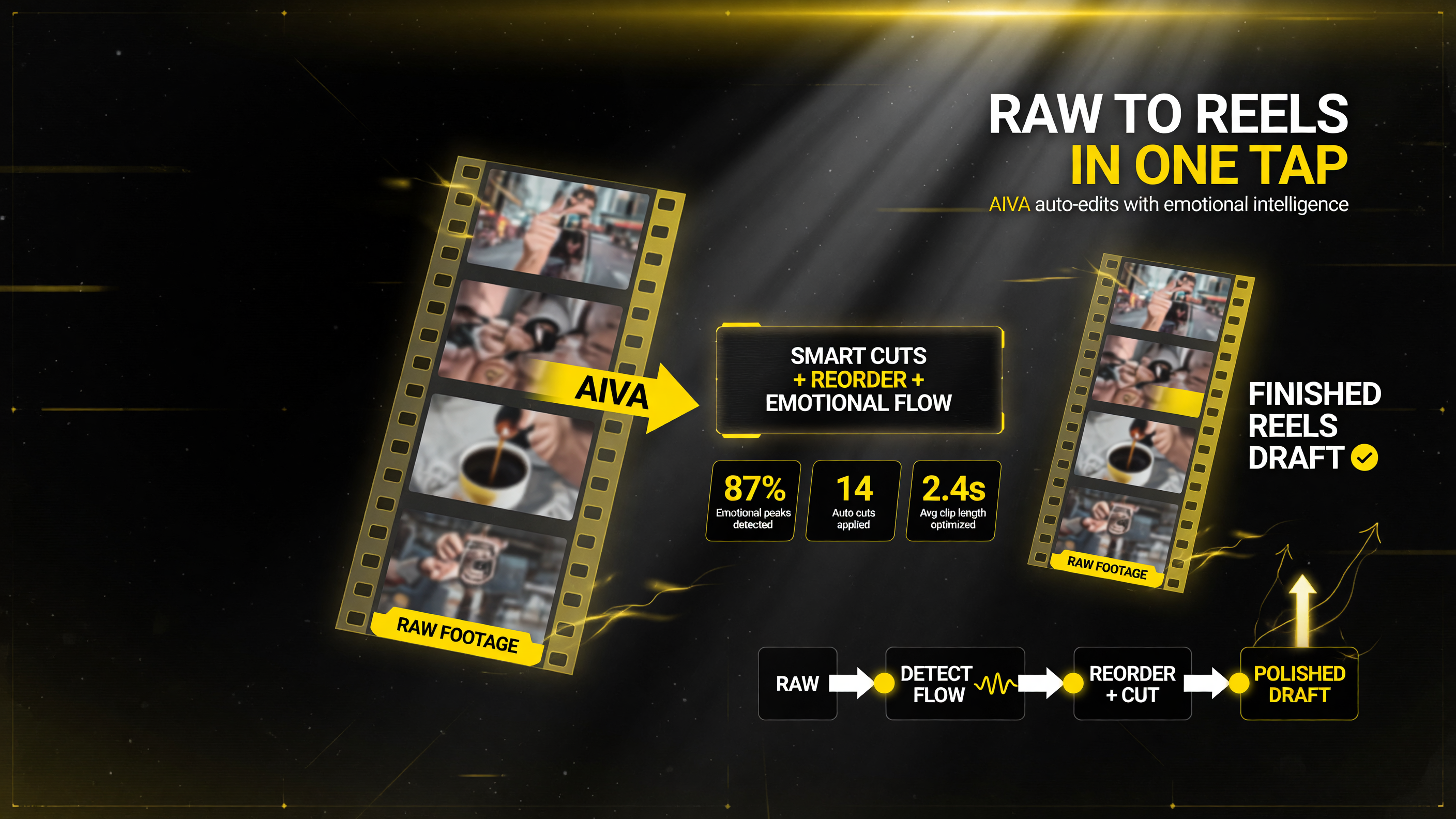
First Draft runs entirely inside Instagram — it detects emotional peaks, applies auto cuts, and reorders the footage so a raw clip becomes a polished Reels draft in one tap.
Why This Matters for US Creators Specifically
Anyone who publishes vertical short-form knows the real cost isn’t the tool — it’s the repetition. You develop a workflow, and then you have to repeat it dozens of times a month. First Draft targets that repeat work in a way that suits how creators in the United States actually operate:
- It lives in the publishing app. You don’t export, move to a desktop editor, cut, re-export, and upload. The draft is generated where you post.
- It lowers the “posting tax.” When editing a single Reel costs 20 minutes of scrubbing, you post less often. When it costs two minutes of review, you post more.
- It handles unfinished footage. Because it works from raw, unfiltered clips, it fits the way most creators actually film — in the moment, not in a storyboarded studio session.
The framing is important too: this is a draft feature, not a “one-tap publish” promise. Instagram is positioning it as a starting point a creator improves, which is the honest way to sell an editing assistant and a reason it’s likelier to actually get used rather than abandoned after one try.
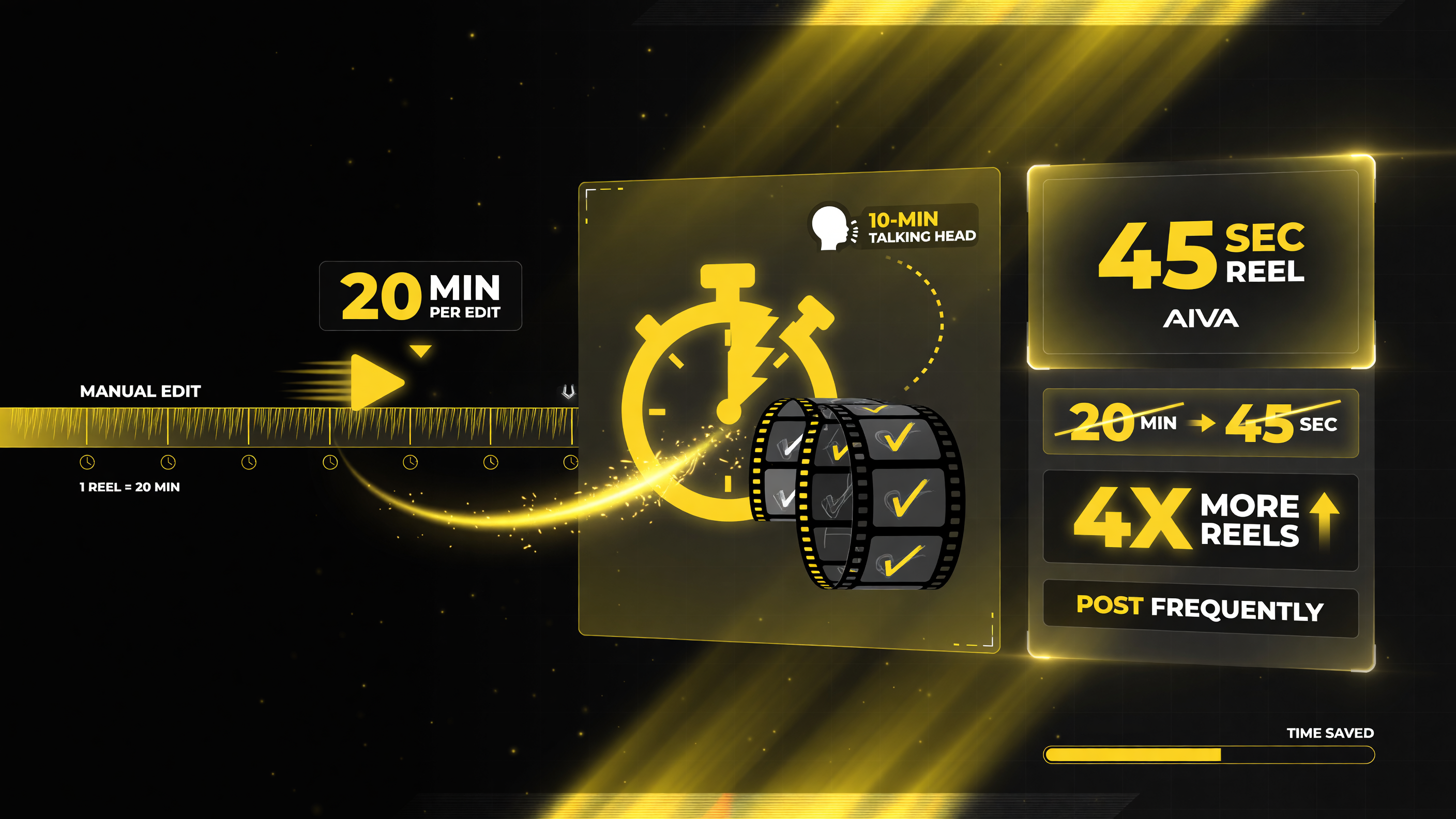
Scrubbing one Reel by hand can eat 20 minutes; turn the same 10-minute talking-head clip into a ready 45-second Reel nearly instantly, so you post far more often.
First Draft vs. the Tools It Competes With
First Draft is entering a fast-moving space. Long-to-short repurposing tools like Opus Clip and Mirage have been doing automated clip extraction for a while, and Meta’s own Edits app just added image-to-video and project management. Here’s how the auto-assembly approaches compare:
| Factor | Instagram First Draft | Opus Clip / Mirage Clips |
|---|---|---|
| Where it works | In the Instagram app, where you post | Separate web/app platforms; export then upload |
| Input | Raw, unedited footage (current-live capture) | Usually a finished long video it then clips |
| Signals analyzed | Audio cues, visual spikes, facial expressions | Transcript/topic focus primarily |
| Output | Assembled Reels draft to refine or publish | Multiple short clips with reframing + captions |
| Publish friction | Low — draft lives where you post | Higher — jump between platforms |
First Draft is the closest of the three to “the editor disappears.” It’s not extracting clips from a finished video; it’s helping you assemble raw footage into a finished video in the first place. Opus and Mirage are stronger when you already have a long, polished video and want ten shorts from it. First Draft is stronger when you filmed a bunch of loose clips and want one good Reel out of them.
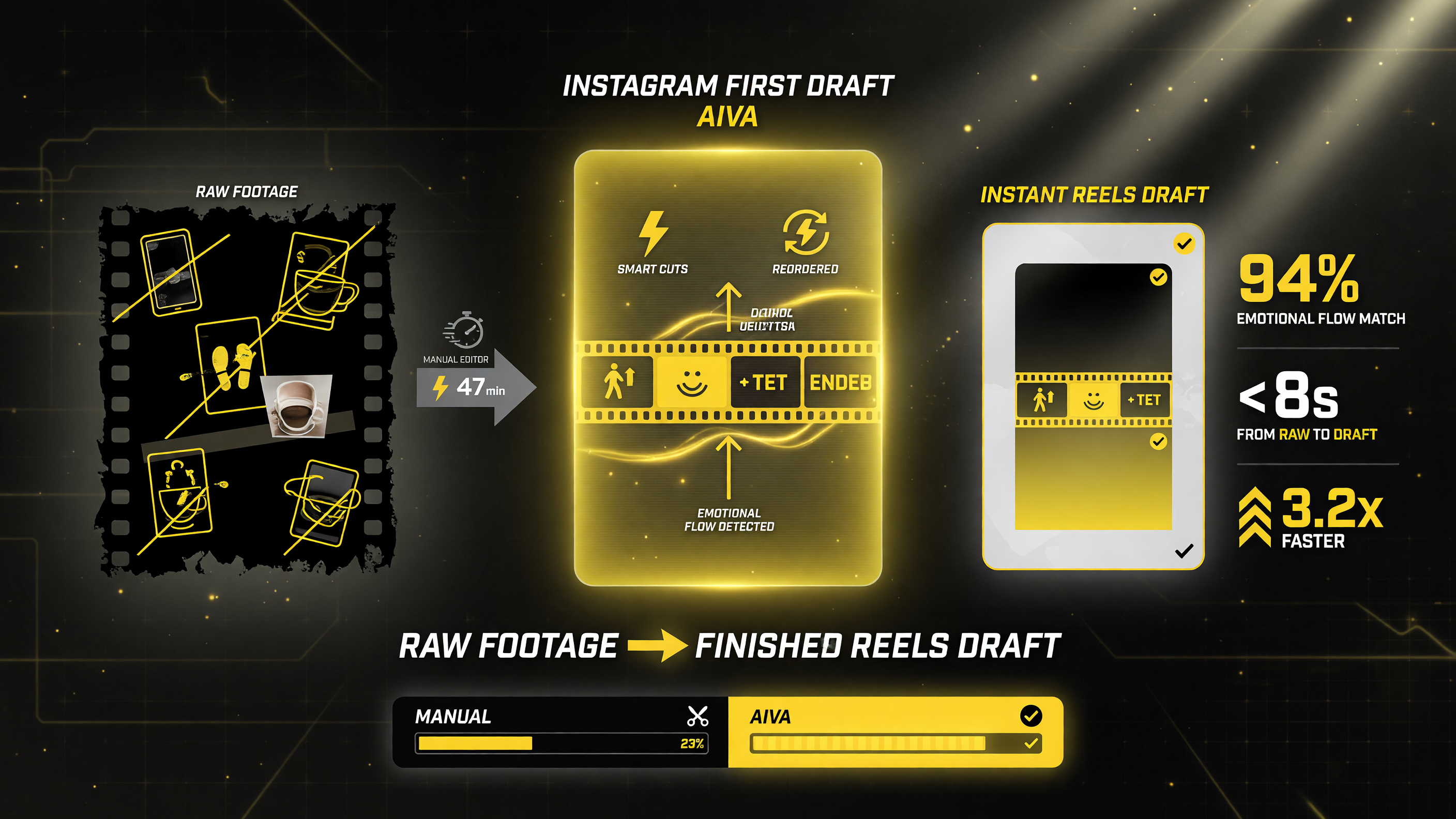
Compared with a manual editor, First Draft detects the emotional flow and applies smart cuts itself, returning a finished Reels draft in seconds rather than a half-hour of work.
What First Draft Won’t Do (Yet)
It’s worth being precise about the limits so you’re not caught expecting magic:
- It edits, it doesn’t generate. First Draft won’t create b-roll or fill gaps with generated footage the way image-to-video tools do. If you don’t have the shot, the draft won’t invent it.
- It makes editorial calls you should review. The AI’s ranking of “good moments” is a draft opinion. You should still check that the emotional through-line it chose matches your intent.
- Rollout is staged. As of the August 25 announcement, availability is being rolled out progressively — not every account has it on day one, and feature parity across regions can lag.
| Capability | What It Means For You | Action To Take |
|---|---|---|
| Auto-cut dead air | Silence and pauses removed automatically | Review pacing — keep intentional pauses |
| Moment ranking | AI picks what it thinks are the key moments | Confirm the emotional arc matches your intent |
| Auto-sequencing | Clips ordered into a narrative draft | Reorder if the flow feels off |
| Refine or publish | Draft can be tweaked or posted as-is | Start with high-volume, low-stakes posts |
How to Use First Draft Without Losing Your Voice
The creators who get real value from auto-editing tools are the ones who use the draft as a shortcut, not a replacement. A practical workflow: film your footage as you normally would, let First Draft produce its suggested cut, then spend your saved time on the two things the AI can’t do — your hook and your authenticity. Review the opening three seconds personally every time; that’s where retention is won or lost, and it’s the part of a short that most benefits from a human touch.
Also, treat the first several uses as calibration. Every creator’s raw footage has a different rhythm — a cooking channel has long prep silences, a talking-head meme account is dense with speech. First Draft will learn the shape of your content the more you use it and refine its suggestions. Feed it consistently and the drafts get closer to “post-ready” over time; dip in once and you’ll only ever see its first, least-informed guess.
First Draft in the Context of Instagram’s AI Push
First Draft isn’t an isolated experiment — it’s one piece of a broader push by Meta to put AI-assisted editing directly into the apps where creators already publish. Earlier in August 2026, the Edits app (Meta’s Reels-focused standalone editor) gained AI image-to-video, project management, and audio search. YouTube has been adding AI creation tools to its Create app and pushing labeling for AI-generated content across the platform. The pattern is unmistakable: the major platforms are racing to make “generate or auto-assemble your short and post it” a zero-switch experience, so creators spend more of their session inside one app instead of bouncing between a camera, a stand-alone editor, and the publish screen.
For a YouTube creator, this is a competitive signal, not just a convenience. Every vertical platform is trying to capture the same few hours of your week. The tool that removes the most friction from the editing-to-publish loop is the one most likely to become your default home for short-form. First Draft’s bet is that auto-assembly — not just auto-captioning or auto-reframing, but actually deciding what makes the cut — is the moat that keeps you in-app. Whether it works depends on whether its editorial judgment earns your trust clip after clip, which is exactly why the calibration approach above matters: the more you use it, the better its calls get, and the harder it is to justify leaving the platform.
Fact Check: The Right Way to Test First Draft
Since rollout is staged, the honest first step is to confirm you actually have the feature before building a workflow around it. Open the app, create a new Reel, and look for the First Draft option. If it’s not there yet, check for app updates and try again in a few days. When it lands, run a low-stakes test: take ten minutes of genuinely messy footage, generate the draft, and compare your editing time and the result to a Reel you’d assemble by hand. That single test will tell you more than any spec sheet about whether it earns a place in your pipeline.
Frequently Asked Questions
Is Instagram First Draft free?
Yes — where the feature is available, First Draft is included with the standard Instagram app at no additional cost. Meta has not announced a paid tier or a separate subscription for the auto-drafting capability as of the August 25, 2026 launch.
Does First Draft work on long videos or only short clips?
First Draft is designed to turn raw, unedited footage into a Reels-length draft. It’s aimed at assembling loose clips you’ve filmed, not at repurposing a finished 20-minute YouTube video into shorts — that’s the job of long-to-short tools like Opus Clip or Mirage.
Does First Draft apply to YouTube Shorts?
No. First Draft lives inside the Instagram app and produces Reels. If you cross-post to YouTube Shorts, you’d still need to export and upload separately — but the editing time it saves carries over to any vertical platform since the draft is a finished video file you can reuse.
Can I edit the draft after First Draft generates it?
Yes. First Draft returns a draft you can refine — trimming further, reordering clips, or adding text, music, and effects — or publish as-is. It’s a starting point, not a locked output.
Is my footage used to train AI?
Rollout details on data use weren’t fully specified at launch. As with any AI editing feature, review Instagram’s privacy terms for how your media is used before uploading sensitive or unreleased footage.

About Barak Schurr
Barak Schurr is a serial entrepreneur who built and exited a major ticketing platform before turning his attention to AI and content. He runs three AI-focused research sites and writes about the tools, workflows, and strategies that let solo creators build real channels — without a crew, a studio, or a Hollywood budget. Contact: [email protected]