VidAU Adds MiniMax H3: Native Audio AI Video
Get The Faceless YouTube Blueprint — Free
The exact AI tool stack and workflow used to build a faceless YouTube channel from zero.
VidAU Adds MiniMax H3: Native Audio AI Video
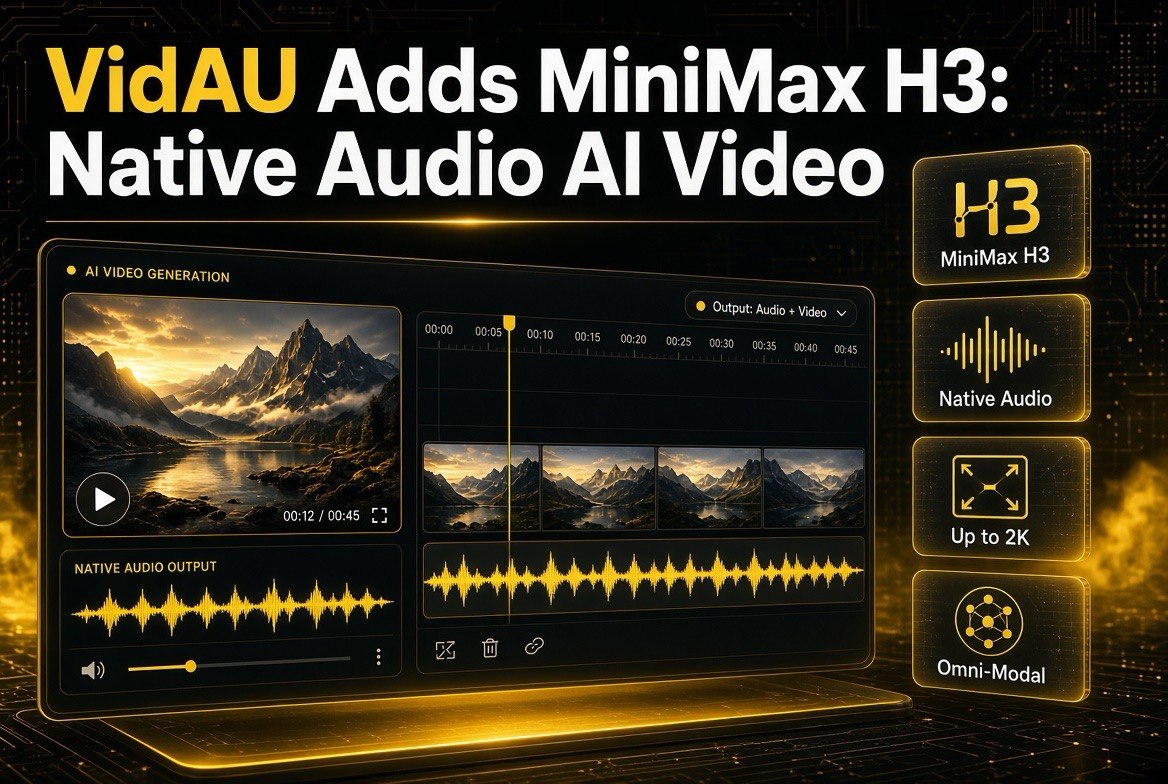
⚡ Expert Summary: VidAU has integrated MiniMax H3 (Hailuo 3.0), the open-weights omni-modal video model that generates native audio and video together. H3 takes unified text, image, video, and audio inputs, outputs clips up to 2K with synchronized stereo sound, and supports text-to-video, image-to-video, reference-to-video, multi-shot storytelling, and instruction-based editing. For creators working in VidAU, this is one of the biggest leaps yet from “video you add music to” to “video that arrives with its sound baked in.”
The Video Platform Upgrade Creators Should Care About
If you make short-form video with AI, you have been living with a split workflow for a long time. You generate the visuals in one tool, then you go find music or a voice track, then you edit them together, then you fight to make the lip-sync and sound effects line up with what is on screen. It works, but it is a lot of stitching, and the results can feel separate, like the picture and the sound do not quite belong to each other.
That workflow is starting to change, and the clearest recent example is on VidAU. The AI video ad and creative platform has integrated MiniMax H3, also called Hailuo 3.0, the open-weights omni-modal video model that does something most models cannot: it generates the picture and the sound together, natively, in one pass (Reuters, July 31, 2026).
What MiniMax H3 Actually Is
MiniMax released H3 on or around July 31, 2026. It is a general-purpose, omni-modal video generation model, which is a technical way of saying it handles more than just pictures-to-video. Instead, it takes unified inputs across text, image, video, and audio, and it produces native audiovisual output, meaning the audio is generated as part of the video, not added on afterwards (Reuters, July 31, 2026).
The practical specs matter for any creator deciding whether to care:
- Up to 2K resolution for the output clips.
- 5–15 second clips, which is the sweet spot for short-form platforms.
- Text-to-video, so you can describe a scene and get visuals.
- Image-to-video, so a still image can become moving footage.
- Reference-to-video, so a reference image or clip guides the result, which is how you keep a character or style consistent.
- Multi-shot storytelling, meaning it can produce sequences rather than a single isolated shot.
- Instruction-based editing, letting you direct changes with instructions instead of re-prompting from scratch.
- Native synchronized stereo sound, the audio is generated with the visuals and lines up with them.
That last point, native sound, is the headline. Most AI video models produce silent visual clips, and creators have to source and sync audio separately. H3’s design bakes the sound in, which is a meaningful workflow change for anyone who has spent hours aligning effects and dialogue to footage.
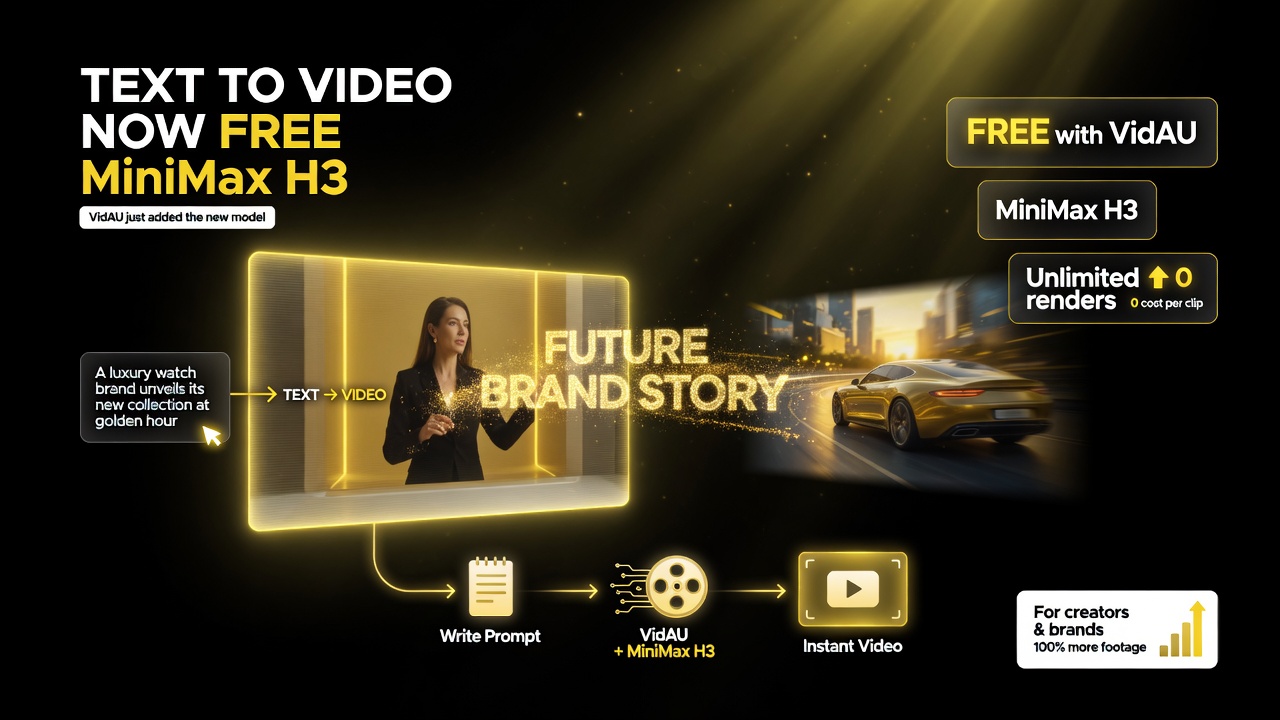
Why this matters: VidAU added MiniMax H3 as a free text-to-video model, so a creator or small brand can turn a written prompt into a clip without paying per render.
Why VidAU Adding H3 Matters
VidAU is not a hobby project. It is an AI video ad and creative platform that already supported earlier MiniMax models like Hailuo 2.3, alongside other models like Kling and Wan. Adding H3 to that lineup in early August 2026 means creators working in VidAU can now reach H3’s advanced capabilities directly inside the platform’s workflow, without jumping between tools (VidAU, August 2026).
Here is what that integration gets you:
| Capability | What It Does for Your Video | Why It Matters |
|---|---|---|
| Native audio-video generation | Sound is generated with the visuals | Skip syncing audio to footage manually |
| Unified multimodal input | Uses text, image, video, audio together | More control over the final result |
| Reference control | A reference clip guides consistency | Keep characters and style aligned |
| Multi-shot storytelling | Produces sequences, not just single shots | Build longer, narrative content |
| Up to 2K, 5–15s clips | High-res output at short-form length | Right format for most platforms |
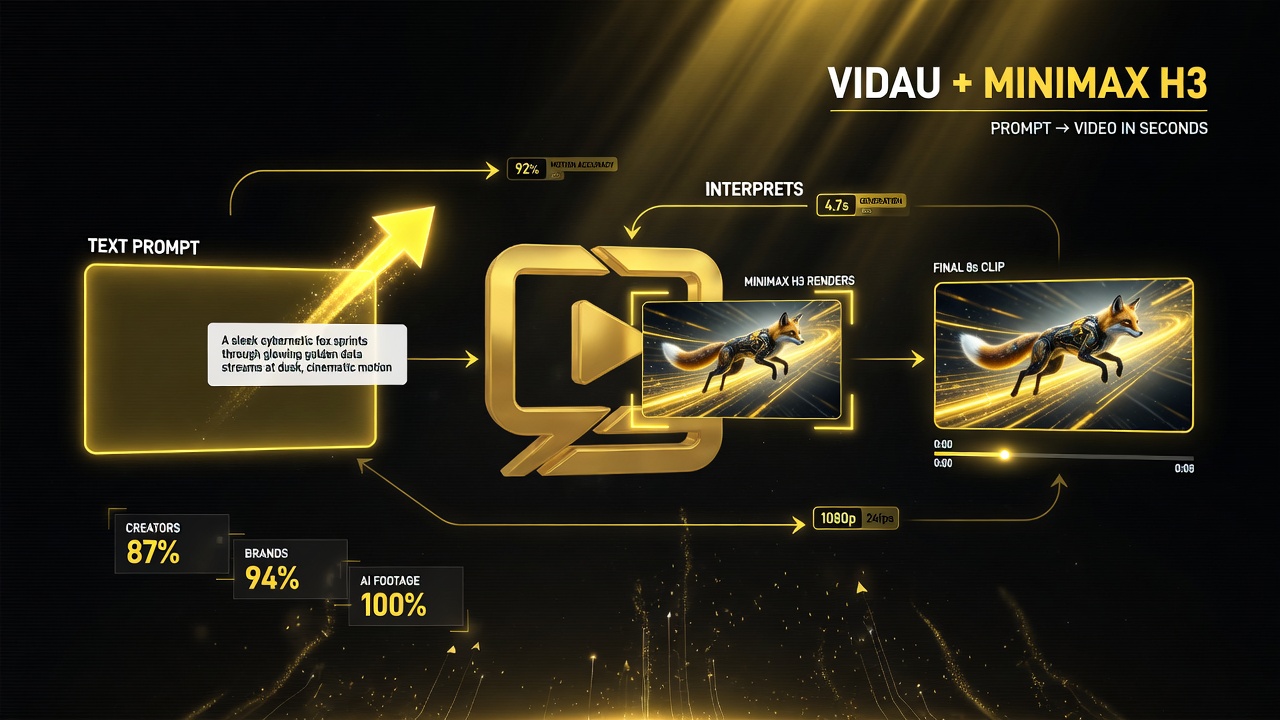
The practical loop: type a prompt, the model interprets it, and renders a finished clip — a production workflow that runs far faster than building footage shot by shot.
What Native Sound Means for Your Workflow
The single biggest practical change from H3 is that audio arrives with the video. Let me be specific about why that saves you real time.
In the old workflow, you generate a silent clip, then you layer on a music bed, add a voiceover, or drop in sound effects, and then you spend time making sure they line up. Lip movements need to match dialogue. Explosions need to hit on beat. Ambience needs to sit under the visuals. That alignment work is fiddly, and it is where a lot of a creator’s editing hours go.
When the model generates native synchronized stereo sound with the picture, a large part of that alignment is already done for you. You are not starting from silence and rebuilding the audio layer; you are starting from a clip that already has its sound, and your job becomes deciding what to keep, adjust, or add, rather than building the whole audio stack from nothing.
This does not mean you stop editing audio entirely. A creator will still want to control the music choice, the mix level, and the pacing. But the mechanical work of syncing generated audio to generated video collapses, and that is a real efficiency gain for high-volume creators who produce multiple videos a week.
Reference Control: The Consistency Feature to Know
The other capability worth calling out is reference-to-video and the strong reference control H3 brings. Consistency has been the hardest problem in AI video. You generate a character in one shot, and in the next shot they look slightly different, which breaks the illusion and forces you to regenerate.
Reference control attacks that directly. By feeding the model a reference image or clip, you keep the character, object, or style consistent across shots and across separate generations. For a creator building a recurring character or a brand look across multiple videos, this is the difference between a video that feels produced and one that feels like a random collection of AI clips.
That matters whether you are making branded ads in VidAU for clients, running a faceless channel with a consistent host character, or building a series where the same subject appears in every episode.
Why Native Sound Saves Real Time
Let me be concrete about where the time actually goes, because “speeds up production” can sound vague until you feel it in your schedule. In the old workflow, a single short-form video with generated visuals usually means this: generate the clip, render it silent, then open an audio editor, import or create a music bed, add sound effects, record or generate a voice, and then align everything so the hit points, the dialogue, and the ambience line up with what is on screen. That alignment step is manual, it is fiddly, and for a creator pumping out several videos a week, it is a real chunk of the day.
When the model outputs native synchronized sound, you are not deleting the audio step entirely. You are removing the alignment-from-nothing part. Instead of convincing a silent clip to match audio you built separately, you receive a clip whose sound already lines up, and your job shifts to taste: is the music right, is the level right, does the pacing work? That is a much faster edit, and it is the kind of difference that compounds when you produce frequently.
There is also a quality angle. Sound that is generated with the visuals tends to match the scene naturally, because it was designed as part of the same world. You get fewer mismatches like a dramatic scene with a light upbeat track, because the model baked the mood into both picture and audio together.
What This Means for Short-Form Creators
If you produce short-form video, TikTok, YouTube Shorts, Instagram Reels, the H3 arrival on VidAU is worth a look for a few concrete reasons:
- Fewer tools. When audio and video come from one generation, you do not need as many separate services in your pipeline.
- Faster turnaround. Cutting the manual audio-sync step speeds up production, which lets you post more.
- Better consistency. Reference control keeps characters and style locked in across videos, which is what grows a recognizable channel.
- More native sound quality. Synchronized stereo sound that starts on-beat beats a placeholder track you have to fix later.
For a creator who is already in the VidAU ecosystem, this is an upgrade you can use immediately, since the model is available in the platform now. For a creator evaluating tools, H3’s arrival raises the bar for what a good AI video app should offer: sound that comes with the picture, and real control over consistency.
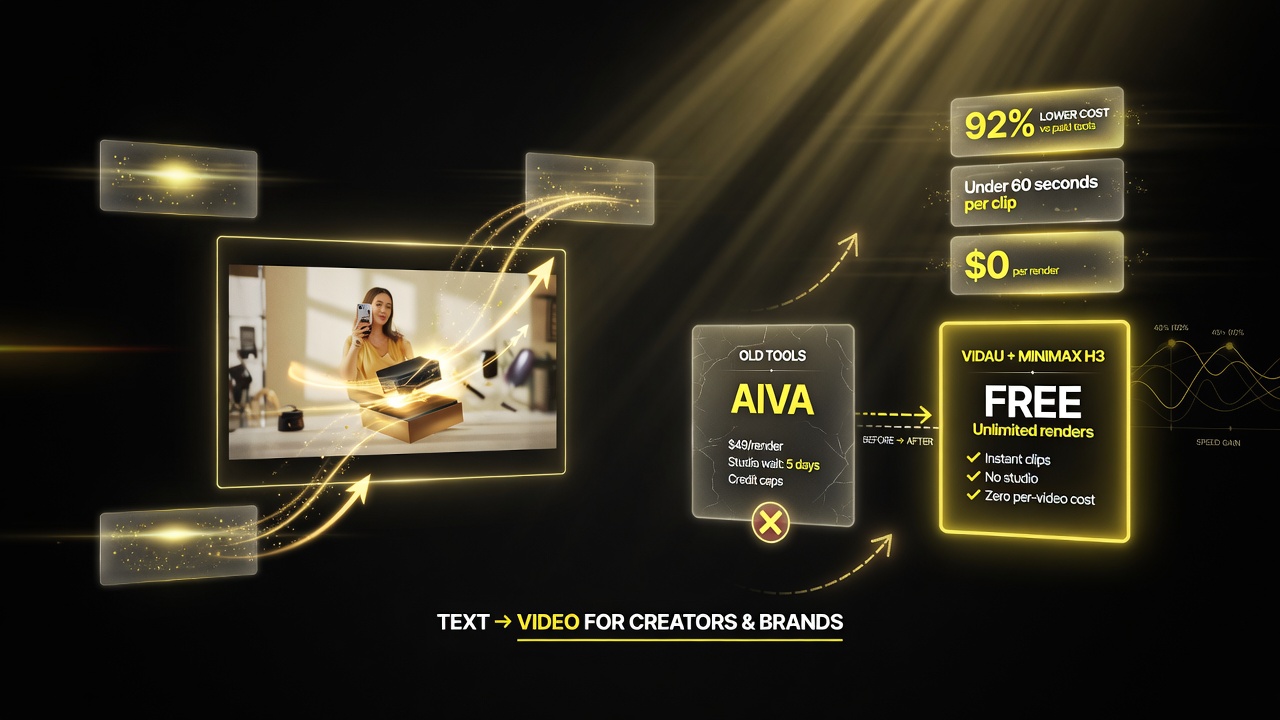
The value edge: free, unlimited text-to-video with native sound and reference control stacks up as a real cost and speed advantage over older paid tools.
How H3 Compares to the Older Hailuo 2.3
Since VidAU already supported Hailuo 2.3, it is fair to ask what H3 actually adds over the earlier model. Here is the honest comparison:
| Capability | Hailuo 2.3 | MiniMax H3 |
|---|---|---|
| Audio | Video-focused, audio added separately | Native synchronized stereo sound |
| Inputs | Primarily text/image to video | Unified text, image, video, audio |
| Editing | Prompt-driven re-generation | Instruction-based editing |
| Storytelling | Single-clip focus | Multi-shot storytelling |
| Resolution | Good, but limited | Up to 2K output |
The pattern across every row is the same: H3 is not a small step up from the prior model, it is a jump in what the tool generates natively. Native sound, unified inputs, and multi-shot storytelling are not incremental improvements; they change how much manual assembly the creator has to do.
Who Should Test H3 on VidAU First
Not every creator needs to jump on H3 today, so here is a practical guide to who gets the most from the integration right away.
If you make ad creatives in VidAU for clients or your own products, test it first. Ad work is high-volume, and the native sound plus reference control lets you produce more polished spots faster, which is exactly what a client-facing workflow rewards. You can hand a client a finished-feeling ad with sound in one pass instead of a silent draft waiting for audio.
If you run a faceless channel with a recurring host or character, reference control is your feature. Keeping a consistent character across episodes is the hardest consistency problem in AI video, and H3’s reference-to-video capability is built for it. Test feeding it a reference image of your host and generating multiple clips to see how well the look holds.
If you make lots of short clips and already have a fast audio-editing workflow you like, you can afford to wait. The native sound is a convenience, not a requirement, and if your existing pipeline produces good results, there is no urgency to switch.
In every case, the way to evaluate it is the same: run one real project through H3 on VidAU and compare the total time and the output quality against your current tool. Do not judge it on a single impressive demo; judge it on whether it speeds up your actual week.
The Bottom Line for Video Creators
VidAU adding MiniMax H3 is a meaningful moment for anyone producing AI video, because it brings native audio-video generation into a working creator platform. With up to 2K output, 5–15 second clips, unified multimodal input, reference control, and multi-shot storytelling, H3 reduces the manual stitching that has always been the slow part of AI video, especially the chore of syncing sound to picture.
For creators already in VidAU, the capability is live now, so you can test H3 against your current workflow today. For everyone else, the arrival is a clear signal about where the category is heading: model quality will be measured not just by how good a single clip looks, but by how much of the total production, sound included, the AI can handle in one pass.
Frequently Asked Questions
What is MiniMax H3 (Hailuo 3.0)?
MiniMax H3, also called Hailuo 3.0, is an open-weights omni-modal video generation model released around July 31, 2026. It takes unified text, image, video, and audio inputs and produces native audiovisual output, including synchronized stereo sound, at up to 2K resolution with 5–15 second clips.
Does VidAU support MiniMax H3?
Yes. VidAU integrated MiniMax H3 in early August 2026, adding it to a model lineup that already included Hailuo 2.3, Kling, and Wan. The model is available in the VidAU workflow for creating and editing short-form video and ads.
What is native audio-video generation?
Native audio-video generation means the model produces the picture and the sound together in one pass, instead of generating a silent visual clip that the creator must add and sync audio to afterward. H3 generates synchronized stereo sound that lines up with the visuals.
What resolutions and lengths does MiniMax H3 support?
MiniMax H3 supports output up to 2K resolution and generates clips of 5–15 seconds, which aligns with the standard length for short-form platforms like TikTok, YouTube Shorts, and Instagram Reels.
How is MiniMax H3 different from Hailuo 2.3?
Compared to Hailuo 2.3, H3 adds native synchronized sound, unified multimodal input (text, image, video, audio), instruction-based editing, and multi-shot storytelling, plus output up to 2K. These are workflow changes, not just visual improvements.

About Barak Schurr
Barak Schurr is a serial entrepreneur who built and exited a major ticketing platform before turning his attention to AI and content. He runs three AI-focused research sites and writes about the tools, workflows, and strategies that let solo creators build real channels — without a crew, a studio, or a Hollywood budget. Contact: [email protected]
More AI Video Resources