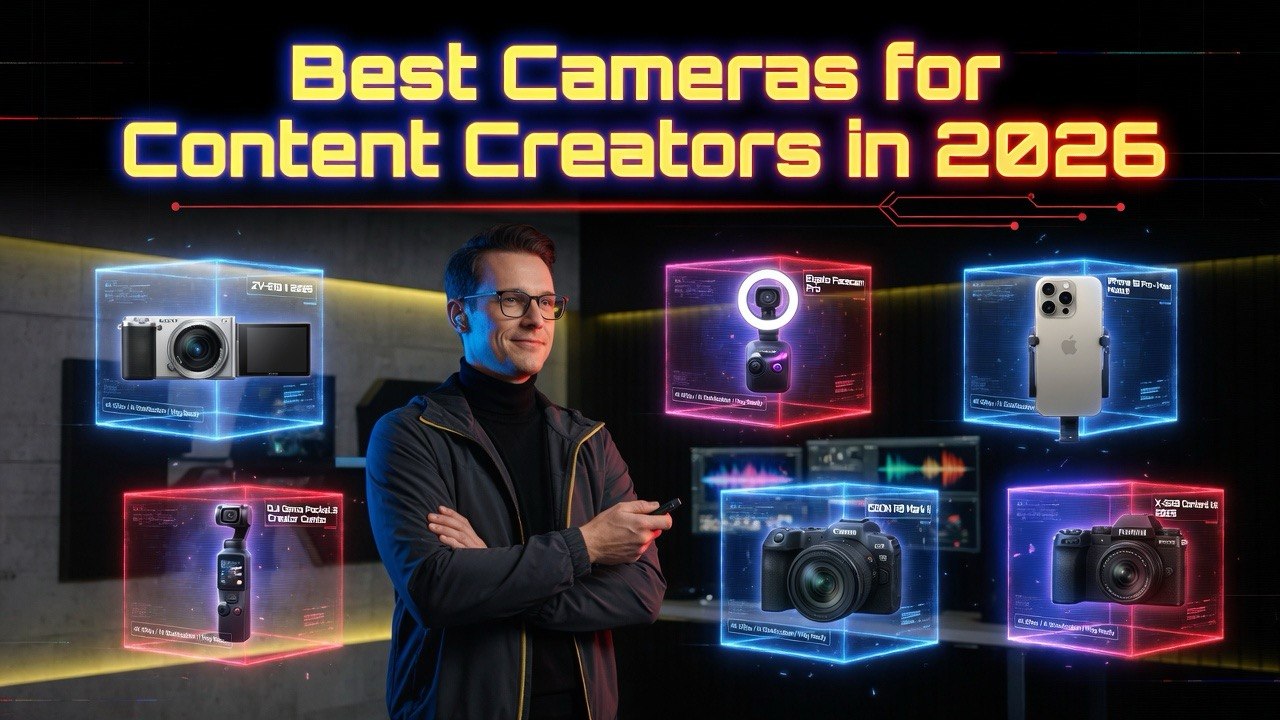
Best Cameras for Content Creators in 2026: The Gear YouTubers Actually Use
Get The Faceless YouTube Blueprint — Free
The exact AI tool stack and workflow used to build a faceless YouTube channel from zero.
Best Cameras for Content Creators in 2026
⚡ Expert Summary: Key Takeaways
Your camera choice determines more than image quality — it dictates your entire workflow. The wrong camera adds hours to your editing process. The right one makes content creation feel effortless.
The number that matters: 78% of viewers say video quality influences their decision to subscribe. But “video quality” in 2026 means autofocus reliability, low-light performance, and ease of use — not just resolution.
This guide covers seven cameras across three categories: webcams, mirrorless cameras, and action/smartphone rigs. Each one tested for real content creation workflows — not spec sheets.
Bottom line: The Sony ZV-E10 is the best all-around creator camera under $800. But the Elgato Facecam will make better videos for 60% of desk-based creators. Know your setup before you buy.
There are two types of creators: those who film at a desk and those who film in the world. They need completely different cameras.
After testing seven cameras across every content format — YouTube, streaming, TikTok, product reviews, and vlogging — here is exactly what each one delivers and who should buy it.
Webcams
If you film at a desk (streaming, tutorials, video calls), a dedicated webcam outperforms a mirrorless camera in every practical way: plug-and-play setup, consistent autofocus, and automatic exposure. Mirrorless cameras look better but add setup time.
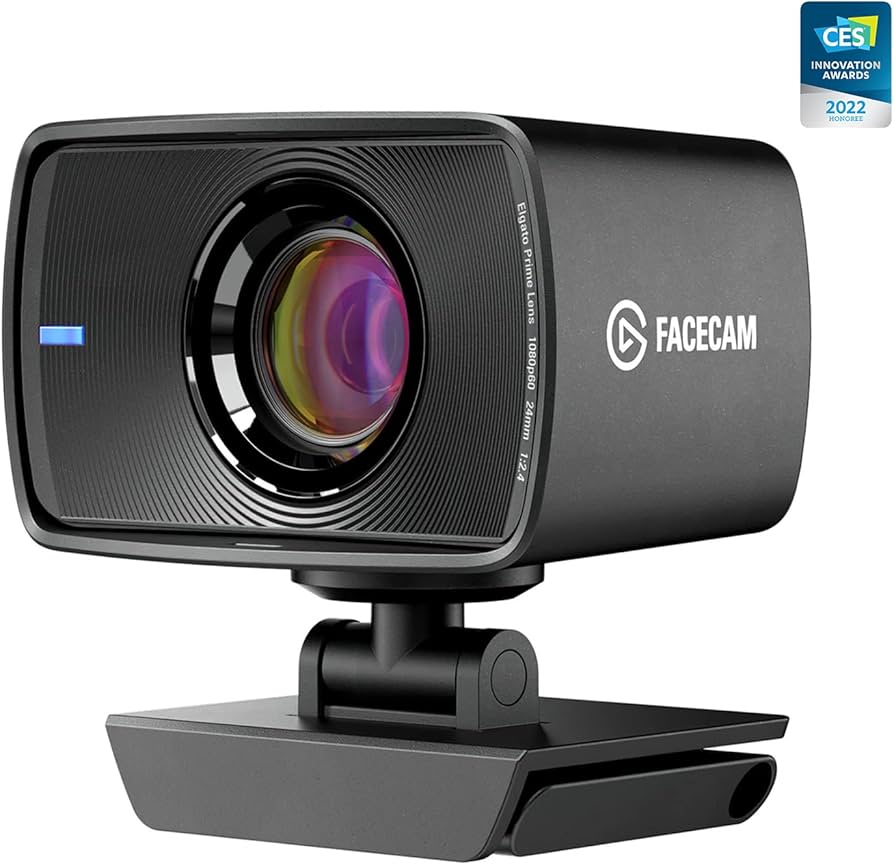
Elgato Facecam ($199)
The Elgato Facecam is the best webcam for content creators who film at a desk. It captures 1080p at 60fps with a Sony CMOS sensor that delivers clean, sharp video in good lighting. The fixed-focus lens eliminates the hunting that plagues auto-focus webcams.
Best for: Streamers, YouTubers, and anyone who records talking-head content. The Elgato Camera Hub software gives you full manual control over exposure, white balance, and ISO — something no other webcam offers at this level.
The trade-off: no autofocus at all. You set the focus once based on your seating position and it stays locked. If you move around while recording (stand-up presenters, whiteboard work), this is not the right choice.
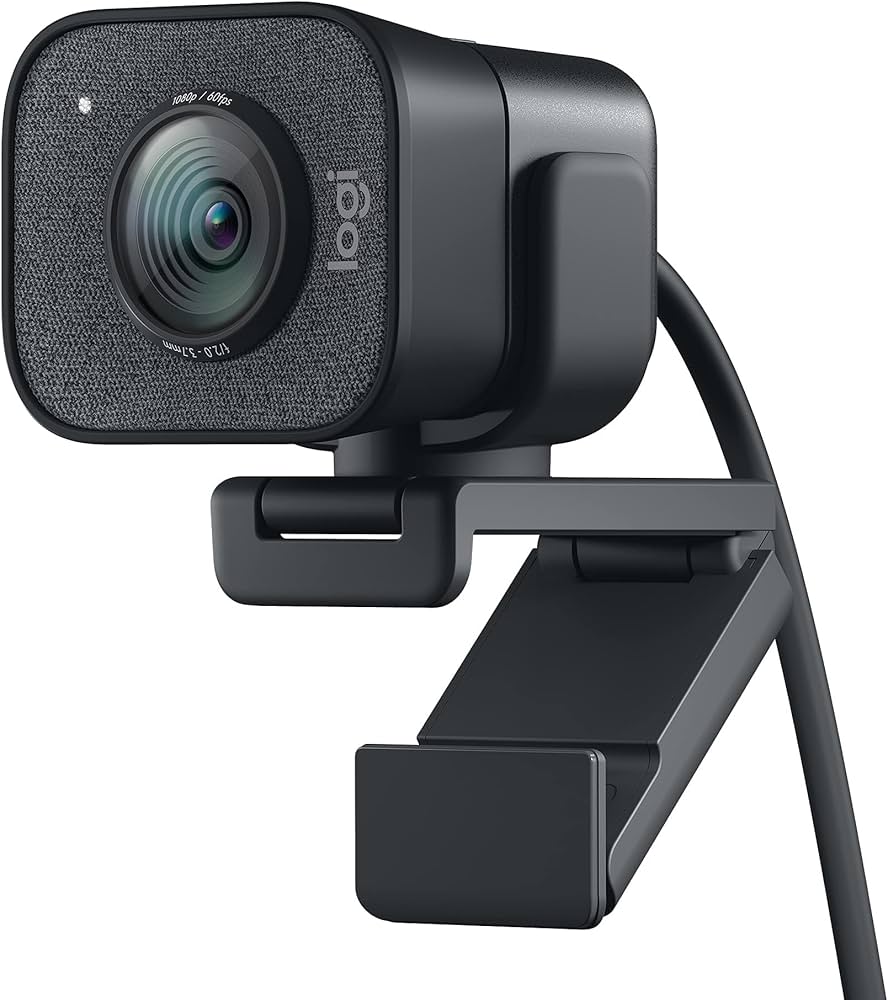
Logitech StreamCam ($169)
The Logitech StreamCam delivers 1080p at 60fps with full autofocus and automatic framing. It mounts vertically or horizontally and includes AI-driven face tracking that keeps you centered even if you move.
Best for: Creators who want a high-quality webcam with autoflexibility. The StreamCam works with Logitech Capture software for picture-in-picture, color tuning, and multi-source recording.
Video quality is excellent for a webcam — clean, well-exposed, and smooth at 60fps. The weak point is low-light performance. In dim rooms, the image gets grainy fast. Pair it with a good LED panel (see our lighting guide) for best results.
Mirrorless Cameras
Mirrorless cameras are the standard for serious content creation. They offer interchangeable lenses, larger sensors, and professional video features. The trade-off: you need to learn exposure, focus modes, and audio setup.
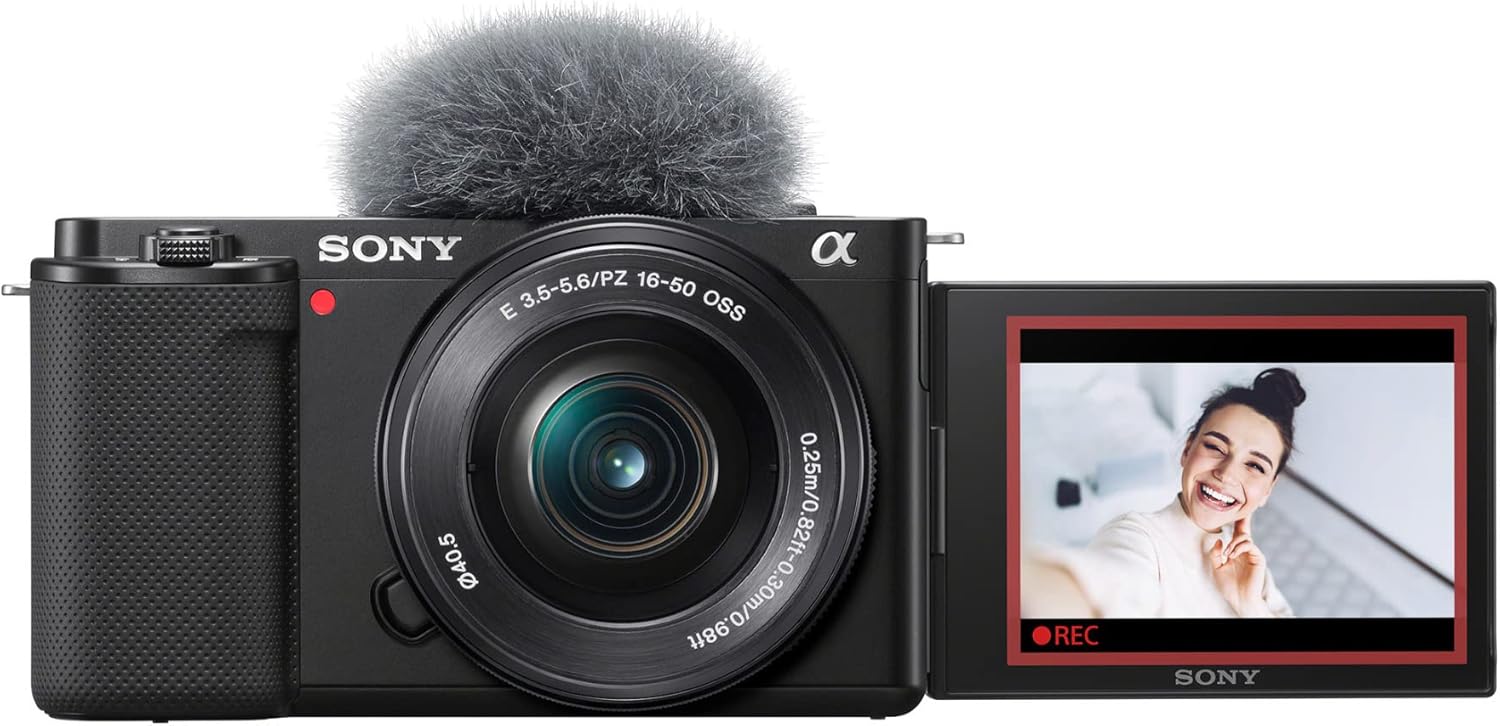
Sony ZV-E10 ($698)
The Sony ZV-E10 is the most recommended camera for content creators for one reason: autofocus that works. Sony’s real-time eye tracking locks onto faces and stays locked, even when you turn your head or hold up a product. It uses a 24MP APS-C sensor and records 4K at 30fps.
Best for: YouTubers, product reviewers, and anyone who films themselves talking to camera. The flip-out screen, built-in directional microphone, and dedicated product showcase mode make it purpose-built for content creation.
The included 16-50mm kit lens is mediocre. Budget an extra $300 for the Sigma 16mm f/1.4 lens — it transforms image quality dramatically. Total setup: around $1,000. Worth every dollar.
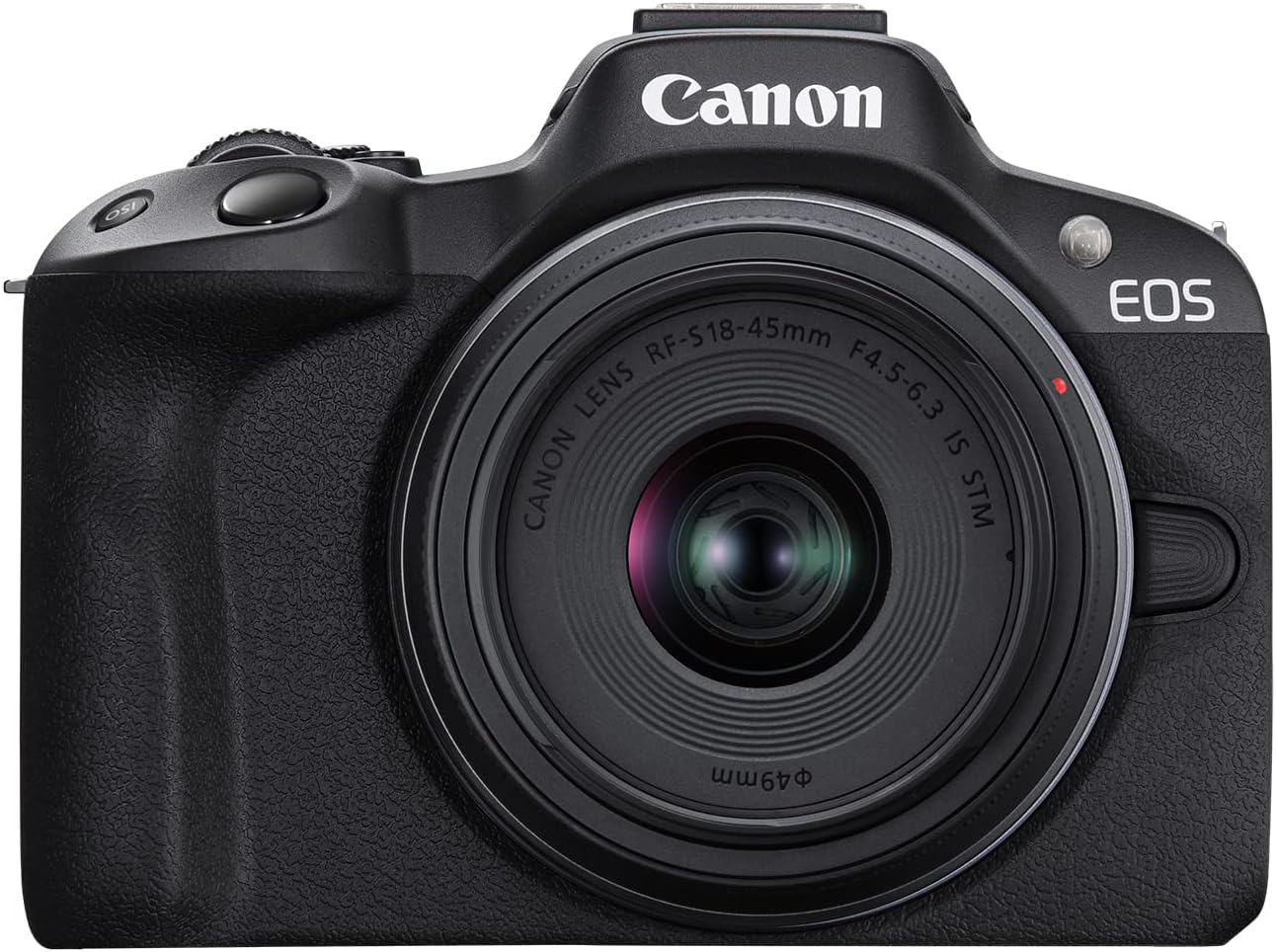
Canon EOS R50 ($679)
The Canon EOS R50 is Sony’s closest competitor in the entry-level mirrorless space. It offers 24MP APS-C sensor, 4K video at 30fps, and Canon’s Dual Pixel autofocus — which is nearly as good as Sony’s eye tracking.
Best for: Canon users upgrading from DSLR, or creators who prefer Canon’s color science (warmer skin tones straight out of camera). The R50 is lighter than the ZV-E10 and has a more intuitive menu system for beginners.
The downsides: fewer affordable third-party lenses compared to Sony’s E-mount ecosystem, and the 4K video has a 1.56x crop factor. For most YouTube content this does not matter. For wide-angle vlogging, it is noticeable.
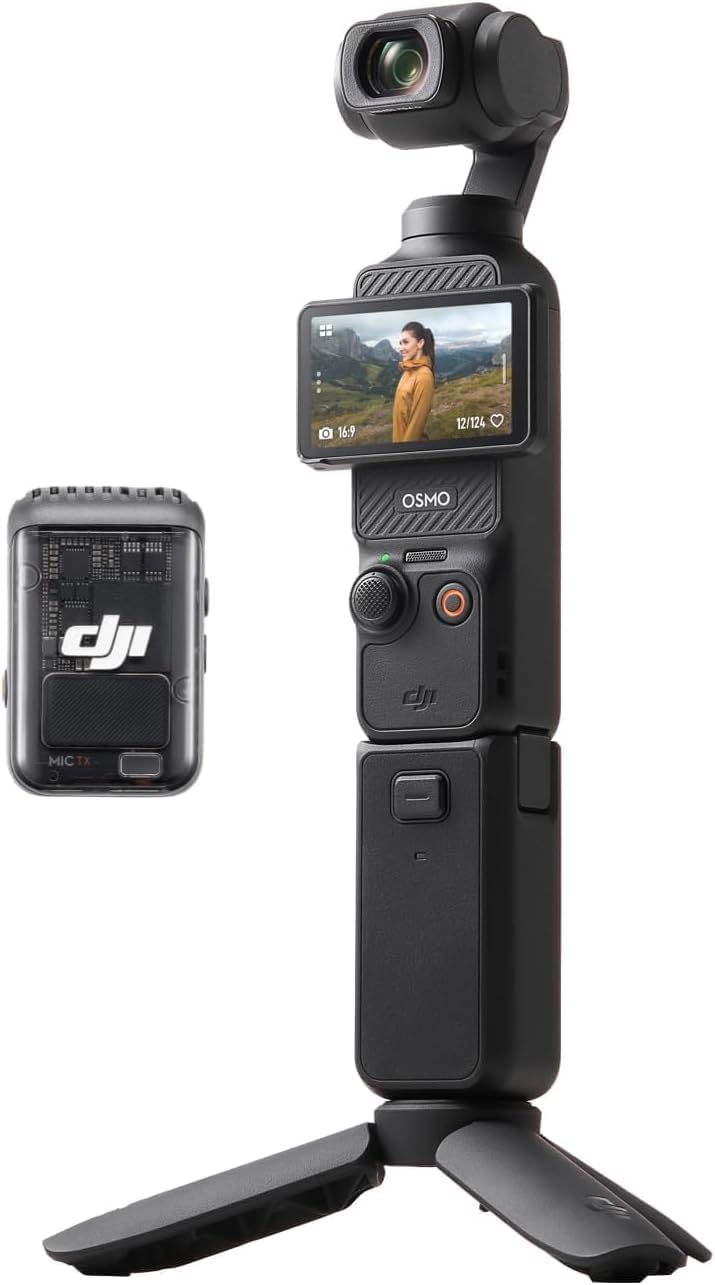
DJI Osmo Pocket 3 ($519)
The DJI Osmo Pocket 3 is the most innovative content creation camera of 2025-2026. It packs a 1-inch sensor, 4K at 120fps, and a motorized 2-inch rotating screen into a pocket-sized body. The 3-axis gimbal delivers gimbal-smooth footage without any rigging.
Best for: Vloggers, travel creators, and anyone who shoots on the move. The Pocket 3 goes from pocket to recording in under 3 seconds. ActiveTrack 6.0 keeps subjects centered automatically. The wide-angle lens (20mm equivalent) is perfect for selfie-style vlogging.
The trade-off: no interchangeable lenses, and low-light performance is good but not great (1-inch sensor vs APS-C). For daytime vlogging, it is unbeatable at this price.
Action Cameras & Smartphone Rigs
Sometimes the best camera is the one you already have. Modern smartphones and action cameras cover 90% of content needs — and a few accessories close the gap to mirrorless quality.
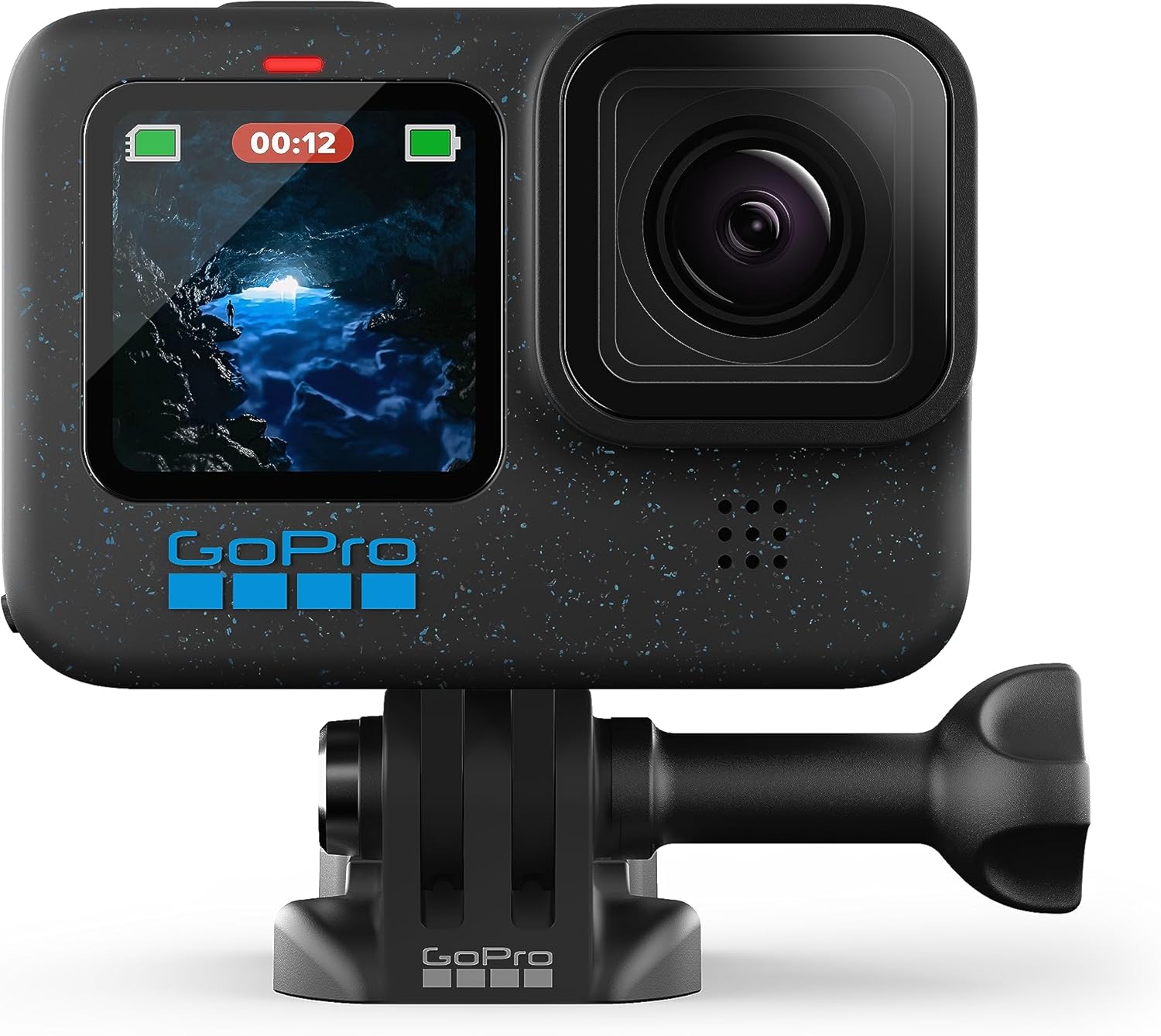
GoPro HERO12 Black ($399)
The GoPro HERO12 Black is the standard for action footage. It records 5.3K at 60fps and 4K at 120fps, with HyperSmooth 6.0 stabilization that makes handheld footage look gimbal-stabilized. The HDR video mode captures more dynamic range than any previous GoPro.
Best for: Outdoor creators, adventure vloggers, and POV footage. The HERO12 mounts anywhere — helmet, chest strap, tripod, suction cup. The built-in GPS overlays speed, altitude, and route data on your footage without extra software.
Audio quality is the weak point. The internal mics are wind-prone. Use an external microphone via the USB-C adapter for talking-head or interview shots.
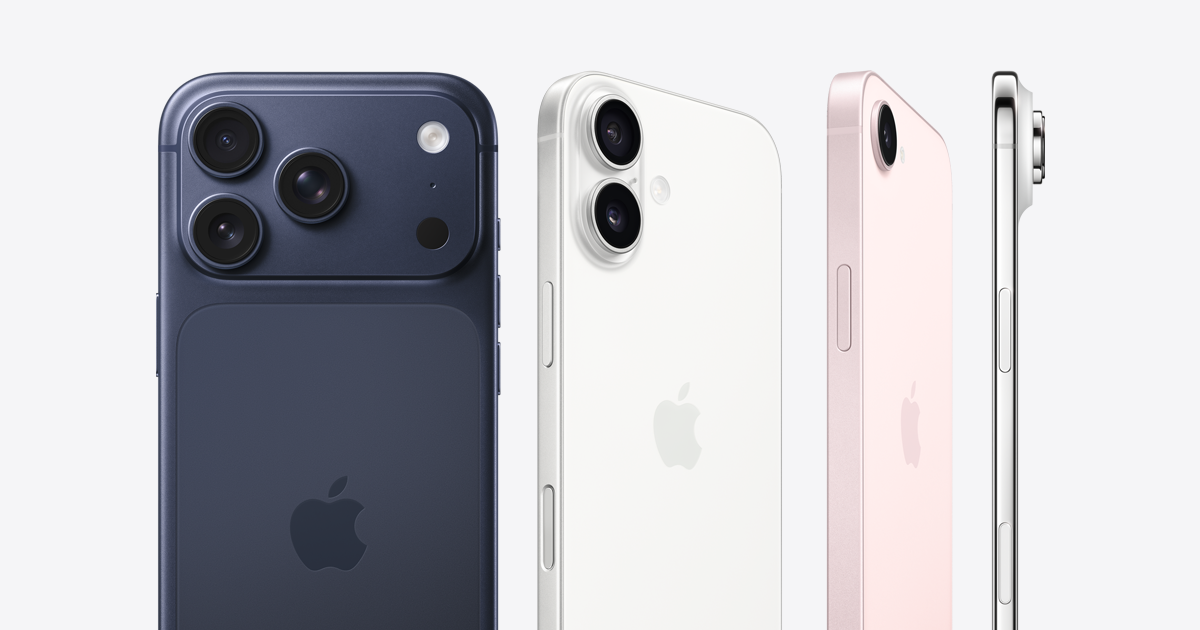
iPhone 15 Pro / 15 Pro Max ($999+)
The iPhone 15 Pro records 4K at 60fps ProRes LOG — a professional color space that gives you maximum flexibility in post-production. Combined with the Blackmagic Camera app (free), it becomes a cinema-grade video camera that fits in your pocket.
Best for: Creators who already own a recent iPhone and want to maximize its capabilities without buying new gear. Add a $20 tripod mount and a $50 wireless microphone, and your iPhone covers 90% of studio-quality content.
The Action Mode stabilization is impressive for handheld walking shots. The LiDAR sensor enables portrait-mode background blur in video. And the multi-camera system (wide, ultrawide, telephoto) gives you multiple focal lengths from one device.
Bottom line from our testing: An iPhone 15 Pro + good lighting + good audio beats a $1,500 mirrorless camera with bad lighting every time. Light and audio matter more than the camera body.
Camera Comparison Table
| Camera | Price | Type | Max Video | Best For |
|---|---|---|---|---|
| Elgato Facecam | $199 | Webcam | 1080p 60fps | Desk streaming |
| StreamCam | $169 | Webcam | 1080p 60fps | Auto-focus webcam |
| Sony ZV-E10 | $698 | Mirrorless | 4K 30fps | Best all-around |
| Canon R50 | $679 | Mirrorless | 4K 30fps | Canon users |
| Osmo Pocket 3 | $519 | Gimbal camera | 4K 120fps | Vlogging |
| HERO12 Black | $399 | Action | 5.3K 60fps | Adventure |
| iPhone 15 Pro | $999+ | Smartphone | 4K 60fps LOG | Already own it |
Smart money move: If you film at a desk, get the Elgato Facecam ($199) and the Neewer 660 LED panel ($65) from our lighting guide. Total: $264 — and your video quality beats someone with a $2,000 Sony A7S III and bad room lighting.
Cameras and AI Video Tools
The camera you use directly affects the quality of AI-generated video content. Tools like InVideo AI and Synthesia produce better results when your source footage is clean, well-exposed, and shot with a camera that captures accurate colors.
If you record with a Sony ZV-E10 or iPhone 15 Pro in LOG color space, your footage retains more dynamic range for AI editing tools to work with. Flat, washed-out footage from older cameras produces muddy AI outputs. Invest in the camera that captures the cleanest image your budget allows — AI can polish quality, but it cannot create it from garbage.
Final Verdict
There is no single best camera for content creators. The best camera depends on where and how you create.
Desk creators (tutorials, streaming, reviews): Elgato Facecam + good lighting. Under $300 total. Better than a mirrorless camera in a desk setup because webcams are simpler and faster.
Vloggers and on-the-go creators: DJI Osmo Pocket 3. Pocket-sized, gimbal-stabilized, 4K at 120fps. The best travel video camera under $600.
Serious YouTubers: Sony ZV-E10 with Sigma 16mm lens. Around $1,000 total. Professional image quality with autofocus that never misses.
Budget-conscious (already own a recent phone): iPhone 15 Pro + lighting + microphone. You already own 90% of a professional setup.
The best camera is the one you will actually use. A camera that stays in the bag because it is too complicated or too heavy is worth $0.
Frequently Asked Questions
- What is the best camera for YouTube beginners in 2026? — The Sony ZV-E10 at $698 is the best entry point. Excellent autofocus, 4K video, and dedicated content creation features like product showcase mode.
- Do I need a mirrorless camera or is a webcam enough? — If you record at a desk and use good lighting, a $199 Elgato Facecam is enough. If you need bokeh, low-light performance, or flexibility, invest in mirrorless.
- Is the iPhone good enough for professional YouTube videos? — Yes. An iPhone 15 Pro with a tripod, microphone, and good lighting produces professional-quality video. Lighting matters more than the camera.
- What is the best budget camera for vlogging? — The DJI Osmo Pocket 3 at $519. Built-in gimbal, excellent stabilization, pocket-sized. Best vlogging camera under $600.
- Should I buy a camera or upgrade my lighting first? — Upgrade lighting first. A $65 LED panel improves video quality more than a $1,000 camera upgrade. Fix lighting, then upgrade the camera.

About Barak Schurr
Barak Schurr is a serial entrepreneur who built and exited a major ticketing platform before turning his attention to AI and content. He runs three AI-focused research sites and writes about the tools, workflows, and strategies that let solo creators build real channels — without a crew, a studio, or a Hollywood budget.
Email: [email protected]
More AI Resources for Your Business