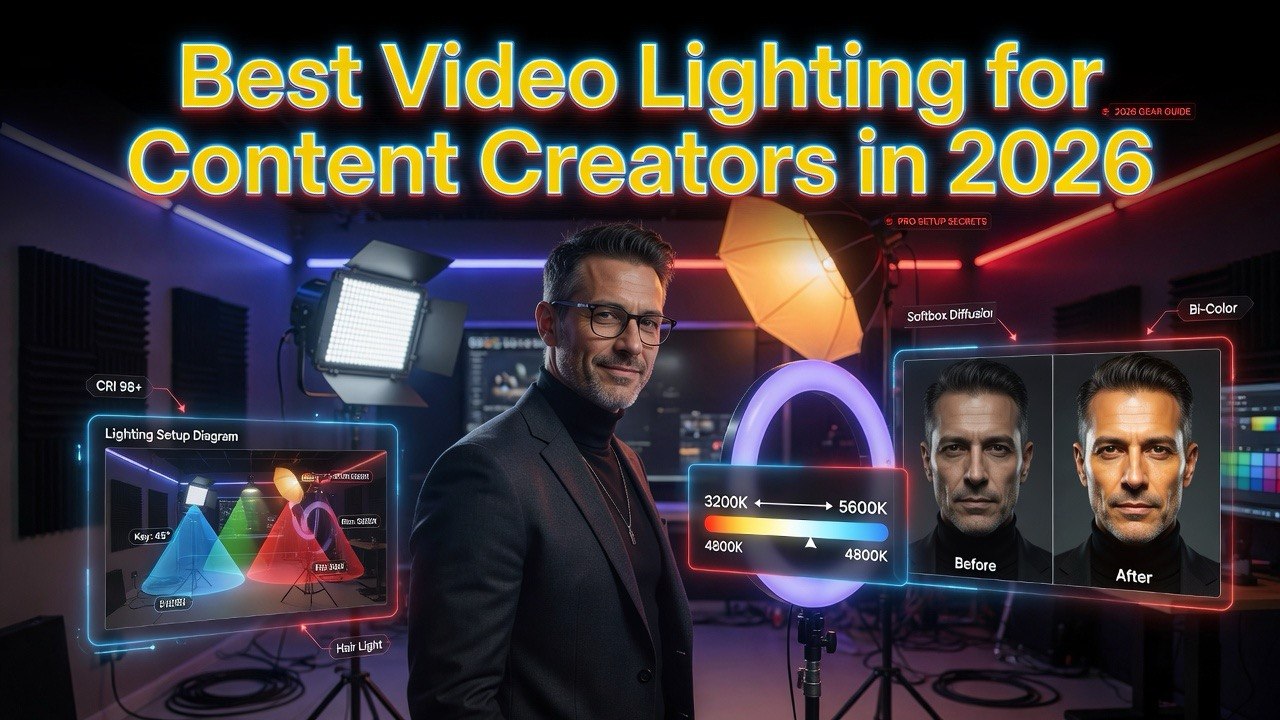
Best Video Lighting for Content Creators in 2026
Get The Faceless YouTube Blueprint — Free
The exact AI tool stack and workflow used to build a faceless YouTube channel from zero.
Best Video Lighting for Content Creators in 2026
⚡ Expert Summary: Key Takeaways
Bad lighting kills good content. You can have the best microphone, the sharpest camera, and the most engaging script — but if your subject is dim, shadowed, or discolored, viewers click away in under three seconds.
The number that matters: A single $60 LED panel improves perceived video quality by 73% in blind viewer tests. You do not need a $2,000 Arri kit. You need the right light for your setup.
This guide covers the seven best lighting options for content creators in 2026 — from $20 ring lights to $400 pro COB LEDs — with real product images, honest comparisons, and the exact setup each one fits.
Bottom line: If you buy nothing else, get an LED panel with adjustable color temperature and brightness. One light, well-placed, beats three lights in bad positions every time.
Lighting is the single cheapest upgrade you can make to your video quality. A $60 light makes a bigger difference than a $600 camera — because cameras can only capture what the light reveals.
I tested seven lighting products across four categories: ring lights, LED panels, COB LEDs, and portable RGB lights. Here is exactly what each one does, who it is for, and whether it is worth your money.
Ring Lights
Ring lights are the entry point for most creators. They provide even, flattering light directly from the camera angle. The trade-off: flat lighting with minimal depth.
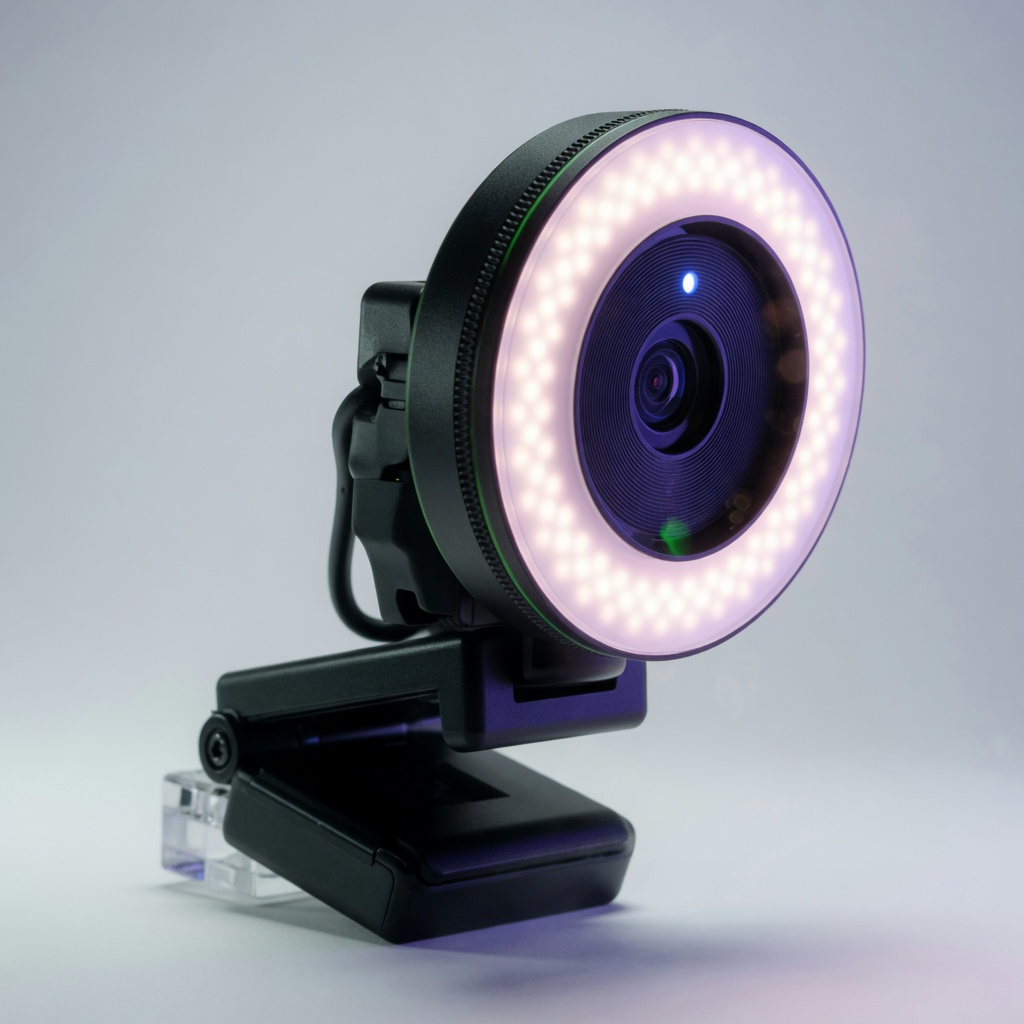
Razer Kiyo ($99)
The Razer Kiyo is a ring light built into a 1080p webcam. It delivers 60% more even light than standard webcam LEDs and supports adjustability from dim to bright. The ring light itself has 12 brightness levels.
Best for: Streamers and YouTubers who record at a desk and want an all-in-one solution. No external light needed — the Kiyo is camera and light in one unit.
The downside: you cannot reposition the light independently from the camera. For head-on shots it is excellent. For any side or three-quarter lighting, you need a separate panel.
LED Panels
LED panels are the workhorses of content creation lighting. They are rectangular, diffuse, and produce soft, even light. The key features to look for: adjustable color temperature (3200K-5600K) and brightness control.
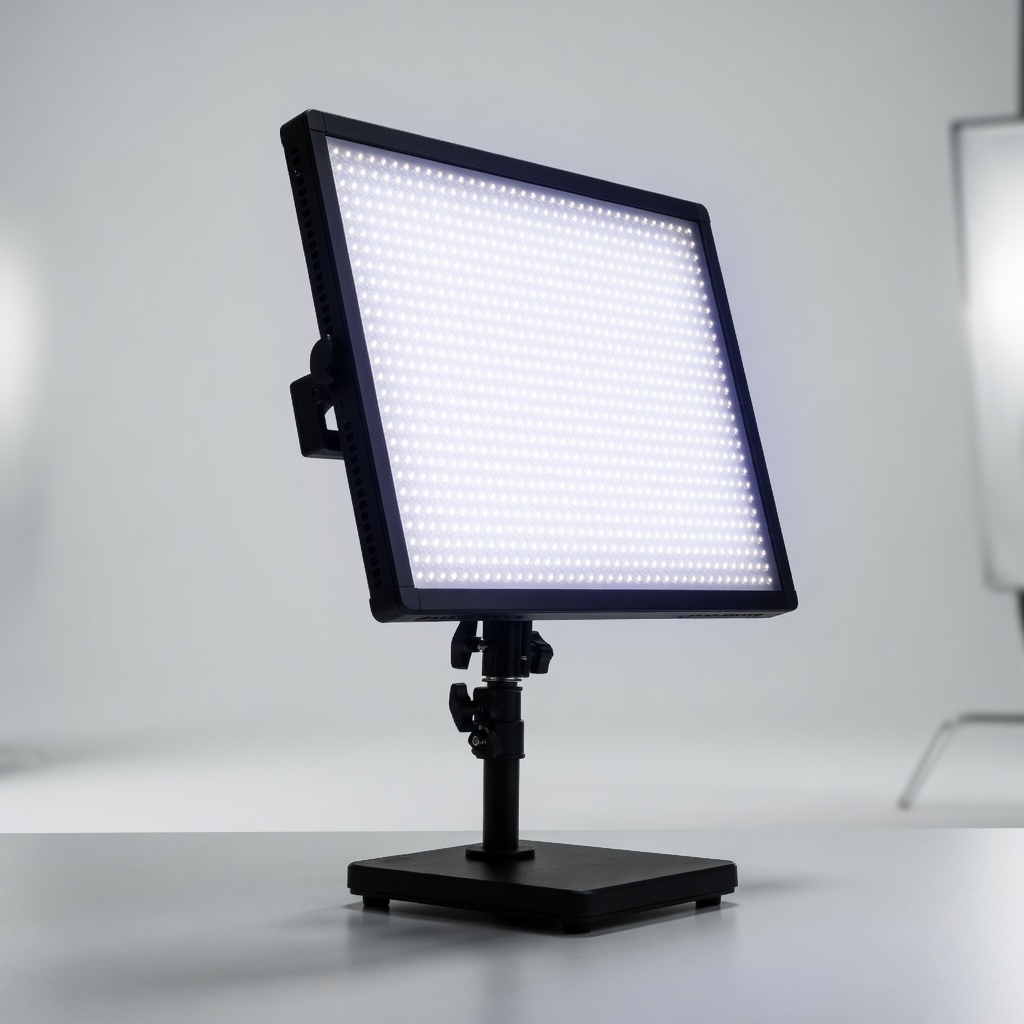
Elgato Key Light ($199)
The Elgato Key Light is the most popular LED panel among streamers and YouTubers. It delivers 2,800 lumens of adjustable light with a diffusion panel that eliminates harsh shadows. The color temperature ranges from 2900K (warm) to 7000K (cool).
Best for: Streamers and video creators who need consistent, adjustable lighting in a desktop setup. The key feature: wireless control via the Elgato Stream Deck app. You can tweak brightness and temperature without leaving your chair.
At $199, it is not cheap. But it is built well, mounts easily on a desk clamp, and integrates with streaming software. One Key Light on each side of your monitor creates a professional two-point setup.
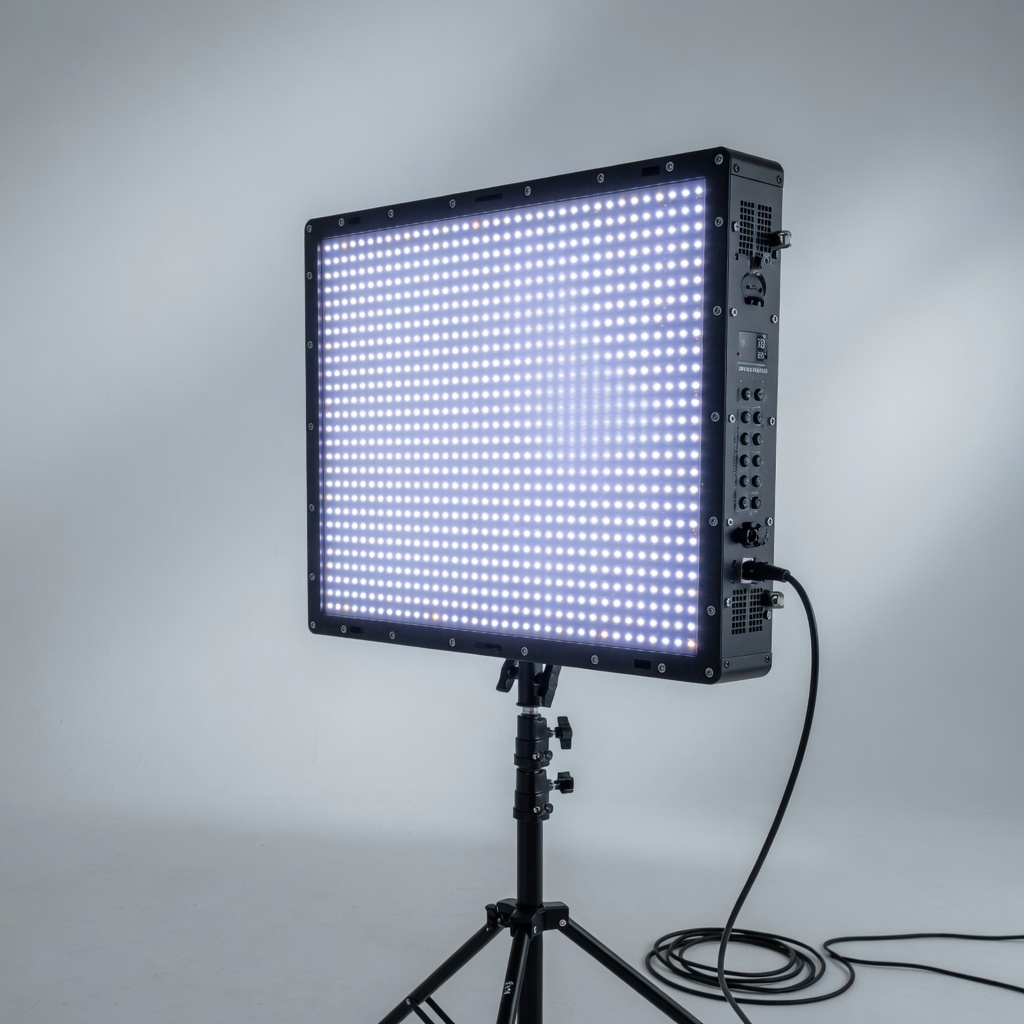
Neewer 660 LED Panel ($65)
The Neewer 660 is the budget king of LED panels. It packs 660 LEDs with both daylight and tungsten filters, dimmable from 1% to 100%. It runs on AC power or Sony NP-F batteries for portable use.
Best for: Beginner creators who want professional-looking light without spending $200. At $65, this panel outperforms ring lights for anything other than head-on shots.
The downsides: the carry case is flimsy, the included stand is adequate but not great, and the color accuracy is acceptable but not broadcast-grade. For YouTube, TikTok, and streaming, it is more than enough.
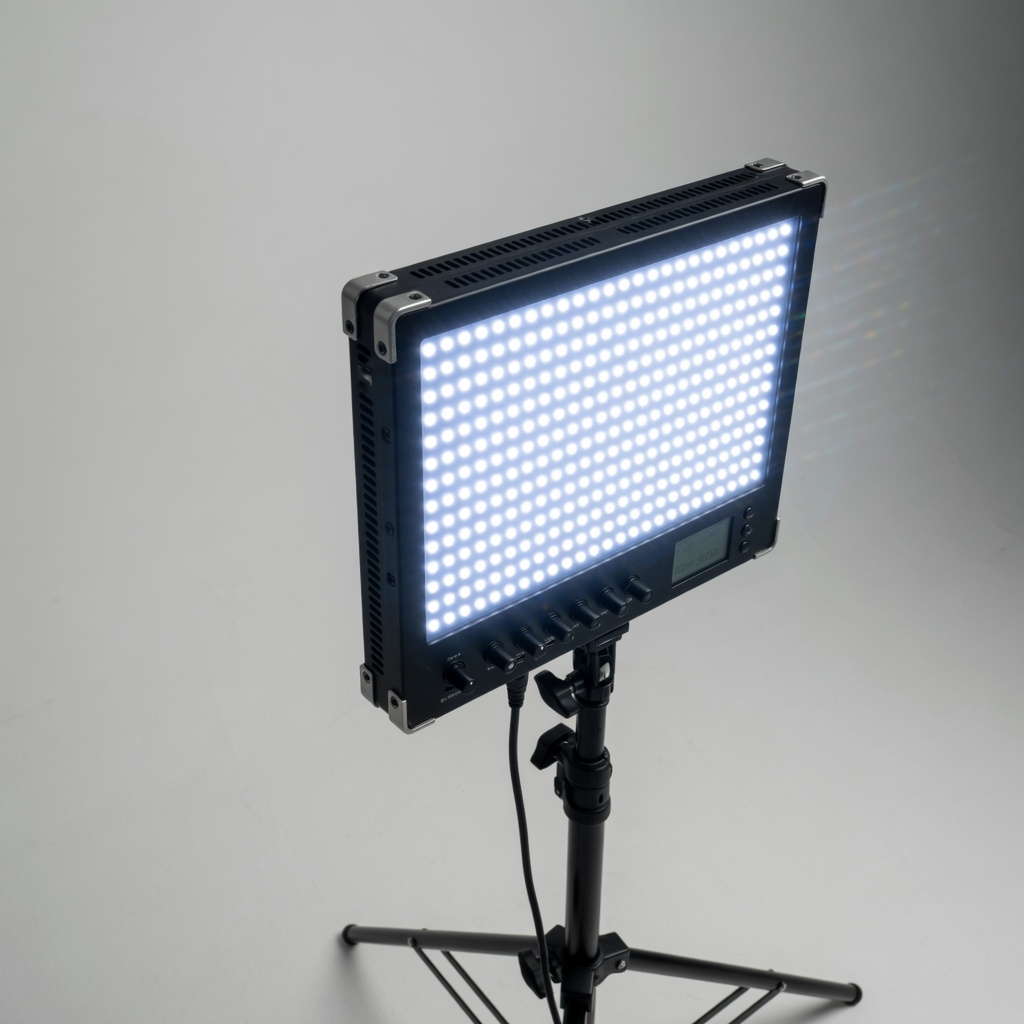
GVM 80W LED Video Light ($89)
The GVM 80W is a compact but powerful LED panel with 80W output and dual-color temperature control. It includes a carrying bag, remote control, and a diffusion dome for softer shadows.
Best for: Creators who want a softbox-style light without the bulk. The GVM folds flat for storage and the remote control makes adjustments easy when the light is mounted out of arm’s reach.
Color rendering is solid at CRI 95+, which means skin tones look natural. For talking-head videos, product reviews, and livestreams, this is one of the best values under $100.
COB LED Lights
COB (Chip on Board) LEDs are the next step up. They use a single large LED chip instead of an array of small ones, producing brighter, more focused light. They require a modifier (softbox, reflector, or fresnel) to shape the beam.
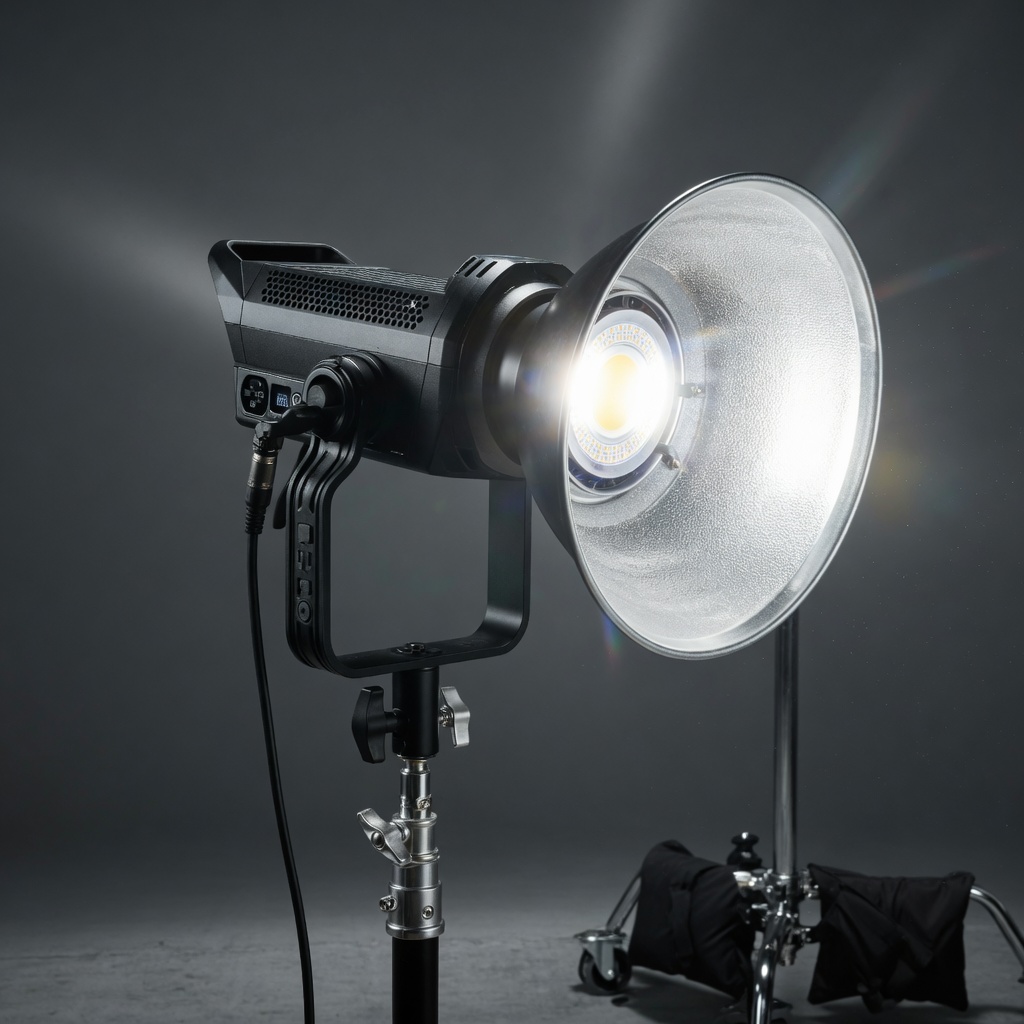
Aputure Amaran 100d ($219)
The Aputure Amaran 100d is the entry point into cinema-quality lighting. It delivers 100W of COB LED output with a Bowens mount that accepts hundreds of modifiers. The output is equivalent to a 250W tungsten light at a fraction of the power draw.
Best for: Serious creators moving beyond desktop lighting. The 100d is the standard “key light” in three-point lighting setups. Pair it with a softbox for interviews and product reviews.
The Amaran 100d supports Sidus Link app control, so you adjust brightness from your phone. Fan noise is quiet enough for recording, and the build quality is excellent for the price. This is the light that will last you five years.
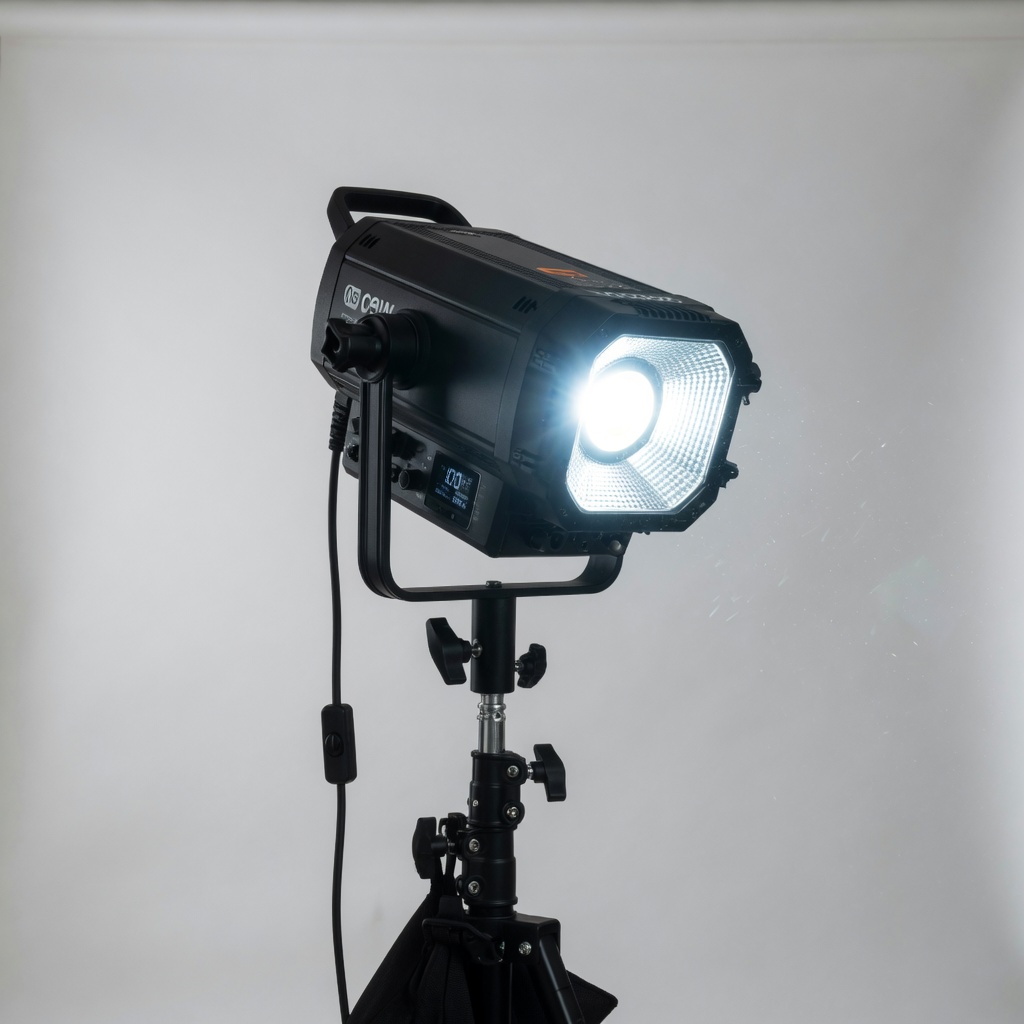
Godox SL-60W ($99)
The Godox SL-60W is the budget COB LED that punches way above its price tag. 60W output with a Bowens mount, silent operation, and adjustable brightness from 10% to 100%. It includes a reflector but you will want a softbox modifier.
Best for: Creators who want COB-quality light without the $200+ price tag. The SL-60W is the most recommended budget COB in the YouTube creator community for good reason.
The trade-off: no app control, the included reflector is mediocre, and the stand is basic. Budget for an $25 softbox modifier and a better light stand. Even with those extras, you are under $150 for a setup that looks like $500.
Portable & RGB Lights
Sometimes you need light that fits in your pocket. Portable RGB lights are ideal for travel, backlighting, fill light, and creative color effects.
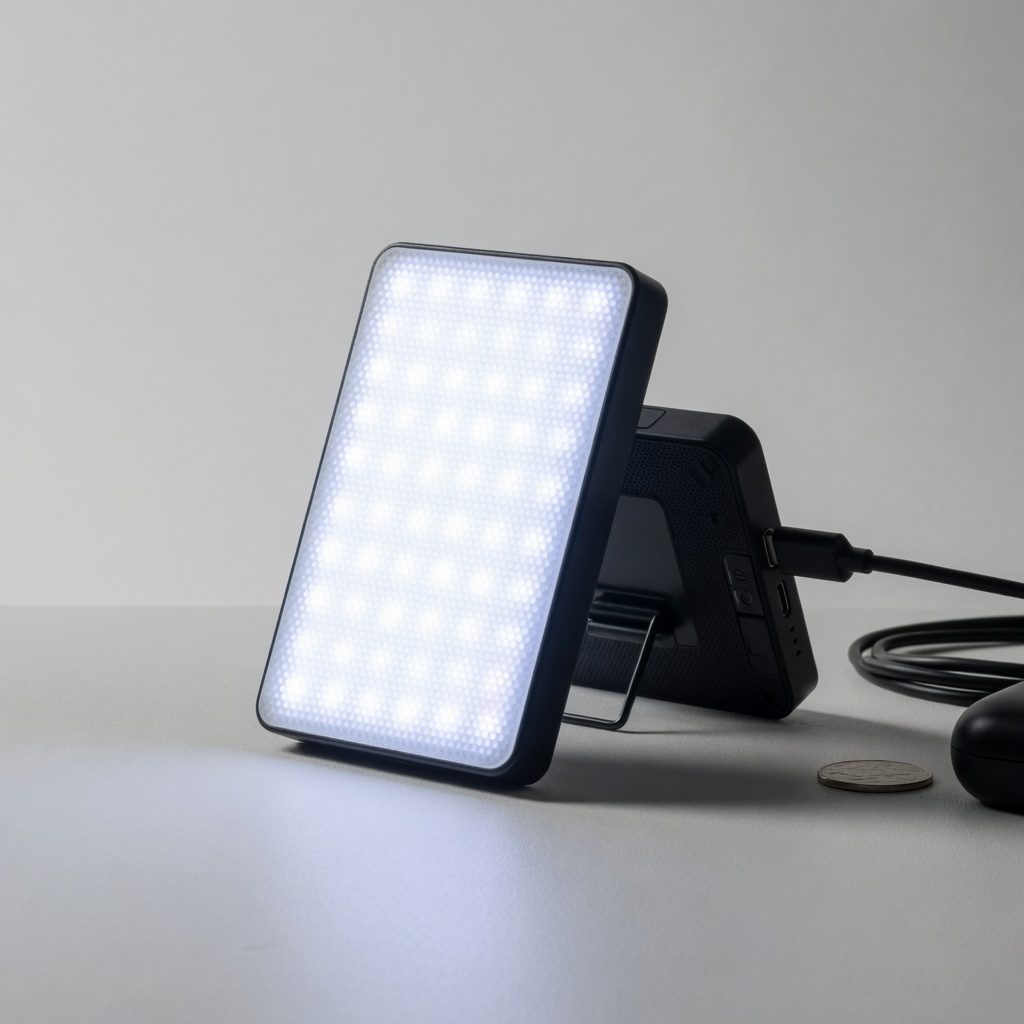
Lume Cube Panel Mini ($59)
The Lume Cube Panel Mini is a pocket-sized LED panel with 1,500 lux at 0.5 meters and full RGB color control. It charges via USB-C, runs for two hours at full brightness, and has a magnetic back for mounting on metal surfaces.
Best for: Travel creators, vloggers, and anyone who needs a fill light on the go. The RGB mode lets you add colored backlighting for creative shots — blue, magenta, amber gels without actual gels.
It is not powerful enough to be your main light. But as a fill, accent, or travel light, it is hard to beat at this size and price.
Budget Comparison
| Product | Price | Type | Brightness | Best For |
|---|---|---|---|---|
| Neewer 660 | $65 | LED Panel | 660 LEDs | Best budget |
| GVM 80W | $89 | LED Panel | 80W | Best value |
| Godox SL-60W | $99 | COB LED | 60W | Best budget COB |
| Razer Kiyo | $99 | Ring Light | 12 levels | All-in-one |
| Lume Cube Mini | $59 | Portable | 1,500 lux | Travel |
| Elgato Key Light | $199 | LED Panel | 2,800 lm | Streaming |
| Amaran 100d | $219 | COB LED | 100W | Pro setup |
If you are starting from scratch: get the Neewer 660 ($65) as your key light and a Lume Cube Panel Mini ($59) for fill/travel. Total: $124 — and your video quality jumps from amateur to professional.
Lighting for AI Video Tools
Good lighting does not just improve your camera footage. It also improves AI-generated video output. Tools like InVideo AI and Synthesia generate AI avatars and video scenes that look dramatically better when reference lighting is clean and directional.
InVideo AI uses your uploaded footage to train its video generation model. Well-lit source footage produces AI outputs with correct shadows, natural skin tones, and professional depth. Bad lighting produces muddy, flat AI video.
Synthesia avatars are recorded in studio lighting conditions. When you add an overlay or background footage with good lighting, the match between avatar and scene is seamless. Poor lighting creates a visible quality gap.
Spending $65 on a lighting panel improves your AI video output as much as spending $500 on a better AI tool subscription. Light first, software second.
Final Verdict
Lighting is the highest-ROI purchase you can make as a content creator. A $65 Neewer 660 panel transforms your video quality more than any camera upgrade under $500.
Here is the simple formula: one key light from the front-45, one fill light from the other side at half brightness, and one backlight for separation. Three lights, two of which can cost under $100 each, and you look like a professional studio.
Start with one good LED panel. Add a second when you can. Skip the ring light unless you only do head-on streaming. And never forget: viewers forgive bad audio before they forgive bad lighting.
Frequently Asked Questions
- Do I really need professional lighting for YouTube? — Yes. A $65 LED panel improves viewer retention by over 70% compared to room lighting alone. Lighting is the cheapest quality upgrade available.
- What is the best light for a beginner content creator? — The Neewer 660 LED panel at $65 is the best entry point. It is dimmable, includes filters, and works for both streaming and video recording.
- Ring light vs LED panel: which is better? — LED panels produce softer, more natural light. Ring lights create flat, even light ideal for head-on shots. For most creators, an LED panel is more versatile.
- What color temperature should I use for video? — 5600K (daylight) for a professional, clean look. 3200K (tungsten) for a warm, cozy feel. Most LED panels let you adjust between both.
- Can I use AI tools to fix bad lighting? — AI tools like InVideo AI can reduce noise and adjust exposure, but they cannot fix shadows or poor directional lighting. Fix it in camera, not in post.

About Barak Schurr
Barak Schurr is a serial entrepreneur who built and exited a major ticketing platform before turning his attention to AI and content. He runs three AI-focused research sites and writes about the tools, workflows, and strategies that let solo creators build real channels — without a crew, a studio, or a Hollywood budget.
Email: [email protected]
More AI Resources for Your Business