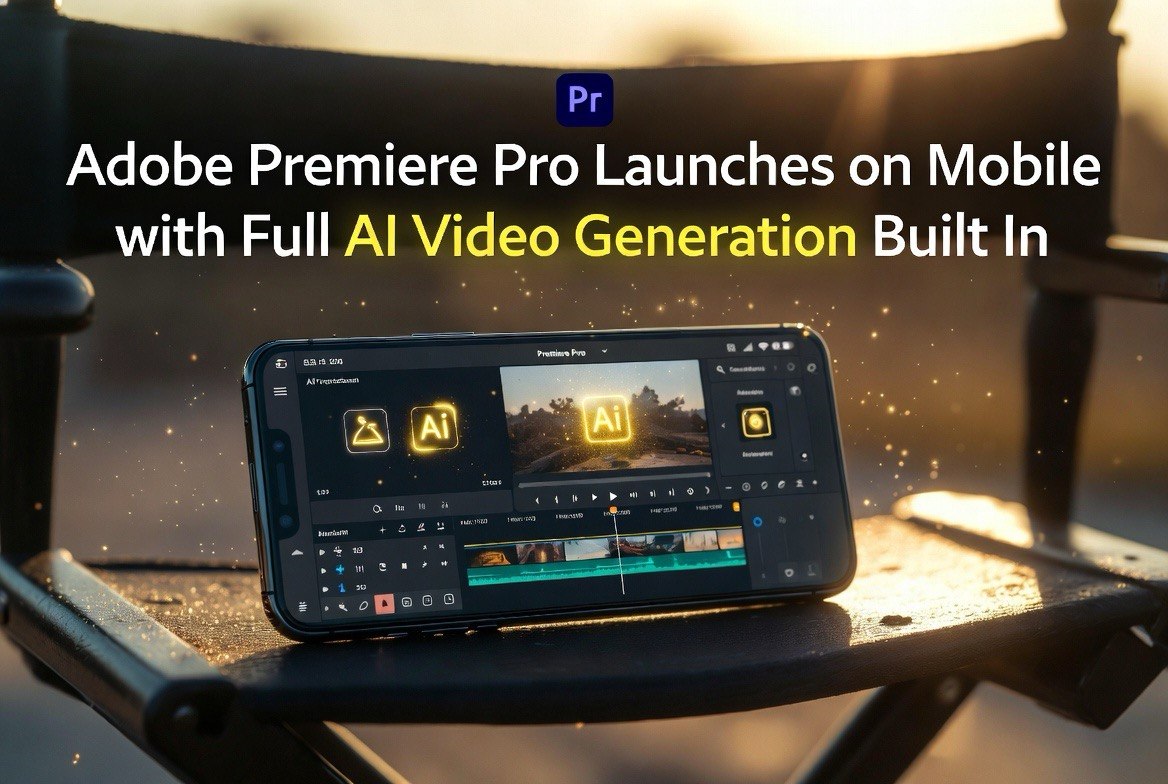
Adobe Premiere Pro Launches on Mobile With Full AI Video Generation Built In
Get The Faceless YouTube Blueprint — Free
The exact AI tool stack and workflow used to build a faceless YouTube channel from zero.
Adobe Premiere Pro Launches on Mobile With Full AI Video Generation Built In
⚡ Expert Summary: Adobe launched Premiere Pro for iOS and Android in June 2026, bringing the full professional video editing timeline to mobile devices alongside Firefly-powered AI video generation. Users can generate video clips from text prompts, remove backgrounds automatically, apply AI-driven colour grading, and edit multi-track timelines on a phone or tablet. The mobile app syncs with desktop Premiere Pro projects through Creative Cloud. Pricing starts at $14.99/month for the mobile-only plan.
Adobe Premiere Pro Mobile: What Adobe Actually Released
Adobe’s Premiere Pro has been the dominant professional video editing application for nearly two decades. It powers everything from Hollywood feature films to YouTube channels to corporate video production. But the desktop-only model left a gap — video professionals increasingly need to edit on location, on set, or while travelling, and the mobile editing market has been dominated by consumer-grade tools like CapCut and pro-iPad tools like LumaFusion.
Premiere Pro Mobile closes that gap by bringing the same editing engine to phones and tablets. The app has been in beta since late 2025, with Adobe taking feedback from professional video editors on the touch-optimised workflow before the full public launch.
Adobe announced Premiere Pro for mobile in June 2026, marking the first time the company’s flagship video editing software has been available as a full-featured mobile application.[1] This is not a simplified “mobile editor” with basic trimming and filters. It’s the Premiere Pro timeline, rebuilt for touch interfaces, with hardware-accelerated rendering on modern mobile processors.
The key features include:
Full multi-track timeline. Users can layer video, audio, text, and effect tracks just like on the desktop version. The timeline supports pinch-to-zoom, drag-and-drop clip placement, and snapped transitions optimised for touch.
Firefly AI video generation. This is the headline feature. Users can type a text prompt and generate video clips directly inside the timeline. The AI generates 5-15 second clips based on the prompt, matching the project’s aspect ratio and style. Generated clips can be used as B-roll, establishing shots, background footage, or creative transitions.
AI-powered editing tools. Auto-reframe detects the subject in a video and keeps it centred when exporting to different aspect ratios. AI scene edit detection splits clips at cut points automatically. Text-based video editing lets users search transcripts and delete words from the timeline — the corresponding video clips are trimmed automatically.
Creative Cloud sync. Projects started on mobile open seamlessly on desktop Premiere Pro and vice versa. Assets, edits, colour grades, and timeline positions sync through Creative Cloud.
Hardware acceleration. The app leverages GPU compute on recent Apple Silicon iPads and Android flagship devices (Snapdragon 8 Gen 3 and newer). Export times on an M4 iPad Pro are comparable to a MacBook Air for most projects under 10 minutes.
Why This Is a Bigger Deal Than It Sounds
Premiere Pro going mobile matters for video creators in ways that go beyond convenience.
On-location editing. Video professionals currently shoot on location, transfer files to a laptop, and edit in a hotel room or coffee shop. Premiere Pro Mobile eliminates the laptop from the workflow for many projects. A creator with an iPad Pro and a USB-C SSD can shoot, import, edit, colour, and export entirely on the tablet.
AI video generation on the go. The Firefly integration means creators don’t need to return to a studio to generate B-roll. If a travel vlogger needs footage of a location they didn’t capture, they type a prompt and drop the generated clip into the timeline. This is the kind of AI integration that actually changes how video professionals work — not replacing creativity, but removing the friction of finding or shooting supporting footage.
Lower barrier for mobile-first creators. TikTok and Instagram creators who currently edit in CapCut or LumaFusion now have access to Premiere Pro’s professional grading tools and audio processing. The learning curve is steeper, but the output quality ceiling is significantly higher.
Firefly AI Video Generation: How Good Is It?
Adobe’s Firefly video generation model was announced in early 2026 and has been rolling out across Adobe’s desktop products. Premiere Pro Mobile is the first product to have it embedded directly in the editing timeline rather than as a standalone tool.
Based on early reviews and Adobe’s technical documentation:
Strengths:
- Short clips (5-15 seconds) are visually coherent with good motion quality
- Style matching works well — generated clips can match the colour grade and aesthetic of existing footage in the project
- Background generation (seamless textures, establishing shots, atmospheric footage) is excellent
- Text rendering in generated video is significantly better than competing models — Adobe’s Firefly has been trained on licensed content, so generated text in signs, titles, and graphics is legible
Limitations:
- Longer clips tend to drift from the prompt in the second half
- Character consistency across multiple generated clips is not reliable — the same prompt produces different faces/looks
- Complex action sequences (multiple people interacting, fast camera movement) still show artefacts
- Generation takes 30-60 seconds on device, longer for higher resolutions
For the US video creator evaluating Premiere Pro Mobile, the takeaway is that Firefly video generation is useful for specific use cases — B-roll, backgrounds, establishing shots — but not yet ready for narrative storytelling. The tool augments editing rather than replacing it.
Pricing and Availability
Adobe has structured Premiere Pro Mobile’s pricing to attract mobile-first creators who may not want the full desktop subscription. The $14.99/month standalone mobile plan is the first time Adobe has offered a major creative tool at this price point without requiring a desktop subscription.
Premiere Pro Mobile is available as a separate subscription or as part of existing Adobe Creative Cloud plans:
| Plan | Price | Includes |
|---|---|---|
| Premiere Pro Mobile (standalone) | $14.99/mo | Mobile app only, 10 GB cloud storage |
| Premiere Pro (desktop + mobile) | $24.99/mo | Desktop + mobile, 100 GB cloud storage |
| Creative Cloud All Apps | $59.99/mo | Full Adobe suite including mobile access |
The mobile app is available on iOS 16+ (iPhone 13 and newer, iPad Pro 2022+) and Android 13+ (devices with Snapdragon 8 Gen 2+ or equivalent).[2]
How It Compares to Other Mobile Video Editors
The mobile video editing market has exploded over the past three years. The combination of powerful mobile processors — Apple’s M-series chips, Qualcomm’s Snapdragon 8 Gen line — and creator demand for on-the-go workflows has driven a wave of mobile editing applications.
CapCut (free / $7.99/mo premium): The most popular mobile video editor globally. CapCut is easier to learn and has better social media integration. Premiere Pro Mobile has a more powerful timeline, superior colour grading tools, and the AI generation feature. For serious creators, Premiere Pro Mobile wins on capability. For casual social media posting, CapCut is still faster.
LumaFusion ($29.99 one-time): The long-standing pro mobile editor for iPad. LumaFusion has a slightly more mature touch workflow for complex timelines. Premiere Pro Mobile matches LumaFusion on features and beats it on AI tools and Creative Cloud integration.
DaVinci Resolve (free desktop, no mobile version): The professional colorist’s choice. No mobile version exists. Premiere Pro Mobile is the closest a mobile editor has come to professional desktop capability, though serious colour work still requires a desktop DaVinci Resolve session for final grading.
Final Cut Pro for iPad (Apple, subscription): Apple’s pro mobile editing app launched in 2024 and has improved steadily. Final Cut Pro for iPad is smoother on the M4 iPad Pro due to Apple’s hardware optimization, but it lacks AI video generation entirely and its multi-cam workflow is less mature than Premiere Pro Mobile’s.
The Bottom Line
Adobe Premiere Pro Mobile is the most capable video editing application ever released for a phone or tablet. The AI video generation feature, while still maturing in quality, is genuinely useful for specific production workflows.
For US video creators who already use Adobe’s ecosystem, the mobile app extends professional editing to locations where a laptop is impractical. The Creative Cloud sync means you can start a project on an iPad while shooting on location and finish it on a Mac at the studio. No file transfers, no proxy workflows, no format conversions.
For creators who don’t use Adobe, the question is whether the $14.99/month price and steeper learning curve justify the upgrade over CapCut or LumaFusion. The answer depends on whether you need professional colour grading tools, multi-track audio processing, and AI video generation — in which case Premiere Pro Mobile is the only mobile option that delivers all three.
Initial indicators suggest strong uptake among travel creators, event videographers, and social media production teams who need editing capability in the field. If you shoot and edit on location, this app changes your workflow.
The $14.99/month price point is reasonable for what it delivers. The question is whether mobile-based video professionals — a segment that Adobe has historically under-served — will adopt it at scale.
Frequently Asked Questions
Is Premiere Pro Mobile the same as the desktop version?
Premiere Pro Mobile runs the same timeline engine as the desktop version but is optimised for touch interfaces. Most core editing features are available, though some advanced desktop features (custom plugins, advanced audio routing) are not yet supported.
Can I edit the same project on mobile and desktop?
Yes. Projects sync through Creative Cloud. You can start editing on an iPad, continue on a desktop, and export from either device. Timeline positions, colour grades, and asset organisation are preserved.
Does Premiere Pro Mobile support external monitors?
Yes. On iPad Pro, the app supports full external display output with a separate timeline view on the iPad screen and full-screen preview on the external monitor. Android support varies by device.
What video formats does it support?
Premiere Pro Mobile supports ProRes, H.264, H.265, and most common camera formats. Blackmagic RAW and RED RAW are not supported on mobile. The app uses hardware decoding on supported devices.
Can I use my own AI models with Premiere Pro Mobile?
At launch, only Adobe Firefly is supported for AI video generation. Third-party AI integrations are not available on mobile. Desktop Premiere Pro supports third-party AI plugins.

About Barak Schurr
Barak Schurr is a serial entrepreneur who built and exited a major ticketing platform before turning his attention to AI and content. He runs three AI-focused research sites and writes about the tools, workflows, and strategies that let solo creators build real channels — without a crew, a studio, or a Hollywood budget.
Email: [email protected]